



惯性聚合 高效追踪和阅读你感兴趣的博客、新闻、科技资讯
阅读原文 在惯性聚合中打开

推荐订阅源

Security Latest
Security Latest
G
Google Developers Blog
量子位
WordPress大学
WordPress大学
freeCodeCamp Programming Tutorials: Python, JavaScript, Git & More
大猫的无限游戏
大猫的无限游戏
Apple Machine Learning Research
阮一峰的网络日志
阮一峰的网络日志
S
SegmentFault 最新的问题
Blog — PlanetScale
Blog — PlanetScale
B
Blog
奇客Solidot–传递最新科技情报
奇客Solidot–传递最新科技情报
P
Proofpoint News Feed
美团技术团队
V
Visual Studio Blog
Last Week in AI
Last Week in AI
Cyber Security Advisories - MS-ISAC
F
Fortinet All Blogs
博客园 - Franky
The Register - Security
O
OpenAI News
Google DeepMind News
A
Arctic Wolf
罗磊的独立博客
博客园 - 叶小钗
博客园 - 聂微东
钛媒体:引领未来商业与生活新知
钛媒体:引领未来商业与生活新知
Y
Y Combinator Blog
SecWiki News
SecWiki News
T
Tor Project blog
月光博客
月光博客
S
Secure Thoughts
博客园 - 【当耐特】
Help Net Security
Help Net Security
D
Docker
Recent Announcements
GbyAI
GbyAI
B
Blog RSS Feed
OSCHINA 社区最新新闻
OSCHINA 社区最新新闻
T
The Blog of Author Tim Ferriss
Webroot Blog
Webroot Blog
V
Vulnerabilities – Threatpost
Forbes - Security
Forbes - Security
www.infosecurity-magazine.com
Hacker News: Ask HN
Hacker News: Ask HN
Cyberwarzone
Cyberwarzone
宝玉的分享
宝玉的分享
Cisco Talos Blog
Cisco Talos Blog
I
InfoQ
Microsoft Security Blog

wp-1click.com

Knowledge Base Software: What It Is, How It Works, and Why Businesses Use It How to Launch Anime Websites Using WordPress? WordPress Runtime Errors: Common Issues and How to Fix Them How to Fix Slow MySQL Queries and Boost WordPress Performance How to Fix PageSpeed Insights Errors in WordPress (2026 Guide) WordPress SEO Guide: Achieve Local Search Dominance in 2026 How to Fix a 504 Error in WordPress: Step-by-Step Guide How to Solve CAPTCHA Challenge Response Errors Quickly What Is Latency vs Bandwidth? Key Differences Explained ERR_CONNECTION_RESET Error: Causes, Solutions, and Prevention Tips Pixlr vs Canva: Which AI Design Tool Is Better in 2026? Software Testing Basics: Manual Testing vs Automation Testing Explained How to Add Blooket Join to Your WordPress Educational Website How to Fix Slow DNS Lookup Issues: 9 Easy Solutions That Work Understanding Version Control Systems for WordPress Development Best Coding Practice Websites to Learn How to Code How to Fix WordPress Theme Installation Failed Error Best Audacity Plugins for WordPress Podcasters in 2026 Google Meet vs Zoom: Which Video Conferencing Tool Is Right for You? How to Delete WordPress Comments (Single, Bulk, Spam & All Comments Guide) 2026 5 Best SEMrush Alternatives for Keyword Research in 2026 WordPress Website Launch: Essential Pre-Launch Checklist Top 11 SEO Internal Links Plugins for WordPress in 2026 Local SEO Strategies in WordPress for Better Rankings 5 Best WordPress CRM Plugins for Better Customer Management 5 Best WordPress CDN Plugins to Speed Up Your Website in 2026 9 Best Ecommerce Plugins for WordPress in 2026 (Expert Guide) Cybersecurity in Financial Services: 5 Best Practices Financial Companies Must Follow What is WordPress Plugins: A Complete Guide for Beginners 6 Ways a Crypto Dedicated Server Improves WordPress Site Performance SQL Window Functions Explained: Syntax, Examples & Best Practices SEO Tips For Video Marketing To Improve Your Content Performance Top 5 WordPress Survey Plugins for Creating Engaging Surveys Why Fintech Products Fail Adoption Despite Strong Technology How to Show a Promotion on LinkedIn and Improve Post Visibility What Is a Checksum? How It Works, Types, and Limitations 7 Best WordPress Backup Plugins in 2026 (Compared & Ranked) Best WordPress Search Engine Plugins to Improve Your Site Search On-Page vs Off-Page SEO: What's the Difference and Why It Matters 10 Best WordPress Translation Plugins for a Multilingual Website Best Coding Kata Sites in 2026: Top 7 Platforms for Sharper Programming Skills Getting Started with Rust Programming Language in 2026 GuestPostCRM Launching Soon: A Smarter Way to Manage Guest Posting Campaign Drop Down Info Plugin for WordPress: Features, Benefits, and Setup Guide Best WordPress Booking Plugin Options to Streamline Your Business Custom Web Development Services for Modern Businesses: Handy Guide What Is a Runtime Environment? A Complete Guide for Beginners and Developers Plugins Not Working Minecraft? Common Causes & Easy Fixes Top Cybersecurity Bootcamp Courses to Kickstart Your IT Security Career 15 Top Programming Tutorials to Learn Coding Faster Database Design Patterns Every Developer Should Know WordPress vs Weebly: Which Website Builder Is Better? WordPress vs Bluehost: Which Web Hosting Platform Is Right? Top 10 Best SEO Plugins for WordPress in 2026 WordPress vs Blogger: Which Blogging Platform Should You Choose? WordPress vs Joomla: Choosing the Right CMS for Business - wp-1click.com 30 Best Coding Challenges for Beginners (With Solutions) WordPress vs Drupal: Which CMS Is Right for Website in 2026? How to Change IP for a Minecraft Server WordPress vs WooCommerce: Which Platform Is Best for Website Best GoDaddy Alternative Domain Registration in 2026 Plugin Not Working in WordPress: Easy Way to Fix It WordPress vs Wix: Which Platform Is Better in 2026? (Complete Guide) Webflow vs WordPress: What to Choose for a Better Website Development in 2026 How to Change SQL Server System Admin: A Complete Guide for 2026 Localhost WordPress: A 2026 Guide to Local Development how to make a clickable phone number in WordPress Is WordPress Multisite One Theme or Multiple Top 10 Best Email Extractor Websites for Marketers 2026 How to install WordPress What is WordPress: Beginner's Guide to the Best CMS Understanding WordPress 6.5: New Plugin Capabilities How to Connect a Domain to a WordPress Website | WP-1Click Is Your WordPress Website Slow? And How to Fix It How to Install WordPress on Laragon (Step-by-Step Guide for Beginners) How to Migrate WordPress Website to Another Hosting WordPress 6.9 Broke Slider Revolution: Causes, Fixes & Recovery Guide How to Secure a WordPress Site in 2026 (Step-by-Step Guide) How to Make a Website Mobile Friendly | WP-1Click How to Find Your WordPress User ID Number (5 Methods) – 2026 Guide - wp-1click.com
Custom WordPress Development: 7 Signs Your WordPress Site Has Outgrown No-Code Tool
dharmendra_kumar · 2026-07-16 · via wp-1click.com

No-code and AI-powered WordPress builders have made it genuinely easy to launch a professional website. However, as businesses grow, many eventually require custom WordPress development to support advanced functionality, better performance, and business-specific workflows that no-code tools simply can’t provide.

Some sites do, though, and the transition point is easy to miss because nothing breaks all at once. Instead, small friction points pile up until building the next feature takes days instead of minutes. Here are the signs that a WordPress site has quietly outgrown what a builder or plugin stack can do, and what actually comes next when that happens.

1. You’re Stacking Plugins to Fake a Feature That Doesn’t Exist

    Every plugin added to solve one small problem is fine on its own. The trouble starts when a site is running four or five WordPress plugins that all touch the same functionality, layered on top of each other because no single plugin does exactly what’s needed. Each new plugin adds another dependency, another update to track, and another way for two plugins to quietly conflict with each other.

    When the honest answer to “why do we have five plugins doing almost the same thing” is “because none of them quite do what we actually need,” that’s usually a sign the site needs custom WordPress development instead of another plugin.

    2. Site Speed Keeps Sliding No Matter What You Optimize

      Caching plugins, image compression, and a decent host handle most performance problems on a standard WordPress site. When speed keeps degrading despite all of that, the bottleneck is often not configuration, it’s the underlying plugin stack itself, each one adding its own database queries, scripts, and overhead that a caching plugin can’t fully paper over.

      At that point, the fix usually isn’t a better performance plugin. It’s rebuilding the slow functionality through custom WordPress development or WordPress performance optimization.
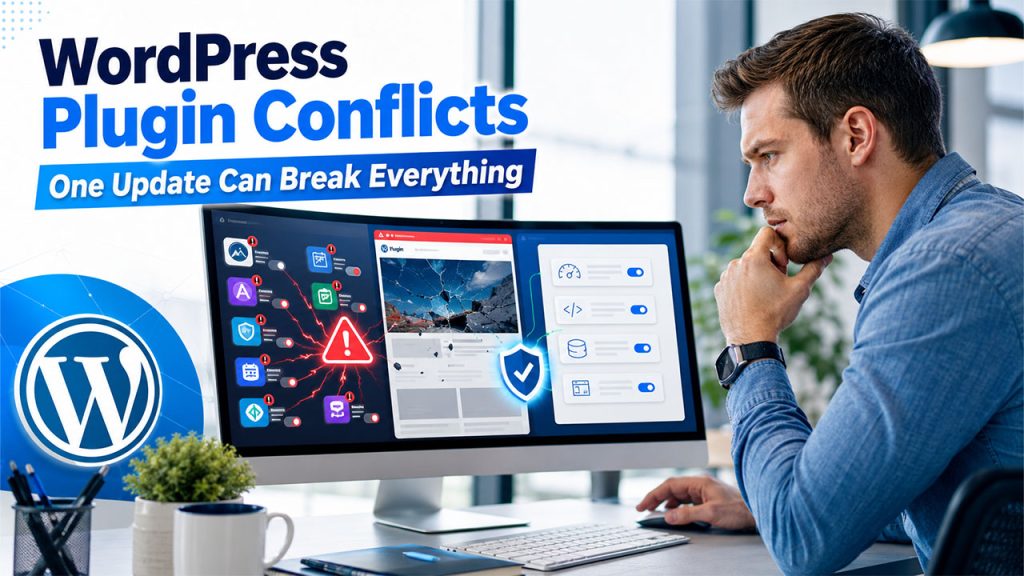
      3. A Plugin Update Broke Something, Again

      WordPress plugin update causing website conflicts and highlighting the need for custom WordPress development

      A single plugin conflict after an update is normal WordPress life. A pattern of it, where every update to a theme or a core plugin risks breaking some other part of the site, is a sign the site has accumulated more moving parts than a stack of independently maintained plugins was ever built to support gracefully. Each additional plugin is another vendor’s code that has to keep playing nicely with everyone else’s.

      Custom WordPress development doesn’t have that problem in the same way, because it’s built specifically for the site rather than assembled from independently maintained third-party pieces.

      4. The Business Needs an Integration No Plugin Handles Well

        Connecting WordPress to an internal inventory system, a custom CRM, a proprietary booking engine, or an ERP platform is a common point where off-the-shelf plugins run out of road. Generic integration plugins exist for the popular platforms, but a specific internal system, or a specific way two systems need to talk to each other, usually requires custom WordPress development and an experienced WordPress developer who can build secure API integrations.

        This is one of the clearest signals that a site has moved from “configure WordPress” to “build software on top of WordPress,” which is a different kind of work entirely.

        5. You Need Custom Logic, Not Just Custom Design

          A theme customizer and a page builder can get remarkably far on layout and styling. They run out of road fast on logic: custom pricing rules, membership tiers with different access levels, a booking system with rules specific to the business, or a calculation that depends on several pieces of data at once. That’s application logic, not design, and no amount of drag-and-drop page building produces it.

          6. Security or Compliance Requirements Have Gotten Specific

            General WordPress security best practices, strong passwords, updated plugins, a security plugin, cover most sites well. A business handling payment data, health information, or anything under a specific compliance framework often needs custom-built safeguards a generic security plugin isn’t designed to provide, along with a developer who understands both WordPress and the specific compliance requirement.
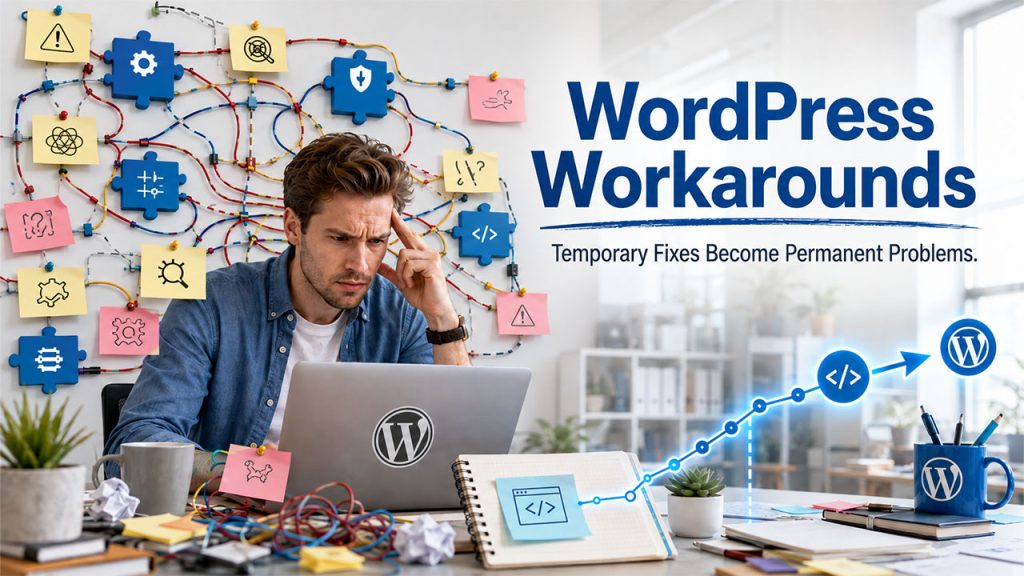
            7. The Team Keeps Saying “We’ll Just Work Around It”

            Team facing repeated workarounds due to no-code limitations before moving to custom WordPress development

            This is the clearest sign of all, and the easiest one to miss because it doesn’t feel like a crisis. It feels like a Tuesday. When “we’ll just work around it” becomes the standard answer to a limitation, the workarounds are quietly becoming the site’s real architecture, and every one of them makes the next change harder than it should be.

            What Comes Next

            None of this means starting over or abandoning the no-code foundation. The most common and most sensible path is keeping the existing WordPress site and adding custom WordPress development only where it’s needed, rather than rebuilding the entire website.

            It also helps to scope the work narrowly before bringing in a developer. Write down the specific limitation, the plugins already tried, and what the ideal outcome looks like, rather than a vague “make it faster” or “make it more flexible” request. A developer working from a clear, specific problem can usually scope and quote the work accurately in a short conversation. A vague request tends to turn into a much bigger project than the site actually needs, because nobody agreed up front on where the custom work stops and the existing WordPress setup stays untouched.

            For businesses at this stage, working with WordPress developers who understand both WordPress’s plugin and theme architecture and custom PHP development tends to produce a better outcome than either forcing another plugin to do the job or a from-scratch rebuild that throws away a site that mostly works fine. The no-code foundation got the site to this point. A developer who understands both WordPress and PHP is what gets it past the specific wall it’s hit.

            Most WordPress sites will never need this. The ones that grow into a real business, with integrations, custom logic, and specific requirements no plugin quite covers, eventually will, and recognizing the signs early is a lot cheaper than discovering them the hard way.

            Conclusion

            No-code tools can be an excellent way to launch and grow a WordPress website, but they are not designed to handle every business need forever. If the site is becoming harder to maintain, slower to update, or is limited by workarounds and plugins, the user should invest in custom WordPress development. Working with an experienced WordPress developer can also help the user build the functionality, performance, and scalability that are needed by the business, without starting from scratch.