





惯性聚合 高效追踪和阅读你感兴趣的博客、新闻、科技资讯
阅读原文 在惯性聚合中打开

推荐订阅源

U
Unit 42
T
Threatpost
C
CERT Recently Published Vulnerability Notes
Recent Commits to openclaw:main
Security Archives - TechRepublic
K
KPMG report finds enterprise disconnect between AI and its ROI | CIO
K
Kaspersky official blog
Application and Cybersecurity Blog
Attack and Defense Labs
N
News and Events Feed by Topic
Project Zero
Project Zero
H
Heimdal Security Blog
C
Cybersecurity and Infrastructure Security Agency CISA
Know Your Adversary
Know Your Adversary
Google Online Security Blog
W
WeLiveSecurity
D
Darknet – Hacking Tools, Hacker News & Cyber Security
Schneier on Security
Threat Intelligence Blog | Flashpoint
N
News | PayPal Newsroom
Hacker News - Newest:
Hacker News - Newest: "LLM"
H
Hacker News: Front Page
L
LINUX DO - 热门话题
Spread Privacy
Spread Privacy
T
Threat Research - Cisco Blogs
Cloudbric
Cloudbric
V
Vulnerabilities – Threatpost
Hacker News: Ask HN
Hacker News: Ask HN
S
Securelist
cs.AI updates on arXiv.org
TaoSecurity Blog
TaoSecurity Blog
NISL@THU
NISL@THU
N
News and Events Feed by Topic
S
Security Affairs
The Last Watchdog
The Last Watchdog
T
Tor Project blog
Exploit-DB.com RSS Feed
T
The Exploit Database - CXSecurity.com
Simon Willison's Weblog
P
Palo Alto Networks Blog
AWS News Blog
AWS News Blog
P
Proofpoint News Feed
C
Cisco Blogs
C
Cyber Attacks, Cyber Crime and Cyber Security
cs.CV updates on arXiv.org
L
LINUX DO - 最新话题
cs.CL updates on arXiv.org
T
Tenable Blog
C
CXSECURITY Database RSS Feed - CXSecurity.com
S
Schneier on Security

wp-1click.com

Database Optimization: A Complete Guide to Improving Database Performance 10 AI software development companies setting new industry standards in 2026 Knowledge Base Software: What It Is, How It Works, and Why Businesses Use It How to Launch Anime Websites Using WordPress? WordPress Runtime Errors: Common Issues and How to Fix Them How to Fix Slow MySQL Queries and Boost WordPress Performance Custom WordPress Development: 7 Signs Your WordPress Site Has Outgrown No-Code Tool How to Fix PageSpeed Insights Errors in WordPress (2026 Guide) WordPress SEO Guide: Achieve Local Search Dominance in 2026 How to Fix a 504 Error in WordPress: Step-by-Step Guide How to Solve CAPTCHA Challenge Response Errors Quickly What Is Latency vs Bandwidth? Key Differences Explained ERR_CONNECTION_RESET Error: Causes, Solutions, and Prevention Tips Pixlr vs Canva: Which AI Design Tool Is Better in 2026? Software Testing Basics: Manual Testing vs Automation Testing Explained How to Add Blooket Join to Your WordPress Educational Website How to Fix Slow DNS Lookup Issues: 9 Easy Solutions That Work Understanding Version Control Systems for WordPress Development Best Coding Practice Websites to Learn How to Code How to Fix WordPress Theme Installation Failed Error Best Audacity Plugins for WordPress Podcasters in 2026 Google Meet vs Zoom: Which Video Conferencing Tool Is Right for You? How to Delete WordPress Comments (Single, Bulk, Spam & All Comments Guide) 2026 5 Best SEMrush Alternatives for Keyword Research in 2026 WordPress Website Launch: Essential Pre-Launch Checklist Top 11 SEO Internal Links Plugins for WordPress in 2026 Local SEO Strategies in WordPress for Better Rankings 5 Best WordPress CRM Plugins for Better Customer Management 5 Best WordPress CDN Plugins to Speed Up Your Website in 2026 9 Best Ecommerce Plugins for WordPress in 2026 (Expert Guide) Cybersecurity in Financial Services: 5 Best Practices Financial Companies Must Follow What is WordPress Plugins: A Complete Guide for Beginners 6 Ways a Crypto Dedicated Server Improves WordPress Site Performance SQL Window Functions Explained: Syntax, Examples & Best Practices SEO Tips For Video Marketing To Improve Your Content Performance Top 5 WordPress Survey Plugins for Creating Engaging Surveys Why Fintech Products Fail Adoption Despite Strong Technology How to Show a Promotion on LinkedIn and Improve Post Visibility What Is a Checksum? How It Works, Types, and Limitations 7 Best WordPress Backup Plugins in 2026 (Compared & Ranked) Best WordPress Search Engine Plugins to Improve Your Site Search On-Page vs Off-Page SEO: What's the Difference and Why It Matters 10 Best WordPress Translation Plugins for a Multilingual Website Best Coding Kata Sites in 2026: Top 7 Platforms for Sharper Programming Skills Getting Started with Rust Programming Language in 2026 GuestPostCRM Launching Soon: A Smarter Way to Manage Guest Posting Campaign Drop Down Info Plugin for WordPress: Features, Benefits, and Setup Guide Best WordPress Booking Plugin Options to Streamline Your Business Custom Web Development Services for Modern Businesses: Handy Guide What Is a Runtime Environment? A Complete Guide for Beginners and Developers Plugins Not Working Minecraft? Common Causes & Easy Fixes Top Cybersecurity Bootcamp Courses to Kickstart Your IT Security Career 15 Top Programming Tutorials to Learn Coding Faster Database Design Patterns Every Developer Should Know WordPress vs Weebly: Which Website Builder Is Better? WordPress vs Bluehost: Which Web Hosting Platform Is Right? Top 10 Best SEO Plugins for WordPress in 2026 WordPress vs Blogger: Which Blogging Platform Should You Choose? WordPress vs Joomla: Choosing the Right CMS for Business - wp-1click.com 30 Best Coding Challenges for Beginners (With Solutions) WordPress vs Drupal: Which CMS Is Right for Website in 2026? How to Change IP for a Minecraft Server WordPress vs WooCommerce: Which Platform Is Best for Website Best GoDaddy Alternative Domain Registration in 2026 Plugin Not Working in WordPress: Easy Way to Fix It WordPress vs Wix: Which Platform Is Better in 2026? (Complete Guide) Webflow vs WordPress: What to Choose for a Better Website Development in 2026 How to Change SQL Server System Admin: A Complete Guide for 2026 Localhost WordPress: A 2026 Guide to Local Development how to make a clickable phone number in WordPress Is WordPress Multisite One Theme or Multiple Top 10 Best Email Extractor Websites for Marketers 2026 How to install WordPress What is WordPress: Beginner's Guide to the Best CMS Understanding WordPress 6.5: New Plugin Capabilities How to Connect a Domain to a WordPress Website | WP-1Click Is Your WordPress Website Slow? And How to Fix It How to Install WordPress on Laragon (Step-by-Step Guide for Beginners) How to Migrate WordPress Website to Another Hosting WordPress 6.9 Broke Slider Revolution: Causes, Fixes & Recovery Guide How to Secure a WordPress Site in 2026 (Step-by-Step Guide) How to Make a Website Mobile Friendly | WP-1Click How to Find Your WordPress User ID Number (5 Methods) – 2026 Guide - wp-1click.com
Best Website Builders for Small Business in 2026: A Complete Guide
mayank_kukreti · 2026-07-26 · via wp-1click.com

Selecting the right solution can make or break your digital presence. With more than a dozen platforms competing for attention, looking for the best website builders for small business owners in 2026 relates to aligning budget, features, and technical comfort with what your business really requires. A poorly selected builder can mean months of unnecessary costs, frustration, and a website that fails to properly showcase your brand. 

Business owners today need more than a straightforward template. They require flexibility, speed, and a platform that scales along with your business. Whether you are launching a local service, a digital platform, or a content-based website, a best website builder must simplify the process instead of complicating it.  


What is a Website Builder?

A website builder refers to a software platform that enables users to design, personalize, and publish websites without manually creating code. Such tools generally involve editors with drag-and-drop functionality, pre-created templates, in-built SEO tools, and hosting, making them accessible to users with no technical expertise.  

Modern platforms have significantly evolved. Many now involve automated content suggestions, AI-powered design, and mobile-responsive layouts by default. This shift has made it simpler for small business owners to launch professional websites in hours instead of weeks, generally needing a designer or developer. 


Key Features in an Effective Website Builder 


Before you compare particular platforms, it helps to understand what differentiates a strong builder from an average builder. Consider the following:  

  • Simplicity: A genuine website builder for beginners must need little to almost no learning curve.  
  • Mobile Responsiveness: It is important for your website to look and function well across all devices and screen sizes. 
  • Built-in SEO tools: Sitemaps, meta tags, and clean structure of code impact visibility in searches directly.  
  • Loading Speed: Pages that load slowly can impact both conversions and rankings. Issues related to site performance, including a Fix Slow DNS Lookup delay, can impact how quickly your pages load quietly even before the content shows up.
  • Scalability: The platform must support faster growth, whether this means adding a blog, e-commerce, or a support section.
  • Pricing Transparency: Look for hidden expenses in applications, premium themes, or transaction fees.

Best Website Builders for Small Businesses in 2026

Let us see a possible breakdown of solution that consistently performs well for small business needs:
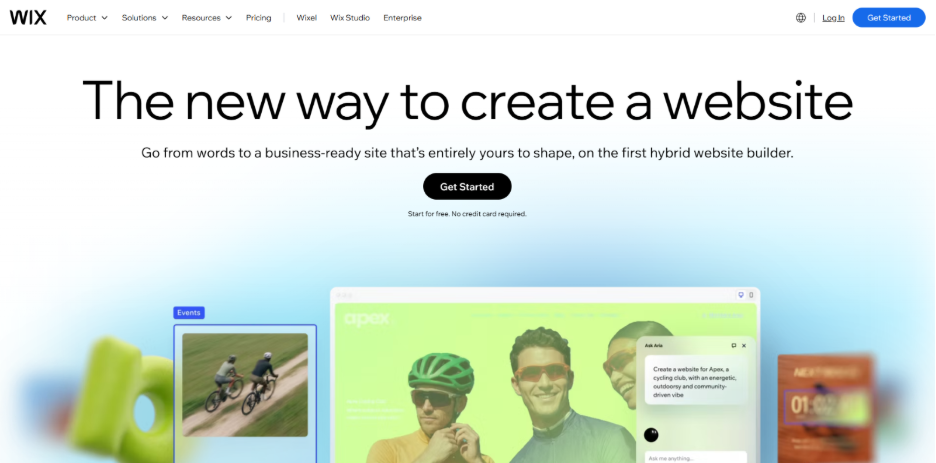
1. Wix:


Wix

Wix has turned out to be the popular choice for owners who need a simple and drag-and-drop interface. Its extensive template library and in-built app market make it an effective option for starters who desire flexibility without the element of any technical complexity.


2. Squarespace : 


Squarespace

Squarespace is right-suited for brands that are design-conscious. Its templates are mobile-optimized and polished out of the box, making it a good option for boutiques, photographers, service-based businesses, and restaurants that depend on visual appeal.
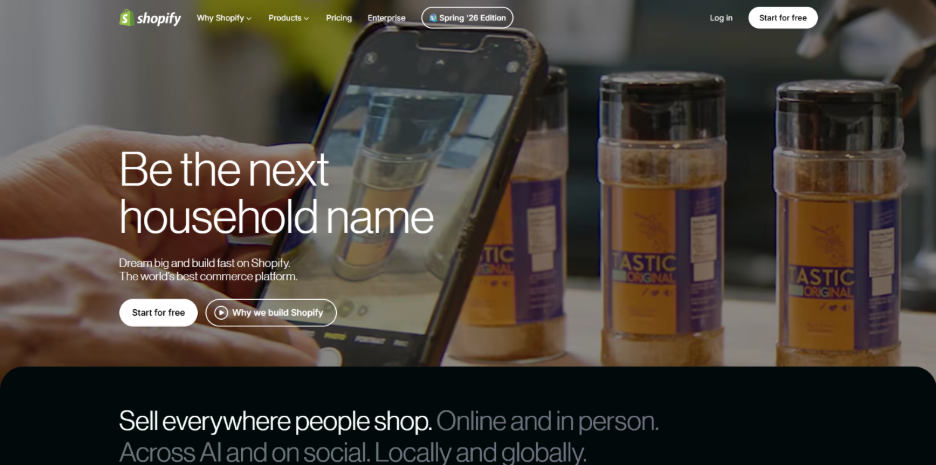

3. Shopify :


Shopify

For businesses mainly focused on selling products on the internet, Shopify turns out to be an effective choice. It manages payments, inventory, shipping, and multi-channel selling in a single dashboard, making it a reliable choice for e-commerce-first small businesses.
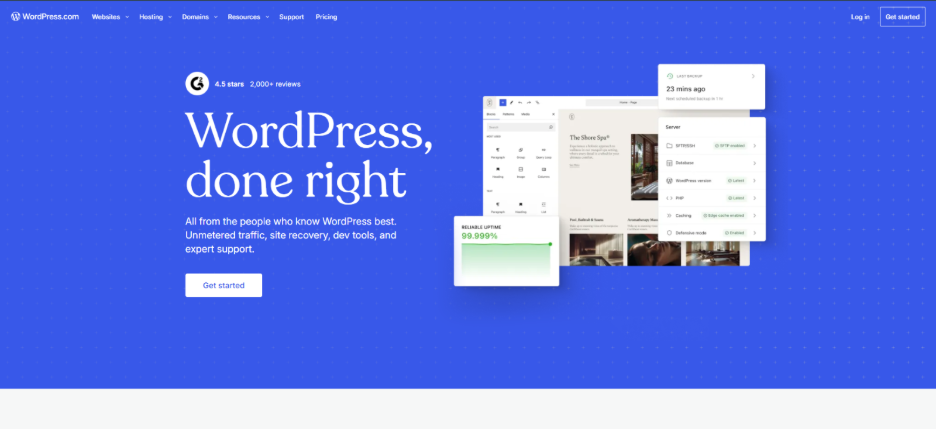

4. WordPress.com :


WordPress.com

WordPress is still a powerhouse of the internet, and for a valid reason. Its capabilities of content management remain unmatched for organizations developed around search engine optimization, blogging, and long-term content marketing. It also provides some of the cost-effective website builders’ entry plans available, beginning at just a few dollars a month.
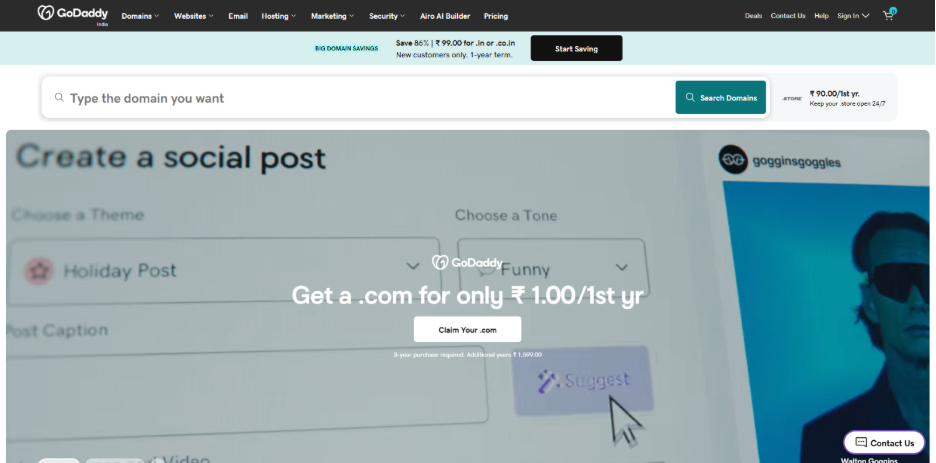

5. GoDaddy :


GoDaddy

GoDaddy is a great choice for business owners who want to be live as soon as possible. Its AI-powered setup extracts data from current business profiles to create a functional website within a few minutes, making it a feasible option for local service businesses.

Curiously, today’s website builders serve far better than conventional storefronts. Niche communities, including fan blogs, Anime Websites, and hobbyist platforms, greatly depend on the same builder environment to launch galleries, content hubs, and membership pages without custom development.


How to Select the Best Builder for Your Business?

Choosing the best website builder largely depends on your particular objectives, goals, and budget. However, there are a few factors that you can keep in mind while making a decision:

  • Selling physical products? Prioritize platforms with strong e-commerce and payment integrations.
  • Running a content-heavy business? Choose a platform with robust blogging and SEO tools. 
  • Working with limited technical experience? Stick to drag-and-drop builders designed for simplicity.
  • Planning to scale support content? A few businesses combine their website with a dedicated Knowledge Base Software for handling guides, FAQs, and customer documentation as their audience evolves.

Budget also plays a significant role. Numerous small businesses find that affordable website builders priced approximately between ten and twenty-five dollars per month to provide the right balance of cost and features, without unnecessary enterprise-grade add-ons.


Frequently Asked Questions :

Q1. What is the right option among the top website builders for a small business in 2026?


The best choice mainly depends on the type of business. GoDaddy and Wix suit beginners looking for simplicity; Shopify is an ideal choice for e-commerce, and WordPress.com is a strong option for content-based businesses.

Q2. Are cost-effective website builders dependable for professional use?

Yes. The most affordable solutions we have today include mobile optimization, SSL security, and standard SEO tools, making them the right choice for professional small business websites without needing premium plans.

Q3. Is a website builder for beginners a strong choice for long-term utilization?

Yes, absolutely. Beginner-friendly builders can provide support for long-term use, specifically for service-based businesses. As requirements evolve, the majority of platforms enable you to include sophisticated features such as booking systems or online stores over time.

Q4. Do website builders impact the speed of page loading?

Yes. Website speed relies on image optimization, hosting quality, and DNS response times. Selecting a reliable builder with effective server infrastructure aids in reducing loading delays.


Conclusion

Choosing the best website builders for small businesses mainly hinges on understanding your goals and priorities, whether that is design flexibility, affordability, e-commerce capability, or simplicity. There is no one platform that aligns with each business, but by assessing your specific requirements against the strengths of every builder, you can select platforms that complement your business today and comfortably scale as it evolves;

Now, how about one-click website development? WP1Click eliminates the hustle of building a website brick-by-brick and automates the entire process. Just describe your website and logo, choose a website niche, and provide your domain, and WP1Click builds and share with you a website complete with all the pages, logo, social icons, and even 15-20 blogs. Explore our website to learn more.