










Powerful CI/CD for DevOps-centric teams
How AI Agents Can Work with TeamCity
TL;DR: At some point, we crossed an interesting threshold. AI agents can now set up TeamCity build configurations and even full build chains, add build features, and configure parameters.
This works because TeamCity documentation is structured and accessible through MCP via Context7, and because agents can rely on tools like the TeamCity CLI and the teamcity-cli skill.
I ran a couple of experiments recently to see how far this can go in practice.
#1 In search of a solution
First, I asked ChatGPT to come up with a solution for a customer request.
ChatGPT read TeamCity documentation via Context7 and proposed a setup that included:
- multiple build configurations
- two aggregate builds
- two build chains combining them
- triggers based on file extensions
- artifact and snapshot dependencies
So far, this is what you would expect from a capable LLM: a reasonably solid design.
Then I passed this solution to Codex and asked it to actually set everything up in TeamCity Nightly, in my personal sandbox project.
Five minutes later, I had a working demo.
There were some mistakes, but they were fixed in a few more minutes. Codex used the TeamCity REST API and executed the setup step by step via teamcity api commands, effectively reproducing the entire configuration from the original description.
The interesting part here is not that the configuration was correct on the first try. It was not.
The interesting part is how quickly the agent could:
- apply the configuration
- observe what did not work
- adjust and retry
What matters here is that the gap between describing a pipeline and actually having it running is now very small. The agent does not stop at producing a plan. It executes it and iterates until the result is usable.
At this point, the agent is not just describing a solution. It is implementing and refining it.
#2 Go project
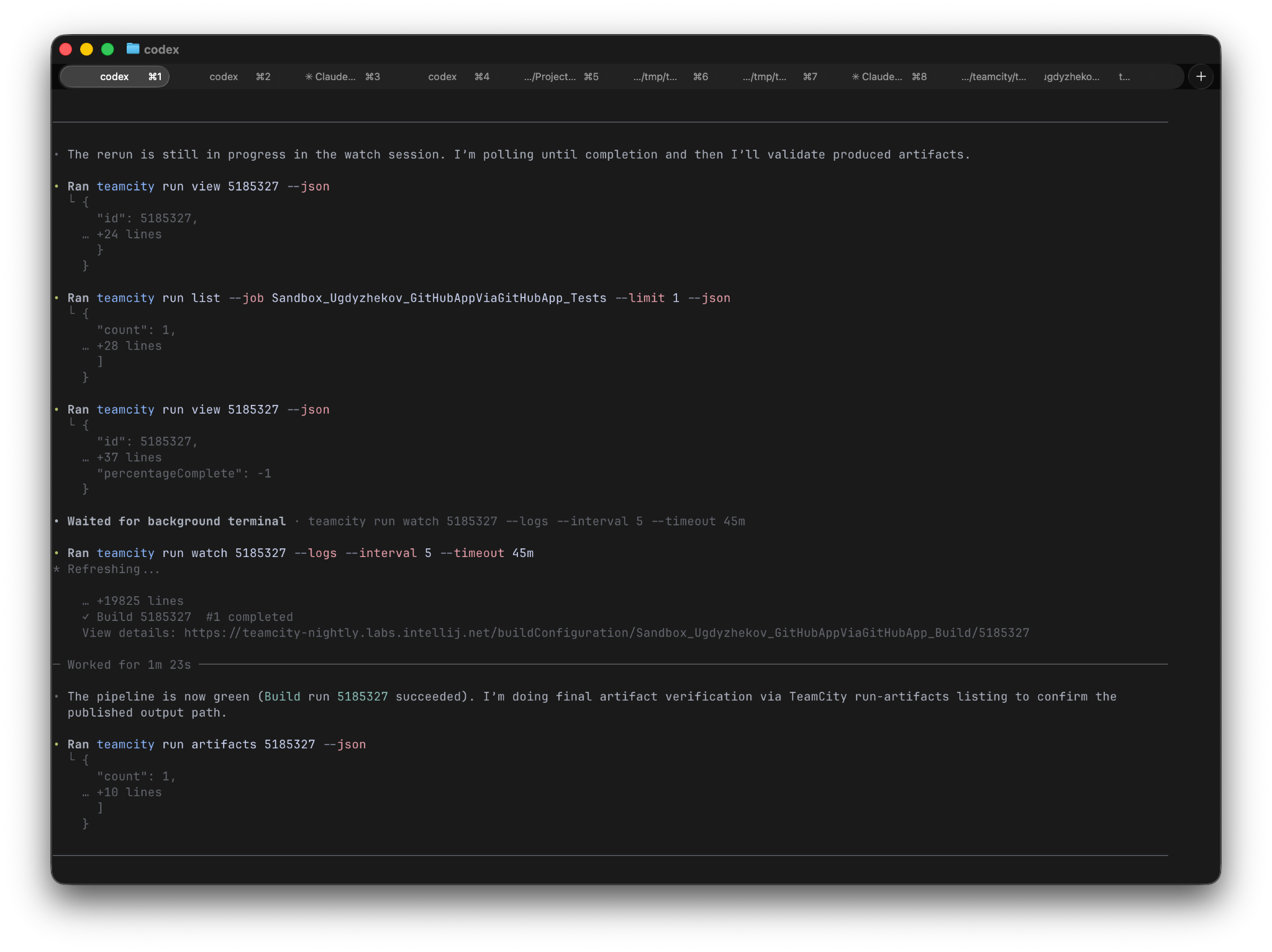
In the second experiment, I cloned a small personal Go project from GitHub and asked Codex to set up CI for it in TeamCity.
It created a simple pipeline with “Tests” and “Build” configurations.
One funny detail: it managed to reuse my GitHub PAT from the gh utility to create the VCS root. “Stole” is not exactly the right word here, but it definitely felt funny.
The success condition was simple: the build should be green.
It was not.
After a few attempts, the agent figured out that Go was missing in the build agent environment. It then modified the build steps to work around this and retried until the build passed.
In other words, the agent is not just configuring TeamCity. It is working towards a goal and adapting its actions based on what happens during the build.
After reviewing the result, I noticed that Go tests were not reported properly in TeamCity.
I pointed this out.
The agent updated the configuration, added the required build feature, and on the next run the test results were reported correctly.
What these experiments show
In both cases, the agent followed a similar pattern:
- read documentation
- propose a solution
- apply it through the API
- observe the result
- iterate until the goal is reached
This loop is the main difference compared to earlier experiments with LLMs.
Instead of stopping at “here is how you could configure it”, the agent continues until the system actually works. This turns CI configuration into an iterative process that can converge on its own, instead of stopping at a static definition written upfront.
Conclusion
TeamCity works with AI agents, and AI agents can meaningfully help configure it. But the more interesting finding is how they go about it.
In both experiments the same pattern emerged: the agent didn’t stop at producing a configuration. It applied it, watched what happened, and kept adjusting until the pipeline ran. That feedback loop, which normally requires a developer to run the pipeline, read the output, fix something, and run it again, was happening inside the system on its own.
That said, these are early results. Agents need clear goals, good documentation, and a controlled environment to operate in. Setup tasks that used to take several manual iterations can now converge faster, with the agent handling much of the cycle.
Subscribe to TeamCity Blog updates