


惯性聚合 高效追踪和阅读你感兴趣的博客、新闻、科技资讯
阅读原文 在惯性聚合中打开

推荐订阅源

Recent Commits to openclaw:main
U
Unit 42
WordPress大学
WordPress大学
Microsoft Azure Blog
Martin Fowler
Martin Fowler
人人都是产品经理
人人都是产品经理
Microsoft Security Blog
T
The Blog of Author Tim Ferriss
博客园 - Franky
云风的 BLOG
云风的 BLOG
酷 壳 – CoolShell
酷 壳 – CoolShell
P
Palo Alto Networks Blog
NISL@THU
NISL@THU
cs.CL updates on arXiv.org
Vercel News
Vercel News
Threat Intelligence Blog | Flashpoint
P
Privacy & Cybersecurity Law Blog
C
Cyber Attacks, Cyber Crime and Cyber Security
J
Java Code Geeks
Google DeepMind News
C
Cisco Blogs
OSCHINA 社区最新新闻
OSCHINA 社区最新新闻
Spread Privacy
Spread Privacy
小众软件
小众软件
T
Threat Research - Cisco Blogs
Project Zero
Project Zero
博客园 - 三生石上(FineUI控件)
D
Darknet – Hacking Tools, Hacker News & Cyber Security
The Register - Security
The Hacker News
The Hacker News
F
Fortinet All Blogs
Security Latest
Security Latest
Cisco Talos Blog
Cisco Talos Blog
The GitHub Blog
The GitHub Blog
Stack Overflow Blog
Stack Overflow Blog
T
The Exploit Database - CXSecurity.com
量子位
Blog — PlanetScale
Blog — PlanetScale
奇客Solidot–传递最新科技情报
奇客Solidot–传递最新科技情报
P
Proofpoint News Feed
G
GRAHAM CLULEY
D
DataBreaches.Net
P
Privacy International News Feed
Y
Y Combinator Blog
Simon Willison's Weblog
H
Hackread – Cybersecurity News, Data Breaches, AI and More
I
InfoQ
CTFtime.org: upcoming CTF events
Recent Announcements
P
Proofpoint News Feed

Section508.gov

Section508.gov Section508.gov Section508.gov Section508.gov Section508.gov Section508.gov Section508.gov Section508.gov Section508.gov Section508.gov Accessibility Bytes No. 12: Data Tables in Microsoft Word, PowerPoint, Excel, and PDFs Section508.gov
Section508.gov
2026-01-15 · via Section508.gov

Did you know that writing accessibility-focused user stories can help you build high-quality, Section 508-conformant products from the very start—without costly retrofits later?

User stories are a staple of agile development, but when they specifically address accessibility needs, they guide designers, developers, and testers toward creating ICT that works for everyone.
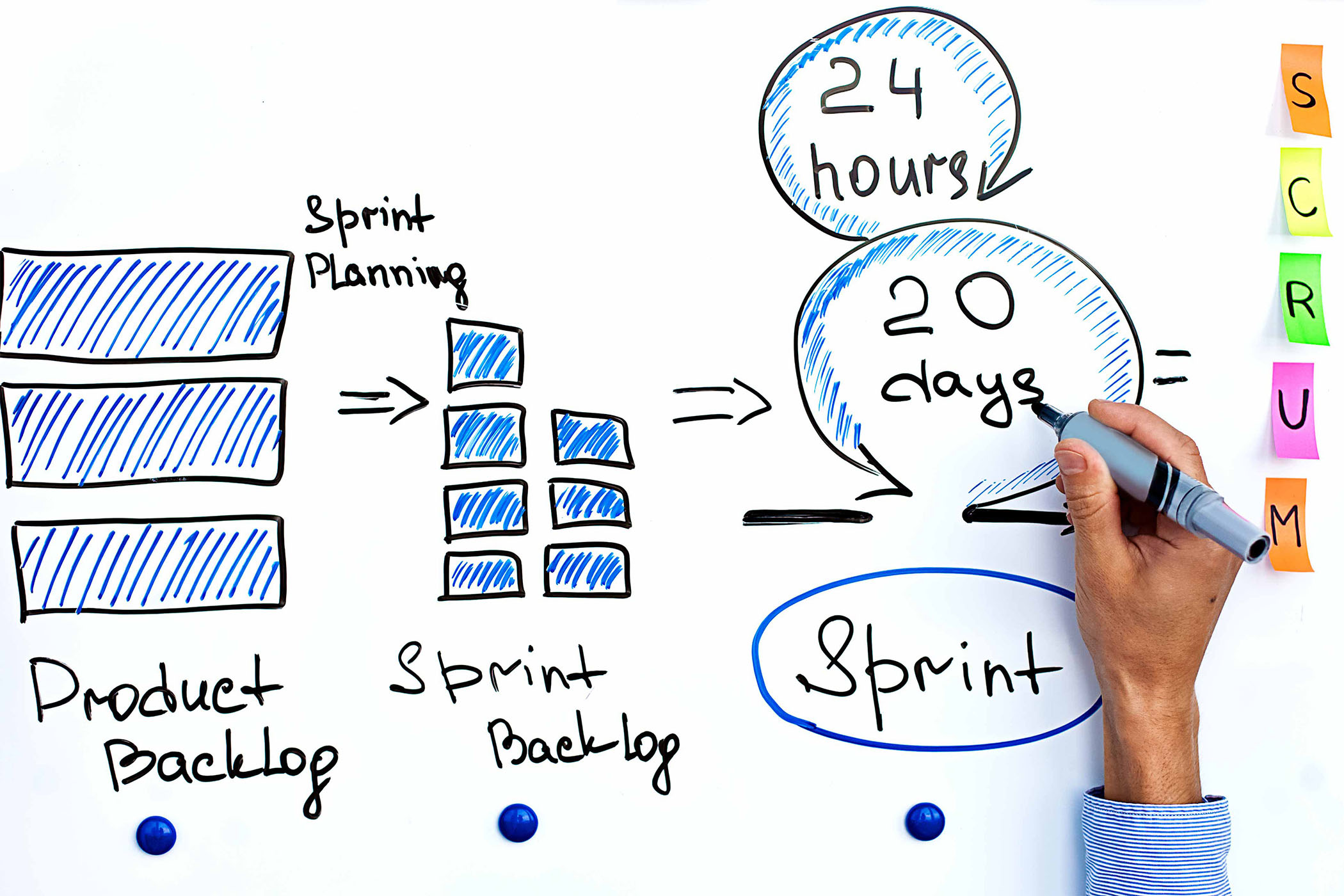
Hand of project manager writing on white board cycle of scrum iteration for team and scrum master.

Figure 1. Illustration of a scrum iteration on a whiteboard.

How to Write an Accessibility-Centered User Story

User stories define the “what” and “how” to address Section 508 conformance during design, development, and testing, and when writing backlog items.

Use this format:

As a [user type or user need],
I want [an goal, action or function],
so that [benefit or achievement].

Example 1: Keyboard User 

User Story: As a keyboard user, I want to be able to access and activate all interactive content such as form fields, buttons, and links so that I can successfully complete forms.

Acceptance Criteria: All functionality of the content is operable through a keyboard interface without requiring specific timings for individual keystrokes, except where the underlying function requires input that depends on the path of the user’s movement and not just the endpoints [WCAG SC 2.1.1]; There are no keyboard traps on the page [WCAG SC 2.1.2].

Example 2 : Color Vision Deficiency

User Story: As a user who relies on high contrast, I want to view text with sufficient contrast against backgrounds so I can read content easily.

Acceptance Criteria: All text meets contrast ratios of at least 4.5:1 for normal text and 3:1 for large text (text that is 14-point bold or larger, or 18 point or larger) [WCAG SC 1.4.3].

Why This Works

  • Integrates with workflow – Keeps accessibility in scope during design, coding, and testing.
  • Clear and testable – Specifies the “what,” “who,” and “why,” making accessibility measurable.
  • Prevents rework – Reduces last-minute fixes by including accessibility early.

Quick Steps to Get Started

  1. Identify a user need – For example, “user who relies on a screen reader.”
  2. Define the goal – What must they be able to do?
  3. State the benefit – Why does it matter?
  4. Add acceptance criteria – Link to WCAG or Section 508 standards.
  5. Include it in your backlog – Make it part of your agile process.

TIP: Embed accessibility conformance into your team’s “definition of done” so it’s always part of the finished product.

For more information on creating user stories for accessible ICT—including sample user stories for each disability type—visit Sample User Stories for Accessible ICT.

Reviewed/Updated: December 2025