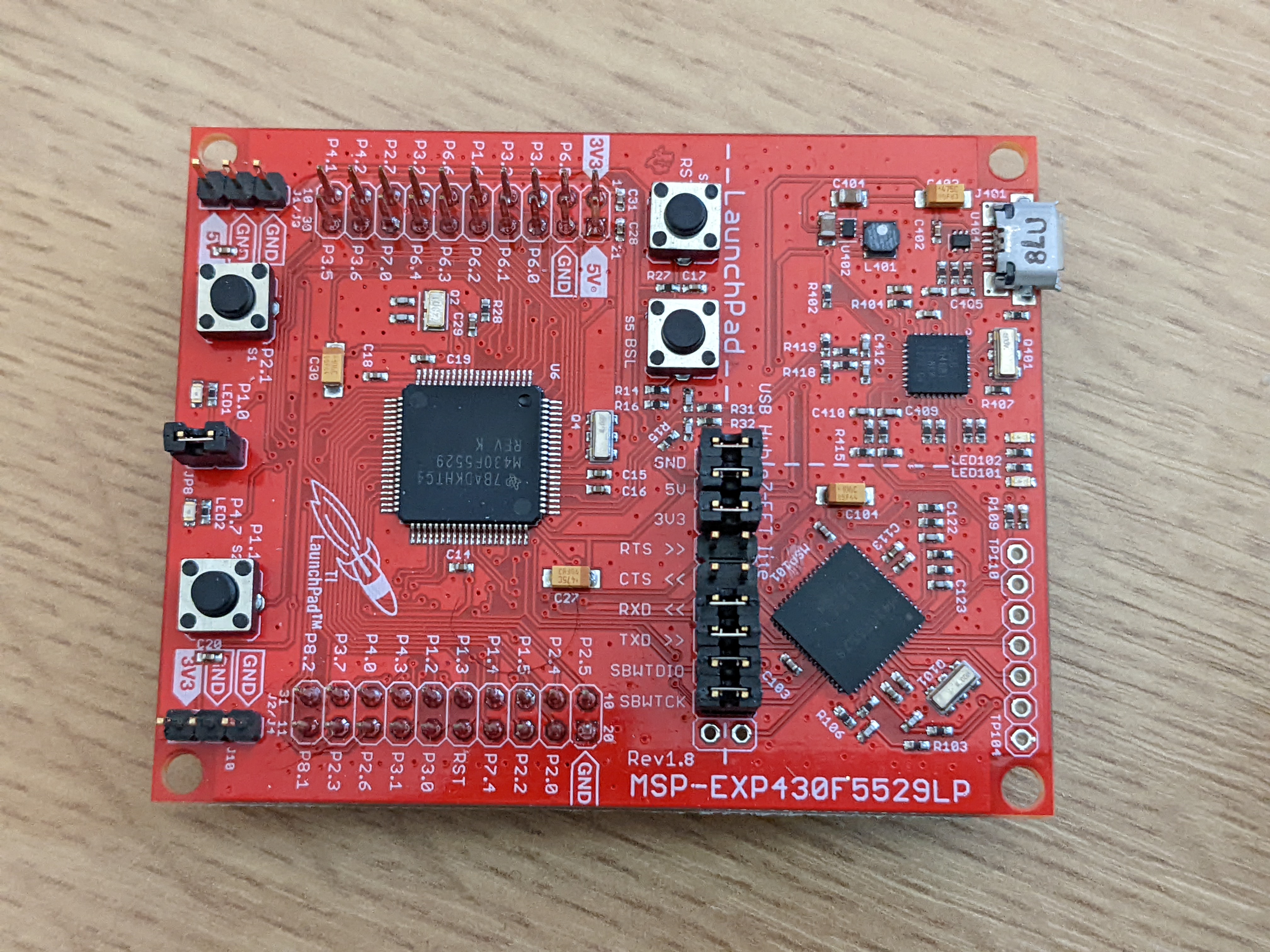
The MSP430 is a 16bit microcontroller made by Texas Instruments. As with many other embedded platforms I’ve been doing some work with it recently. In particular I started with the MSP-EXP430F5529LP development board which is what this blog post will be about.
The development board uses an MSP430F5529 microcontroller, which is pretty decent but does not have a huge amount of ROM space. I initially wanted to get it to compile and flash in the Linux command line and the program would be a simile thing that flashes the LED and sends a message via a UART.
First up, the compiler. Ubuntu and its forks have a GCC based compiler for MSP430 built-in. Unfortunately it is really old. Whilst it works I recommend getting the updated version direct from TI as this solves some problems as your program becomes more complex, it also supports newer MSP430 devices.
This is a simple (not very elegant) application to do the blinking and send messages via UART0:
#include <msp430f5529.h>
#include <stdint.h>
#include <stddef.h>
#include <string.h>
#include <stdio.h>
#include <errno.h>

void uart_init()
{
  //mostly from https://e2e.ti.com/support/microcontrollers/msp-low-power-microcontrollers-group/msp430/f/msp-low-power-microcontroller-forum/698353/ccs-msp430f5529-msp430f5529-uart-configuration-issues
  P3SEL |= BIT3 + BIT4;
  UCA0CTL1 |= UCSWRST;
  UCA0CTL1 |= UCSSEL_2; // SMCLK, UART clock source
  // This sets the UART to 9600baud
  UCA0BR0 = 6;
  UCA0BR1 = 0;
  UCA0MCTL = UCBRS_0 + UCBRF_13 + UCOS16;
  UCA0CTL1 &= ~UCSWRST; // **Initialize USCI state machine**
  //UCB0IE |= UCRXIE;	  // activate USCI_A0 RX-Interrupt
}

int puts(const char *_ptr)
{
  unsigned int i, len;

  len = strlen(_ptr);

  for(i=0 ; i<len ; i++)
  {
    while(!(UCA0IFG&UCTXIFG));
    UCA0TXBUF = (unsigned char) _ptr[i];
  }

  return len;
}

int main(void)
{
  unsigned int i = 0;
  WDTCTL = WDTPW | WDTHOLD;
  P1DIR = 1;
  uart_init();

  while(1)
  {
    P1OUT = 1;
    puts("Hello\r\n");

    for (i=0; i < 65535; i++);
    P1OUT = 0;
    for (i=0; i < 65535; i++);
  }
}
Essentially this implements puts() which is the missing part of printf() if you use Ubuntu’s built-in MSP430 compiler. It disabled the watchdog and turns P1.1 on and off with a poor-man’s delay loop (don’t do this in a real application). “Hello” is sent via UART0 every time the LED turns on.
So, to compile this source (which I’ve called blink.c) we do:
/opt/ti/msp430-gcc/bin/msp430-elf-gcc blink.c -mmcu=msp430f5359 -I /opt/ti/msp430-gcc/include -L /opt/ti/msp430-gcc/include
This will generate an a.out file that needs to be uploaded to the board. Luckily there is a tool in the Ubuntu repositories called “mspdebug” which can help here. Once installed you need libmsp430.so in your /usr/lib directory. This can be obtained from TI’s MSPFlasher. With that library in place you can do:
mspdebug tilib "prog a.out"
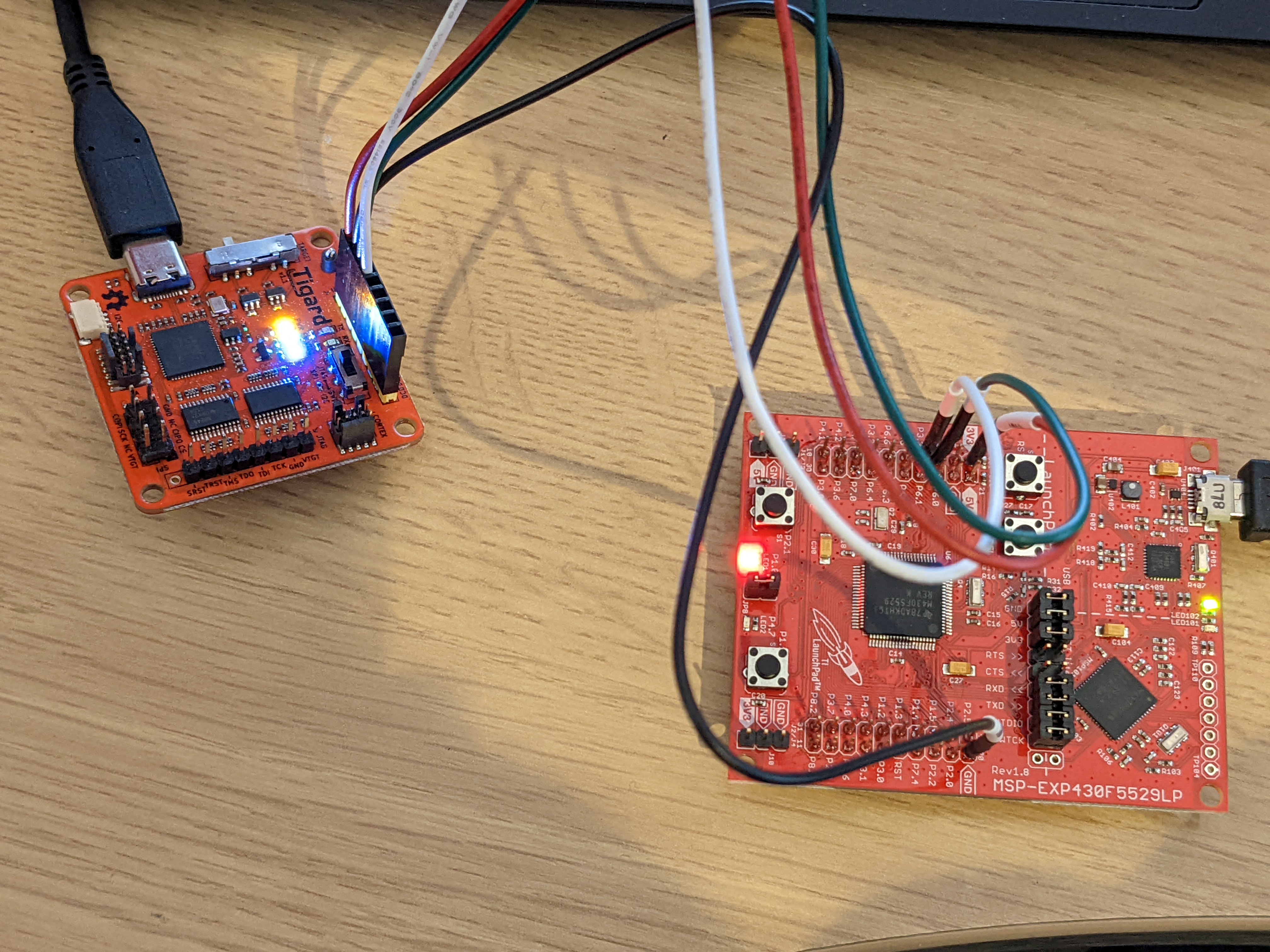
This will program the board with the a.out and it will start executing immediately. The LED will start flashing. But we still need to get the UART data. The USB of the MSP board is connected to UART1 and appears to use a custom protocol that only works with TI’s tools. Instead we need to access UART0 from the GPIO pins. To do this I wired up the UART pins of a Tigard board to pins 3.3 and 3.4 (with the VTGT and GND also wired).
Now, on Linux we can run sudo screen /dev/ttyUSB0 9600 and watch the word “Hello” constantly echoing with each LED flash.
此内容由惯性聚合(RSS阅读器)自动聚合整理,仅供阅读参考。 原文来自 — 版权归原作者所有。