








cd ~{,/zhs/}V2Ray core doesn’t provide subscription feature, this is cool because it’s considered unnecessary to people who self-host just one or several V2Ray services. If using service bought from websites, however, one may have to find a client with subscribe support to get a better user experience.
Up to now, there are several subscription formats; I’m gonna explore to resolve some of them on my own demand, using Python or even other languages.
Base64;vmess, ss and socks.Example:
vmess://base64(Configuration)
ss://base64(Configuration)
socks://base64(Configuration)
HOWTO Fetch Internet Resources Using The urllib Package — Python 3.8.0 documentation
from urllib.request import urlopen
subscribe_url = 'https://input-your-own-v2rayn-format-subscribe-url-here'
return_content = urlopen(subscribe_url).read()
print(return_content)
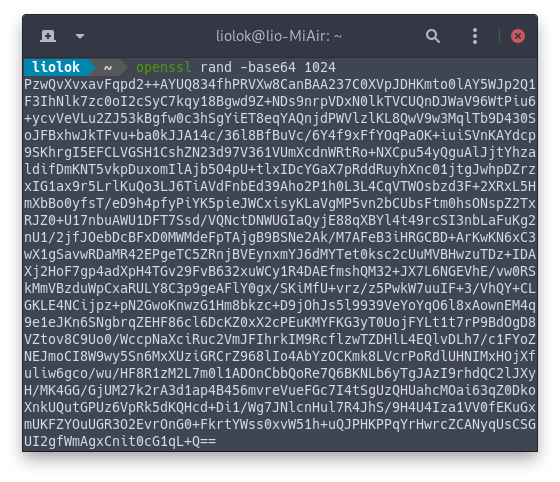
Now we should get a really long string that seems random, like this:
base64 — Base16, Base32, Base64, Base85 Data Encodings — Python 3.8.0 documentation
from base64 import b64decode
share_links = b64decode(return_content).decode('utf-8').splitlines()
print(share_links)
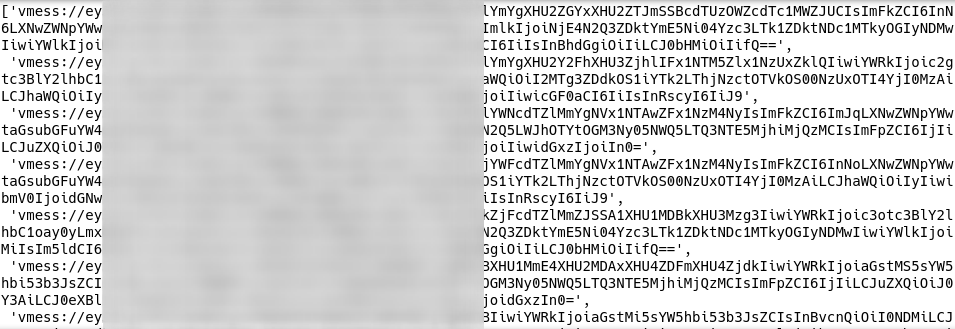
This step we get a list of share link string:
from urllib.parse import urlsplit
import json
schemes_allow = ['vmess', 'ss', 'socks']
configs = []
for share_link in share_links:
    url = urlsplit(share_link)
    if url.scheme not in schemes_allow: raise RuntimeError('invalid share link')
    configs.append(json.loads(b64decode(url.netloc).decode('utf-8')))
print(configs)
Note: You may have to add padding to
url.netloc.
Finally we get a list of json objects, each of them contains a server configuraion:

此内容由惯性聚合(RSS阅读器)自动聚合整理,仅供阅读参考。 原文来自 — 版权归原作者所有。