偵錯主要可分四大步驟:
- 中斷
- 檢測
- 控制
- 修改
小抄
一些用過 GDB 都應該要會的操作
disassemble <func>
disassemble *mem
run
start
starti
si
n
ni
fin (finish)
u (until)
c (continue)
b <func>
b *mem
info reg
bt      # 顯示 Call Stack
up/down # 在堆疊中移動
print
print /x $<reg>
x/NT N=單位 T=資料類型 (x:hex, d:decimal, c:char, s:string, i:instruction)
quit
focus cmd / src
layout next
list
建議先設定 Intel 格式
# ~/.gdbinit
set disassembly-flavor intel
接著就可以透過 $ gdb -q 啟動偵錯器了:
start   # 啟動並在第一行暫停
starti  # 啟動並在程式入口點(`_start`)暫停
run     # 啟動程式直到斷點
四大步驟
中斷
info breakpoints
b main
b *main+42
b func if a == 10
delete <num>
檢測
- 語法:
x/nfu <地址>- 數量 (n): 要看幾個單元。
- 格式 (f):
x(Hex),d(Decimal),i(Instruction/組語),s(String)。 - 單位 (u):
b(byte),h(halfword/2 bytes),w(word/4 bytes),g(giant word/8 bytes, 64-bit)。
暫存器
info reg (info registers)     # 查看所有暫存器,除了浮點數、向量計算相關
info all-registers            # 查看所有暫存器
p $rax                        # 以十進制顯示 $rax 的值
p/x $rax                      # 以十六進制顯示 $rax 的值
set $sp += 4
記憶體
x/16gx $rsp      # 查看 Stack 上的前 16 個 64-bit 數值 (以 Hex 顯示)
x/i $rip         # 查看當前即將執行的組語指令
x/10i main       # 查看 main 函數的前 10 行組語
x/gx $rbp-0x18   # 查看 Stack 中某個區域變數的值
display
在每次輸入指令後自動顯示指定資料
display/8i $rip
display/4gx $rsp
Convenience variables and functions
define auto_get_val_and_cont
    set $my_value = *(unsigned long long *)($rbp - 0x18)

    printf "==="
    printf "(Hex: 0x%lx\n)", $my_value
    printf "(Dec: %llu\n)", $my_value
    printf "==="

    cont
end
控制
## 針對原始程式碼
n [count]
s [count]

## 針對組合語言
ni [count]
si [count]

c                     # continue
fin                   # finish, 執行直到當前 stack frame 回傳
u                     # until, 執行直到遇到下個 jump
call (void)func()     # 呼叫 func
jump *0x400500        # 跳轉
修改
set $rdi = 0                                  # 將 rdi 歸零
set *0x7fffffffe000 = 0x1337                  # 修改記憶體內容
set *(unsigned long long*)($rbp-0x10) = $rax  # 複雜的賦值
set $rip = func+47                            # 修改 Instruction Pointer
其他
(gdb) alias lld = disable $_hit_bpnum.$_hit_locno
(gdb) alias lbd = disable $_hit_bpnum
參考資料
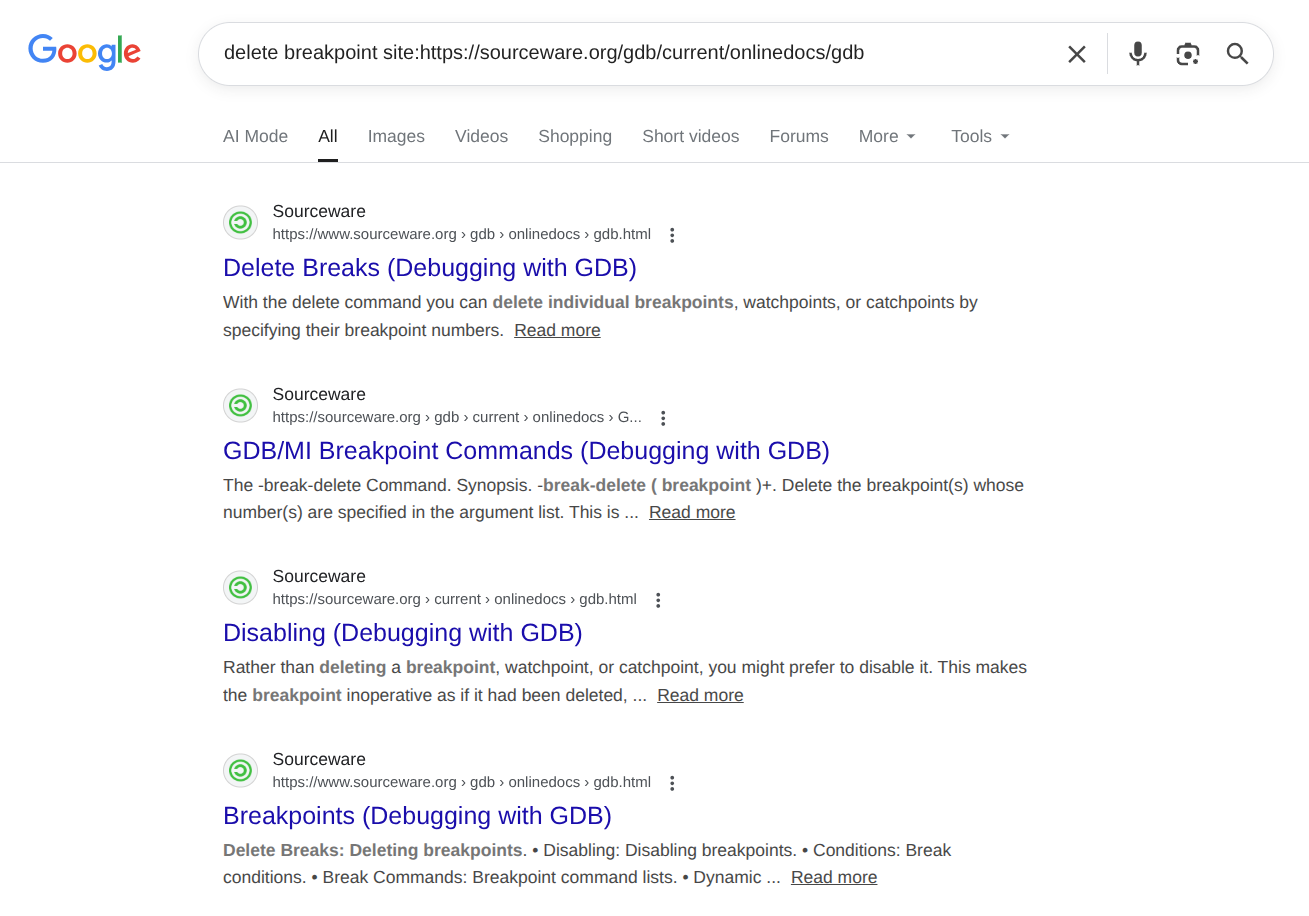
最實用的 Google Hacking 之一: