


As a student who is fond of system programming, I always want to develop Linux kernel directly on the M1 Macbook without nested VMs. This blog is a set-up Coding of the developing environment. The target is to run a Linux kernel in the QEMU on macOS with Apple Silicon.
The M1 is great and blah, blah, blah… but can it run Crisis? Eh.. I mean, QEMU?
Run Natively
Currently (24-Aug-2021), simply using brew install qemu won't work for M1 macOS. This situation may change in the future.
In this Coding, we are going to build the native version of QEMU running on macOS with M1 Apple Silicon.
Patch
My solution is to build QEMU by my own. Some blogs early this year 1 put that the QEMU doesn't support hypervisor framework (hvf) in M1, thus it should be patched with Hypervisor framework written by @_AlexGraf.
Things are changing everyday. Now the main branch has merged some hvf patches, while still not fully support Apple Silicon. Here we use QEMU 6.0 (which is the newest stable version in 24-Aug-2021), and use Alexander Graf's patch v8.
Building instructions
I got the latest QEMU git in GitHub. To build the qemu, first install the requirement.
brew install ninja pkgconfig glib pixman
- Clone the Git repo and checkout to the stable 6.0.0 version
git clone https://github.com/qemu/qemu
cd qemu
git checkout 3c93dfa42c394fdd55684f2fbf24cf2f39b97d47
- Patch
curl https://patchew.org/QEMU/20210519202253.76782-1-agraf@csgraf.de/mbox | git am
- Do auto configure and build
mkdir build && cd build
../configure --target-list=aarch64-softmmu
make -j8
Unlike the blogs written earlier this year, the only argument is just --target-list=aarch64-softmmu. Don't put --enbale-hvf or --disable-gnutls to it.
- Install QEMU
Now we have the qemu-system-aarch64 binary, and we can run it with qemu-system-aarch64 --version to see if it's ready.
❯ qemu-system-aarch64 --version
QEMU emulator version 6.0.50 (v6.0.0-1407-g44242f6937)
Copyright (c) 2003-2021 Fabrice Bellard and the QEMU Project developers
To test if QEMU actually works on the laptop, I download Ubuntu Server 20.04 (aarch64). The following is a shell to run the VM.
#!/bin/sh
qemu-system-aarch64 \
    -accel hvf \
    -m 2048 \
    -cpu cortex-a57 -M virt,highmem=off  \
    -drive file=/usr/local/share/qemu/edk2-aarch64-code.fd,if=pflash,format=raw,readonly=on \
    -drive file=ovmf_vars.fd,if=pflash,format=raw \
    -serial telnet::4444,server,nowait \
    -drive if=none,file=disk.qcow2,format=qcow2,id=hd0 \
    -device virtio-blk-device,drive=hd0,serial="dummyserial" \
    -device virtio-net-device,netdev=net0 \
    -netdev user,id=net0 \
    -vga none -device ramfb \
    -cdrom ubuntu-20.04.2-live-server-arm64.iso \
    -device usb-ehci -device usb-kbd -device usb-mouse -usb \
    -monitor stdio
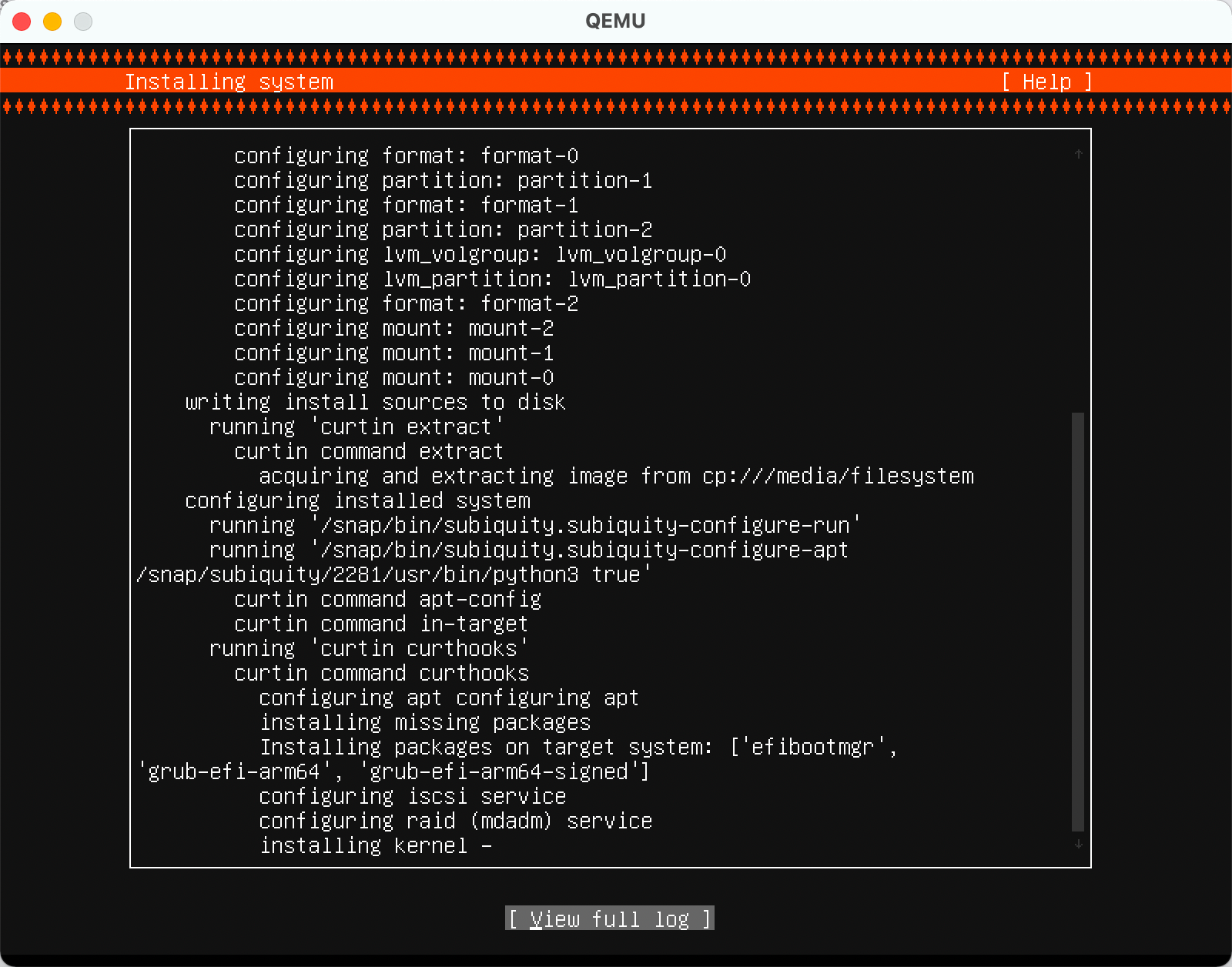
I actually encounter many problems when installing QEMU. Here is what you might want to do.
- It's suggested to use gcc-11 instead of apple clang (cc). Install gcc with homebrew first. However, I successfully build QEMU with apple clang.
- Pay attension to the auto config. It will display the infomation whether a feature is enabled or disabled.
- Use
qemu-system-aarch64 -accel helpto check if your QEMU supports hvf. If not, there are some problems when patching.
© LICENSED UNDER CC BY-NC-SA 4.0