

惯性聚合 高效追踪和阅读你感兴趣的博客、新闻、科技资讯
阅读原文 在惯性聚合中打开

推荐订阅源

J
Java Code Geeks
freeCodeCamp Programming Tutorials: Python, JavaScript, Git & More
S
SegmentFault 最新的问题
博客园 - 三生石上(FineUI控件)
Hugging Face - Blog
Hugging Face - Blog
博客园 - Franky
云风的 BLOG
云风的 BLOG
I
InfoQ
小众软件
小众软件
Last Week in AI
Last Week in AI
钛媒体:引领未来商业与生活新知
钛媒体:引领未来商业与生活新知
大猫的无限游戏
大猫的无限游戏
A
About on SuperTechFans
Stack Overflow Blog
Stack Overflow Blog
The Cloudflare Blog
雷峰网
雷峰网
P
Proofpoint News Feed
腾讯CDC
H
Help Net Security
V
Visual Studio Blog
美团技术团队
F
Fortinet All Blogs
MongoDB | Blog
MongoDB | Blog
阮一峰的网络日志
阮一峰的网络日志

Replicate's blog

How to make remarkable videos with Seedance 2.0 – Replicate blog How to prompt Seedream 5.0 – Replicate blog Recraft V4: image generation with design taste – Replicate blog Run Isaac 0.1 on Replicate – Replicate blog Run FLUX.2 on Replicate – Replicate blog How to prompt Nano Banana Pro – Replicate blog Retro Diffusion's pixel art models are now on Replicate – Replicate blog Replicate is joining Cloudflare – Replicate blog Extract text from documents and images with Datalab Marker and OCR – Replicate blog How to prompt Veo 3.1 – Replicate blog IBM's Granite 4.0 is now on Replicate – Replicate blog Which image editing model should I use? – Replicate blog Introducing our new search API – Replicate blog Torch compile caching for inference speed – Replicate blog Announcing Replicate's remote MCP server – Replicate blog How to prompt Veo 3 with images – Replicate blog Open source video is back – Replicate blog Generate consistent characters – Replicate blog Bria is now on Replicate – Replicate blog How we optimized FLUX.1 Kontext [dev] – Replicate blog Compare AI video models – Replicate blog The FLUX.1 Kontext hackathon – Replicate blog How to prompt Veo 3 for the best results – Replicate blog Get the most from Google Veo 3 – Replicate blog FLUX.1 Kontext from the community – Replicate blog Use FLUX.1 Kontext to edit images with words – Replicate blog Generate incredible images with Google's Imagen 4 – Replicate blog Run OpenAI’s latest models on Replicate – Replicate blog NVIDIA H100 GPUs are here – Replicate blog Run 30,000+ LoRAs on Hugging Face with Replicate – Replicate blog
Run Stable Diffusion with an API – Replicate blog
2022-08-29 · via Replicate's blog

Posted August 29, 2022 by

The neat thing about Stable Diffusion being open source is that you can modify it and build things with it. Photoshop plugins, bots, animations, fixing human foibles, all sorts.

But, if you want to integrate it into an app or a project, you need to set it up with GPUs and put an API in front of it. And the GPUs are expensive so you don’t want to leave them switched on all the time.

Replicate lets you run machine learning models from your own code without having to set up any infrastructure. In this post, we’ll show you how to use it to run Stable Diffusion.
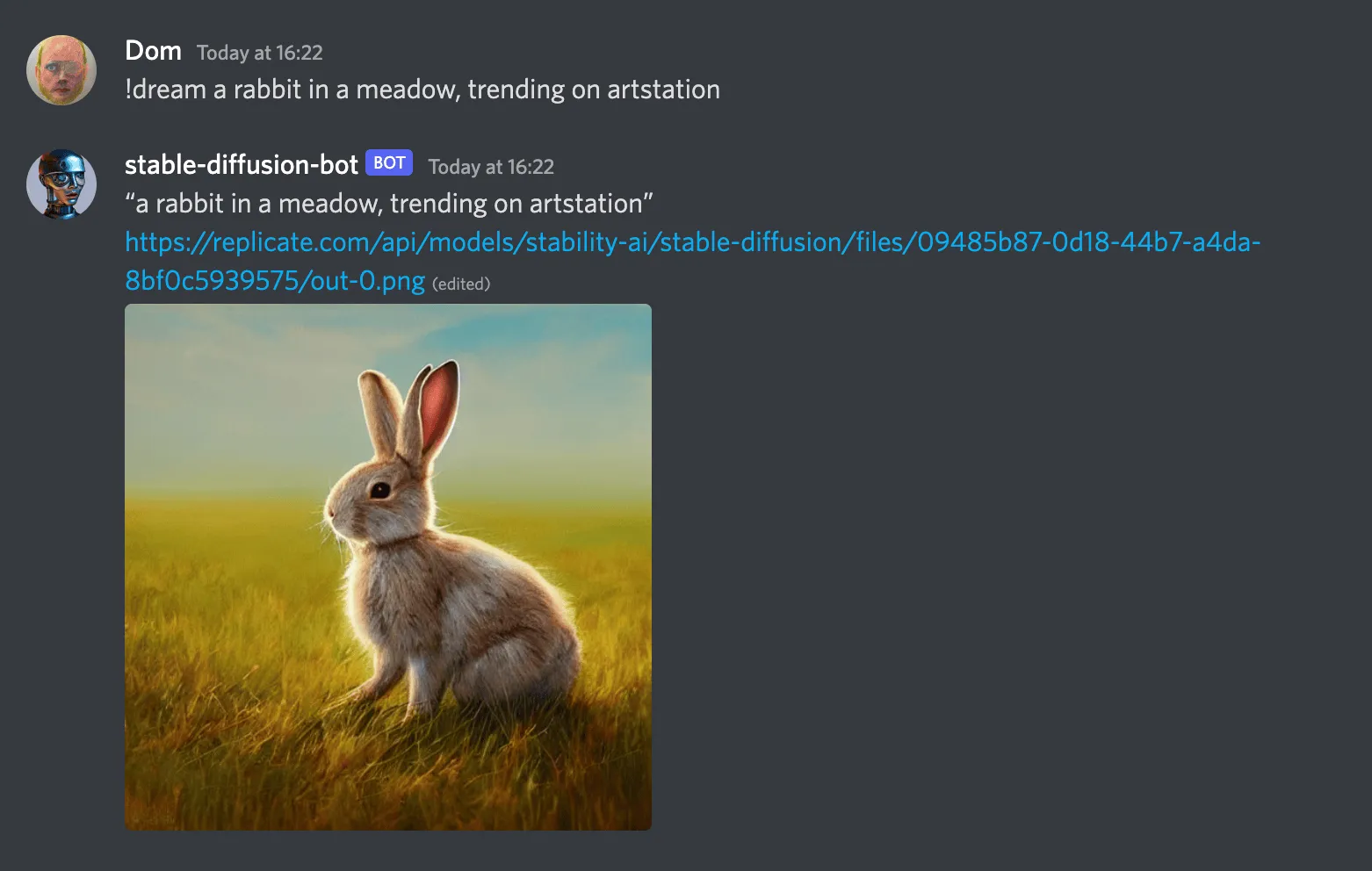
a screenshot of the stable-diffusion-bot generating a cute rabbit in Discord

Install the Python library

We maintain an open-source Python client for the API. Install it with pip:

There’s also a community-maintained Node.js/JavaScript library. See replicate-js on GitHub.

Authenticate

Sign up for Replicate, then you can find your API token on your account page. Set your token in an environment variable in your terminal shell:

You’ll be able to use the API for free for a bit, but eventually we’ll ask you to enter your credit card. We only charge you by the second for the amount of time your requests are running, so it usually works out much cheaper than running your own GPUs.

Run predictions

Create a file called dream.py and paste in the following content:

Then run the script from your terminal:

This will create a prediction using the API and open the generated image in your web browser. It might look something like this:
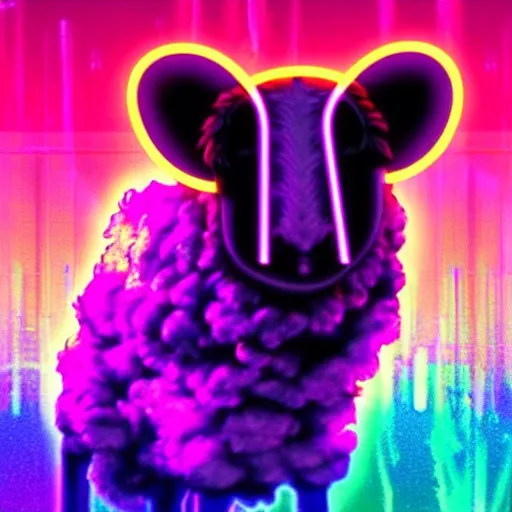
output

View your predictions

Whenever you run a model on Replicate, whether in the browser or with the API, the prediction is saved and associated with your user account. Visit your dashboard to view all your previous predictions.

Next steps

Join us in Discord to show us what you’ve made, or if you need any help. We’re looking forward to seeing your creations. ✨