惯性聚合 高效追踪和阅读你感兴趣的博客、新闻、科技资讯
阅读原文 在惯性聚合中打开

推荐订阅源

P
Proofpoint News Feed
Blog — PlanetScale
Blog — PlanetScale
GbyAI
GbyAI
C
Check Point Blog
腾讯CDC
Stack Overflow Blog
Stack Overflow Blog
Cyber Security Advisories - MS-ISAC
The GitHub Blog
The GitHub Blog
A
About on SuperTechFans
Recent Announcements
L
LangChain Blog
Microsoft Azure Blog
小众软件
小众软件
J
Java Code Geeks
博客园_首页
Jina AI
Jina AI
美团技术团队
H
Help Net Security
MyScale Blog
MyScale Blog
Engineering at Meta
Engineering at Meta
奇客Solidot–传递最新科技情报
奇客Solidot–传递最新科技情报
人人都是产品经理
人人都是产品经理
Y
Y Combinator Blog
S
SegmentFault 最新的问题

Frank's Weblog

Understanding Systemd Timer: Troubleshooting `D-Bus connection terminated` Error 理解Systemd Timer:一次`D-Bus connection terminated`错误排查 Learning Languages Effectively with Anki 使用Anki高效学习语言 Say Goodbye to H1B Anxiety – A Complete Guide for Immigration to Canada via Express Entry 告别H1B焦虑 – 加拿大Express Entry技术移民全流程指南 Project Miata – The Problematic Brake Job Project Miata – 问题百出的刹车维护 Sending Passport from USA to Ottawa for Canadian PR Visa Stamping 加拿大PR贴签:从美国寄护照到渥太华 Building NAS and Installing Unraid 组装NAS及配置Unraid OS Complete Guide for Automotive Paint at Home with Spray Can 使用喷漆罐实现最佳DIY汽车喷漆效果的完整指南 Deploy Containers with Cloudflare Containers 房车旅行:观看星舰发射 电子邮件防伪:SPF, DKIM与DMARC Anti Email Spoofing: SPF, DKIM and DMARC Project Miata – 软顶更换及内饰修复 Project Miata – Soft Top Replacement & Interior Restoration Project Miata – Shifter Rebuild Project Miata – 换挡杆维护 Project Miata – $2000 Project Car Project Miata – $2000玩具车
使用 Cloudflare Containers 部署容器应用
Frank · 2025-06-25 · via Frank's Weblog

English version: Deploy Containers with Cloudflare Container – Frank’s Weblog

今天(2025/6/24),Cloudflare 宣布推出 Cloudflare Containers:其在 Cloudflare Workers 中的无服务器容器运行时。Cloudflare Containers 目前处于公开测试阶段,所有 Cloudflare Worker 的付费用户都可以使用。

作为一名容器爱好者,我花了一些时间探索该产品。我将以 httpbin 为例,说明如何将一个简单的应用程序部署到 Cloudflare Containers。

先决条件

  • Nodejs
  • wrangler (Cloudflare worker 命令行工具)
  • Docker
  • Cloudflare Workers 付费计划

代码

你需要的所有代码都在这里: https://github.com/frankgx97/httpbin-cfcontainers

src/index.ts 是应用程序的入口点,它将请求路由到容器。

wrangler.jsonc 是 Cloudflare Worker 应用程序的定义文件,我们在其中定义应用程序、容器和持久对象。

部署

在部署之前,我们需要准备镜像。

Cloudflare Containers 仅支持 Cloudflare Image Registry。你可以在部署应用程序时通过指定 "image": "./Dockerfile" 来构建和发布镜像,或者,在本例中,将现有镜像推送到 Cloudflare Registry。

假设镜像已在本地存在,请先 tag 镜像。

docker tag kennethreitz/httpbin httpbin:1

请注意,镜像必须有标签,并且不能是 latest

wrangler containers push httpbin:1

你将获得格式为 registry.cloudflare.com/(随机字符串)/httpbin:1 的新镜像标签。

将新的镜像标签填入 wrangler.jsonc

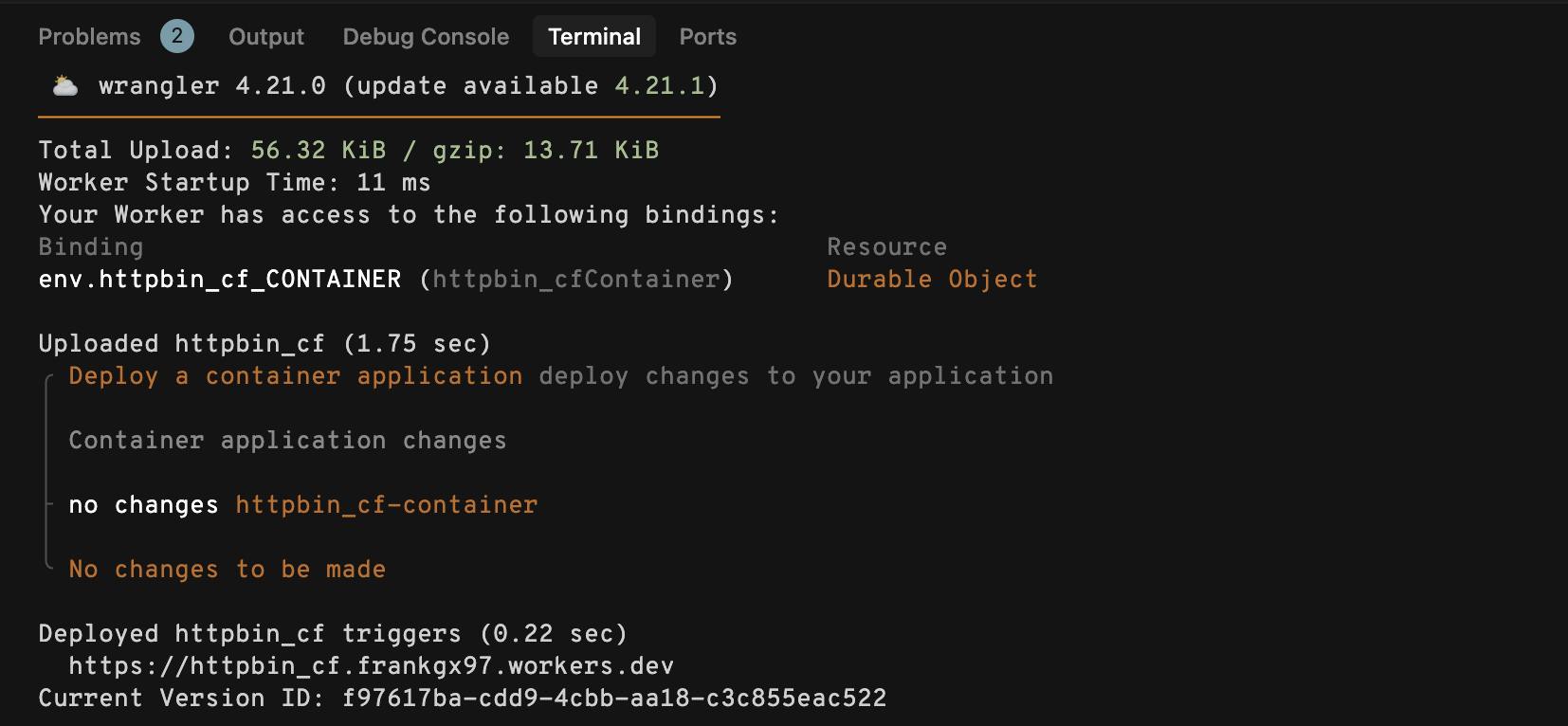
然后运行 wrangler deploy

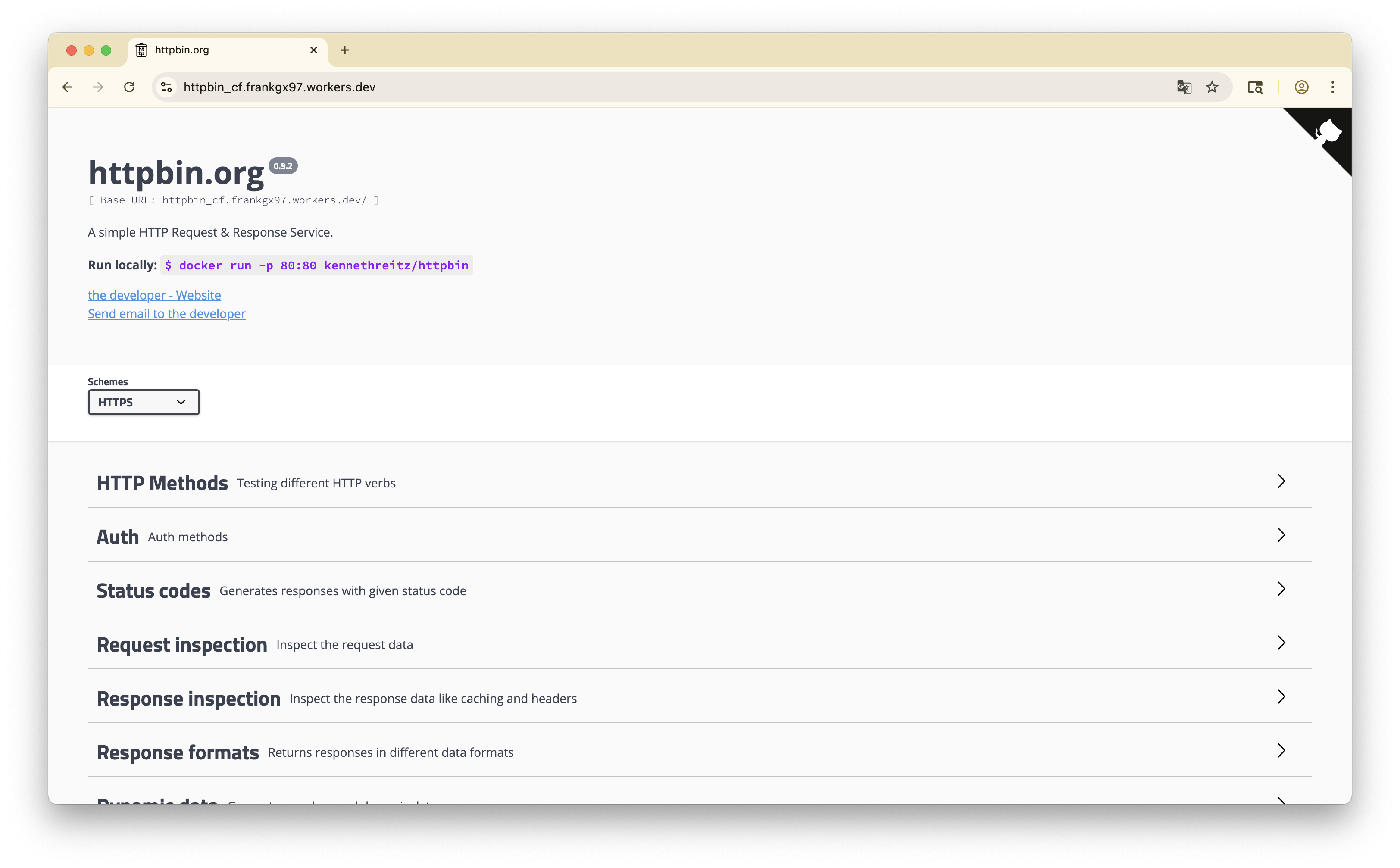
访问 wrangler 返回的链接,你应该能看到已部署的应用程序。

References

  1. https://github.com/megaconfidence/wifski
  2. Cloudflare Containers 101 – Run Docker Containers on the Edge – YouTube
  3. Containers are available in public beta for simple, global, and programmable compute