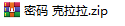
某天,我的朋友在QQ上转发给我了一个带密码的Zip压缩包
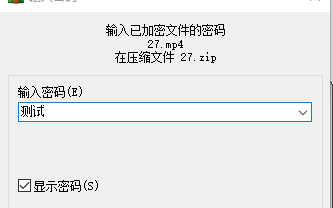
我看了一眼,双击后默认用WinRAR打开了,然后复制粘贴密码:
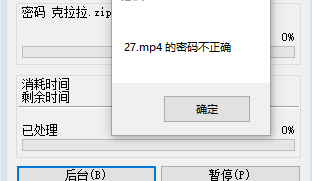
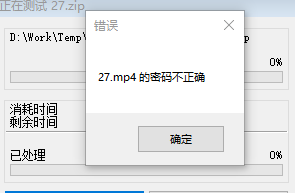
啊?密码错误?
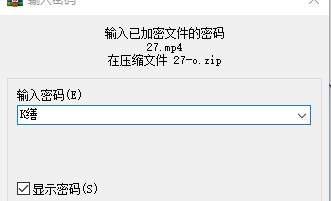
我第一反应当然是怀疑是不是对面冲多了手滑,在输密码的时候不小心多打了点什么进去,但是经过我们10分钟的友好交流后,他确定以及肯定自己绝对没有手滑,还把传给我的压缩包重新下载下来 在手机上 把密码粘贴进去成功解压了。
我当时眉头一紧,立马感觉到自己似乎站到了坑的边缘。
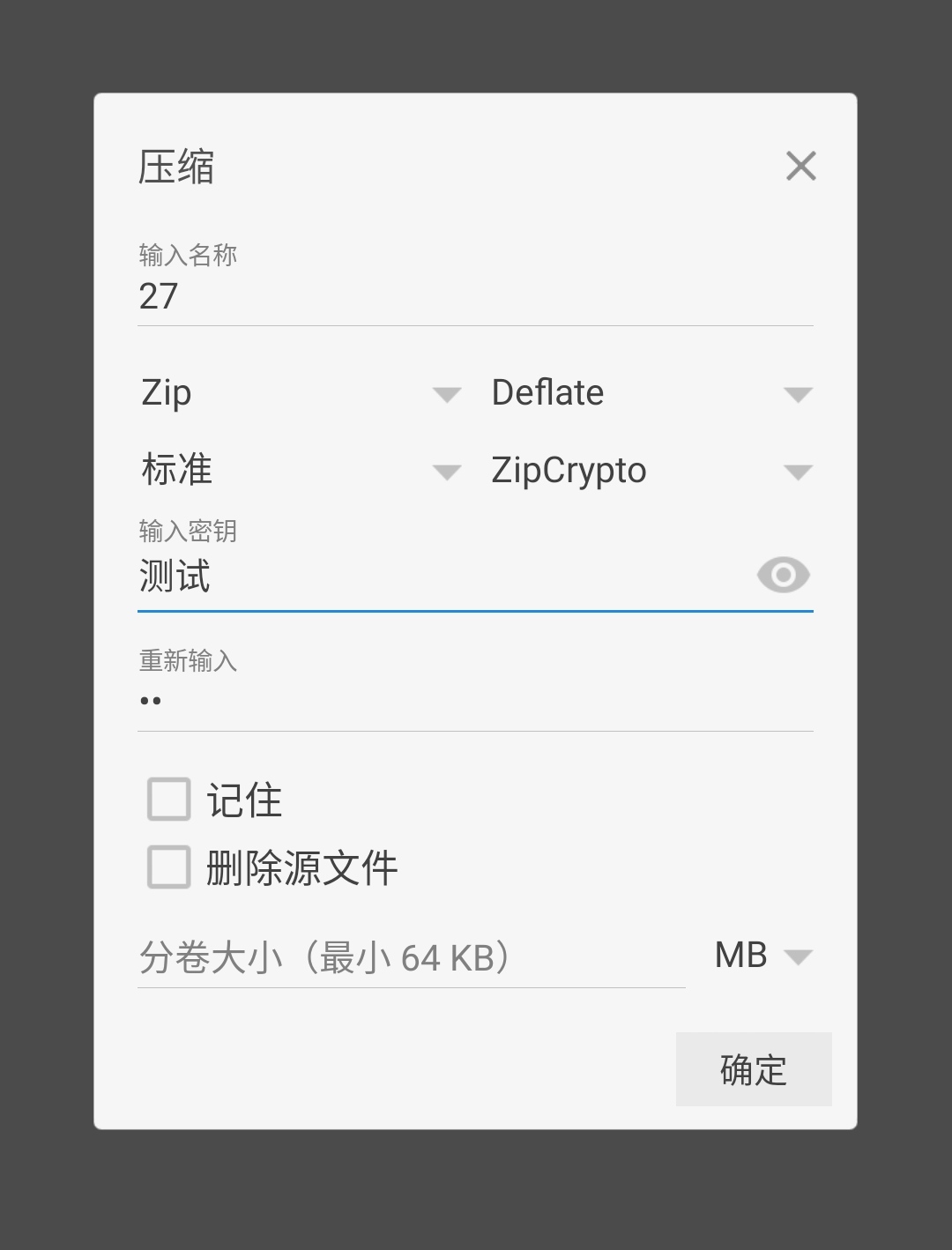
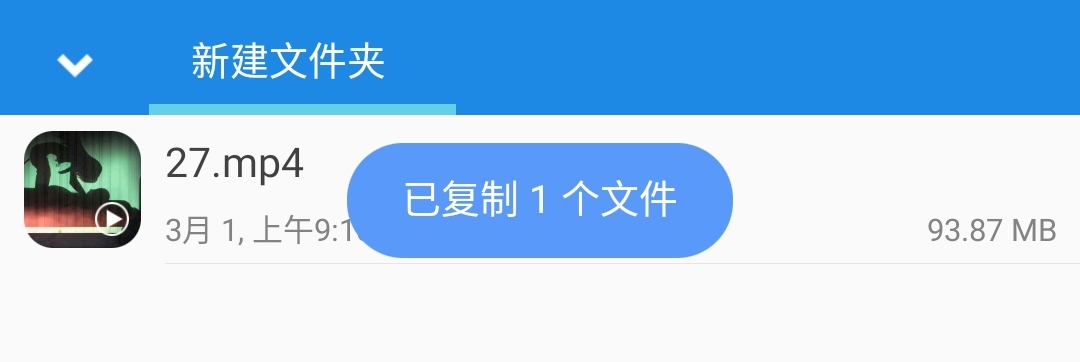
这里以我常用的文件管理器MiXplorer为例:
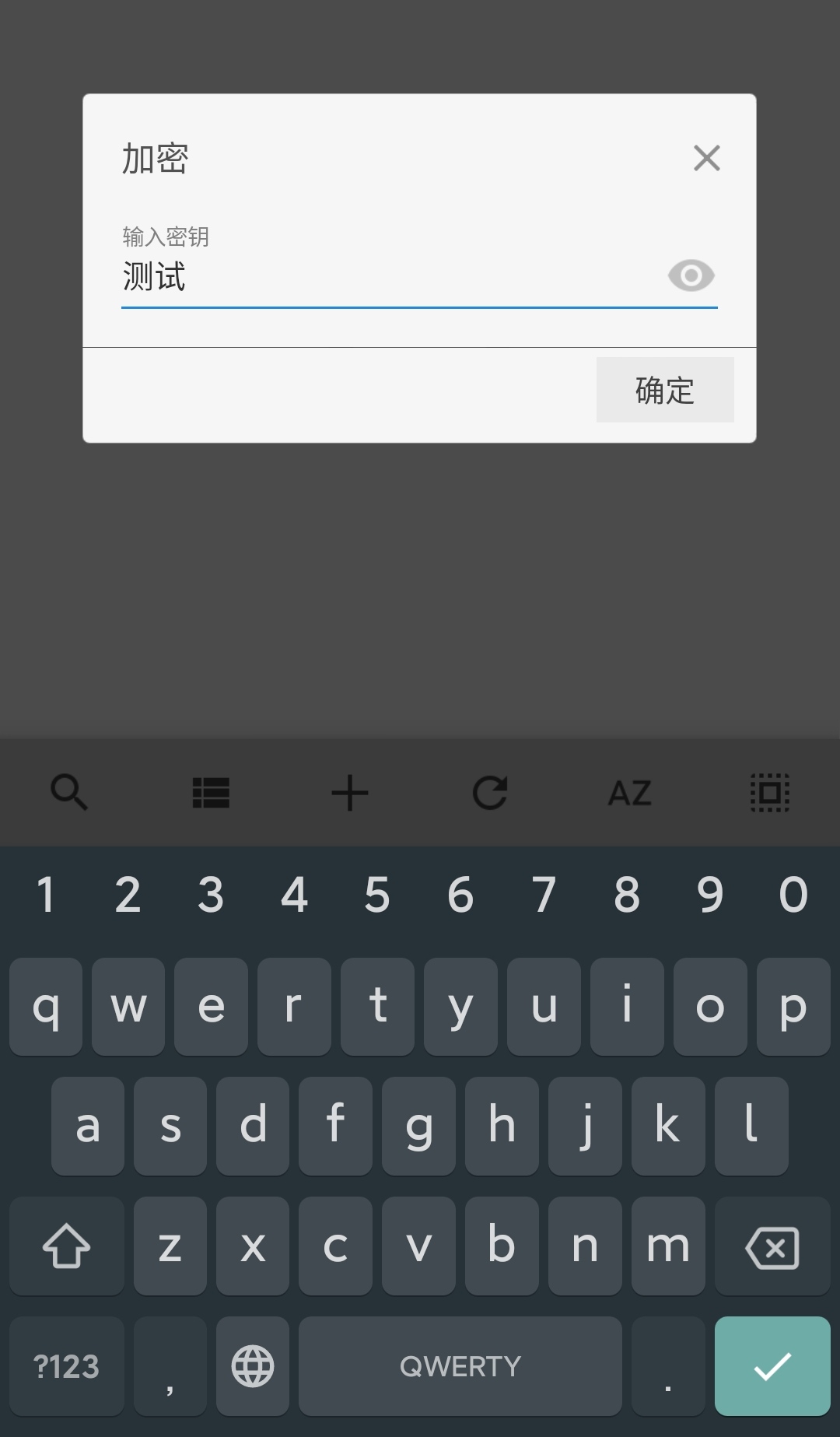
然后在手机上测试解压:
不用多想,一定是编码的问题,但我很好奇,为什么会这样?以及原来的密码究竟被编码成了什么?
首先,我们Google搜索java zip 中文密码,通过查找可以得知一个包:zip4j
1
2
3
4
5
6
7
8
9
10
11
12
13
package main;import net.lingala.zip4j.ZipFile;public class UnZip { public static void main (String[] args) throws Throwable { String password = "测试" ; ZipFile zipFile = new ZipFile ("D:\\Work\\Temp\\chinese-zip-password\\27.zip" ); zipFile.setPassword(password.toCharArray()); zipFile.extractAll("D:\\Work\\Temp\\chinese-zip-password\\d" ); } }
运行,直接报错:
1
2
Exception in thread "main" net.lingala.zip4j.exception.ZipException: Wrong password!
搜索得知安卓默认中文编码是UTF-8,然后在翻阅zip4j的文档,可以发现这样一个方法:setUseUtf8CharsetForPasswords 我们修改代码如下:
1
2
3
4
5
6
7
8
9
10
11
12
13
14
package main;import net.lingala.zip4j.ZipFile;public class UnZip { public static void main (String[] args) throws Throwable { String password = "测试" ; ZipFile zipFile = new ZipFile ("D:\\Work\\Temp\\chinese-zip-password\\27.zip" ); zipFile.setUseUtf8CharsetForPasswords(false ); zipFile.setPassword(password.toCharArray()); zipFile.extractAll("D:\\Work\\Temp\\chinese-zip-password\\d" ); } }
这次能成功运行了。https://github.com/srikanth-lingala/zip4j/issues/328
1
2
3
4
Using non-ascii characters for passwords is in a grey zone as far as zip specification is concerned. Some tools convert passwords to utf8 and some don't. With the change that you linked, zip4j converts the password to utf8 by default, and I guess Windows doesn't, and that's why it works fine in your case when you revert the utf8 conversion. I added an option to ZipFile api to use utf8 or not for password encoding and decoding. If you are sure that your zip file will only be used on windows, you can now generated the zip files by not using utf8. You can set this flag via ZipFile.setUseUtf8CharsetForPasswords(boolean).
意思大概是zip4j在遇到中文密码的时候会先把密码转UTF-8,但是windows不会。这解决了我第一个疑问,下面我们来研究第二个问题:原来的密码究竟被编码成了什么?
便乘变成什么样了?我们直接翻阅zip4j的源代码:
src/main/java/net/lingala/zip4j/ZipFile.java 1 2 3 4 public void setUseUtf8CharsetForPasswords (boolean useUtf8CharsetForPasswords) { this .useUtf8CharsetForPasswords = useUtf8CharsetForPasswords; }
继续跟:
src/main/java/net/lingala/zip4j/crypto/StandardDecrypter.java 1 2 3 4 5 6 7 private void init (byte [] headerBytes, char [] password, long lastModifiedFileTime, long crc, boolean useUtf8ForPassword) throws ZipException { if (password == null || password.length <= 0 ) { throw new ZipException ("Wrong password!" , ZipException.Type.WRONG_PASSWORD); } zipCryptoEngine.initKeys(password, useUtf8ForPassword);
继续:
src/main/java/net/lingala/zip4j/crypto/engine/ZipCryptoEngine.java 1 2 3 4 5 6 7 8 9 public void initKeys (char [] password, boolean useUtf8ForPassword) { keys[0 ] = 305419896 ; keys[1 ] = 591751049 ; keys[2 ] = 878082192 ; byte [] bytes = convertCharArrayToByteArray(password, useUtf8ForPassword); for (byte b : bytes) { updateKeys((byte ) (b & 0xff )); } }
来了:
src/main/java/net/lingala/zip4j/util/Zip4jUtil.java 1 2 3 4 5 6 7 8 9 10 11 12 13 14 public static byte [] convertCharArrayToByteArray(char [] charArray, boolean useUtf8Charset) { return useUtf8Charset ? convertCharArrayToByteArrayUsingUtf8(charArray) : convertCharArrayToByteArrayUsingDefaultCharset(charArray); } ...... private static byte [] convertCharArrayToByteArrayUsingDefaultCharset(char [] charArray) { byte [] bytes = new byte [charArray.length]; for (int i = 0 ; i < charArray.length; i++) { bytes[i] = (byte ) charArray[i]; } return bytes; }
我们把这段代码复制下来,然后再找一段将输出转为HEX的代码,组合起来试着运行看看:
1 2 3 4 5 6 7 8 9 10 11 12 13 14 15 16 17 18 19 20 21 22 23 24 25 26 27 package main;public class UnZip { public static void main (String[] args) throws Throwable { String password = "克拉拉" ; System.out.println(password.toCharArray()); byte [] encbytes = new byte [password.toCharArray().length]; for (int i = 0 ; i < password.toCharArray().length; i++) { encbytes[i] = (byte ) password.toCharArray()[i]; } System.out.println(bytesToHex(encbytes)); } private static final char [] HEX_ARRAY = "0123456789ABCDEF" .toCharArray(); private static String bytesToHex (byte [] bytes) { char [] hexChars = new char [bytes.length * 2 ]; for (int j = 0 ; j < bytes.length; j++) { int v = bytes[j] & 0xFF ; hexChars[j * 2 ] = HEX_ARRAY[v >>> 4 ]; hexChars[j * 2 + 1 ] = HEX_ARRAY[v & 0x0F ]; } return new String (hexChars); } }
输出:
好,那么这个4B C9 C9是个什么东西?
好,完工,又是涨奇怪知识的一天。