中文版:使用 Cloudflare Containers 部署容器应用 – Frank’s Weblog
Today (2025/6/24), Cloudflare announced Cloudflare Containers: a serverless container runtime in Cloudflare Workers. Cloudflare containers is currently in public beta, and is available to everyone who has a paid Cloudflare Worker plan.
As a container enthusiast, I spent some time exploring this product. I will use httpbin as an example, to illustrate how to deploy a simple application to Cloudflare Containers.
Here is all the code you need: https://github.com/frankgx97/httpbin-cfcontainers
src/index.ts is the entry point of the application, it routes the requests to the container.
wrangler.jsonc is the definition of the Cloudflare Worker application, where we define the application, container and durable object.
Before deploying, we need to prepare the image.
Cloudflare Containers only supports Cloudflare Image Registry. You can either build and publish the image when deploying the application by specifying "image": "./Dockerfile", or, in our case, push an existing image to Cloudflare Registry.
Assuming the image already exists locally, tag the image first.
docker tag kennethreitz/httpbin httpbin:1Note that an image must have a tag, and cannot be latest.
wrangler containers push httpbin:1You will get the new image tag with format registry.cloudflare.com/(a random string)/httpbin:1
Fill the new image tag into wrangler.jsonc
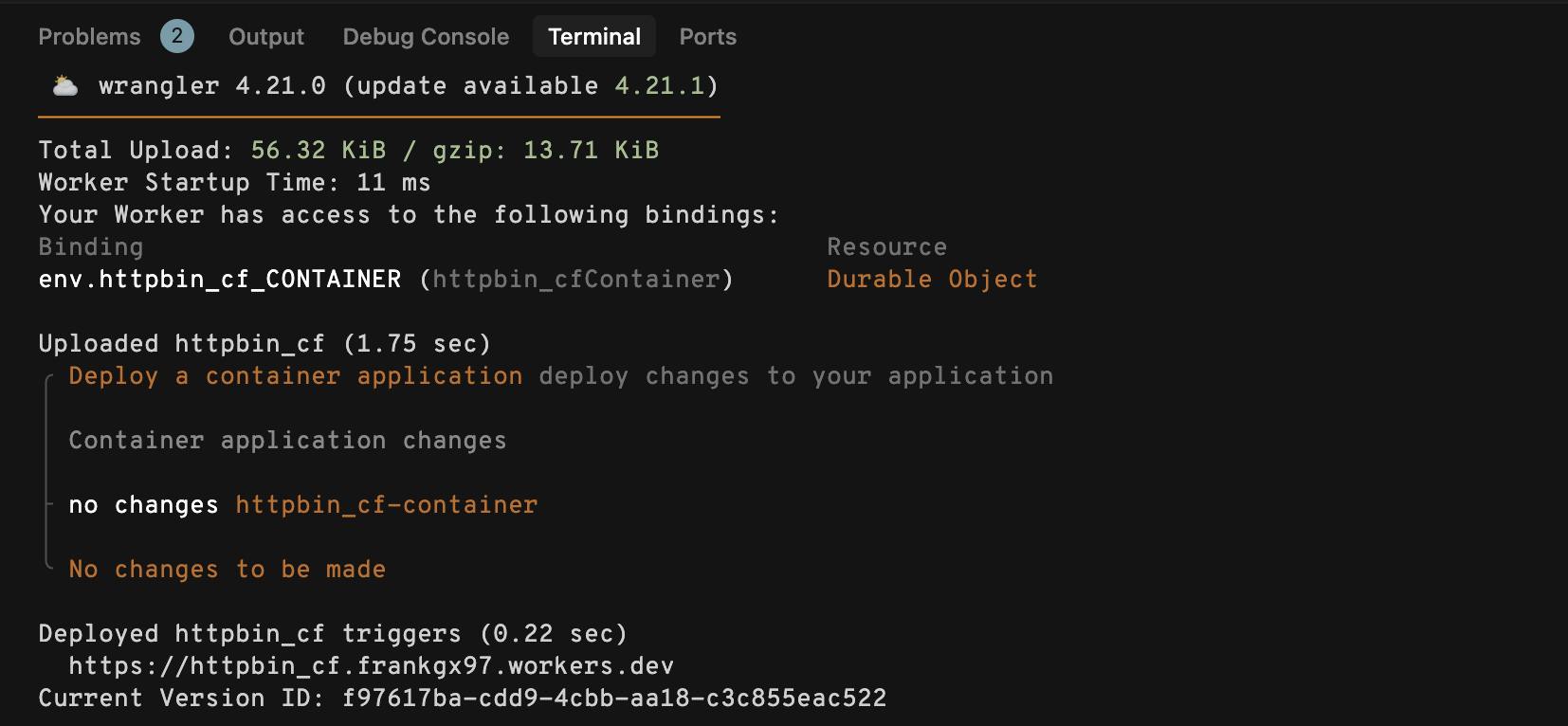
Then run wrangler deploy
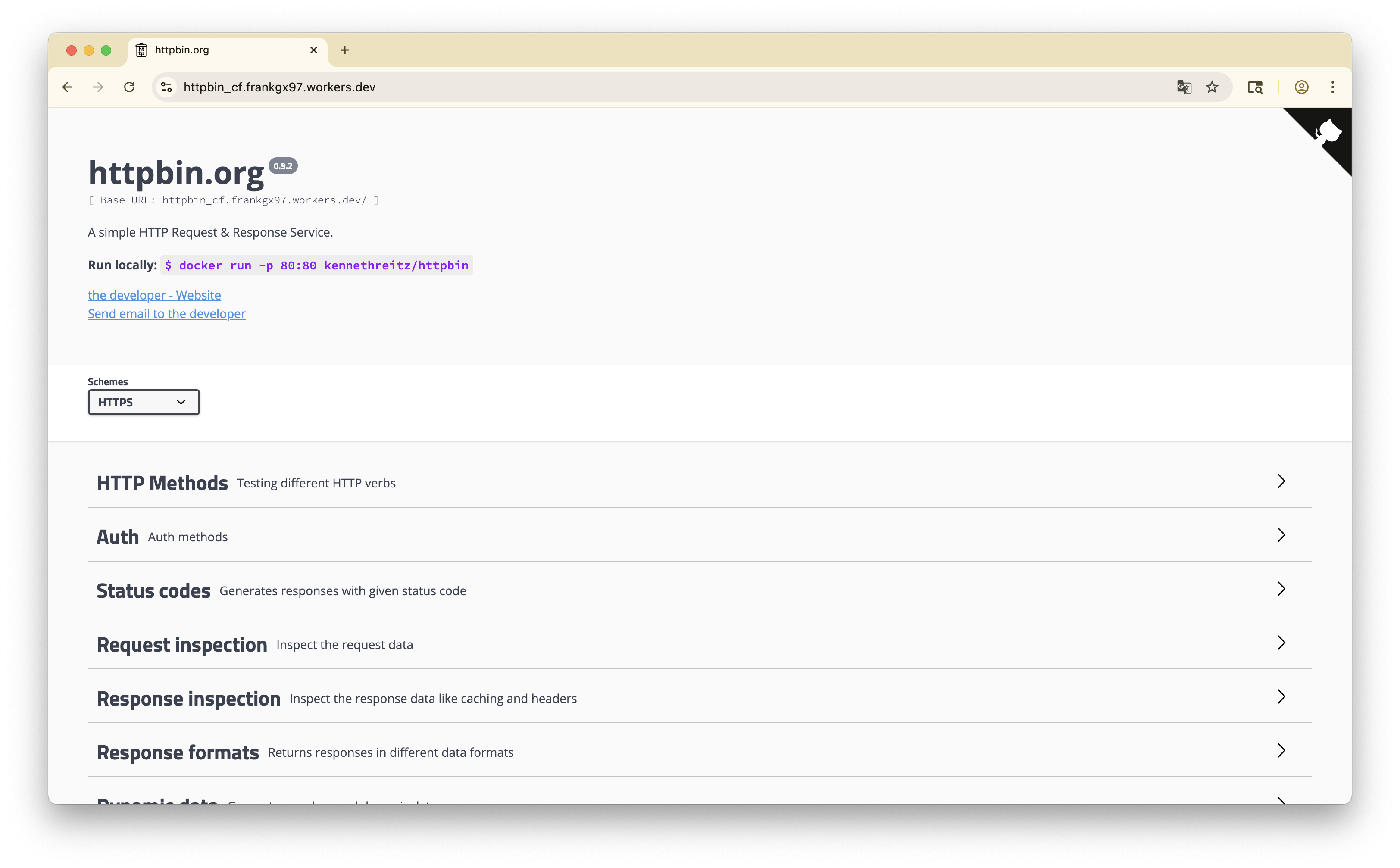
Visit the link returned by wrangler, you should see the deployed application.
此内容由惯性聚合(RSS阅读器)自动聚合整理,仅供阅读参考。 原文来自 — 版权归原作者所有。