





惯性聚合 高效追踪和阅读你感兴趣的博客、新闻、科技资讯
阅读原文 在惯性聚合中打开

推荐订阅源

博客园_首页
I
InfoQ
The Register - Security
L
LangChain Blog
H
Help Net Security
The GitHub Blog
The GitHub Blog
S
Schneier on Security
博客园 - 【当耐特】
W
WeLiveSecurity
Attack and Defense Labs
IT之家
IT之家
CTFtime.org: upcoming CTF events
Google DeepMind News
The Cloudflare Blog
H
Heimdal Security Blog
让小产品的独立变现更简单 - ezindie.com
Y
Y Combinator Blog
雷峰网
雷峰网
N
Netflix TechBlog - Medium
Security Archives - TechRepublic
cs.AI updates on arXiv.org
Cyber Security Advisories - MS-ISAC
L
Lohrmann on Cybersecurity
OSCHINA 社区最新新闻
OSCHINA 社区最新新闻
T
The Exploit Database - CXSecurity.com
P
Privacy & Cybersecurity Law Blog
G
GRAHAM CLULEY
Exploit-DB.com RSS Feed
V
Visual Studio Blog
博客园 - 聂微东
PCI Perspectives
PCI Perspectives
Last Week in AI
Last Week in AI
A
Arctic Wolf
宝玉的分享
宝玉的分享
T
The Blog of Author Tim Ferriss
S
Secure Thoughts
T
Threat Research - Cisco Blogs
GbyAI
GbyAI
云风的 BLOG
云风的 BLOG
D
Darknet – Hacking Tools, Hacker News & Cyber Security
S
SegmentFault 最新的问题
SecWiki News
SecWiki News
月光博客
月光博客
大猫的无限游戏
大猫的无限游戏
Schneier on Security
P
Proofpoint News Feed
博客园 - Franky
奇客Solidot–传递最新科技情报
奇客Solidot–传递最新科技情报
AI
AI
Engineering at Meta
Engineering at Meta

博客园 - 流逝的轻风

3D点云到2D点云投影图像具体方法 单目相机 MATLAB 参数标定详解 nmcli修改ip地址 nginx 交叉编译报错问题解决(转) 图片转视频并推流源码,已通过测试 Hadoop的安装,图文并茂的安装过程 线程占用等待释放解决方案 ffmpeg重新编码示例 编译ffmpeg以支持rtmp, librtmp not found问题 瑞芯微rk3399实现硬编硬解编译rkmpp到ffmpeg Openc4.8QT中编译异常处理 MIPS编译opencv-自用 docker启动ubuntu,并映射端口 mips交叉编译相关库文件,主要做以后参考 OPENSSL1.1交叉编译编译异常处理 mips交叉编译ffmpeg 关于/proc/id/status中内容的描述 Linux GPIO控制方法 A7-NXP-6G2C修改分驱大小
yolov8模型转onnx
流逝的轻风 · 2024-09-19 · via 博客园 - 流逝的轻风

1.安装yolov8

# Install the required package for YOLOv8
pip install ultralytics

2.模型转换

from ultralytics import YOLO

# Load the YOLOv8 model
model = YOLO("yolov8n.pt")

# Export the model to ONNX format
model.export(format="onnx")  # creates 'yolov8n.onnx'

# Load the exported ONNX model
onnx_model = YOLO("yolov8n.onnx")

# Run inference
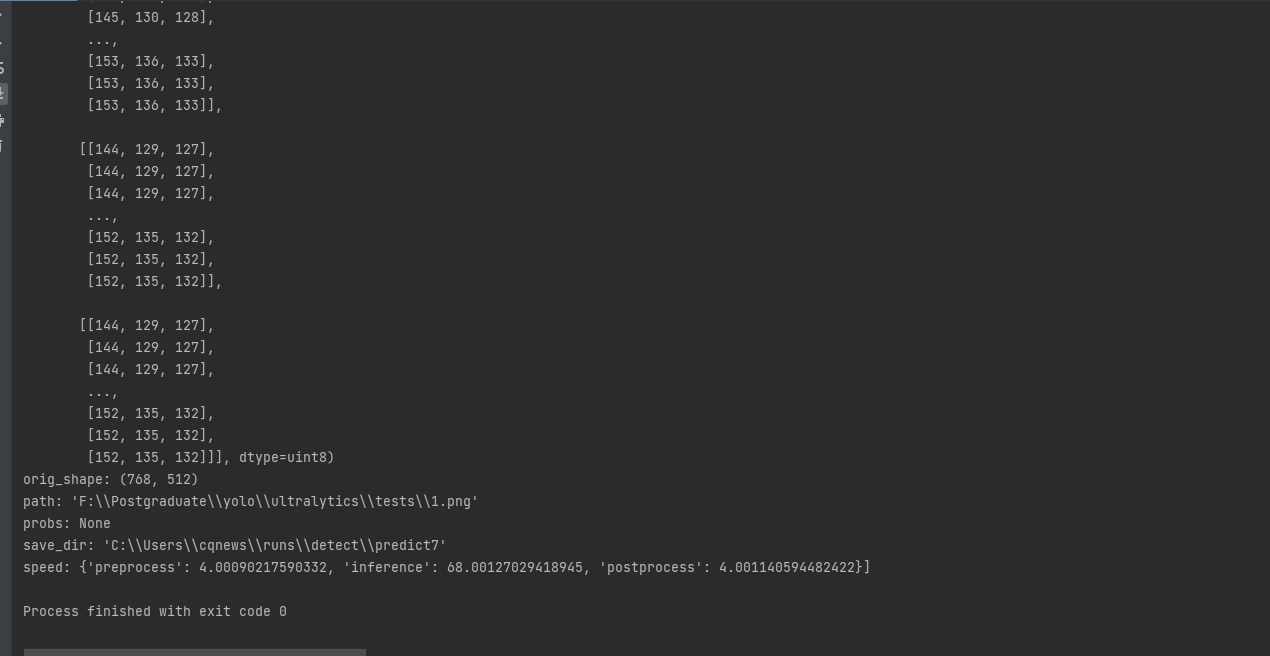
result = onnx_model.predict(source='1.png', save=True)
print(result)

简化

from ultralytics import YOLO

# Load a YOLOv8 model
model = YOLO("device.pt")

# Export the model
model.export(format="onnx", opset=12, simplify=True, dynamic=False, imgsz=640)

参考: https://blog.csdn.net/qq_29402011/article/details/140937125