






react native 发布成apk后网络请求会报 network error 是因为android9以后http协议不能用,要用htts协议。需要改成配置能兼容http协议,修改信息如下:
android:networkSecurityConfig="@xml/network_security_config"
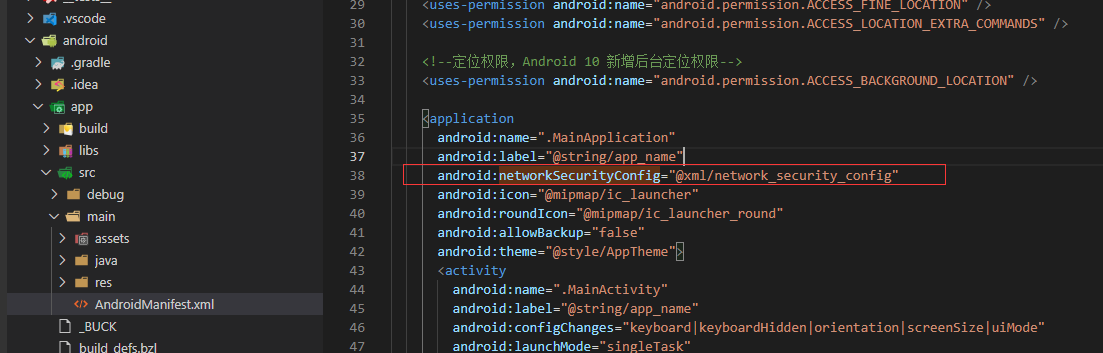
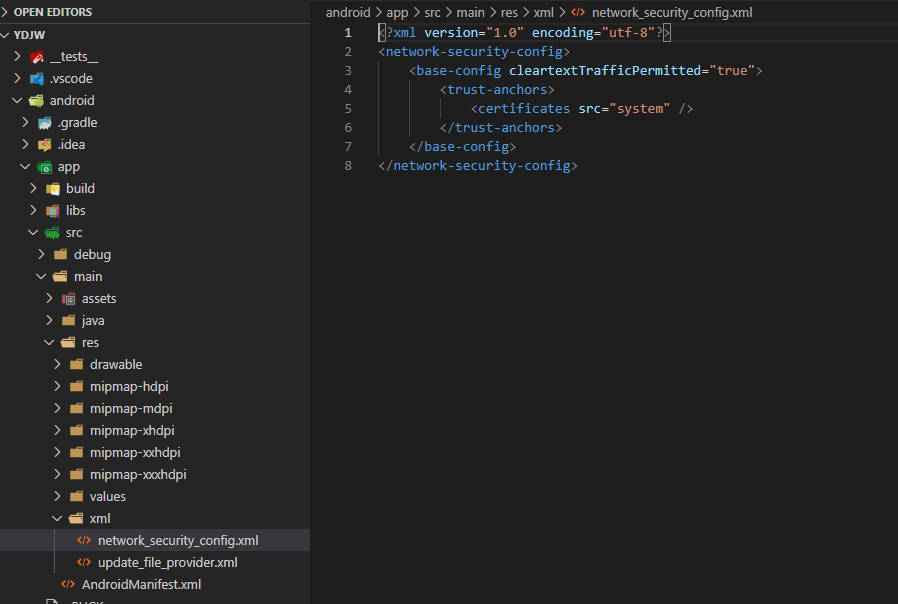
android\app\src\main\res 目录新增两个文件 network_security_config.xml 和 update_file_provider.xml 配置信息如下
<?xml version="1.0" encoding="utf-8"?>
<network-security-config>
    <base-config cleartextTrafficPermitted="true">
        <trust-anchors>
            <certificates src="system" />
        </trust-anchors>
    </base-config>
</network-security-config>
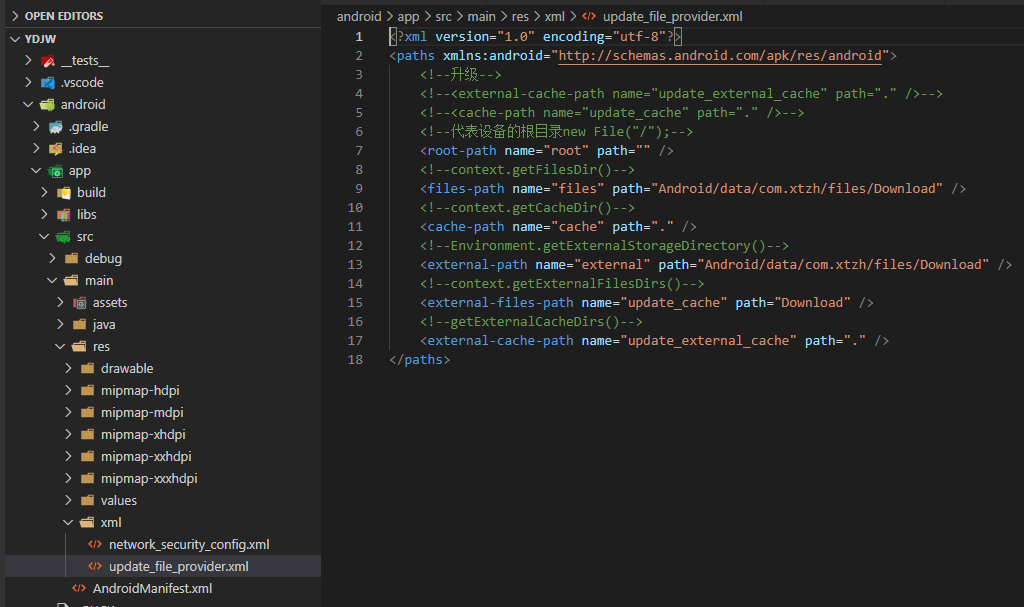
<?xml version="1.0" encoding="utf-8"?>
<paths xmlns:android="http://schemas.android.com/apk/res/android">
    <!--升级-->
    <!--<external-cache-path name="update_external_cache" path="." />-->
    <!--<cache-path name="update_cache" path="." />-->
    <!--代表设备的根目录new File("/");-->
    <root-path name="root" path="" />
    <!--context.getFilesDir()-->
    <files-path name="files" path="Android/data/com.xtzh/files/Download" />
    <!--context.getCacheDir()-->
    <cache-path name="cache" path="." />
    <!--Environment.getExternalStorageDirectory()-->
    <external-path name="external" path="Android/data/com.xtzh/files/Download" />
    <!--context.getExternalFilesDirs()-->
    <external-files-path name="update_cache" path="Download" />
    <!--getExternalCacheDirs()-->
    <external-cache-path name="update_external_cache" path="." />
</paths>
此内容由惯性聚合(RSS阅读器)自动聚合整理,仅供阅读参考。 原文来自 — 版权归原作者所有。