








Growing a membership means paying attention to the groups that keep changing. Who signed up last week? Which subscribers haven't engaged in the past three months? How many annual renewals land in the next 30 days?
We recently shipped saved member views to keep the member filters you use most in your sidebar, ready whenever you need them. But the dates inside them were fixed.
Now the window moves with you.
A new "in the last" operator filters your members by relative dates — allowing you to create views like "new members in the last 30 days" or "newsletter subscribers not seen in the last 90 days." Each time you load the view, the window rolls forward, surfacing the right members over the right timeframe.
0:00
/0:25
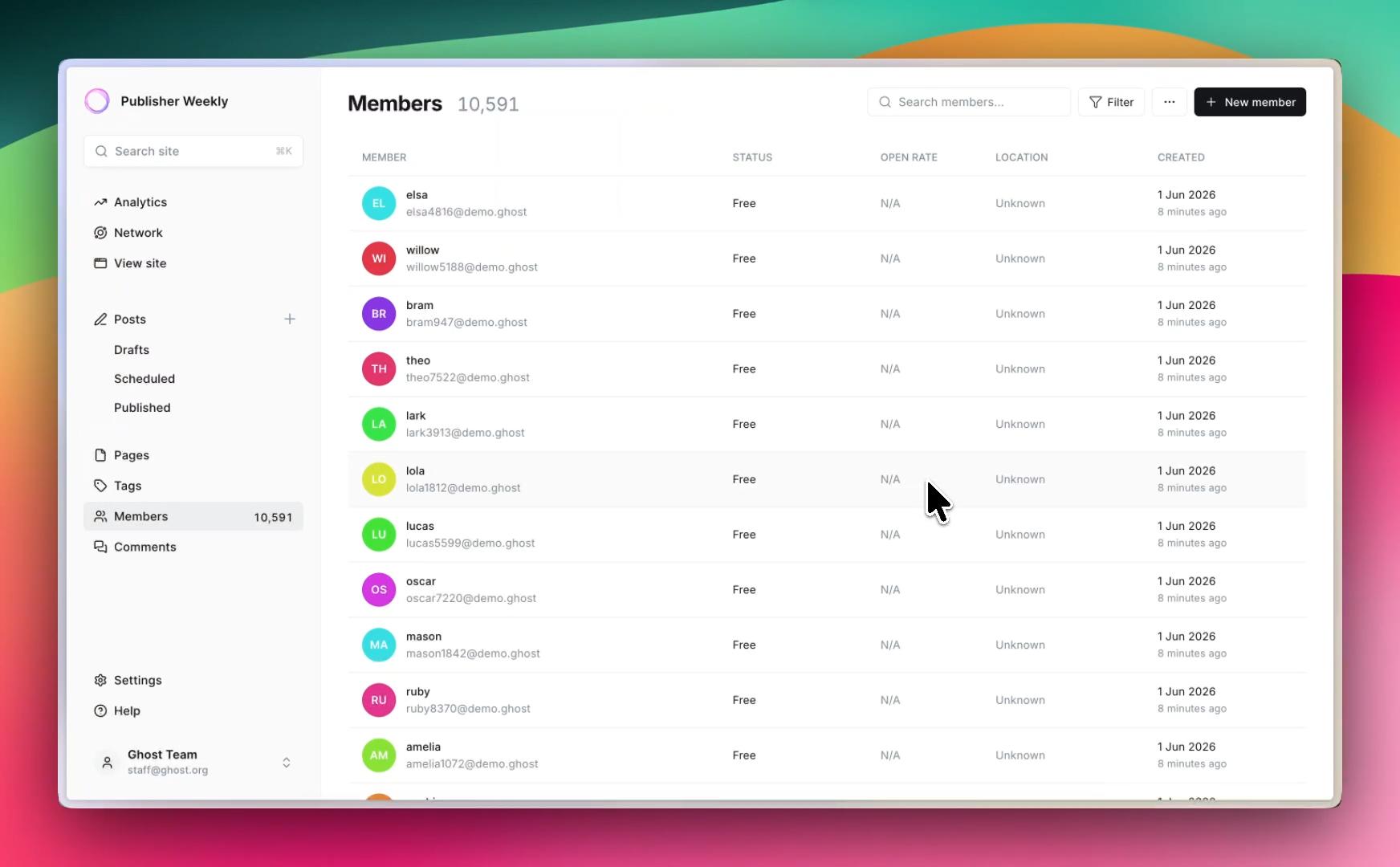
The logic runs the other way too. Filter billing dates for "in the next" 30 days to catch annual renewals on the horizon.
A saved view turns into a live audience to act on — whether that's sending an offer to your newest members or re-engaging readers you haven't seen in a while.
Head to Members in Ghost Admin and filter by any date to start using the new relative options.
Ghost(Pro) users can log in and start enjoying all of this right away! If you're a developer, self-hosting Ghost, you'll need to update to the latest version to get access to everything that's new.
If there are ways you think this feature could be more valuable based on the way you use Ghost, we’d like to hear it. Let us know using the feedback link in the left sidebar of Ghost Admin.