










I’ve been experimenting with a few different e-ink products lately, and I really like the idea of technology that’s a bit less harsh and distracting than traditional bright LCD or OLED displays. E-ink displays also use very little power and are easy to read outdoors.
Most of the e-ink products I’ve tried, however, have been fairly static displays that don’t change for minutes or even hours at a time. So when Bigme reached out and asked if I’d like to try one of its colour e-ink readers, I was interested to see what happens when you try to use e-ink for something a little more everyday.
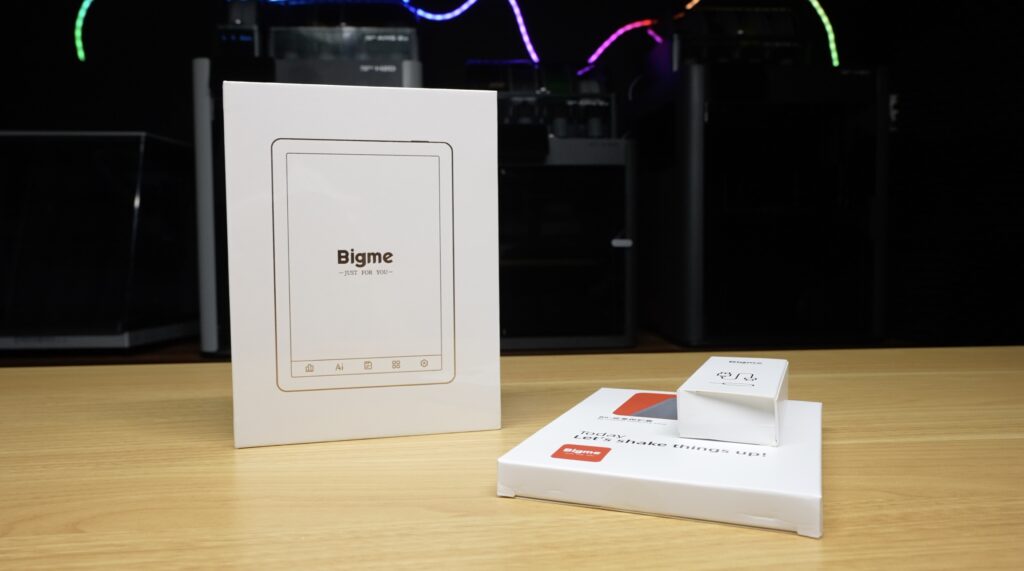
The device I’ve been testing is the Bigme B6, a six-inch colour e-ink reader. Unlike something like a Kindle, though, it runs Android 14 and has full access to the Google Play Store.
That means you can install an e-reader app, but you can also install Chrome, Gmail, Spotify, Reddit, or just about any other Android app. I’ve been using the B6 for the past two weeks to find out how much of what we normally use a phone or tablet for can practically be done on an e-ink display.
Here’s my video review of the Bigme B6, read on for my written review:
https://youtu.be/nhdxiMMEBeo
Some of the above parts are affiliate links. By purchasing products through the above links, you’ll be supporting my projects, at no additional cost to you.
I’ve been testing the black version of the B6 along with one of Bigme’s leather covers. This particular model has 4GB of RAM and 64GB of storage. The 4GB + 64GB version sells for $179 and the 2GB + 32GB version sells for $159 at the time of writing this post.
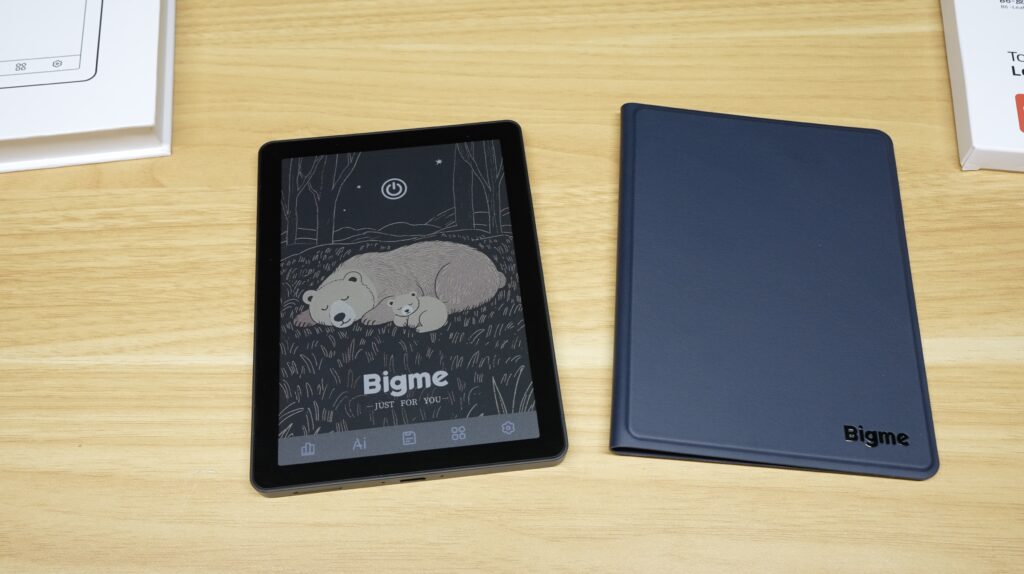
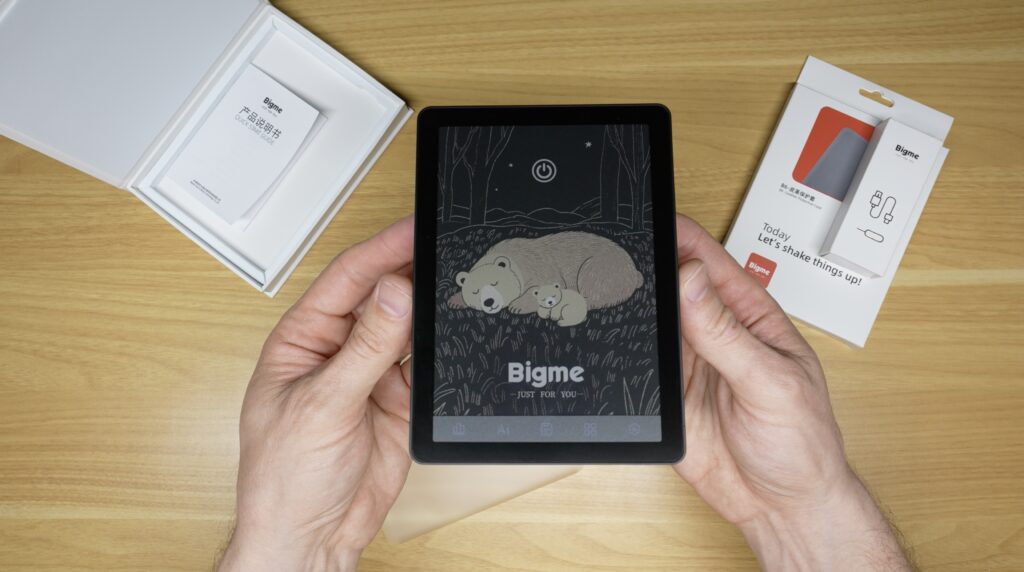
The first thing I noticed when I took it out of the box was how small it is. The display is six inches, so the device isn’t much larger than a modern smartphone, although it is quite a bit wider. It’s also only 7mm thick without the cover.
The cover attaches magnetically and automatically puts the B6 to sleep when you close it. If you’re mainly going to use the B6 for reading, I’d probably use it with the cover most of the time.
There’s also a microSD card slot at the bottom that supports cards up to 1TB. For ebooks, that’s way more storage than you’d ever need, but it could be useful for storing audiobooks, PDFs, images or other media locally.
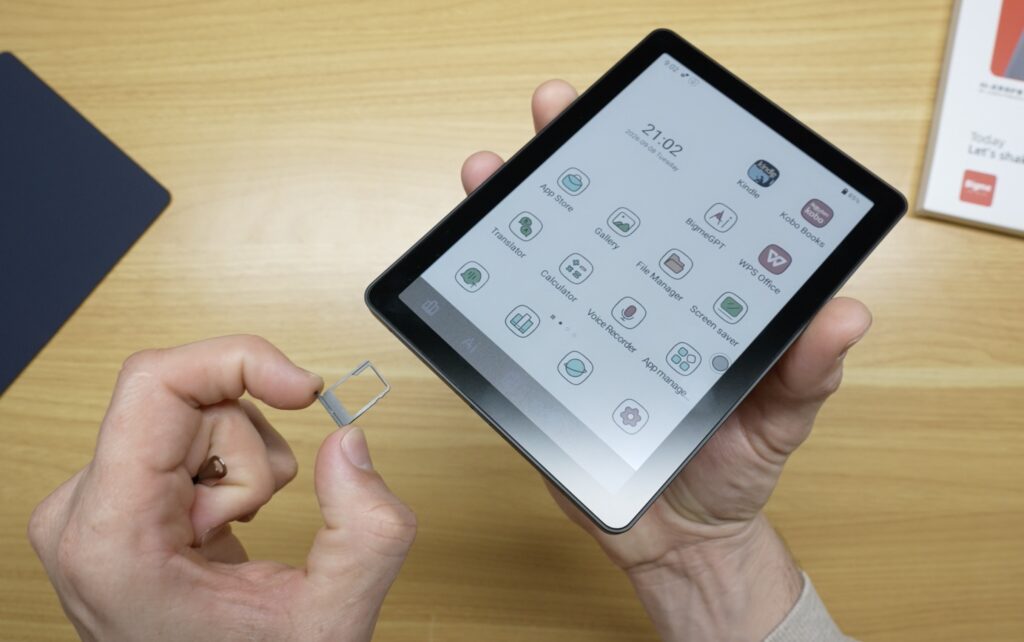
The most interesting part of the B6 is obviously its display.
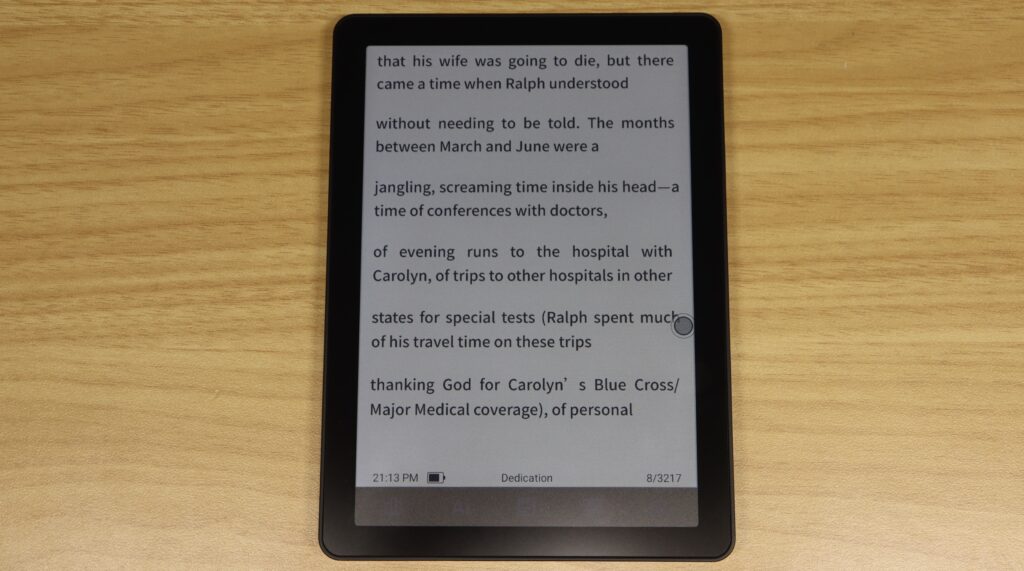
It uses a Kaleido 3 colour e-paper panel. For black-and-white content, it runs at 300 pixels per inch, while colour content is displayed at 150 PPI.
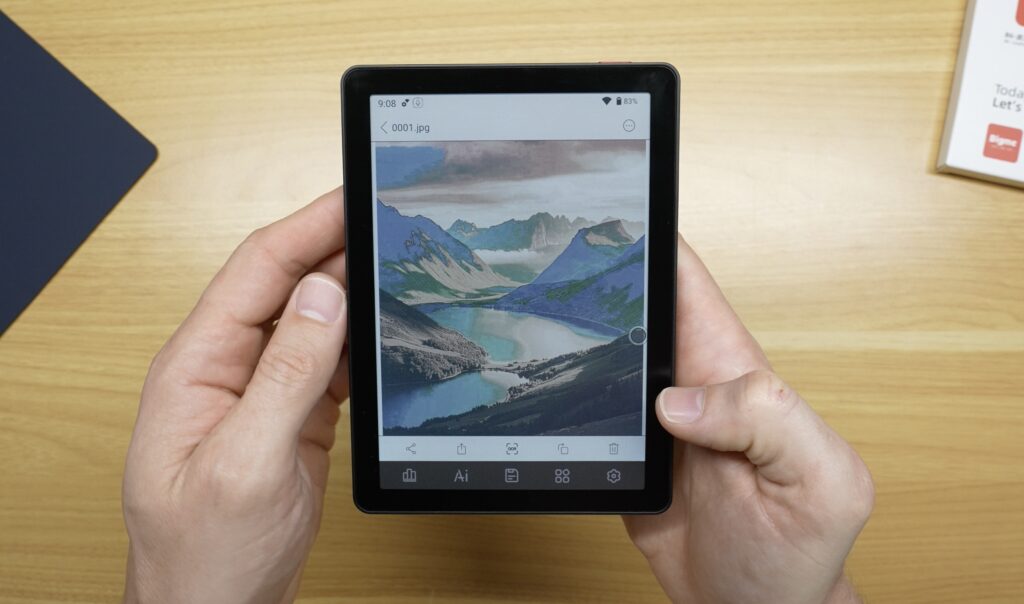
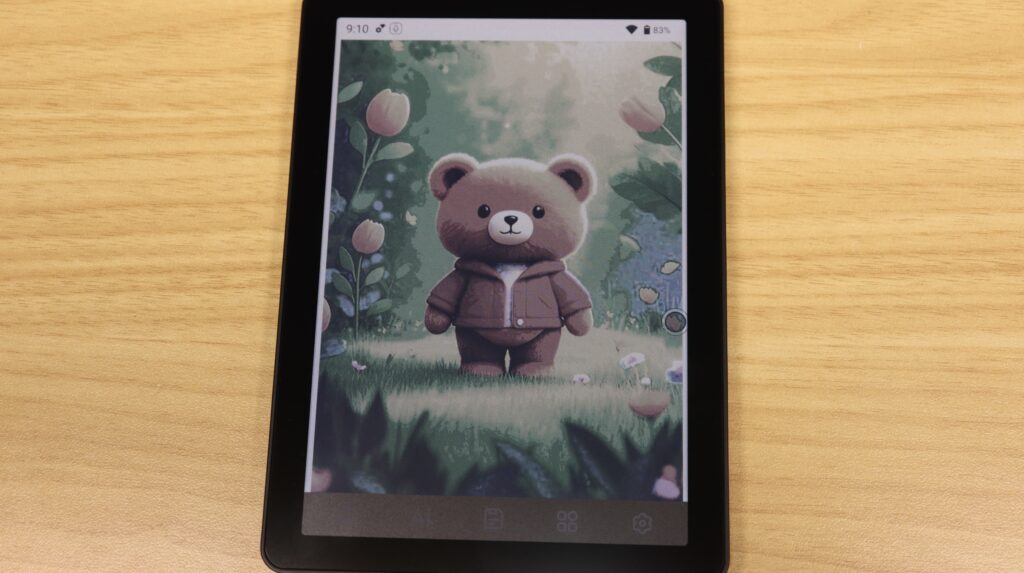
If you’ve never used colour e-ink before, the first thing to understand is that these displays do not look like the screen on a phone or iPad. Colours are considerably more muted. They’re closer to something printed on newspaper or from an inkjet printer than the bright, saturated colours you’d get from an LCD or OLED display.
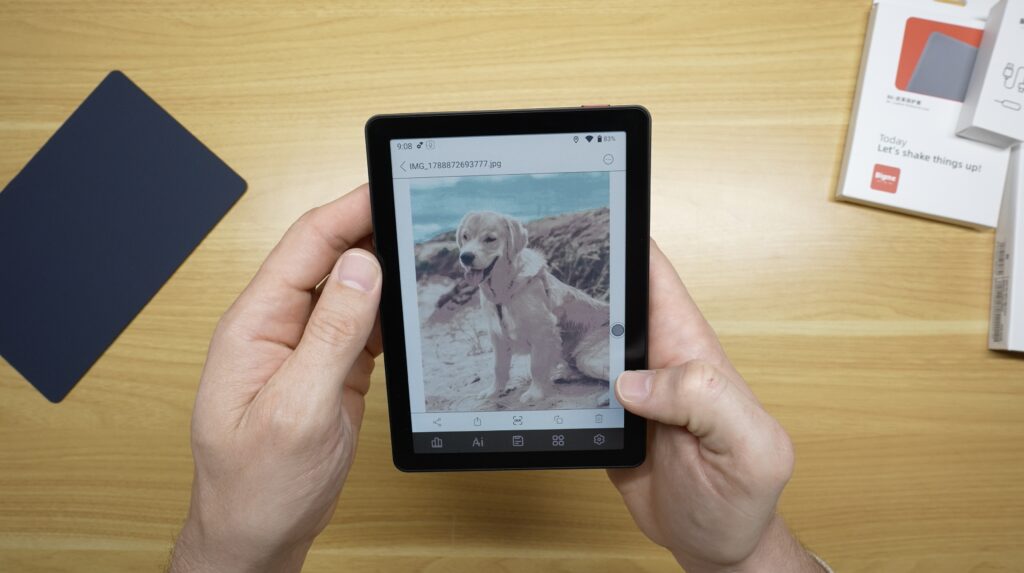
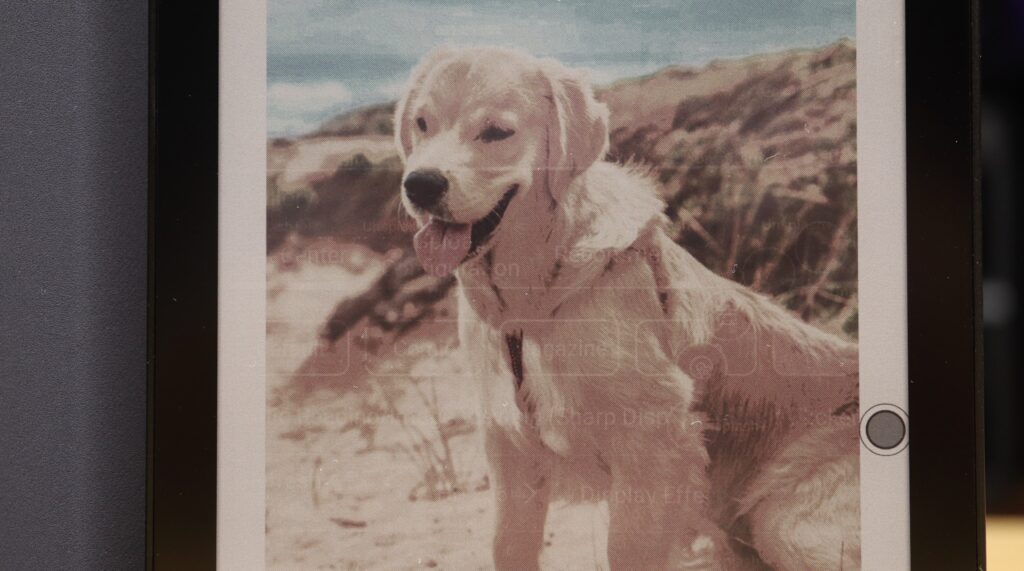
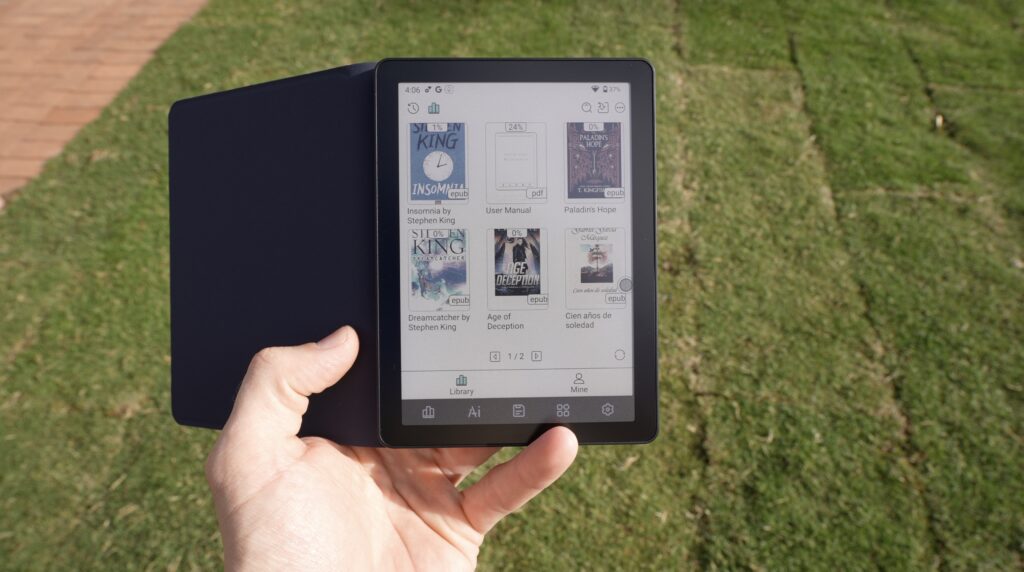
Initially, this may come across as a bit disappointing, but there are some benefits to it. Take the B6 outside and the display remains really easy to see. There’s no glare from a backlight fighting against the sun, and text in particular looks really sharp. That’s one of the main reasons e-ink is so good for reading.
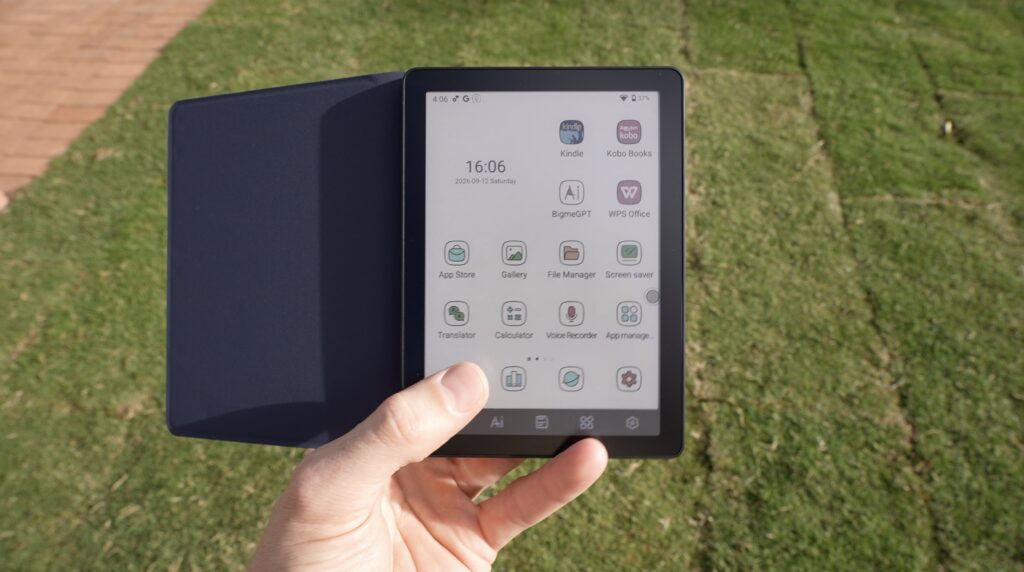
The B6 also has a dual-colour-temperature adjustable display light. Technically, this is a front light rather than a backlight. Brightness and colour temperature are both fully adjustable using sliders, and Bigme also provides a selection of presets for making quick adjustments.
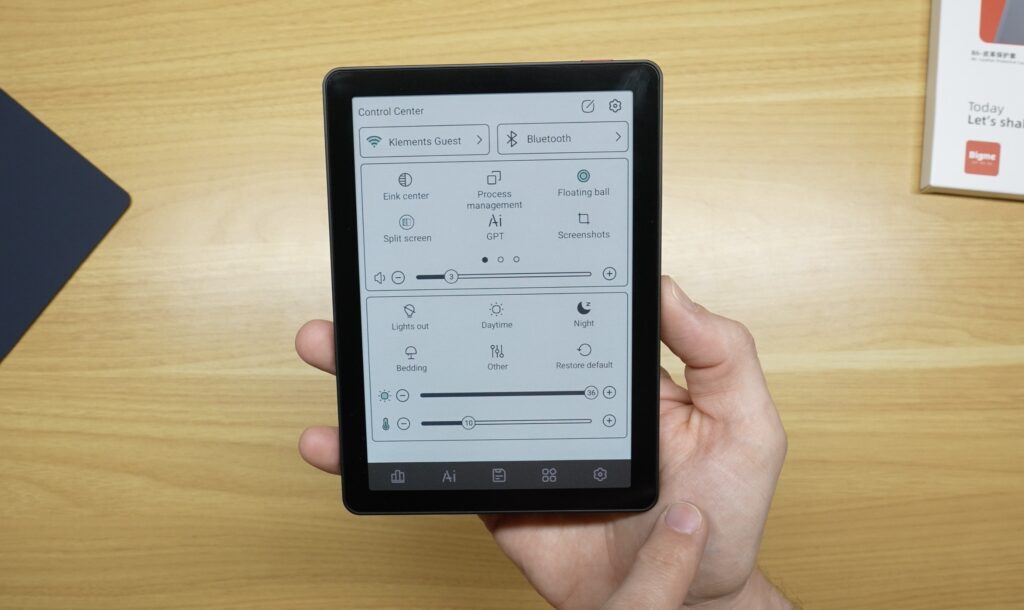
The obvious problem with trying to use e-ink for something other than reading is its refresh rate. Traditional e-ink is fantastic when nothing is moving, but the moment you start scrolling, e-ink displays tend to struggle.
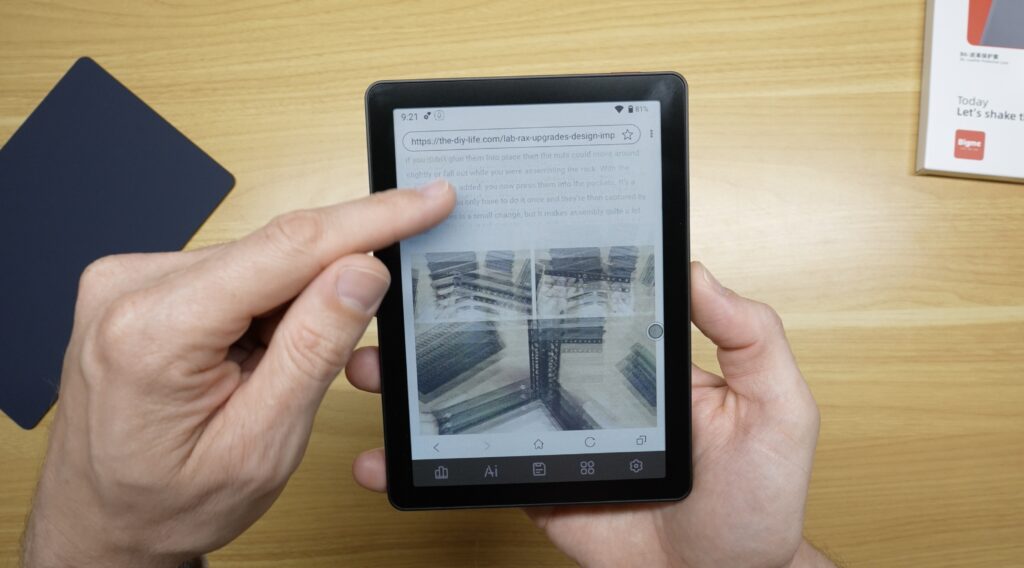
Bigme gets around this to some extent with a selection of presets and four different refresh modes. These essentially allow you to choose between prioritising image quality or refresh speed.
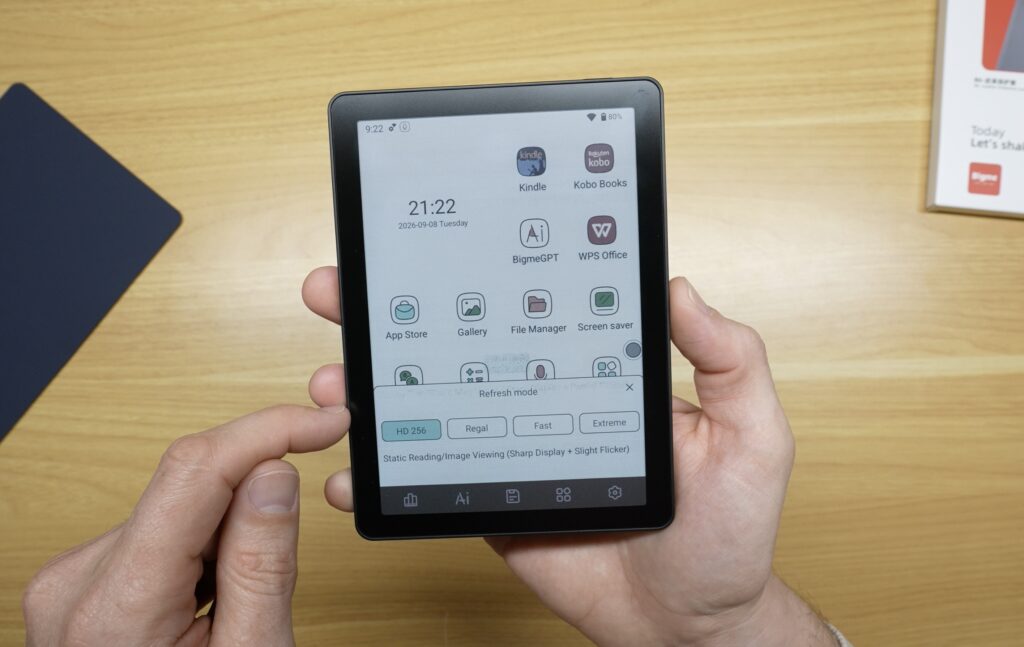
At the slower end, you get a very clean image that’s great for reading, but the refresh rate becomes distracting when scrolling or viewing dynamic content.
Increase the refresh rate and dynamic content becomes smoother, but you start introducing artefacts and ghosting.
At its fastest setting, Bigme claims the display can refresh at up to 30 frames per second. Scrolling is noticeably better in this mode, although there is also a lot more ghosting. This refresh rate means you can actually watch YouTube on the Bigme B6.
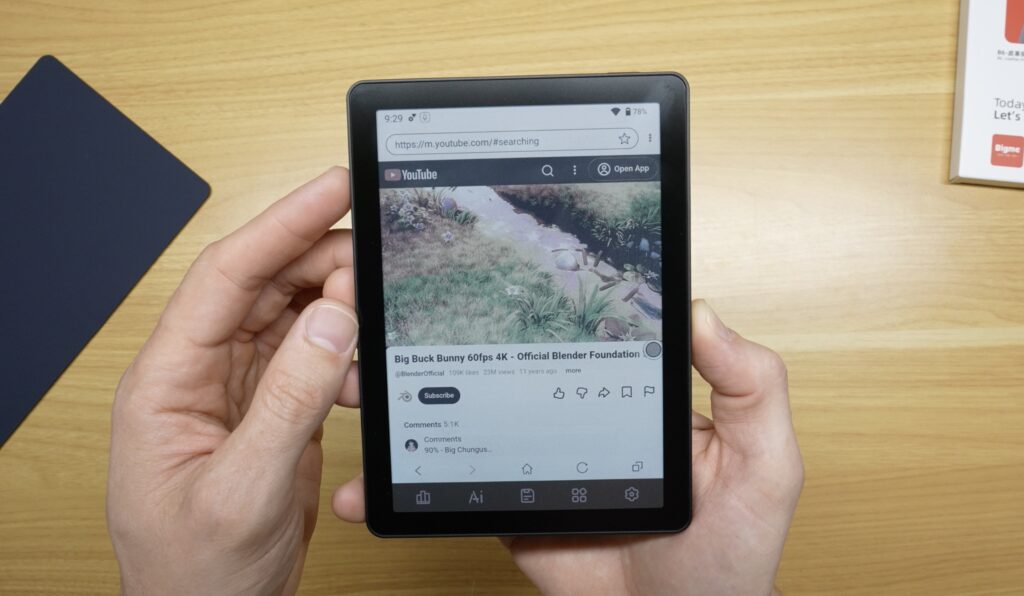
I obviously wouldn’t recommend buying an e-ink reader specifically to watch YouTube. Even with the faster refresh rate, the colours are muted, the image isn’t particularly detailed or sharp, and there’s still some ghosting. The fact that video is even watchable is quite impressive, though. This simply wasn’t possible a few years ago, when a single refresh could take 10–15 seconds.
More importantly, the improved refresh rate makes normal applications that involve a bit of scrolling very usable.
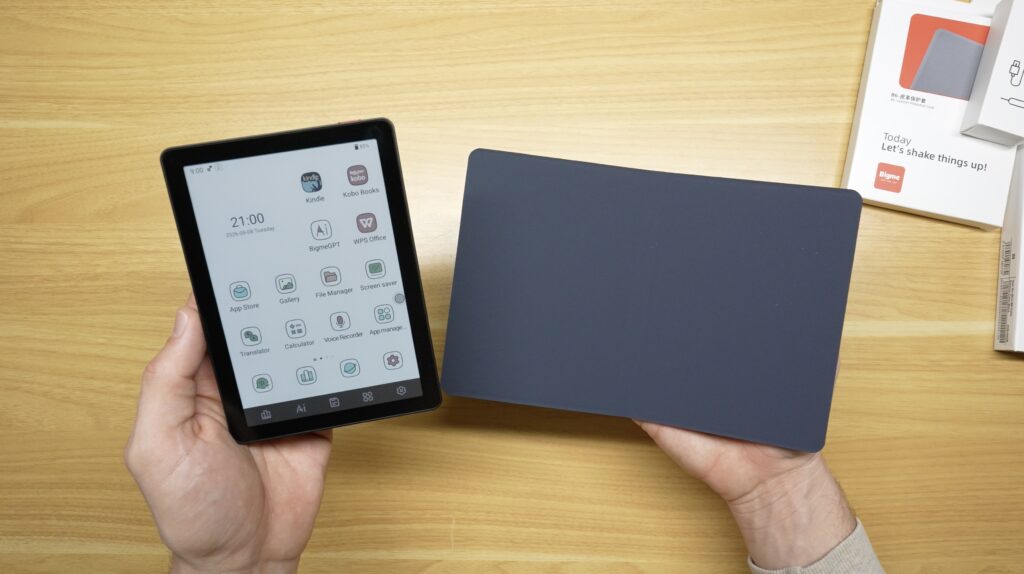
This brings me to the feature that makes the B6 particularly interesting. Unlike devices that function solely as e-ink readers, the B6 is more like an Android device that happens to have an e-ink display. It runs Android 14 and has access to the Google Play Store, so I can sign into my Google account and install apps in much the same way I would on any other Android device.
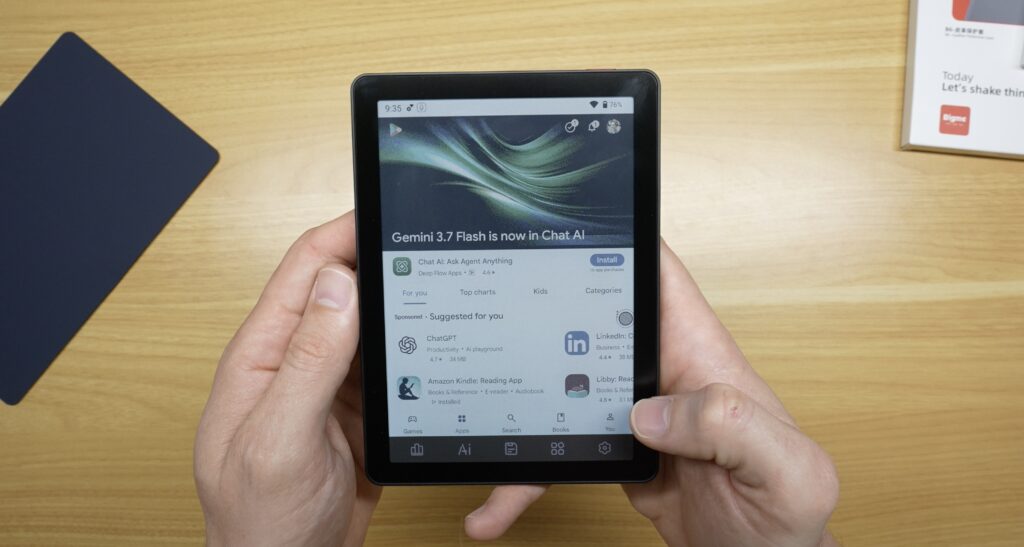
That means you’re not tied to a particular ebook ecosystem. You can install Kindle, Kobo or Libby, and if you have your own collection of ebooks or PDFs, you can load those onto the internal storage or a microSD card.
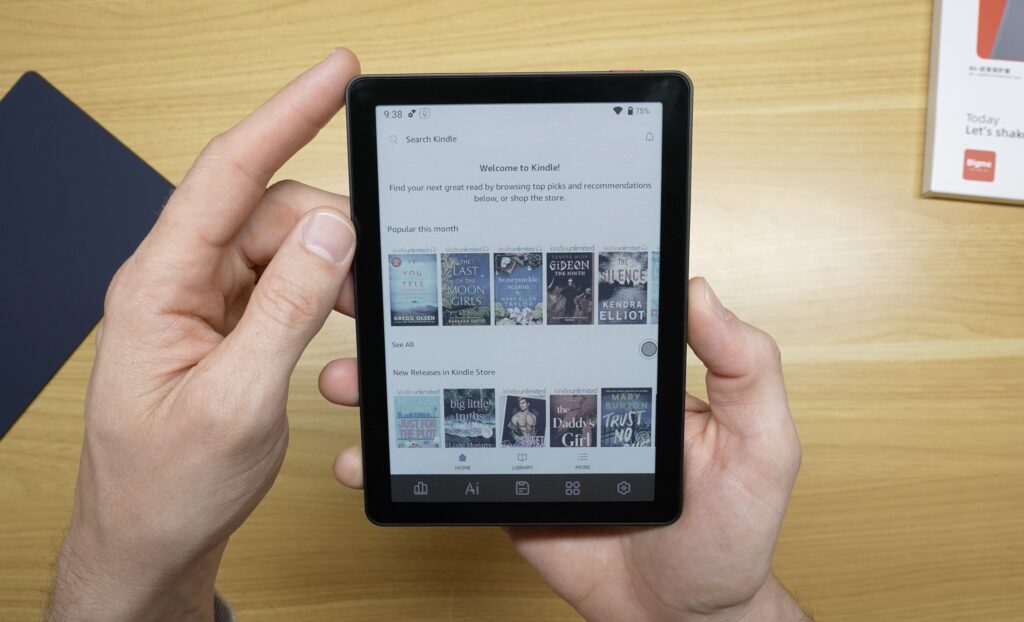
You can also install apps that have nothing to do with books. For example, I’ve installed Gmail.
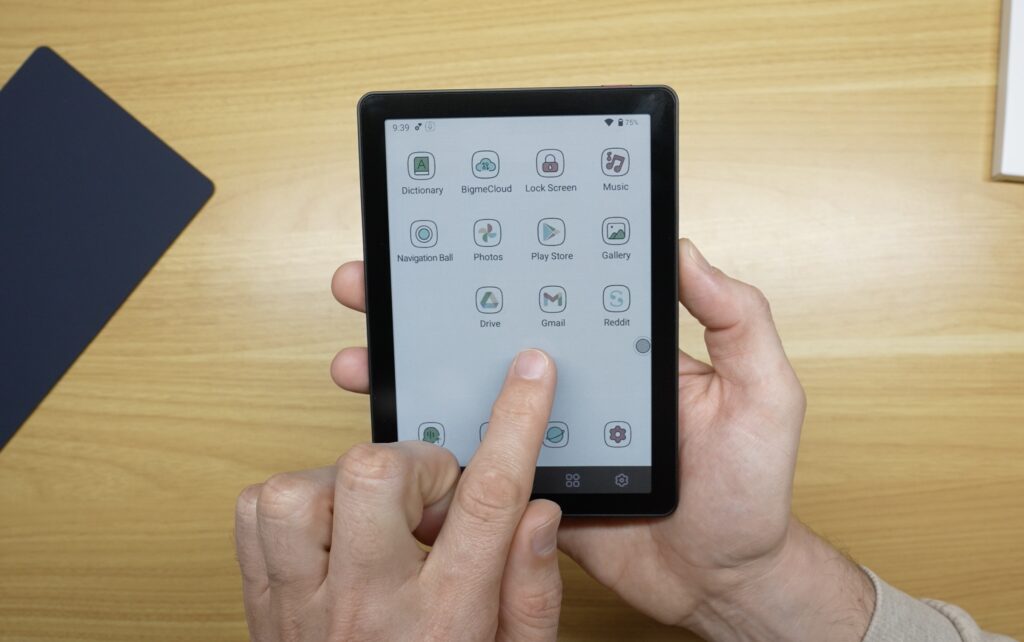
This is where I’ve found the B6 to be more useful than I expected. I’m not particularly interested in replacing my phone with it, but there are quite a few situations where I don’t necessarily want everything my phone provides.
As with the other e-ink devices I’ve tried, one of my favourite things about using the B6 is the reduced distraction. If I pick up my phone to read something, I’ve also got messages, YouTube, Instagram, Facebook and a dozen other apps and widgets competing for my attention. The B6 can technically run many of those apps as well, but without all of the bright colours and lights, I find them a lot less appealing.
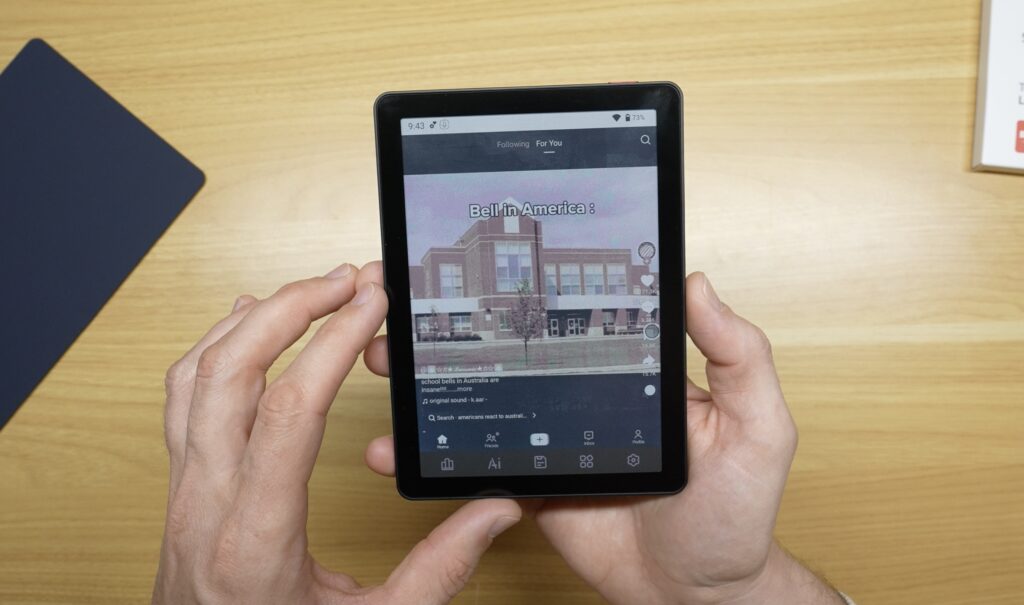
Instead, I can sit down and read an article, look at my tasks or read an ebook. Because the display isn’t particularly good at all of the distracting stuff, there’s much less temptation to disappear down a rabbit hole. It’s one of those advantages that’s difficult to appreciate from a specification sheet.
The B6’s primary purpose is obviously still reading, and for that, it’s pretty good. The 300 PPI black-and-white resolution means text is sharp, and because the B6 runs Android, you can choose whichever reading ecosystem you prefer rather than being locked into one.
Colour also adds to the experience. Book covers look better, diagrams can use colour, highlighting is easier to see, and comics are much more interesting.
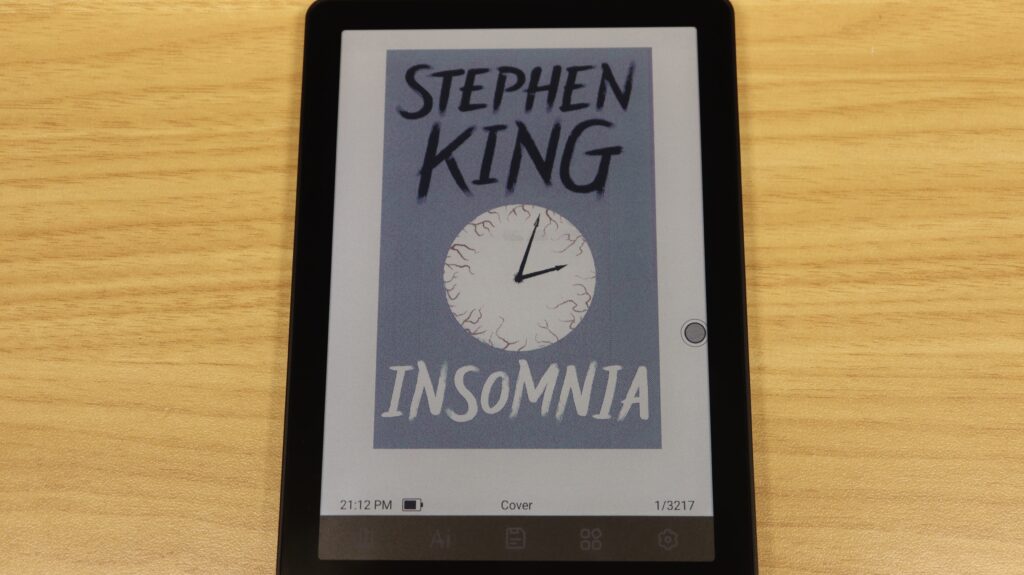
The biggest limitation is probably just the physical size. Six inches is great for portability and novels, but for large PDFs, drawings or full-size documents, I’d personally want one of Bigme’s larger devices.
There’s also a slightly unexpected side to the B6, Bigme has built several AI tools into it. The main one is its chat functionality, which extends to tools such as translation, text extraction and content writing.
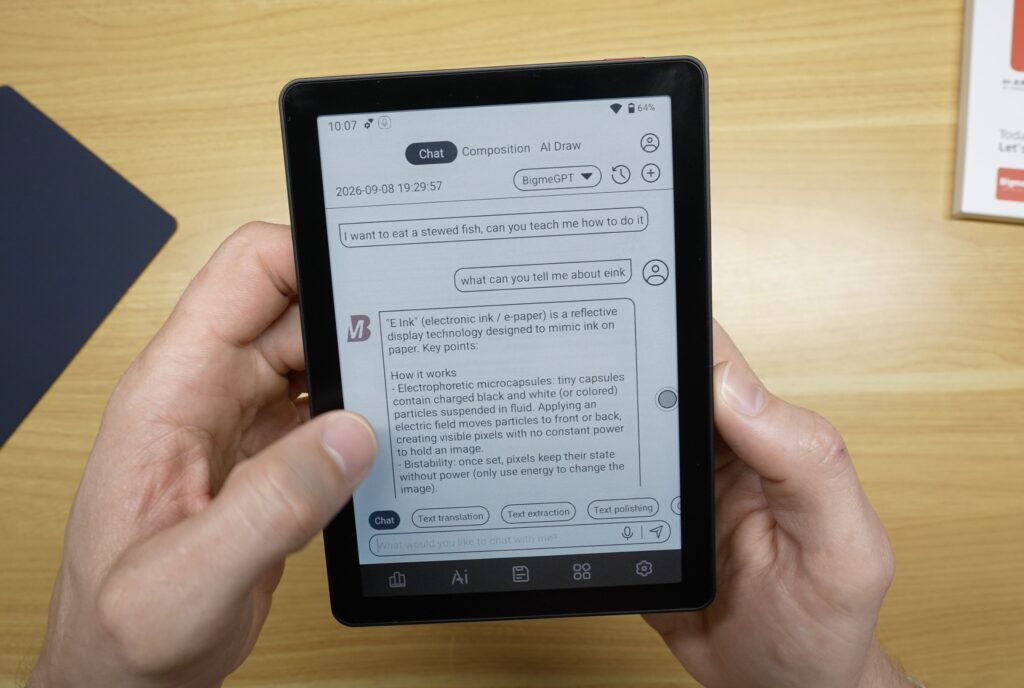
There’s also a dedicated content writer and an AI drawing tool.
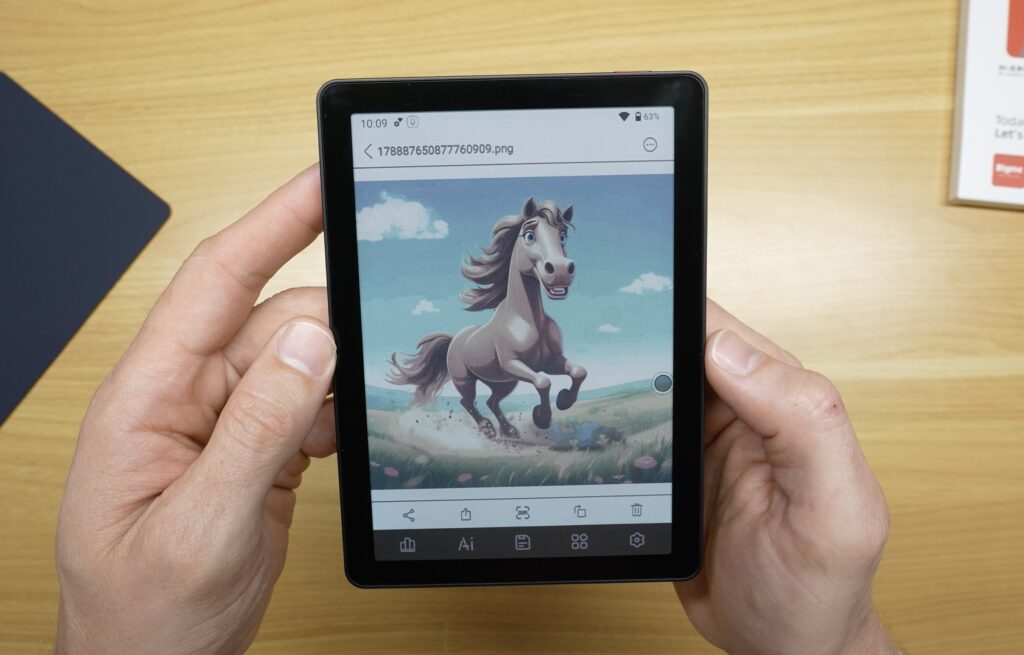
How useful these features are will depend heavily on what you’re using the device for. If you’re a student attending lectures, for example, or you’re taking the B6 into meetings, there’s some appeal in being able to record the session, generate a transcript and then create a summary without needing a second or third device.
Another reason people like e-ink devices is battery life. The B6 has a 2,100mAh battery. It doesn’t necessarily get weeks from a single charge, but it does seem to last several days with moderate use.
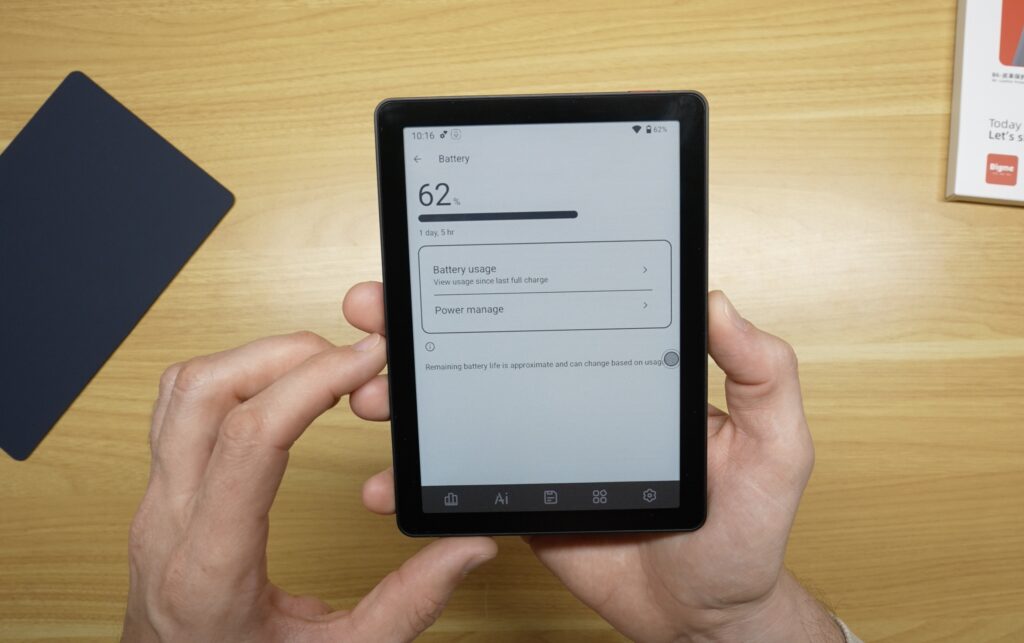
It’s still running Android, has Wi-Fi, a front light and fast screen refresh modes, all of which contribute to reducing battery life. Even so, it’s better than you’d typically get from a mobile phone or small tablet.
There are also a host of settings available to reduce power consumption, and at the more conservative end they can extend battery life quite significantly.
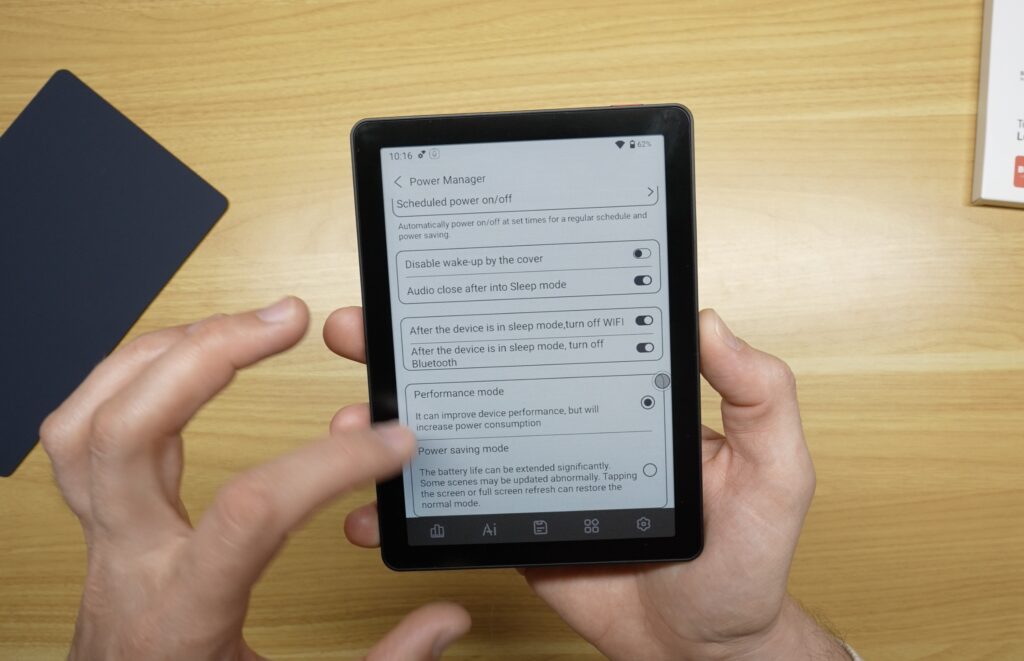
From my testing, if you’re using the B6 quite heavily like a mobile phone, as I’ve been doing during this review, you’ll get around 6–8 hours of continuous battery life. If you’re using it more like a conventional e-reader, you’ll get closer to a week. This will obviously vary significantly from person to person. Reading a locally stored ebook with Wi-Fi and the front light switched off is a very different workload from browsing the web or using AI transcription.
Compared with a conventional tablet, though, you’re probably not going to be reaching for the charger as often.
The B6 isn’t perfect, and there are a few things to be aware of before considering buying one.
The first is a limitation of colour e-ink displays in general. The screen isn’t white in the same way that a sheet of paper is white. Kaleido colour displays have an additional colour filter layer, so without the front light, the background looks darker or greyer than it does on a traditional monochrome e-reader.
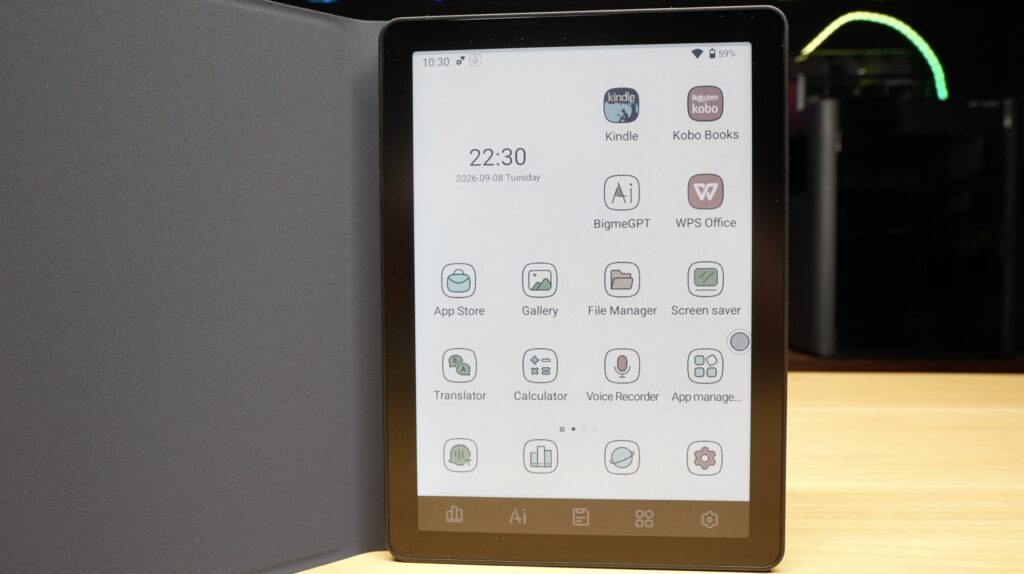
As I mentioned earlier, the colours are also muted. This isn’t a fault with the B6 specifically; it’s simply something you need to be aware of before buying a colour e-ink device.
The second compromise is responsiveness. The fast refresh modes are impressive for e-ink, but this still isn’t going to feel like a modern phone or tablet. There are moments where animations look strange, and scrolling can produce noticeable ghosting.
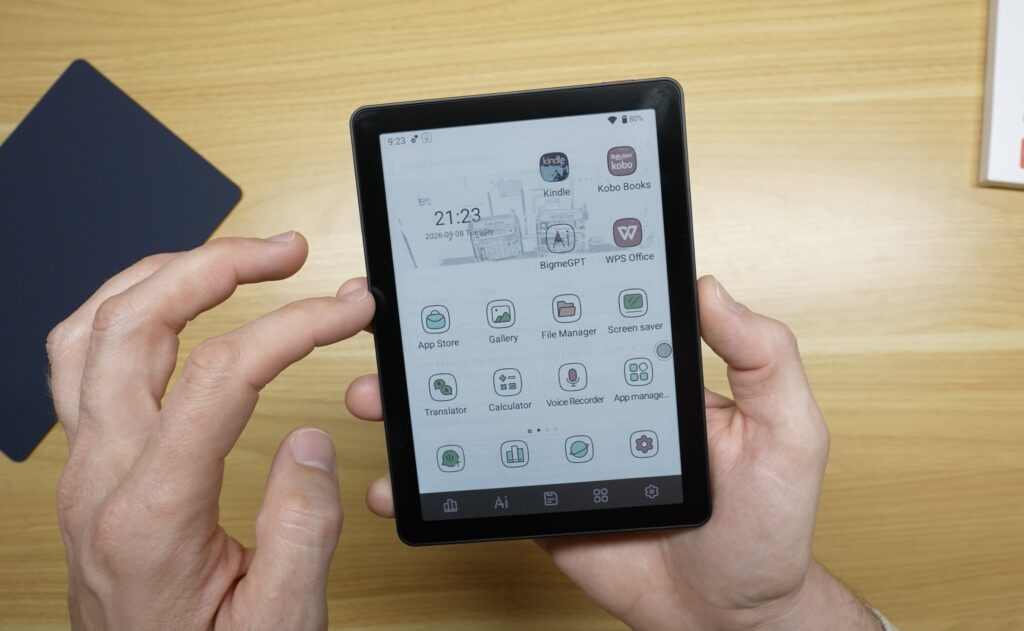
Lastly, running Android is both one of the B6’s greatest strengths and one of its weaknesses. You get a lot of flexibility to install apps and tailor the device to your specific needs, but battery life takes a hit. It also means the overall experience isn’t quite as integrated as you’d get from a dedicated, closed-down e-reader.
After using the Bigme B6 for the past two weeks, it’s helped me understand where I actually want e-ink in my life. I don’t particularly want an e-ink phone, and the B6 isn’t going to replace my iPad. But that’s not what it needs to do.
I like that it sits somewhere between a traditional e-reader and a small tablet. If I want to watch videos, edit photos or use social media, I’ll use a conventional tablet or laptop. But if I’m reading a book, going through a long article or video script, checking on tasks, or simply trying to get away from another bright screen, I’d genuinely rather use something like the B6.
E-ink is becoming fast and flexible enough that it doesn’t have to be restricted to displaying the same page of a book for 30 seconds at a time.
Having spent the last few months putting e-ink devices around my home, I can now see the appeal of having one in my pocket too.
If you’ve used an e-ink reader or tablet, I’d be interested to hear what you think of it in the comments below.
此内容由惯性聚合(RSS阅读器)自动聚合整理,仅供阅读参考。 原文来自 — 版权归原作者所有。