


惯性聚合 高效追踪和阅读你感兴趣的博客、新闻、科技资讯
阅读原文 在惯性聚合中打开

推荐订阅源

Engineering at Meta
Engineering at Meta
Cloudbric
Cloudbric
云风的 BLOG
云风的 BLOG
A
About on SuperTechFans
The GitHub Blog
The GitHub Blog
IT之家
IT之家
F
Full Disclosure
B
Blog RSS Feed
奇客Solidot–传递最新科技情报
奇客Solidot–传递最新科技情报
Hugging Face - Blog
Hugging Face - Blog
B
Blog
H
Help Net Security
The Cloudflare Blog
Recorded Future
Recorded Future
P
Proofpoint News Feed
P
Proofpoint News Feed
C
Cisco Blogs
T
Tailwind CSS Blog
P
Palo Alto Networks Blog
D
Docker
爱范儿
爱范儿
Know Your Adversary
Know Your Adversary
博客园 - 聂微东
D
Darknet – Hacking Tools, Hacker News & Cyber Security
Y
Y Combinator Blog
雷峰网
雷峰网
AWS News Blog
AWS News Blog
D
DataBreaches.Net
博客园 - 司徒正美
Threat Intelligence Blog | Flashpoint
博客园 - Franky
C
Cybersecurity and Infrastructure Security Agency CISA
Blog — PlanetScale
Blog — PlanetScale
cs.CL updates on arXiv.org
Latest news
Latest news
Google DeepMind News
Martin Fowler
Martin Fowler
MongoDB | Blog
MongoDB | Blog
C
CERT Recently Published Vulnerability Notes
阮一峰的网络日志
阮一峰的网络日志
K
KPMG report finds enterprise disconnect between AI and its ROI | CIO
C
CXSECURITY Database RSS Feed - CXSecurity.com
酷 壳 – CoolShell
酷 壳 – CoolShell
C
Cyber Attacks, Cyber Crime and Cyber Security
腾讯CDC
小众软件
小众软件
G
Google Developers Blog
Hacker News - Newest:
Hacker News - Newest: "LLM"
Scott Helme
Scott Helme
O
OpenAI News

Cirry's Blog

前端框架搭建需要注意的版本问题 - Cirry's Blog Vue3项目对接阿里云滑动验证功能 - Cirry's Blog Windows下使用Scoop包管理器 - Cirry's Blog 记录PayPal账户被盗刷后的资金找回过程 - Cirry's Blog 前端AI应用-SSE流式渲染 - Cirry's Blog S15总决赛KT vs T1的观后感 - Cirry's Blog 在上家公司工作五年离职了 - Cirry's Blog 解决前端打印痛点 - Cirry's Blog FC游戏《仙剑奇侠》攻略 - Cirry's Blog Docker安搭建rustdesk中继服务器 - Cirry's Blog FC游戏《黄金太阳》通关 - Cirry's Blog FC《荆轲新传》迷宫全地图 - Cirry's Blog 群晖安装acme.sh自动更新证书 - Cirry's Blog 群晖使用docker部署transmission - Cirry's Blog 群晖使用docker部署moviepilot-v2 - Cirry's Blog 父亲 - Cirry's Blog Rollup配置和常用插件 - Cirry's Blog 《机械迷城》通关图鉴和攻略 - Cirry's Blog Docker安装CI/CD工具Drone实现自动化部署博客 - Cirry's Blog
FilesGallery-0.13.1破解版无弹窗 - Cirry's Blog
2025-06-11 · via Cirry's Blog

FilesGallery官网

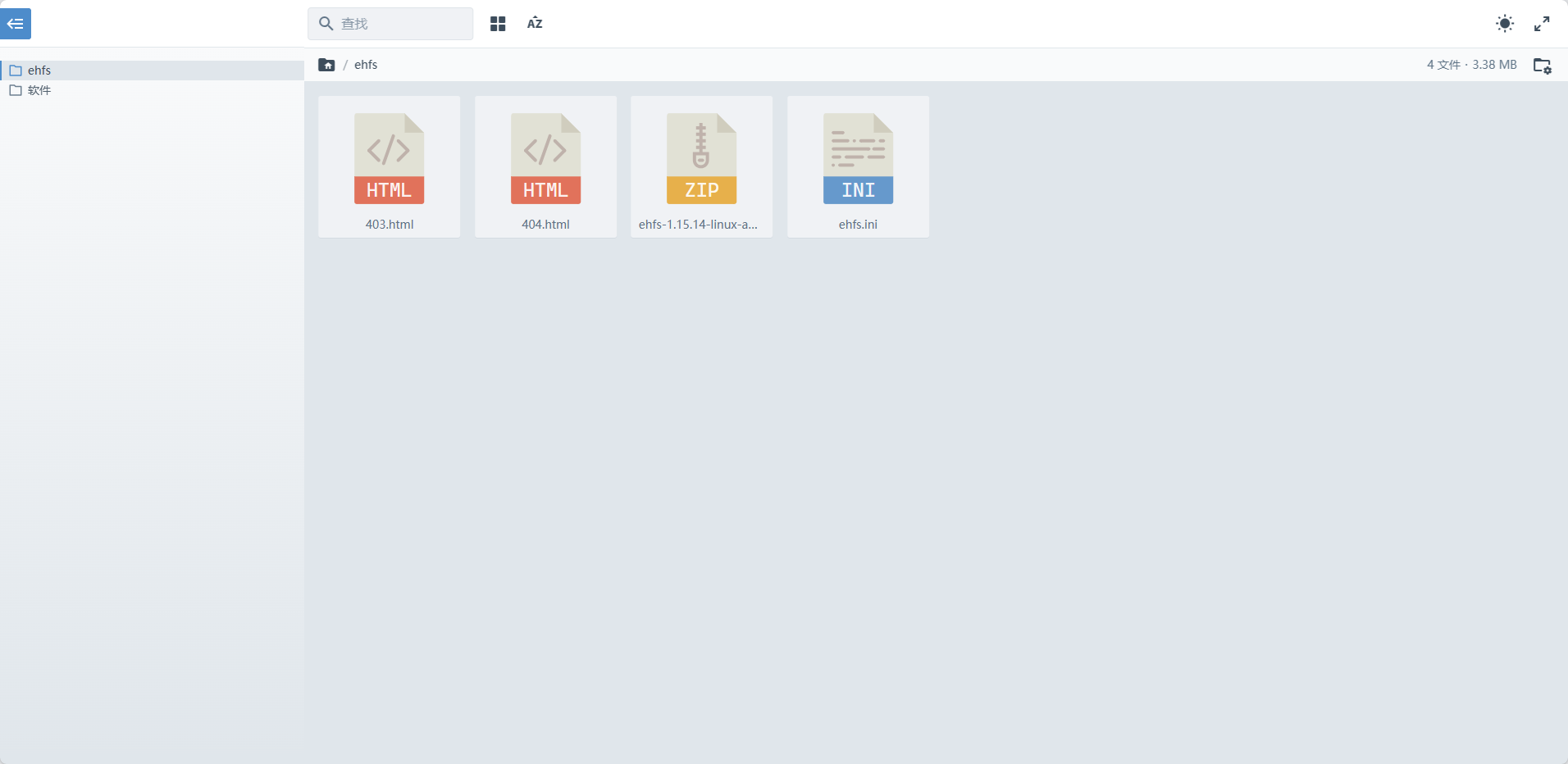
预览

我搭建的文件服务器

default

前提

安装php

因为官网提供的是php文件,所以我们还需要安装php让caddy支持php文件作为index页面。

安装PHP8.2

  1. Debian 12 的默认版本是 PHP 8.2。通过运行以下命令来安装它。

1

root@elegant-bounty-1:~# sudo apt-get install php-fpm php-cli php-pgsql php-mbstring php-xml php-gd

  1. 检查安装的 PHP 版本

1

root@elegant-bounty-1:~# php --version

2

PHP 8.2.28 (cli) (built: Mar 13 2025 18:21:38) (NTS)

3

Copyright (c) The PHP Group

4

Zend Engine v4.2.28, Copyright (c) Zend Technologies

5

with Zend OPcache v8.2.28, Copyright (c), by Zend Technologies

  1. 配置PHP-FPM

1

root@elegant-bounty-1:~# vi /etc/php/8.2/fpm/php.ini

2

3

# ...

4

upload_max_filesize = 50M

5

# ...

6

post_max_size = 50M

7

# ...

8

memory_limit = 256M

  1. 添加用户

这里需要添加一个用户,在caddy、sudo和php套接字组中,不然在后续的操作中,会遇到权限不足的问题,添加用户参考这里Debian11下创建用户和删除用户,在Debian12下同样适用。

假设我们这里添加的用户名称为cirry

  1. 修改套接字文件权限

1

root@elegant-bounty-1:~# vi /etc/php/8.2/fpm/pool.d/www.conf

2

...

3

; Unix user/group of processes

4

; Note: The user is mandatory. If the group is not set, the default user's group

5

; will be used.

6

user = cirry

7

group = cirry

8

# ...

9

listen.owner = cirry

10

listen.group = cirry

11

listen.mode = 0660

  1. 将Caddy用户加入PHP-FPM组

1

# 根据系统选择组名(Debian/Ubuntu用www-data,RHEL/CentOS用php-fpm)

2

sudo usermod -aG cirry caddy # Debian/Ubuntu

  1. 重启PHP-FPM和Caddy

1

sudo systemctl restart php8.2-fpm

2

sudo systemctl restart caddy

  1. 检查Caddy

1

journalctl -u caddy --since "5 minutes ago"

配置Caddy

1

root@elegant-bounty-1:~# vi /etc/caddy/Caddyfile

2

3

# xxx.xxx.xxx 填写自己的域名

4

# /var/www/files 填写FilesGallery的index.php存放的位置

5

# unix//run/php/php8.2-fpm.sock 不同版本名称不同,debian12就填这个

6

7

xxx.xxx.xxx {

8

root * /var/www/files

9

file_server

10

encode gzip

11

php_fastcgi unix//run/php/php8.2-fpm.sock

12

}

填写完成后,保存重启caddy。

1

root@elegant-bounty-1:~# systemctl restart caddy

查看网站

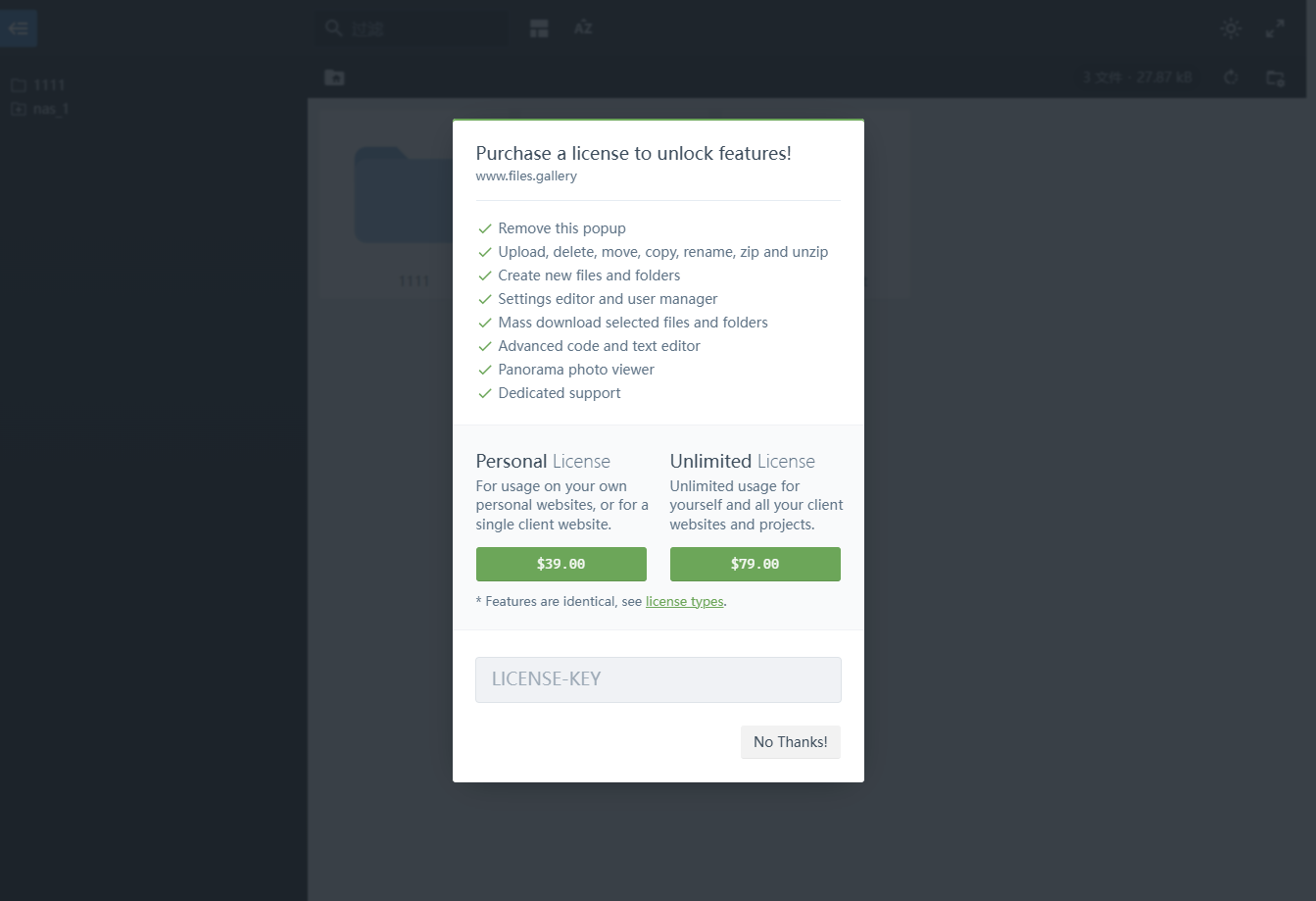
第一次打开网站,就会有个弹框提示
default

我是挺想支持的,但是这价格实在是太高了,单个网站39刀有点吃不消。

项目下载

项目安装完成后需要配置几个问题

  1. 解决官方文档的弹框问题
  2. 解决项目文件的远程加载卡顿问题

直接下载我提供的index.php和远程文件包就可以了,下载地址:FilesGallery-0.13.1

使用方式:

  • 用我提供的index.php替代官方的index.php。
  • _files下创建assets文件夹,将解压下来的文件,全部放入这个文件夹中,参考文档Self-hosted assets

参考文章