






Tag open-design-v0.15.0 — 118 PRs from 34 contributors in four days. Codename "Cost Less. Ship Faster." A leaner Design System Prompt cut time-to-first-token by 49.5%, end-to-end duration by 21.2%, and average input tokens by 25.1% in representative runs. The rest of the release smooths the whole creative loop: decks that feel like a workspace, website clone from a URL, conversations turned into motion, and failures that finally explain what to do next.
July 14, 2026 7 min read Product
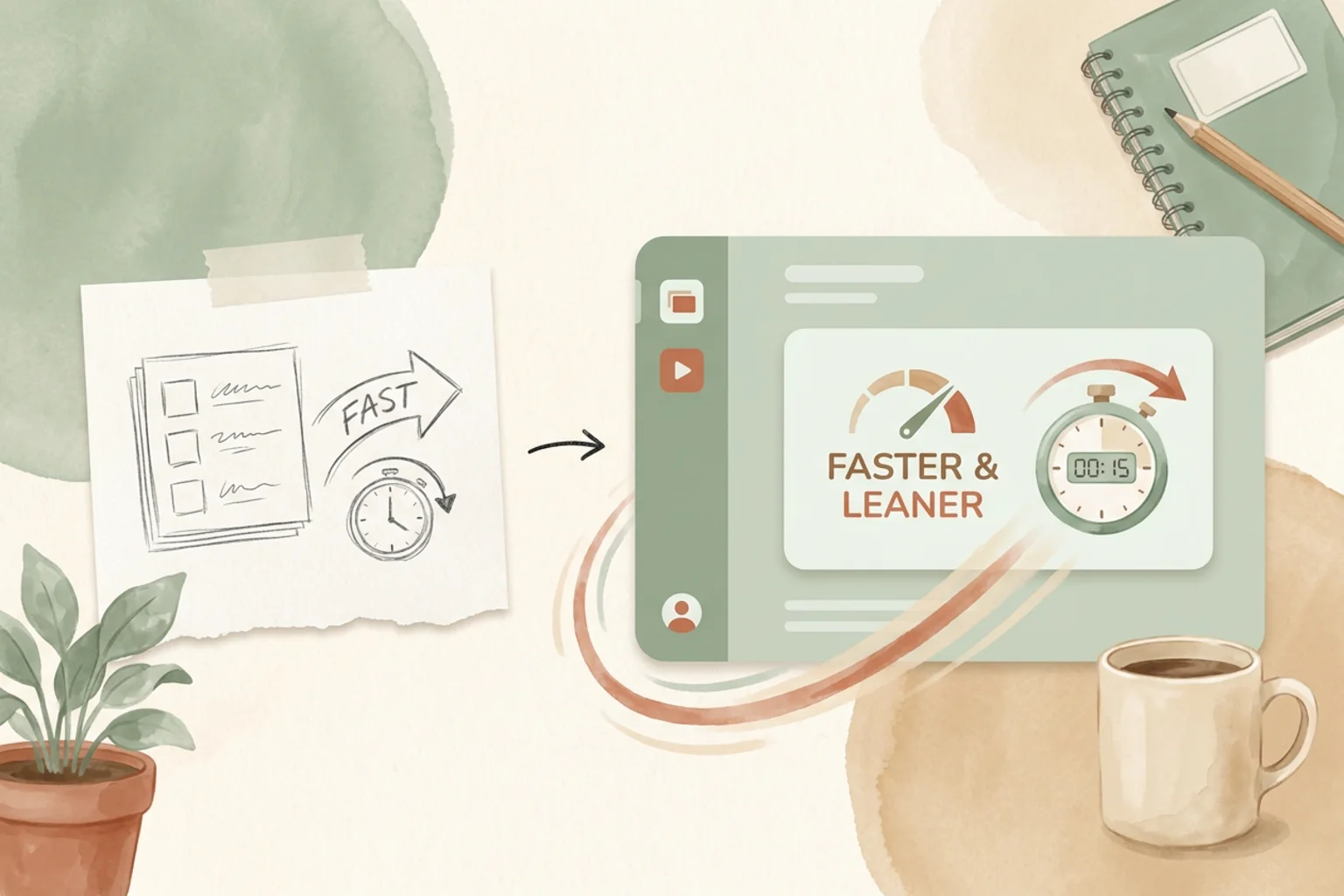
Tag open-design-v0.15.0, published on July 14, 2026. 118 PRs from 34 contributors in four days. Codename “Cost Less. Ship Faster.” The last two releases kept your work alive across interruptions and saved the ideas flow used to lose. This one goes after the tax you pay on every run: the wait before the first token, the tokens spent getting there, and the friction between a finished result and a shipped deliverable.
Want the full changelog? It lives in the release notes on GitHub. This is the short version: what changed underneath, what you can do with it today, and where to start.
The headline is quiet but it’s felt on every task. By optimizing the Design System Prompt, representative evaluation runs showed a 49.5% reduction in time to first token, a 21.2% reduction in end-to-end duration, and 25.1% lower average input-token use. Everyday design tasks now start sooner, spend fewer tokens getting there, and finish faster — the same work, at a lower cost, without you changing a thing about how you prompt.
That is the point of the codename. Cost less: fewer tokens per task. Ship faster: less waiting between the ask and the answer. Efficiency you don’t have to opt into.
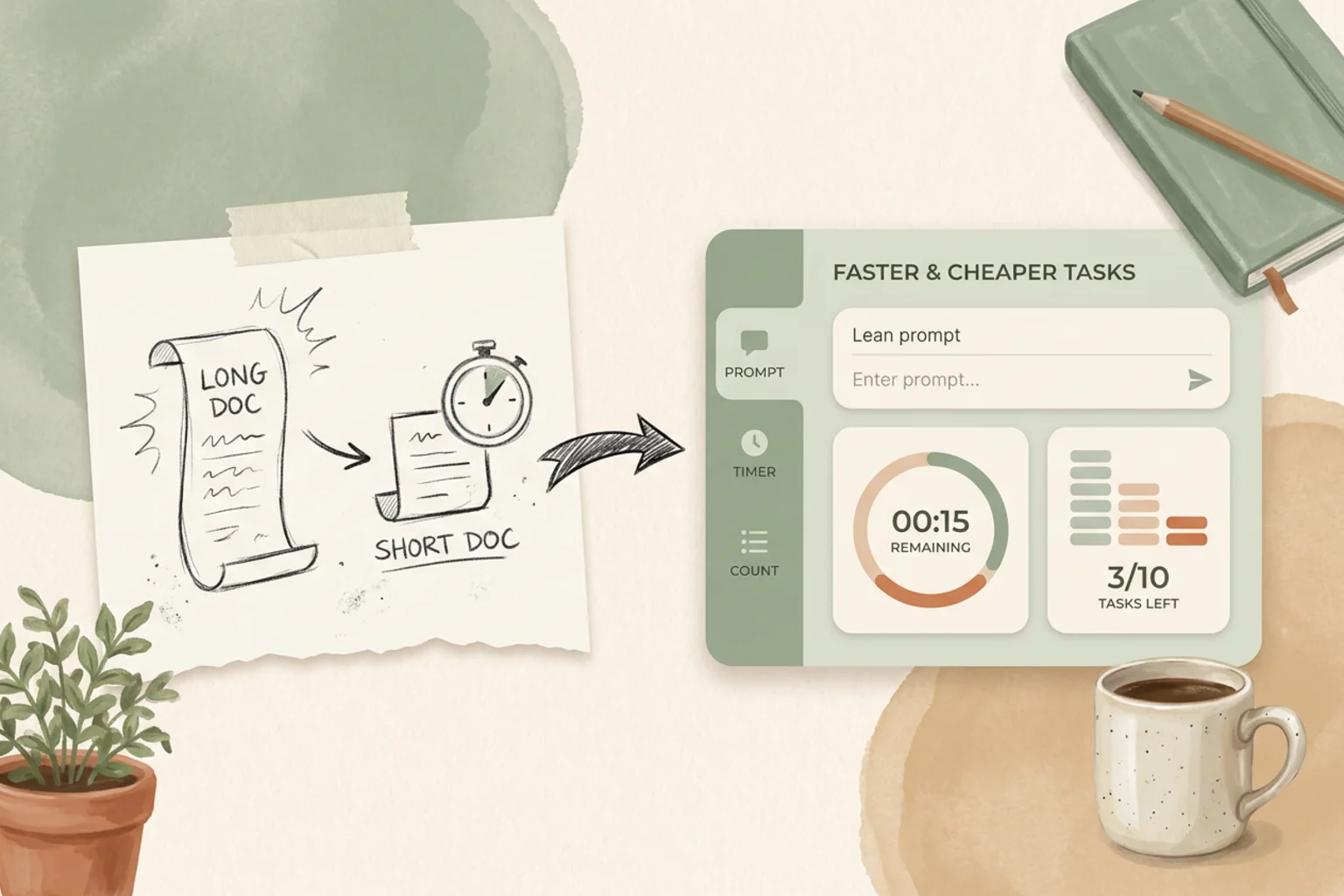
A finished deck should behave like a document you can drive, not a static preview you scroll past. In 0.15.0, multi-page decks get thumbnail navigation, direct page selection, and arrow / Home / End keyboard control — no more hunting for the controls. Speaker notes stay with the slide they belong to: read and edit them alongside the current slide, keep them in place, and see them in Presenter View without covering the audience-facing screen.
Presenting is a first-class mode now — enter an immersive presentation in the current tab or full screen, then move back and forward, pause, resume, or restart without losing deck state. And when it’s time to hand off, export the exact version you approved as PDF, images, ZIP, or HTML instead of silently shipping the latest edits (speaker notes are left out of exported slides).
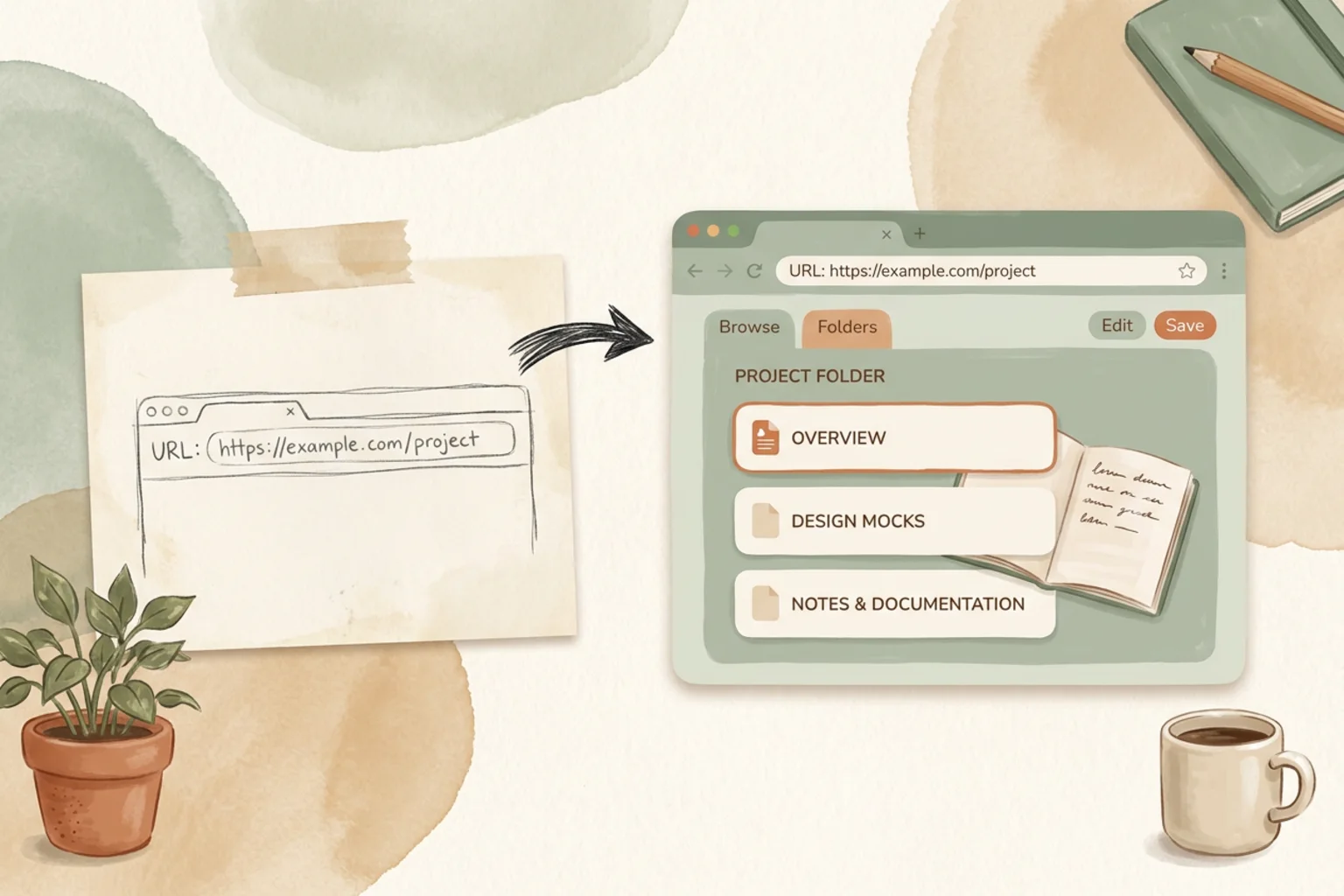
Recreating a site used to start from a blank prompt and a lot of description. Website Clone is now a first-class entry point on Home and in the Library: choose the capability, paste a public URL, and Open Design creates the project with the right context already in place.
It also leaves an audit trail. The workflow first inspects page structure, routes, assets, and interactions, and the generated project keeps NOTES.md-style documentation describing its approach, asset sources, and known differences. Results are ready for local preview and do not carry over third-party analytics or advertising scripts — and for hard targets like login-walled sites, Open Design explains the limits instead of pretending the clone is complete.
New this release: the Chat Motion Overlay skill turns a two-person conversation into an animated chat overlay — WeChat-, Telegram-, and Messenger-style containers, plus transparent-output options for post-production. Home also makes the right starting point easier to find, with clearer entry points, ready-to-use examples, and template and plugin cards that open the correct preview more reliably.
A completed task should mean a real deliverable, and a failed one should tell you why. In 0.15.0, runs that fail to generate or save usable project files are no longer shown as successfully completed — and missing local agents, oversized inputs, unavailable models, exhausted quotas, timeouts, empty output, save failures, and tool loops each provide a specific recovery path instead of one catch-all error.
Recovery got sturdier underneath, too: stopping a task or deleting a project now cancels the run and its child processes instead of letting them burn time and quota; retries no longer inherit state from failed processes; and the desktop app opens a recovery screen (with a diagnostic-log export) when the renderer crashes repeatedly, instead of looping on an endless reload.
| If you’re… | Start here |
|---|---|
| New to Open Design | Download the desktop app and start a project — the same tasks now start faster and cost fewer tokens by default |
| Shipping a presentation | Drive the deck with thumbnails and keyboard nav, keep speaker notes in place, and export the exact version you approved |
| Rebuilding a site | Open Website Clone, paste a public URL, and start from a real inspection with a NOTES.md trail |
| Making social motion | Try the Chat Motion Overlay skill to turn a conversation into an animated overlay |
| Hit by a failed run | Read the failure — it names the cause and a recovery path, and a “completed” task now means a real file |
The cheapest speedup is the one you never have to think about. 0.15.0 spends its budget there — a leaner prompt on every task, a deck you can actually drive, a clone that starts from a URL, and a failure that tells you what to do next. Download the desktop app, run something you run often, and notice how much sooner the first token shows up.
118 PRs in four days, from 34 people who each shaved one more second, one more token, or one more detour off the everyday loop. A movement doesn’t ship from one team’s laptops; it ships from everyone who made the common path a little cheaper and a little faster. We see you. 🚀
此内容由惯性聚合(RSS阅读器)自动聚合整理,仅供阅读参考。 原文来自 — 版权归原作者所有。