








Tag open-design-v0.14.0 — 125 PRs from 36 contributors in five days. Codename "Inspiration Time Machine." Too many good ideas still vanished into the flow: a promising sketch, a useful source, a better earlier version, or the exact moment a draft started to go wrong. 0.14.0 keeps more of the work alive — sketch first in plan mode, trace the inputs feeding the composer, step back through HTML version history, and recover the thread instead of losing the spark.
July 8, 2026 7 min read Product
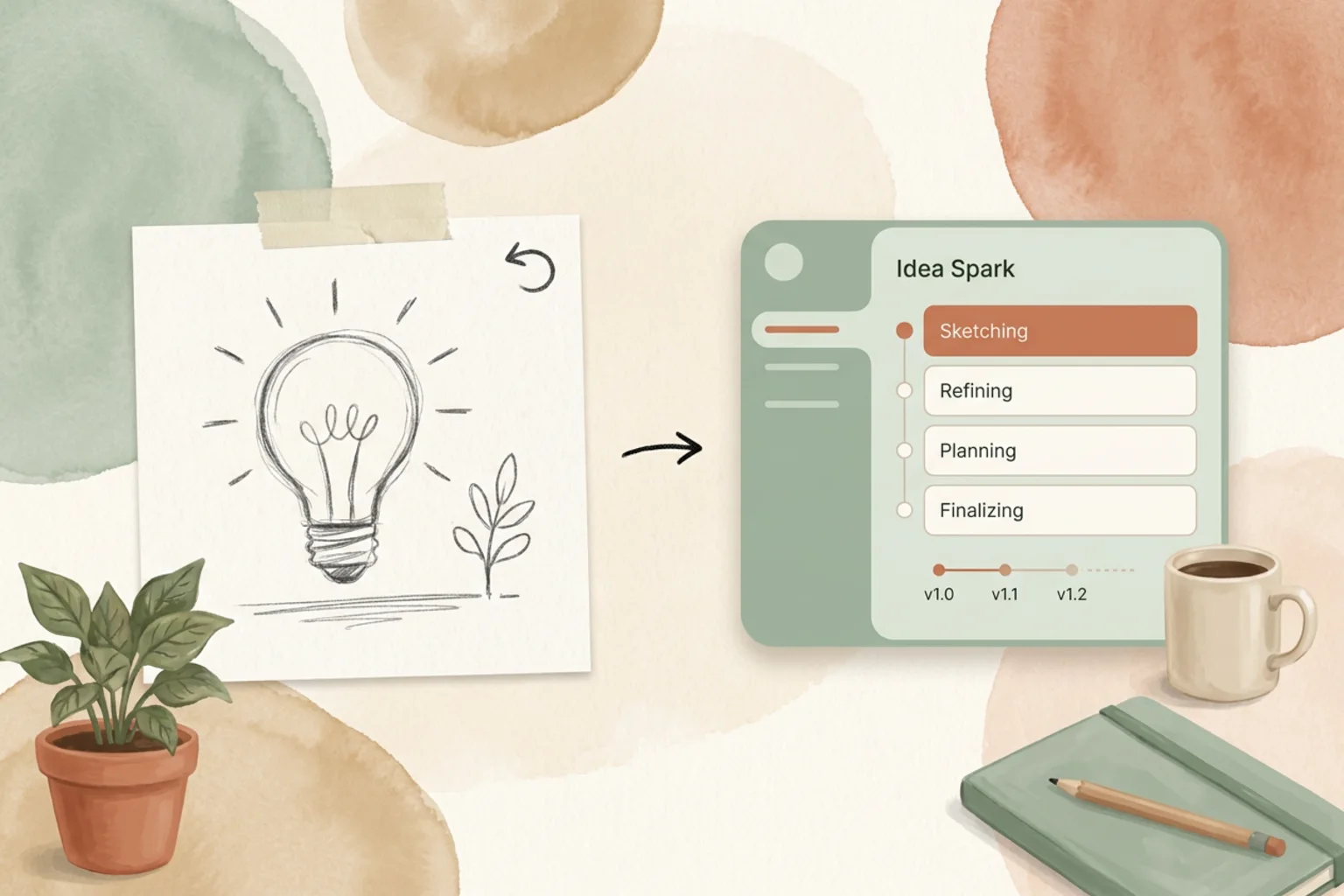
Tag open-design-v0.14.0, published on July 8, 2026. 125 PRs from 36 contributors in five days. Codename “Inspiration Time Machine.” The last release taught Open Design to stay in flow across interruptions. This one is about the ideas that flow can still lose: a rough sketch that never landed anywhere, the source that fed a good result, a better earlier draft, the moment a run started to drift. 0.14.0 keeps more of the work alive so you can go back and pick the spark up again.
Want the full changelog? It lives in the release notes on GitHub. This is the short version: what changed underneath, what you can do with it today, and where to start.
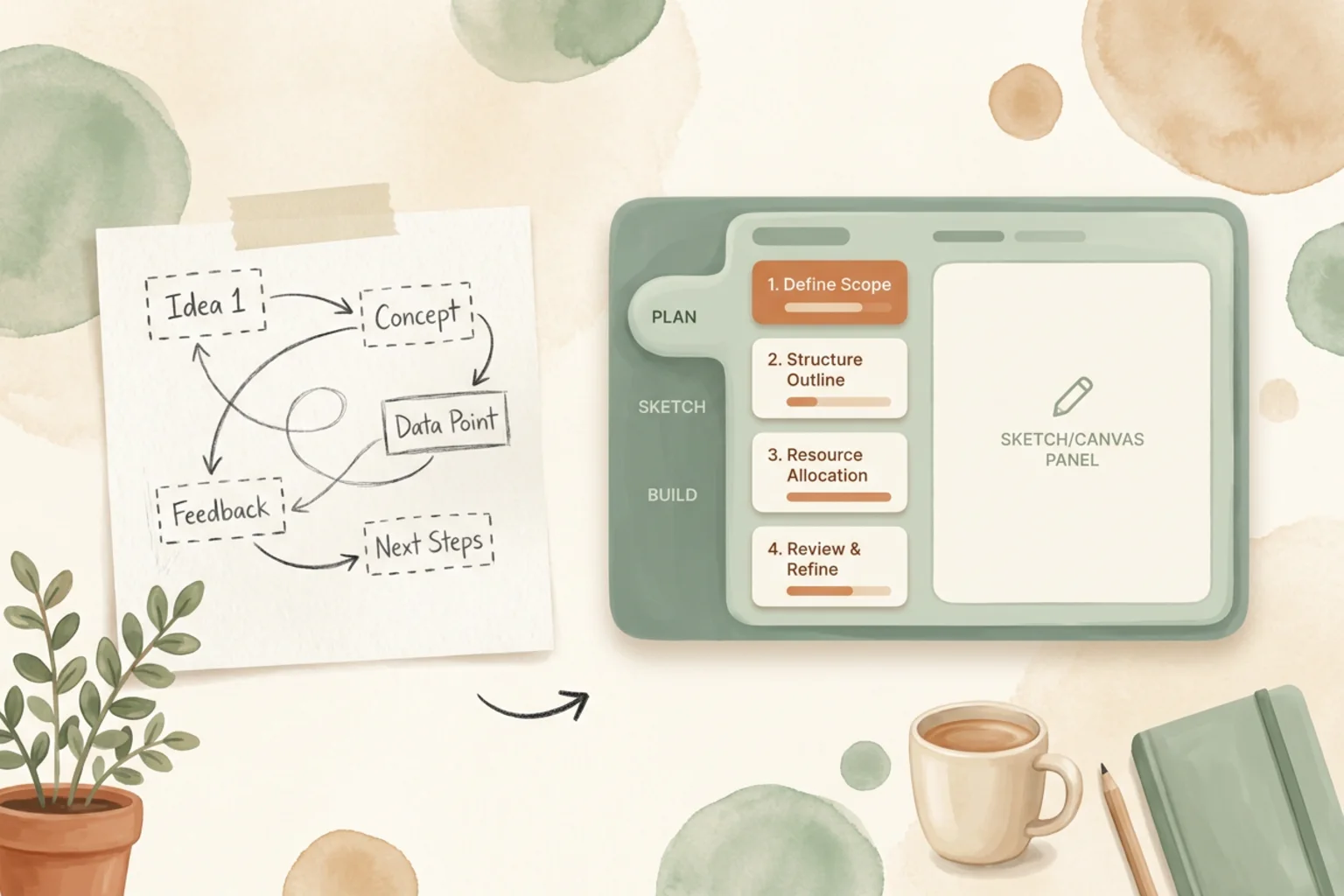
Jumping straight from a thought to a long prompt made early exploration feel slippery — the idea moved fast, but the working plan stayed invisible, so the first real run was often a guess at your own intent. Plan mode, with Excalidraw sketch flows, gives a rough idea somewhere to land first. Think in outlines, shapes, and next steps; shape the concept where you can see it; and only then commit to a full build.
The point is that the messy middle of an idea now has a home inside Open Design instead of living in your head or a separate whiteboard tab. You draft the plan, watch it hold still, and start the build from something you can actually point at.
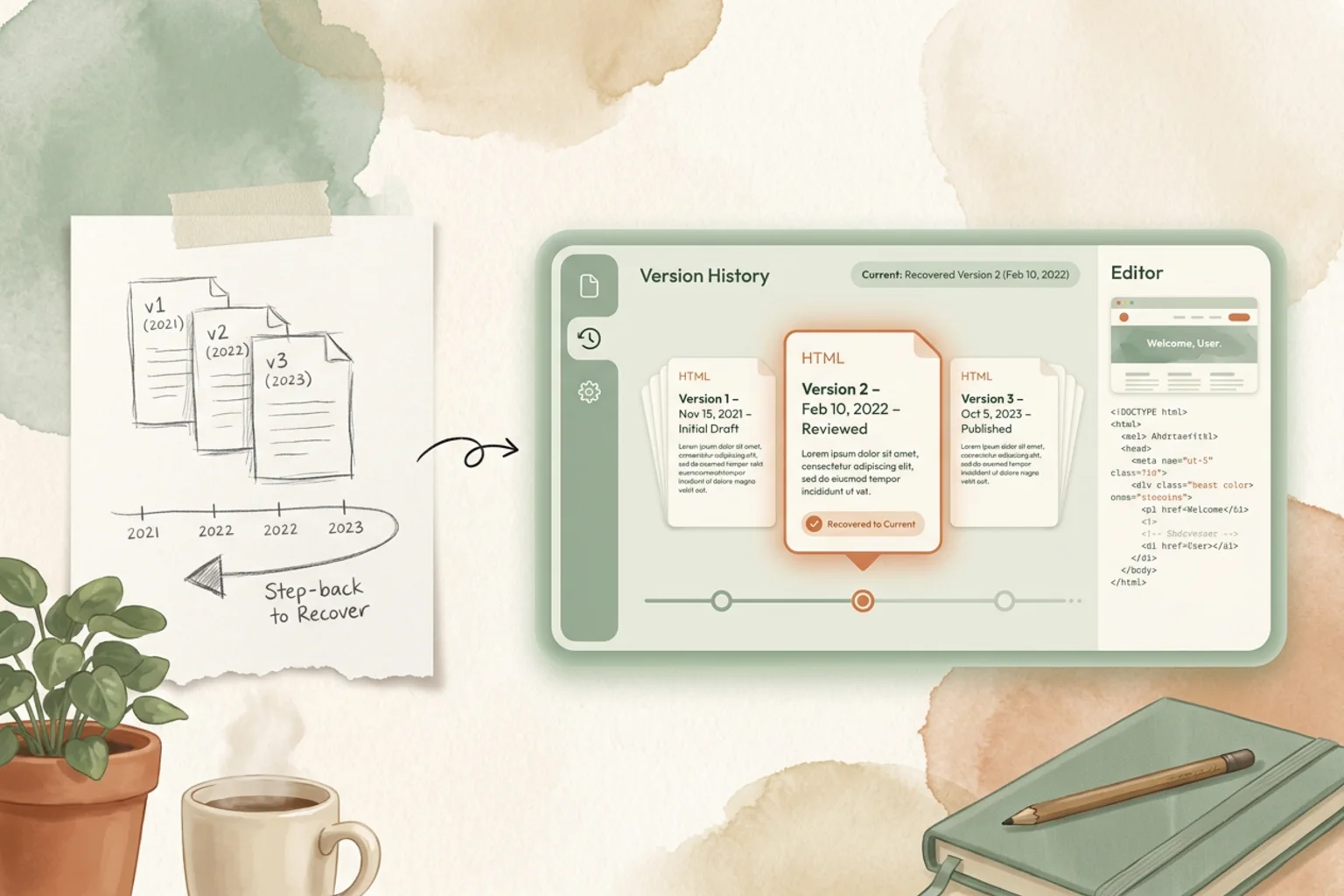
Generated or edited HTML used to feel fragile: change it once, and the previous shape could disappear with it. HTML file version history makes iteration safer — compare versions, recover an earlier one, and keep moving without treating every edit as a one-way door. The better draft you had ten minutes ago is still there.
Alongside it, composer context stops hiding behind the answer. When a result looked right or wrong, it used to take too much guessing to remember what the model actually saw. Context sources now show the material feeding the composer and track that trail more clearly, so follow-up edits feel grounded instead of fuzzy.
Instead of hunting across screenshots, style snippets, and separate kits, you can now pull richer system context straight into the flow. The Design System Source Context plugin brings system material closer to the active design, the Glass Design System UI Kit adds another ready-to-use visual direction, and richer live previews with lightbox browsing make large image sets easier to inspect and apply. Design systems are turning into something you build with, not just something you reference.
Picking a model used to feel like a memory test: which option is newer, which one costs more, and which provider is about to fail for a small configuration reason? Cloud model cost tiers, refreshed pricing, and cleaner provider error handling make choosing — and trusting — a model a lot less blind. And bring-your-own now fits more real-world setups: BYOK routes more cleanly through OpenCode, internal provider endpoints are easier to allow safely, and local auth is less likely to be misread as broken.
A dropped stream, a reload, or a quick search could still knock a good session out of rhythm. Reconnection is more resilient now, failed-looking messages can reattach when the run actually succeeded, preview reload behaves properly, and the composer stays steadier during fast interaction. And when something does break, Open Design leaves a better trail behind: specific export error codes, run workspace provenance, and packaged crash-scene evidence make failures easier to explain, reproduce, and recover from.
The release is broad. A few more worth calling out:
| If you’re… | Start here |
|---|---|
| New to Open Design | Download the desktop app, connect an agent (or bring your own key), and open Plan mode — sketch the idea before you commit to a full build |
| Chasing a fuzzy idea | Start in Plan mode with an Excalidraw sketch, shape the outline, then hand it to a run |
| Iterating on HTML | Edit freely — version history lets you compare and recover, so no change is a one-way door |
| Building with a design system | Pull system context straight into the flow with the Design System Source Context plugin |
| Comparing models | Check the cost tiers and badges — price and availability are visible before you commit |
Inspiration is cheap to have and expensive to keep. 0.14.0 spends its budget on keeping it — the sketch, the source, the earlier draft, the thread you almost lost. Download the desktop app, start something rough on purpose, and notice how much of the early thinking survives to the finished work.
125 PRs in five days, from 36 people who each kept one more good idea from vanishing into the flow. A movement doesn’t ship from one team’s laptops; it ships from everyone who showed up and saved one more spark. We see you. 🚀
此内容由惯性聚合(RSS阅读器)自动聚合整理,仅供阅读参考。 原文来自 — 版权归原作者所有。