










Users today are savvier than ever with more sites and apps to choose from. Leveraging product data and analytics is now table stakes for businesses, who are keen to understand and engage their users. But setting up and maintaining a data ingestion pipeline and experiment platform is not realistic for most teams.
We’re thrilled to announce that GrowthBook’s JavaScript SDK is now available on JSR.
GrowthBook, a leading open source Feature Flagging and Experimentation platform, lets you evaluate feature flags and run experiments in your JavaScript application. Their JavaScript SDK is lightweight, fast, does not require any external dependencies, and plugs into your existing event tracking tools (e.g. GA, Segment, etc.). It can also be used across any JavaScript environment, such as browsers and various JavaScript runtimes.
JSR is a modern open source JavaScript registry that simplifies publishing and importing JavaScript and TypeScript modules. JSR supports publishing TypeScript source code, auto-generating documentation and type definition files, provenance attestation for more security, and can be used with npm-like package managers. JSR has seen continued growth since launch, with over 400 new packages published weekly.
Using GrowthBook’s SDK via JSR offers an unparalleled developer experience, with first class TypeScript support, auto-generated documentation right in your code editor, and more.
You can get started with Growthbook using the deno add command:
deno add jsr:@growthbook/growthbookOr using npm:
npx jsr add @growthbook/growthbookThe above commands will generate a deno.json file, listing all your project
dependencies.
{
  "imports": {
    "@growthbook/growthbook": "jsr:@growthbook/growthbook@0.1.2"
  }
}
Let’s use GrowthBook with an Express server.
In our main.ts file, we can write:
import express from "npm:express";
import { GrowthBook } from "@growthbook/growthbook";

const app = express();


app.use(function (req, res, next) {

  req.growthbook = new GrowthBook({
    apiHost: "https://cdn.growthbook.io",
    clientKey: "sdk-qtIKLlwNVKxdMIA5",
  });


  req.growthbook.setAttributes({
    id: req.user?.id,
  });


  res.on("close", () => req.growthbook.destroy());


  req.growthbook.init({ timeout: 1000 }).then(() => next());
});

app.get("/", (req, res) => {
  const gb = req.growthbook;


  if (gb.isOn("my-boolean-feature")) {
    res.send("Hello, boolean-feature!");
  }


  const value = gb.getFeatureValue("my-string-feature", "fallback");

  res.send(`Hello, ${value}!`);
});

console.log("Listening on port 8000");
app.listen(8000);
⚠️️ Note that you can import
expressvianpm:specifier. When this is executed the first time,expressis installed to a global cache. Nonode_modulesfolder needed.
Finally, you can run the following command to execute:
deno -A main.tsDepending on how you’ve set your feature flags in the GrowthBook app (you can sign up for free), the response will be different:
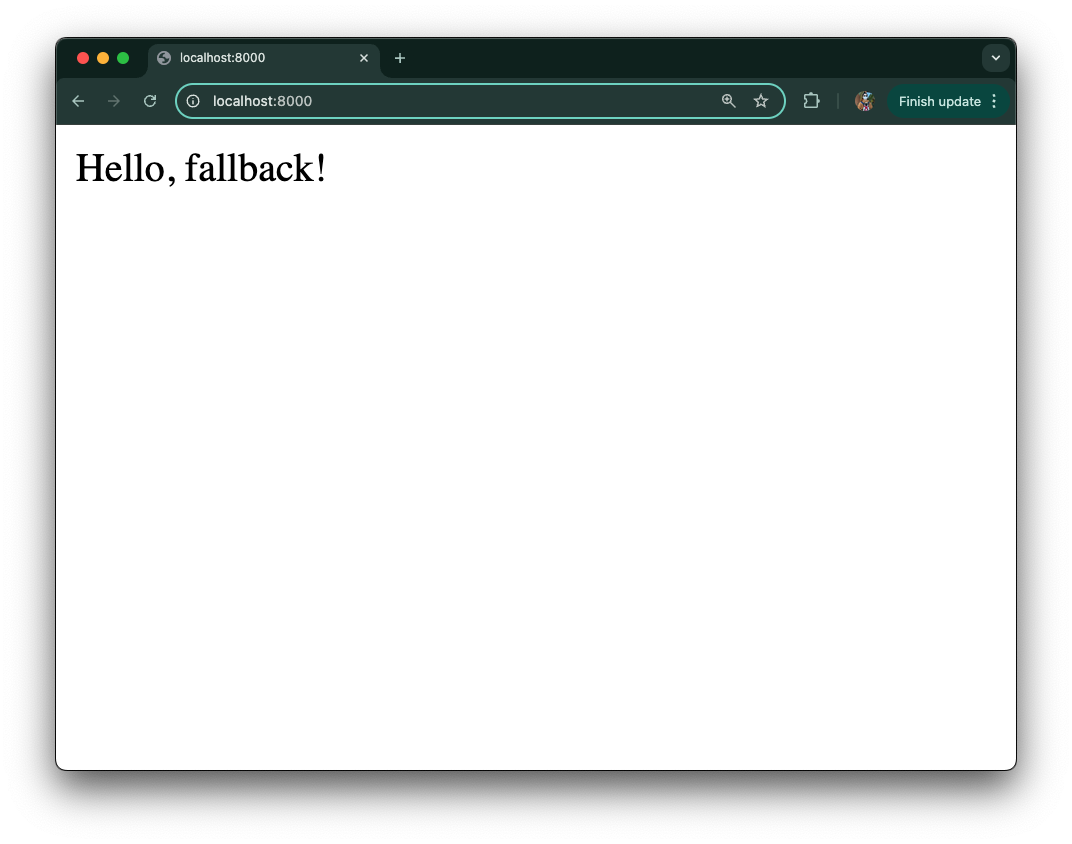
Check out the GrowthBook documentation to learn more about creating and running experiments, analyzing results, and various rollout processes for feature flags.
With GrowthBook’s JS SDK now on JSR, it’s even easier to bring the power of feature flags and A/B testing to any JavaScript environment.
Interested in modernizing your JS/TS module and making it easier for your users to use? Check out how to publish to JSR from these docs or this video demo.
🚨️ Read more about JSR 🚨️
此内容由惯性聚合(RSS阅读器)自动聚合整理,仅供阅读参考。 原文来自 — 版权归原作者所有。