鉴于Microsoft Office通常体积臃肿,而且只在Windows下能用。虽然LibOffice开源且免费,适用于各个平台,但碍于接触到的多是Microsoft Office的文档,打开时经常格式很乱,于是考虑搭建一种服务,可以在浏览器中处理文档,类似于Google Docs或者Office Online.
Office服务搭建
目前已经有比较优秀的DzzOffice了,而且开源,仓库地址在此,可以在此处查看演示。
可以自己搭建一个,另外该仓库也提供了Docker部署版本。克隆仓库之后直接使用docker-compose up -d即可部署。
1 2 3 4 5
| git clone https://github.com/zyx0814/dzzoffice.git cd dzzoffice git checkout docker chmod 777 -R data dzz config docker-compose up
|
不过目前编译,会出现一些问题:
Build php error:
1
| ERROR: http://dl-cdn.alpinelinux.org/alpine/v3.4/main: temporary error (try again later)`
|
原因主要在两个方面: 一是本机Docker的DNS设置:
1
| sudo vim /etc/docker/deamon.json
|
将DNS修改正确;
另一个问题是alpine镜像的DNS问题,测试一下:
1
| docker run -it --rm php:7.1.0-fpm-alpine sh -c " ping dl-cdn.alpinelinux.org"
|
显示bad address.
在php的Dockerfile中加一行,然后重启服务
1 2 3
| docker run -it --rm php:7.1.0-fpm-alpine sh -c "echo nameserver 8.8.8.8 > /etc/resolv.conf && ping dl-cdn.alpinelinux.org" sudo systemctl daemon-reload sudo systemctl restart docker
|
Php compose error:
1 2 3 4 5 6 7
| composer global require --no-progress "fxp/composer-asset-plugin:~1.2" [RuntimeException] No composer.json present in the current directory, this may be the cause of the following exception. [Composer\Downloader\TransportException] Content-Length mismatch, received 549815 bytes out of the expected 1180102
|
同样修改Dockerfile,安装完compose之后,添加一行:
1
| composer config -g repo.packagist composer https://packagist.phpcomposer.com
|
Build pma error:
可能是镜像更新了,里面用的ubuntu amd64环境,是apt-get安装,修改pma的Dockerfile,指定一个稍老的版本即可。
至此,服务搭建成功。
服务配置
数据库用户名和密码在部署环境之前,可以在docker-compose.yml中配置,然后在浏览器中打开localhost开始进行配置。
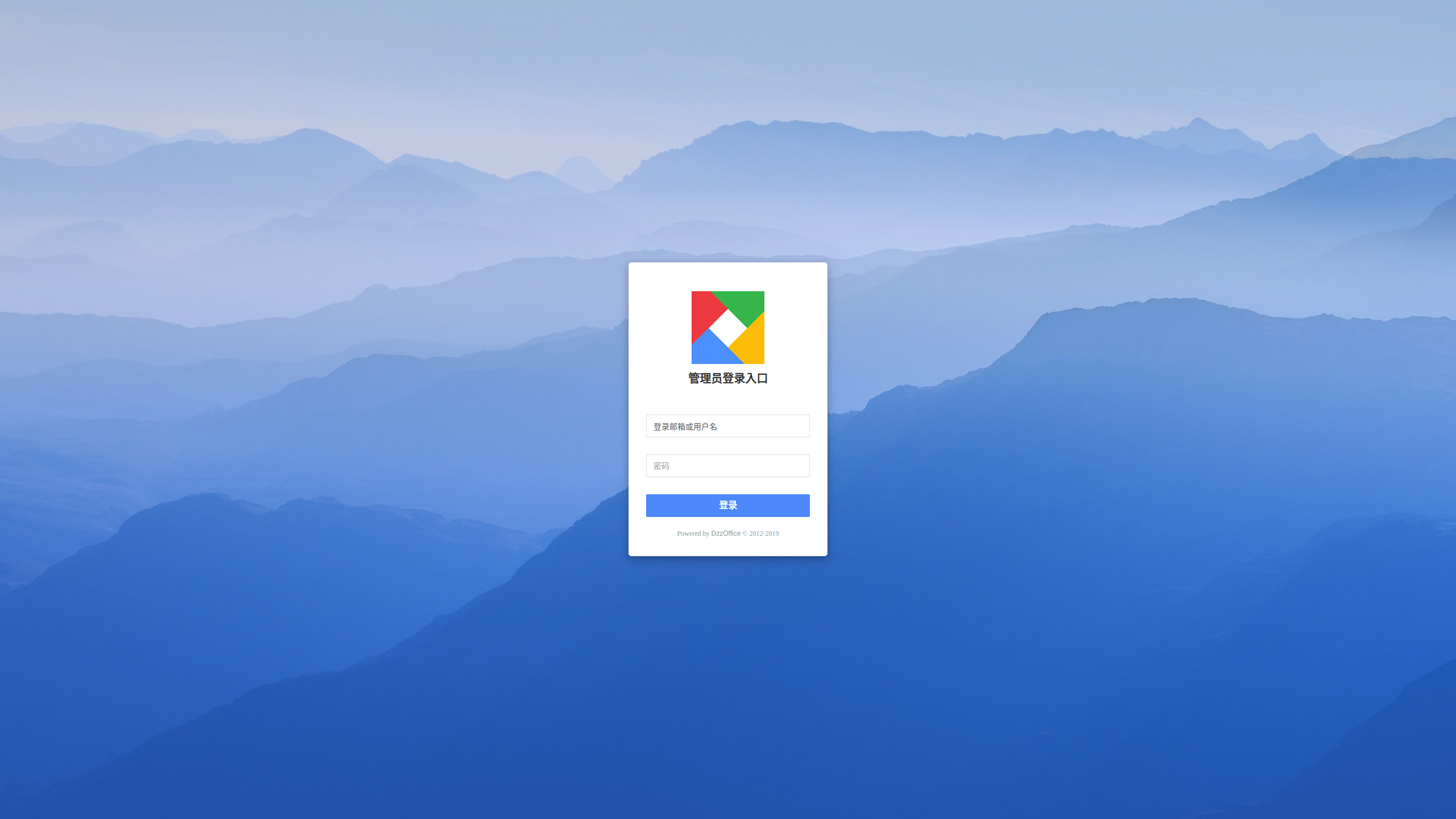
登录之后,需要进行配置,添加应用,比如office,如添加onlyoffice,可以先装一个onlyoffice的服务:
1
| docker run -i -t -d --name onlyoffice -p 8000:80 onlyoffice/documentserver
|
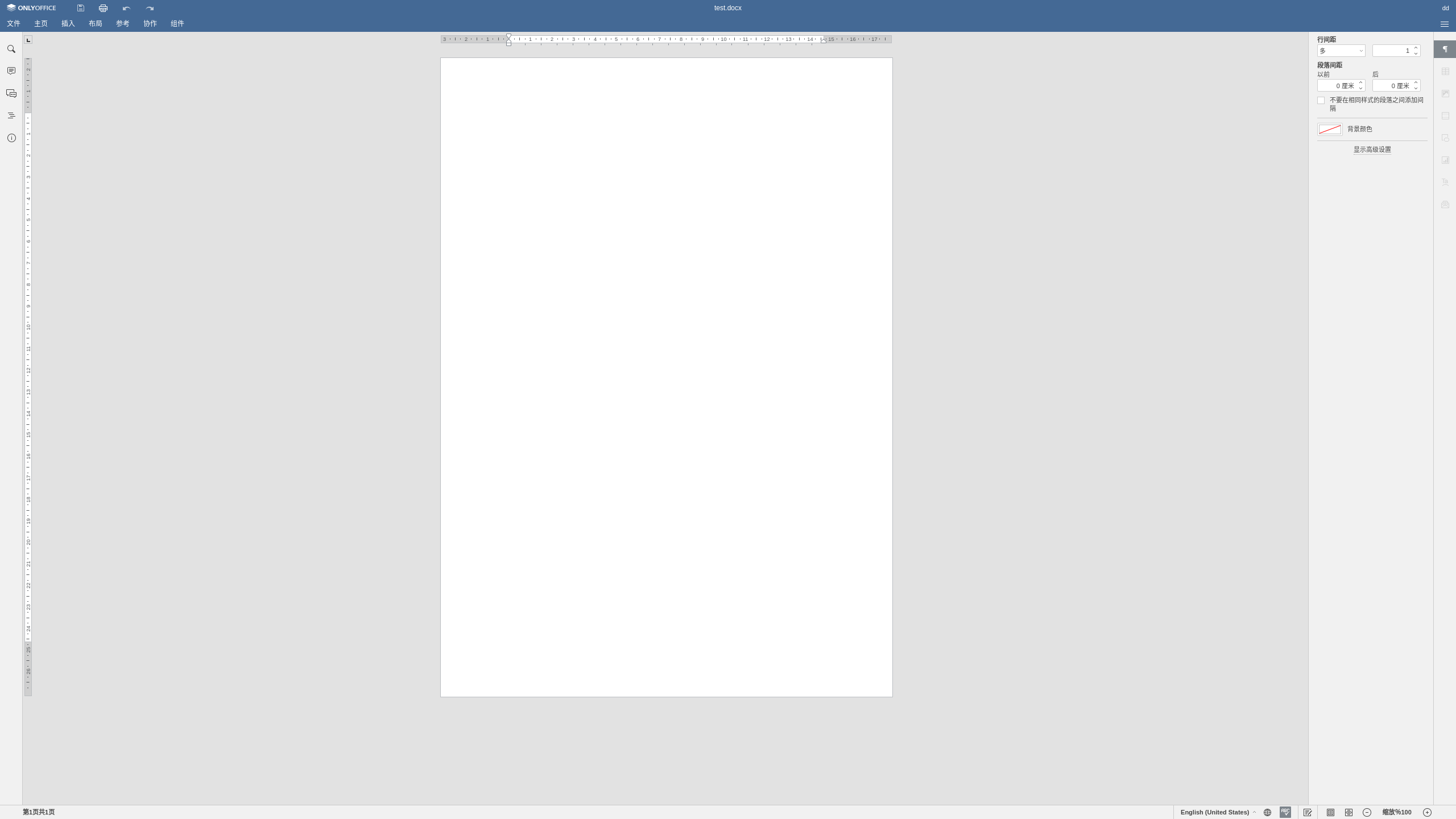
然后在应用库中添加onlyoffice,设置api地址,
1
| http://YOUR_SERVER_ADDRESS:8000/web-apps/apps/api/documents/api.js
|
然后就可以编辑文档了。
绘图服务部署
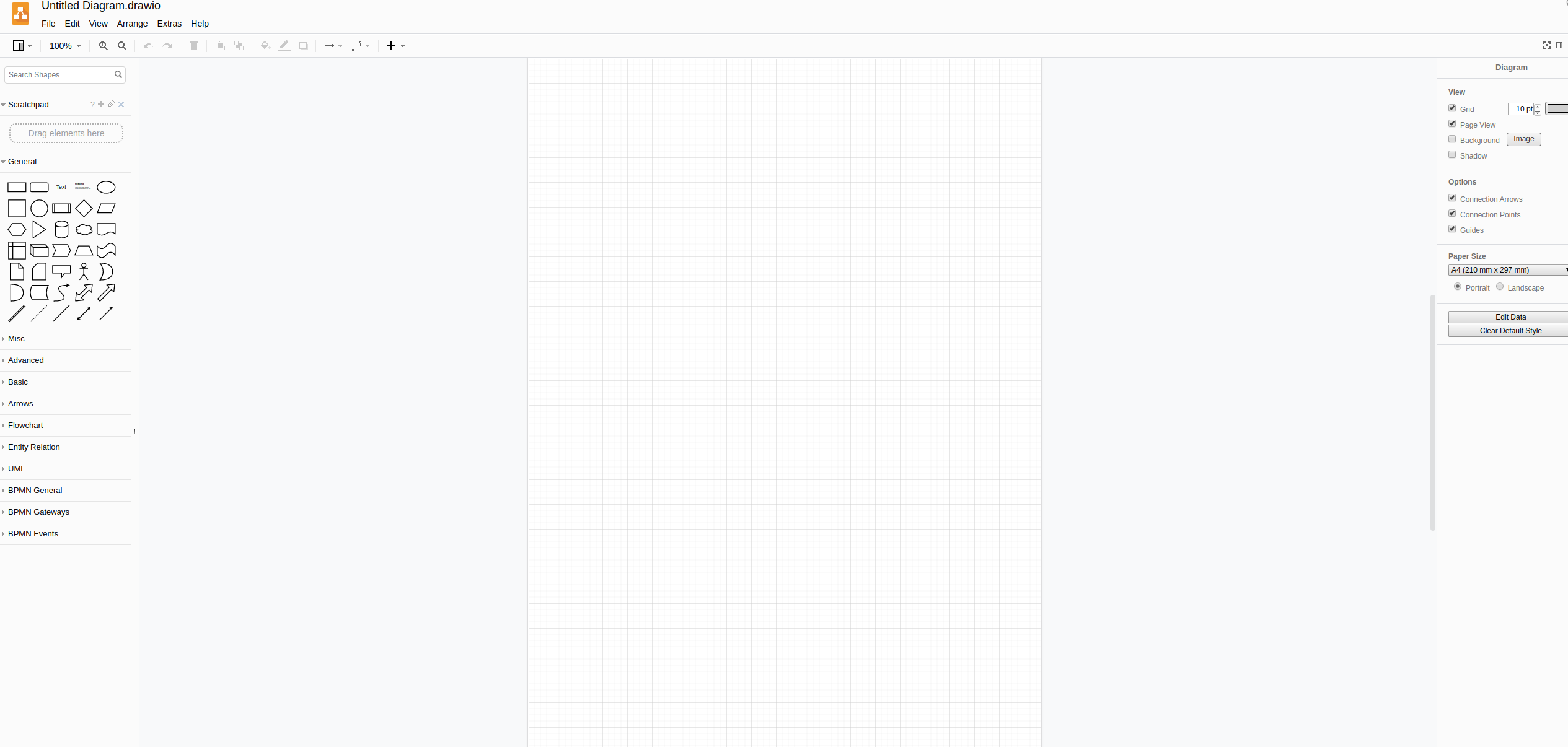
类似如Visio的工具,目前体验比较好的有DrawIO,也是开源的,可以直接部署到自己的服务器上,在浏览器中绘图,快速轻便,易于分享。
1
| docker run -it --rm --name="draw" -p 8080:8080 -p 8443:8443 jgraph/draw.io
|
在浏览器中打开指定端口地址即可开始绘制。