





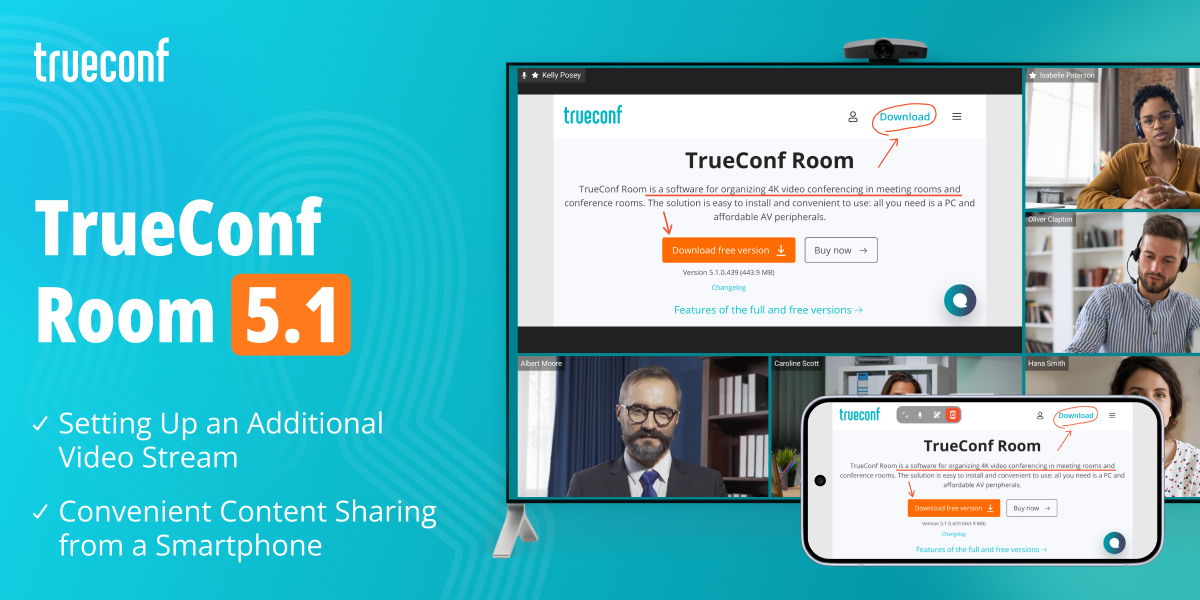
In the new version of our software video conferencing endpoint, we’ve focused on content-sharing scenarios in meeting rooms: we’ve simplified the setup of an additional video stream, added convenient content sharing from mobile devices, and expanded the interface configuration options.
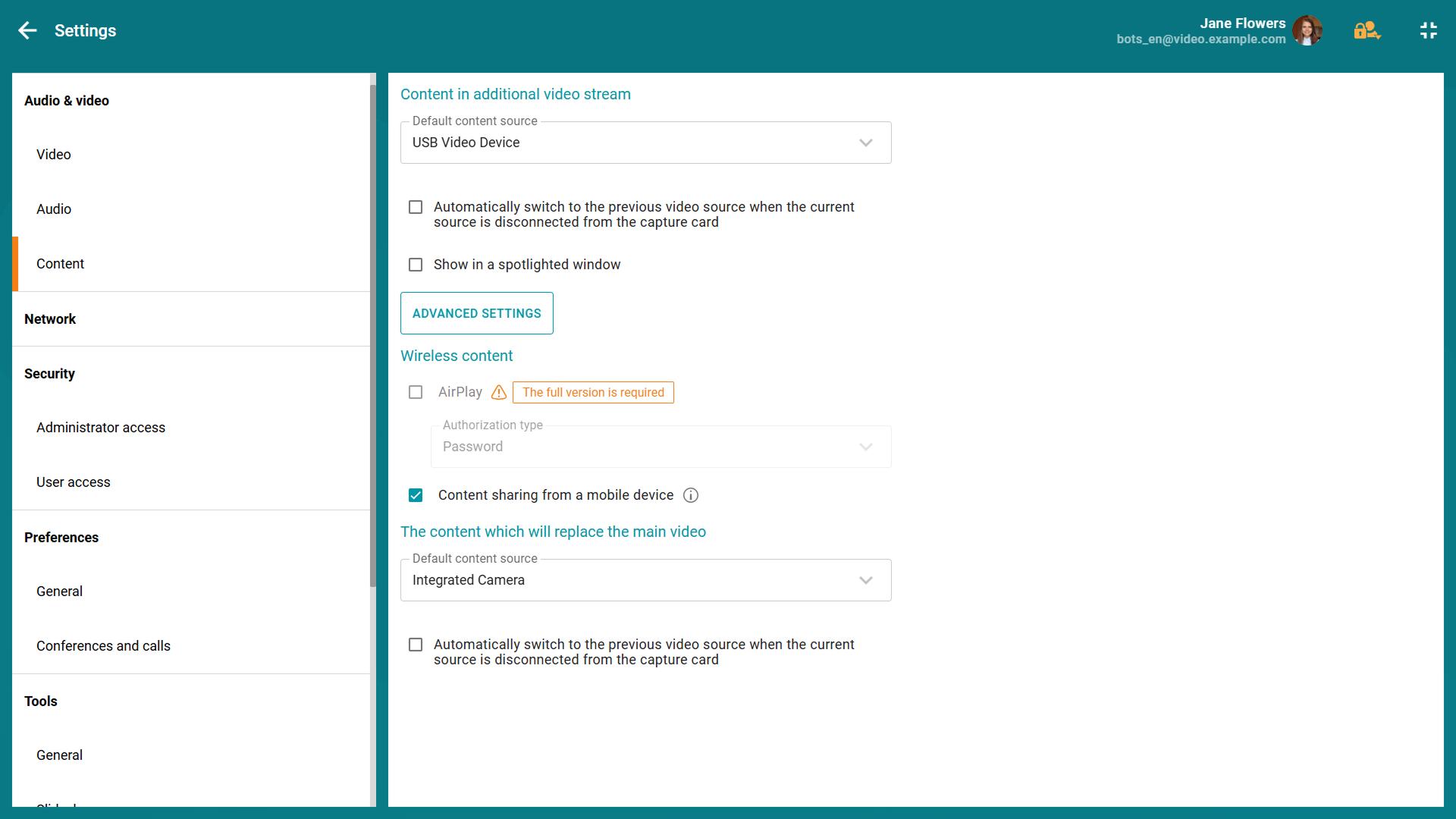
Earlier, in update 5.0, we introduced the capability to stream two video streams simultaneously. Now you can share content in an additional video stream directly in the user interface in the Settings — Content section of the TrueConf Room web control panel.
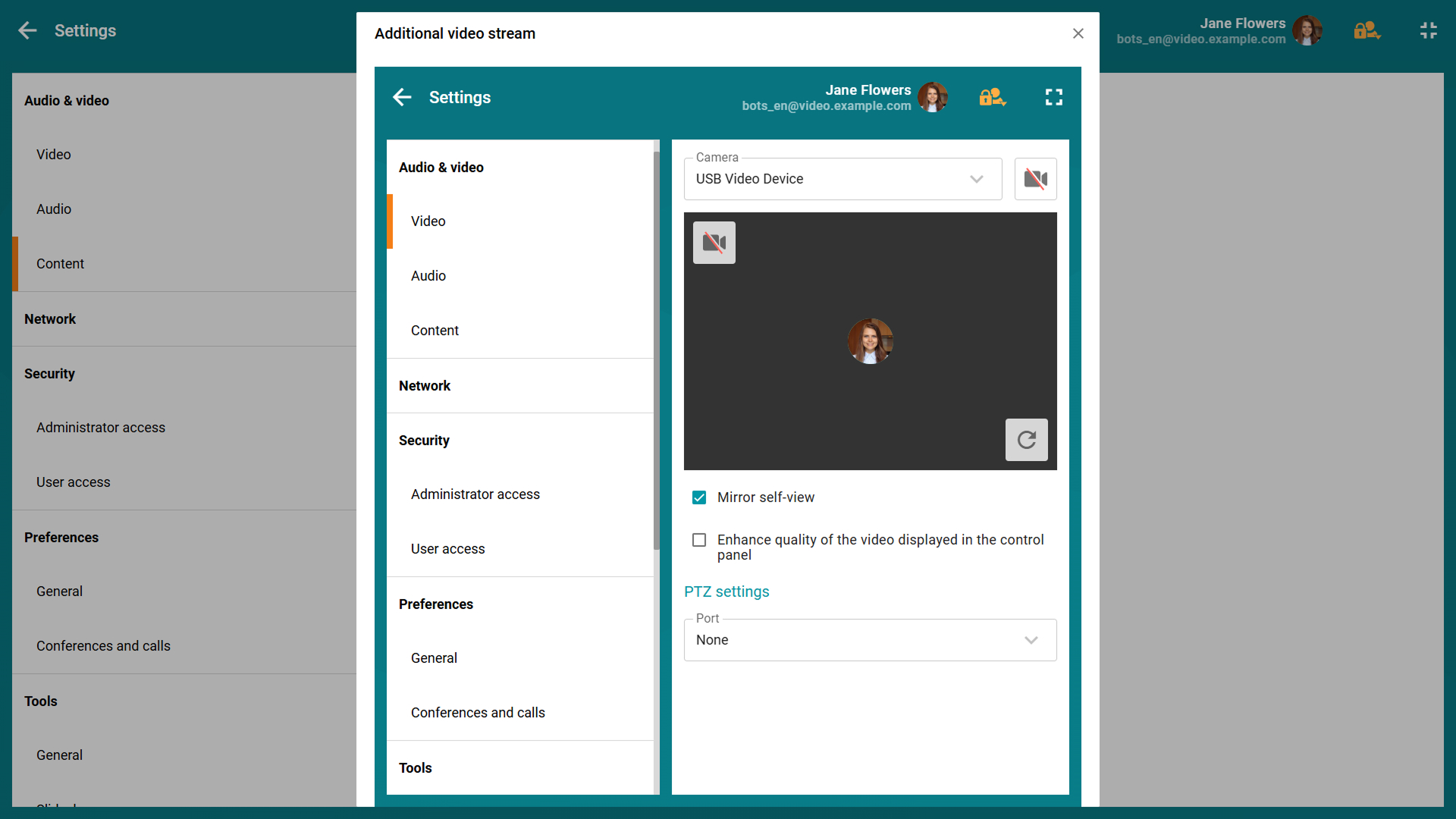
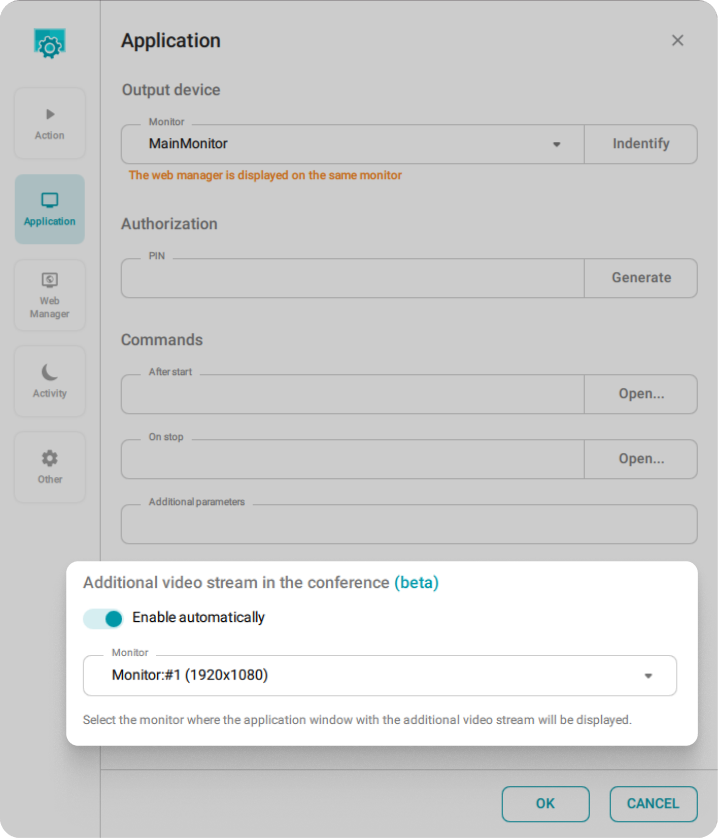
To use the second content stream, you need to enable it in the settings of the TrueConf Room Services add-in ( Settings application) in advance.
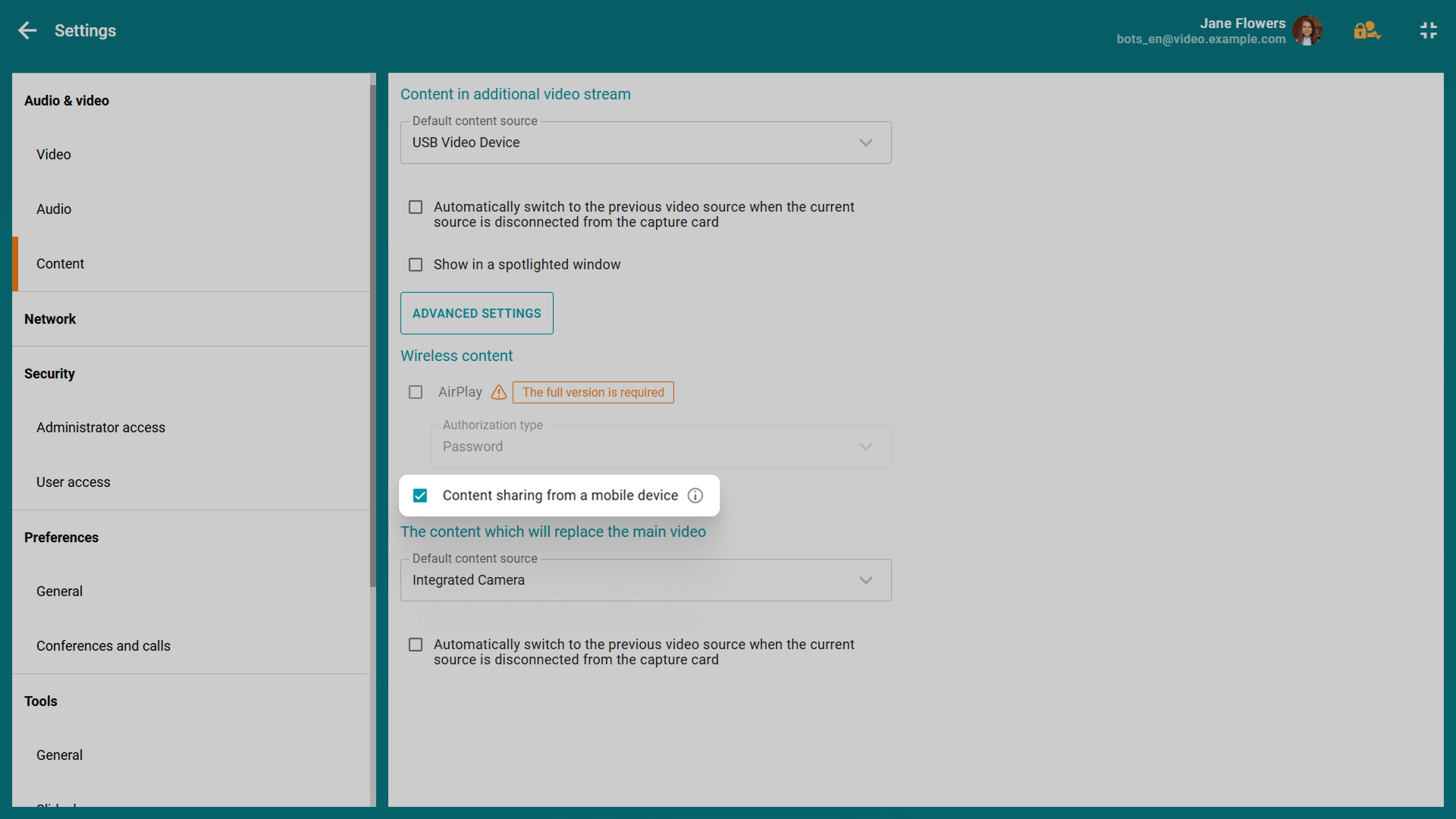
Visitors to the meeting room can now join a running conference from mobile devices and share content from them. You just need to enable the corresponding option in the web conference control panel and scan the QR code. Once connected, a user can start sharing content right from their smartphone or tablet.
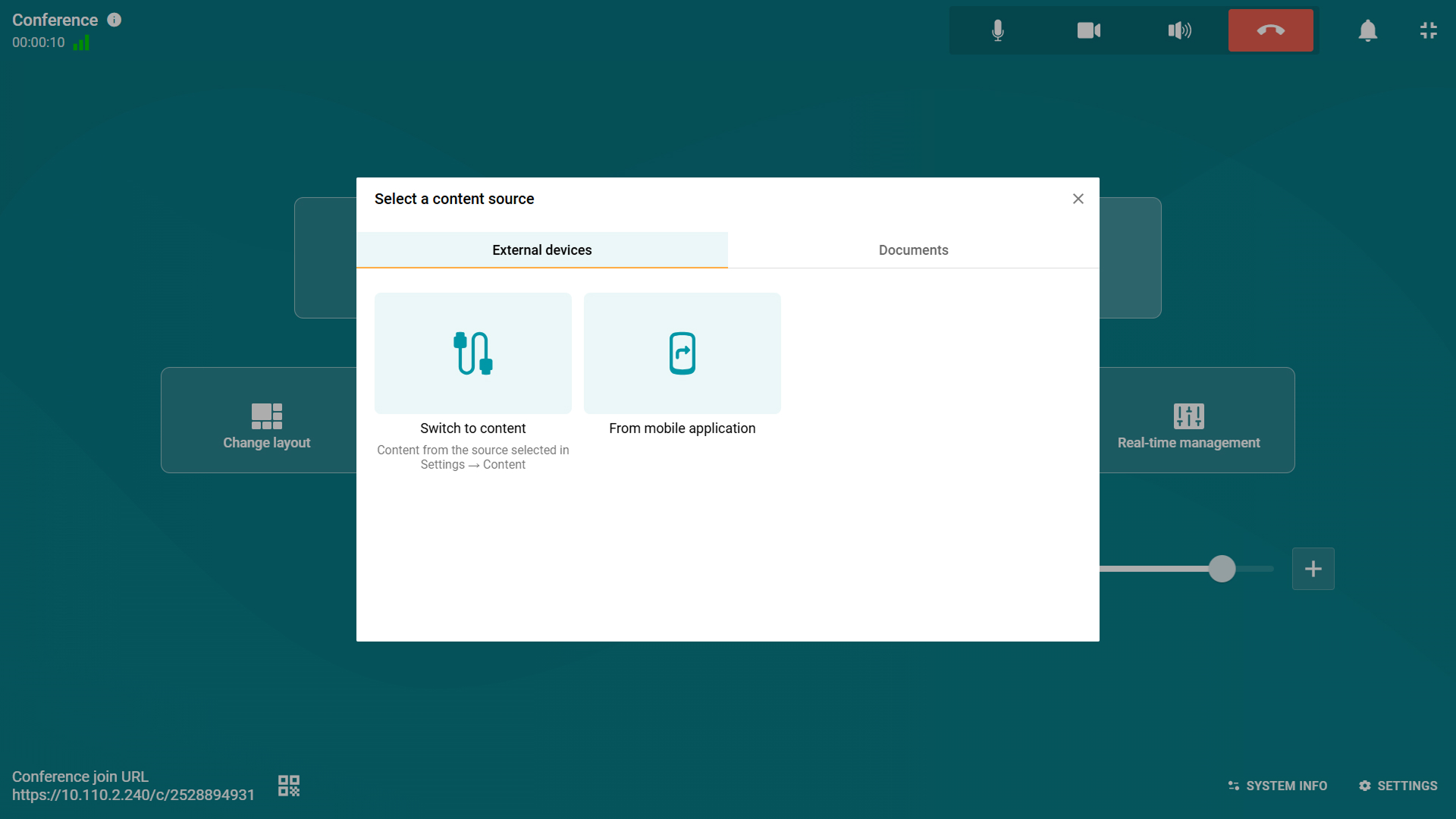
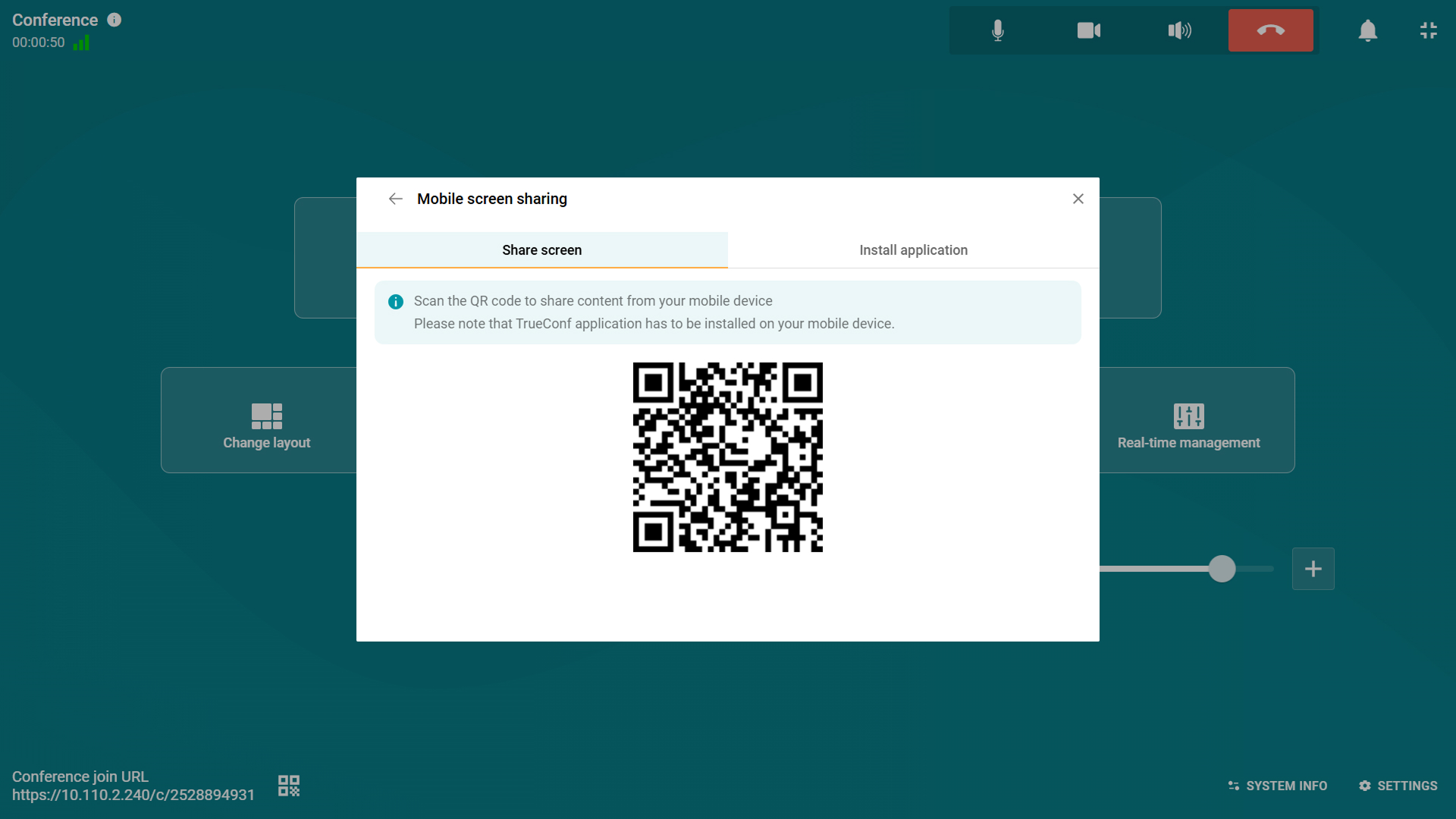
To use this feature, the “Сontent sharing from a mobile device” option should be enabled in the content settings of the web control panel.
Now you can set the name of the meeting room where TrueConf Room is installed. The specified name will be displayed on the main screen of the TV connected to the video conferencing endpoint.
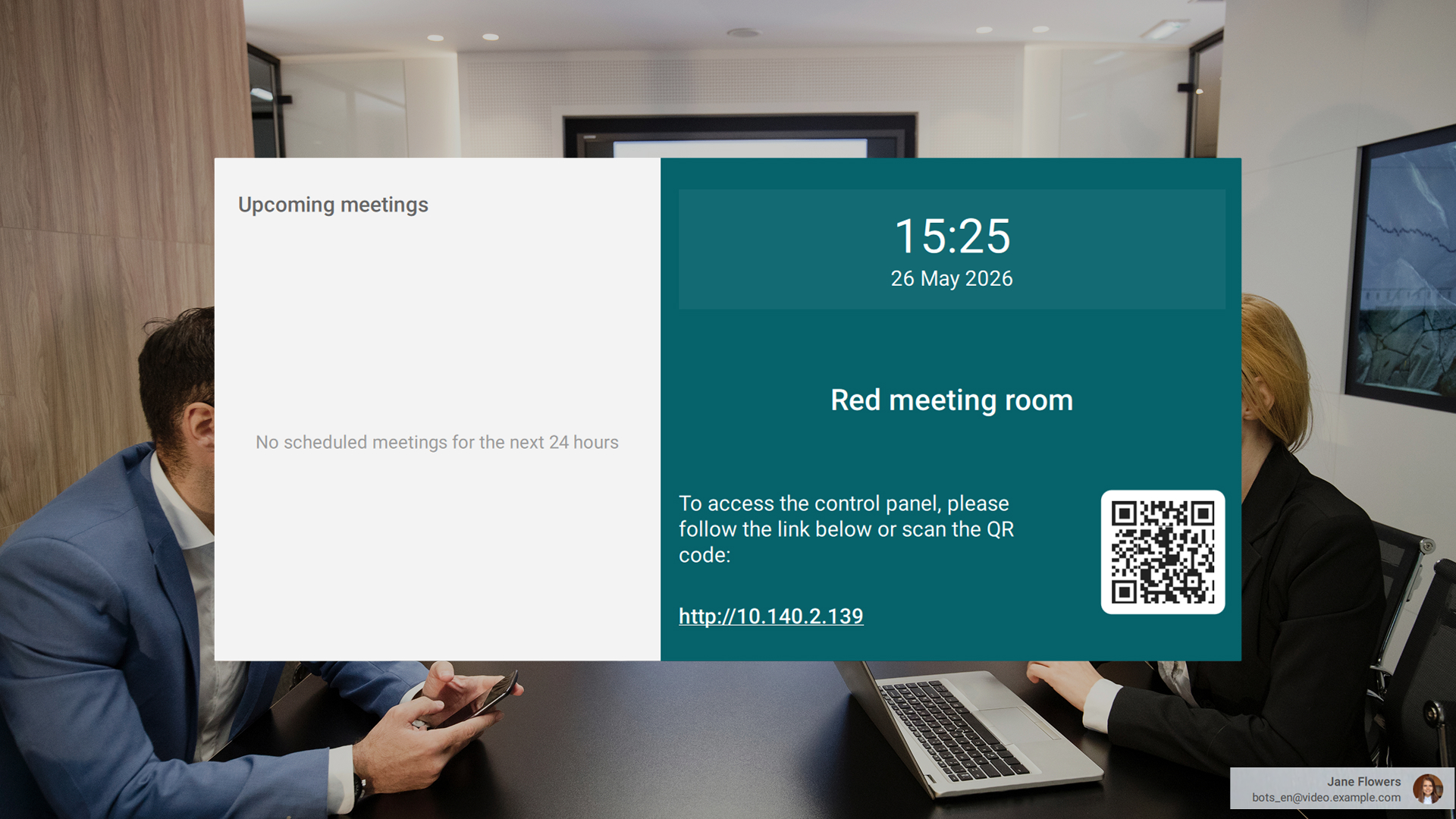
You can set the name of the meeting room in the “System info” section of the web control panel.
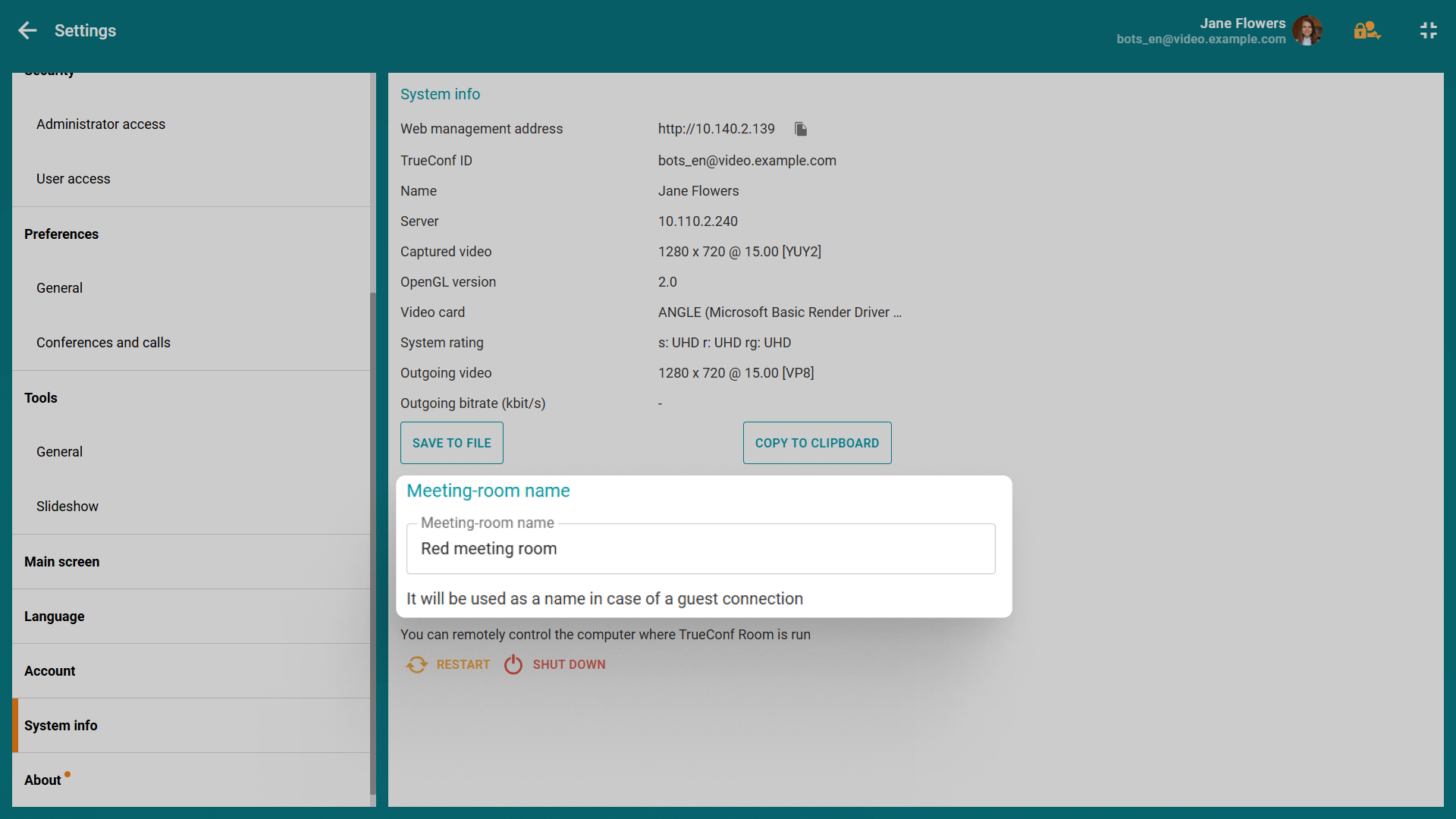
 has been added to the web control panel

Maria Mihalyova
Date published: 29.05.2026
此内容由惯性聚合(RSS阅读器)自动聚合整理,仅供阅读参考。 原文来自 — 版权归原作者所有。