


惯性聚合 高效追踪和阅读你感兴趣的博客、新闻、科技资讯
阅读原文 在惯性聚合中打开

推荐订阅源

Stack Overflow Blog
Stack Overflow Blog
云风的 BLOG
云风的 BLOG
Cyber Security Advisories - MS-ISAC
Recent Announcements
Microsoft Security Blog
Microsoft Azure Blog
J
Java Code Geeks
D
DataBreaches.Net
U
Unit 42
P
Proofpoint News Feed
I
InfoQ
Apple Machine Learning Research
Google DeepMind News
博客园 - Franky
博客园_首页
IT之家
IT之家
博客园 - 叶小钗
freeCodeCamp Programming Tutorials: Python, JavaScript, Git & More
酷 壳 – CoolShell
酷 壳 – CoolShell
博客园 - 【当耐特】
Hugging Face - Blog
Hugging Face - Blog
OSCHINA 社区最新新闻
OSCHINA 社区最新新闻
让小产品的独立变现更简单 - ezindie.com
阮一峰的网络日志
阮一峰的网络日志

Changelog

Gift subscription improvements Analytics for email sequences Optimize your site for AI search Publisher gift links Email sequences for new members Your new admin toolbar Dynamic filters for members Expanding your social presence Comment threads, votes and pins Gift subscriptions Easy theme editing Saved member views Ghost is now a digital public good Native share buttons Home Assistant Members-only podcasts Retention offers Improved editor for welcome emails Inbox Links Welcome emails Comment moderation Paid member analytics improvements
Welcome email design settings
Team Ghost · 2026-04-14 · via Changelog

You've already spent time getting your newsletters to look and feel like you, and now your welcome emails can match.
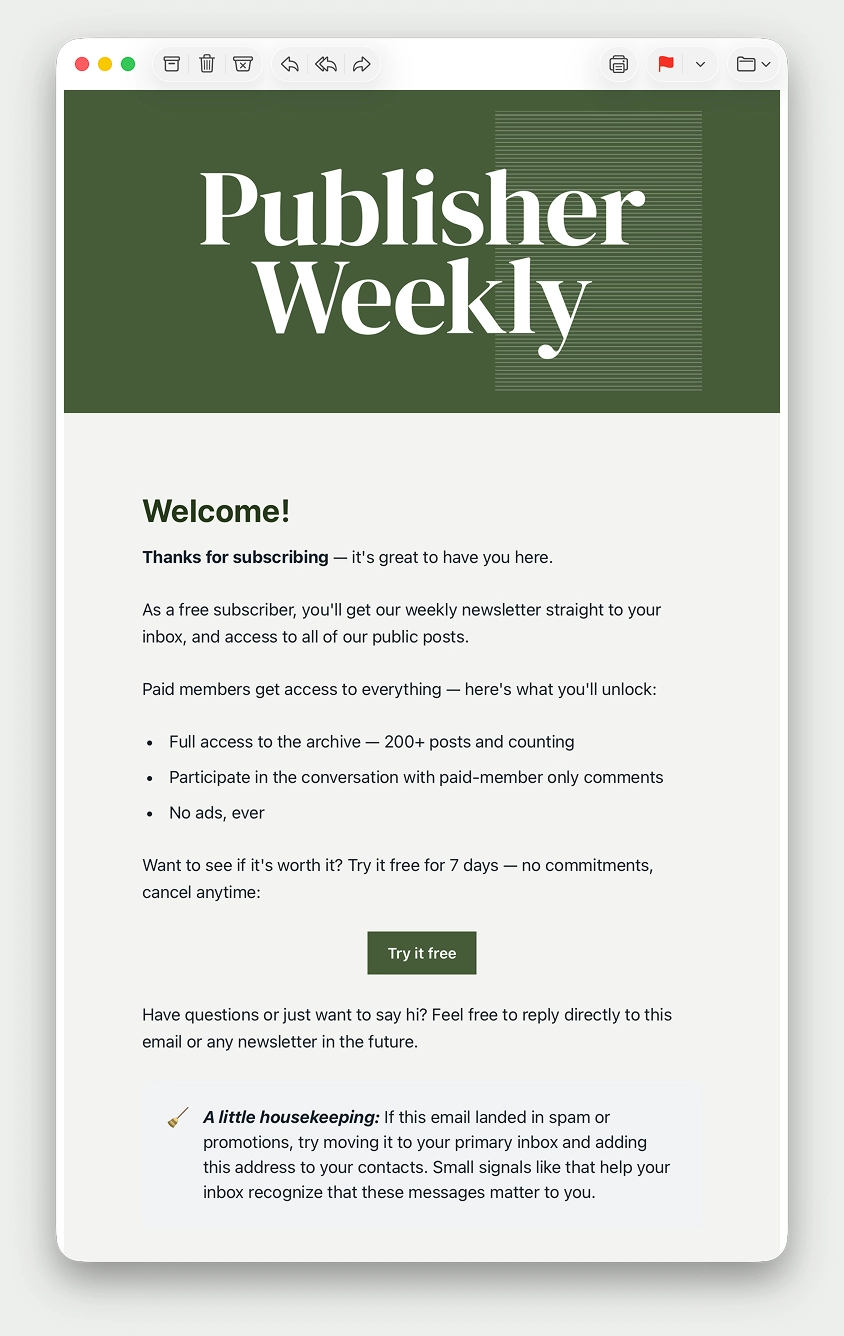
The welcome email template can now be customized using all of the same design controls as newsletters – colors, typography, buttons, logos – so your brand stays consistent across every touchpoint with your readers, whether on your site, in your newsletters, or when welcoming new members of your audience.

Based on your feedback, you can also set the sender name and reply-to address for welcome emails separately from newsletters, ensuring your messages arrive from the right person, and replies from your readers land in the inbox you want.

Customize your template once, and it applies across all your welcome emails. Head to Settings → Welcome emails → Customize to get started.
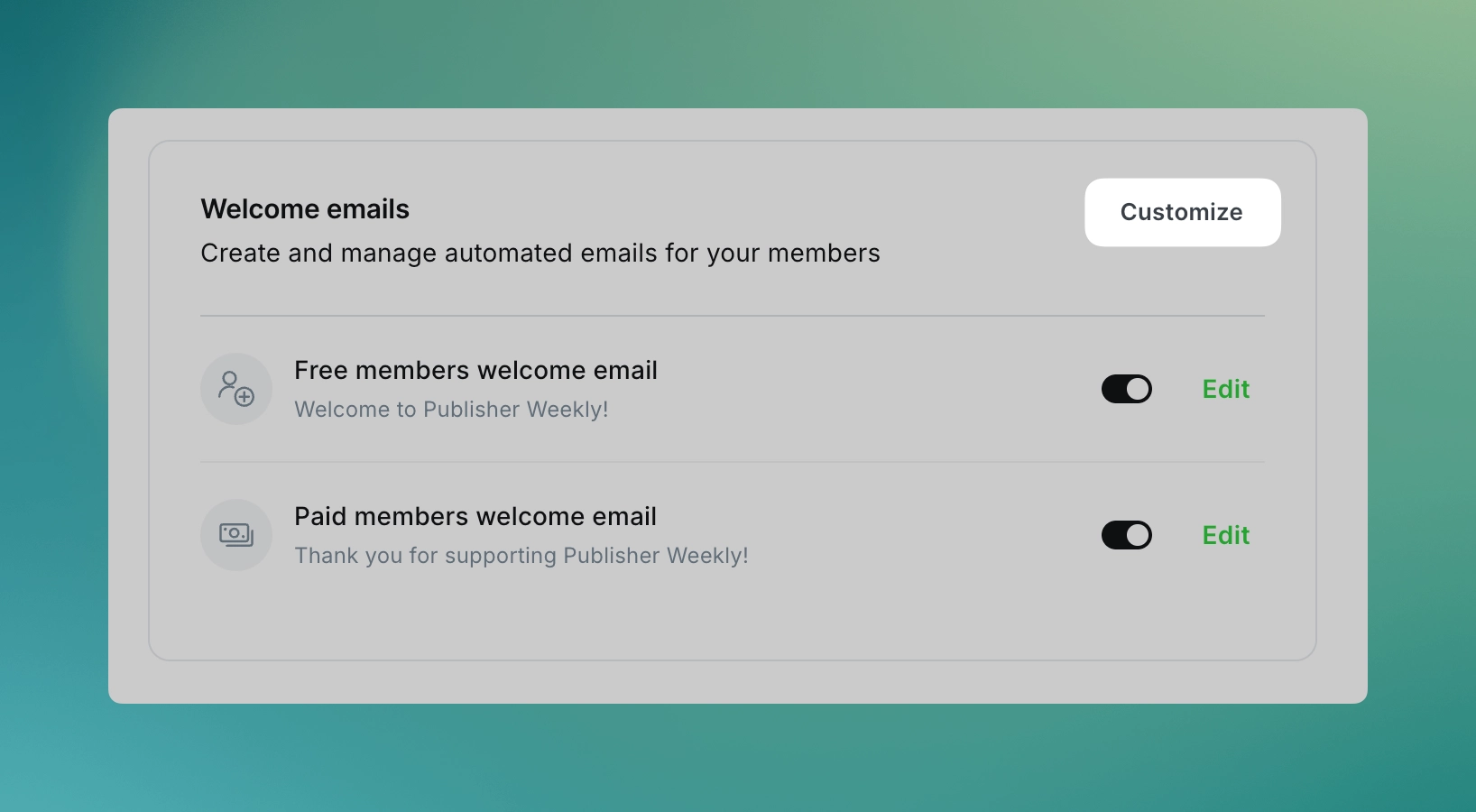
This is another iteration as we build toward a broader automation suite in Ghost, with your feedback directly shaping what we prioritize next.


Ghost(Pro) users can log in and start enjoying all of this right away! If you're a developer, self-hosting Ghost, you'll need to update to the latest version to get access to everything that's new.

If there are ways you think this feature could be more valuable based on the way you use Ghost, we’d like to hear it. Let us know using the feedback link in the left sidebar of Ghost Admin.

Get notified when we ship new features.