惯性聚合 高效追踪和阅读你感兴趣的博客、新闻、科技资讯
阅读原文 在惯性聚合中打开

推荐订阅源

S
SegmentFault 最新的问题
Spread Privacy
Spread Privacy
Google DeepMind News
WordPress大学
WordPress大学
Blog — PlanetScale
Blog — PlanetScale
OSCHINA 社区最新新闻
OSCHINA 社区最新新闻
Apple Machine Learning Research
SecWiki News
SecWiki News
腾讯CDC
P
Privacy International News Feed
Webroot Blog
Webroot Blog
J
Java Code Geeks
爱范儿
爱范儿
A
About on SuperTechFans
S
Secure Thoughts
cs.CL updates on arXiv.org
D
DataBreaches.Net
Cloudbric
Cloudbric
Security Archives - TechRepublic
CTFtime.org: upcoming CTF events
C
Cyber Attacks, Cyber Crime and Cyber Security
P
Proofpoint News Feed
钛媒体:引领未来商业与生活新知
钛媒体:引领未来商业与生活新知
H
Hackread – Cybersecurity News, Data Breaches, AI and More
Security Latest
Security Latest
Forbes - Security
Forbes - Security
小众软件
小众软件
www.infosecurity-magazine.com
C
Cybersecurity and Infrastructure Security Agency CISA
T
Threatpost
量子位
MongoDB | Blog
MongoDB | Blog
奇客Solidot–传递最新科技情报
奇客Solidot–传递最新科技情报
月光博客
月光博客
W
WeLiveSecurity
P
Privacy & Cybersecurity Law Blog
Vercel News
Vercel News
Google Online Security Blog
云风的 BLOG
云风的 BLOG
GbyAI
GbyAI
S
Security @ Cisco Blogs
T
The Exploit Database - CXSecurity.com
Help Net Security
Help Net Security
V
Visual Studio Blog
C
CXSECURITY Database RSS Feed - CXSecurity.com
Application and Cybersecurity Blog
博客园 - 聂微东
P
Proofpoint News Feed
C
CERT Recently Published Vulnerability Notes
Attack and Defense Labs

敢闯 - 折腾一下

打开小米钱包自动记账功能 - 敢闯 利用Python及宝塔面板每天自动提交微信支付宝步数 - 敢闯 给GitHub进行2FA/两因素认证 - 敢闯 Termux搭建Linux系统非杀后台解决方法(无root) - 敢闯 StackEdit:浏览器内 Markdown笔记利器 - 敢闯 搭建微信查题小程序 - 敢闯 蚂蚁森林自动收取Auto.js脚本 - 敢闯 安卓强制软件分屏 - 敢闯 给CentOS7安装图形化界面 - 敢闯
给安卓版本的Obsidian安装插件 - 敢闯
敢闯 · 2024-03-10 · via 敢闯 - 折腾一下

请注意,本文编写于 819 天前,最后修改于 776 天前,其中某些信息可能已经过时。

Obsidian是一款基于markdown的笔记软件,最大的特点是能创建双向链接。所有笔记都以md格式存储,方便迁移。它适合管理强关联性、高集中性、高流动性的项目,是高效、灵活的项目管理工具。

以下方法适用于没有科学上网方法,既打不开社区插件市场的情况

安装软件并设置路径

安装软件:夸克网盘 Obsidian 1.5.8版本
打开软件后会让你设置你要储存.md文件的路径,
1.点击 Create new vault
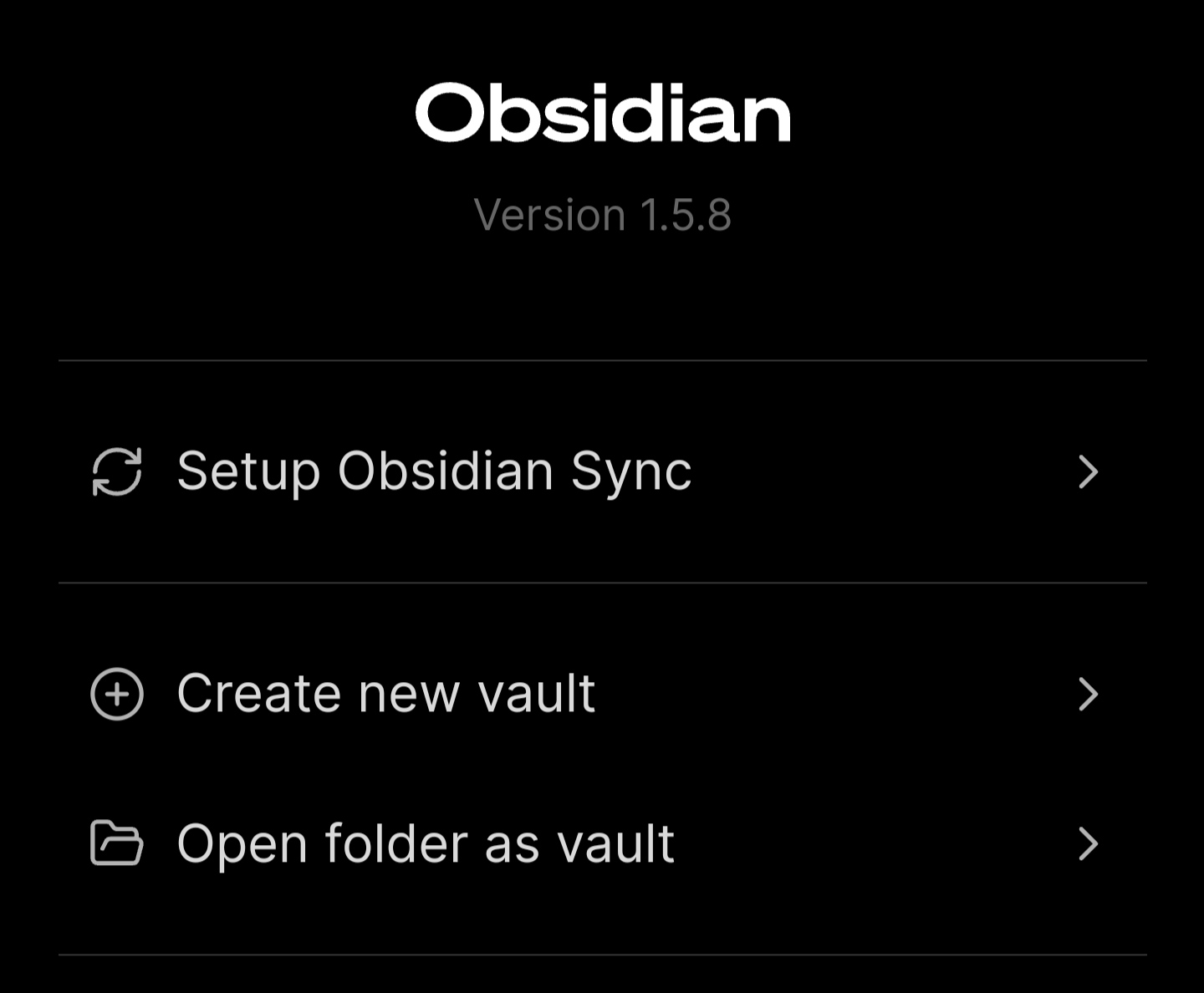
Create new vault
Create new vault

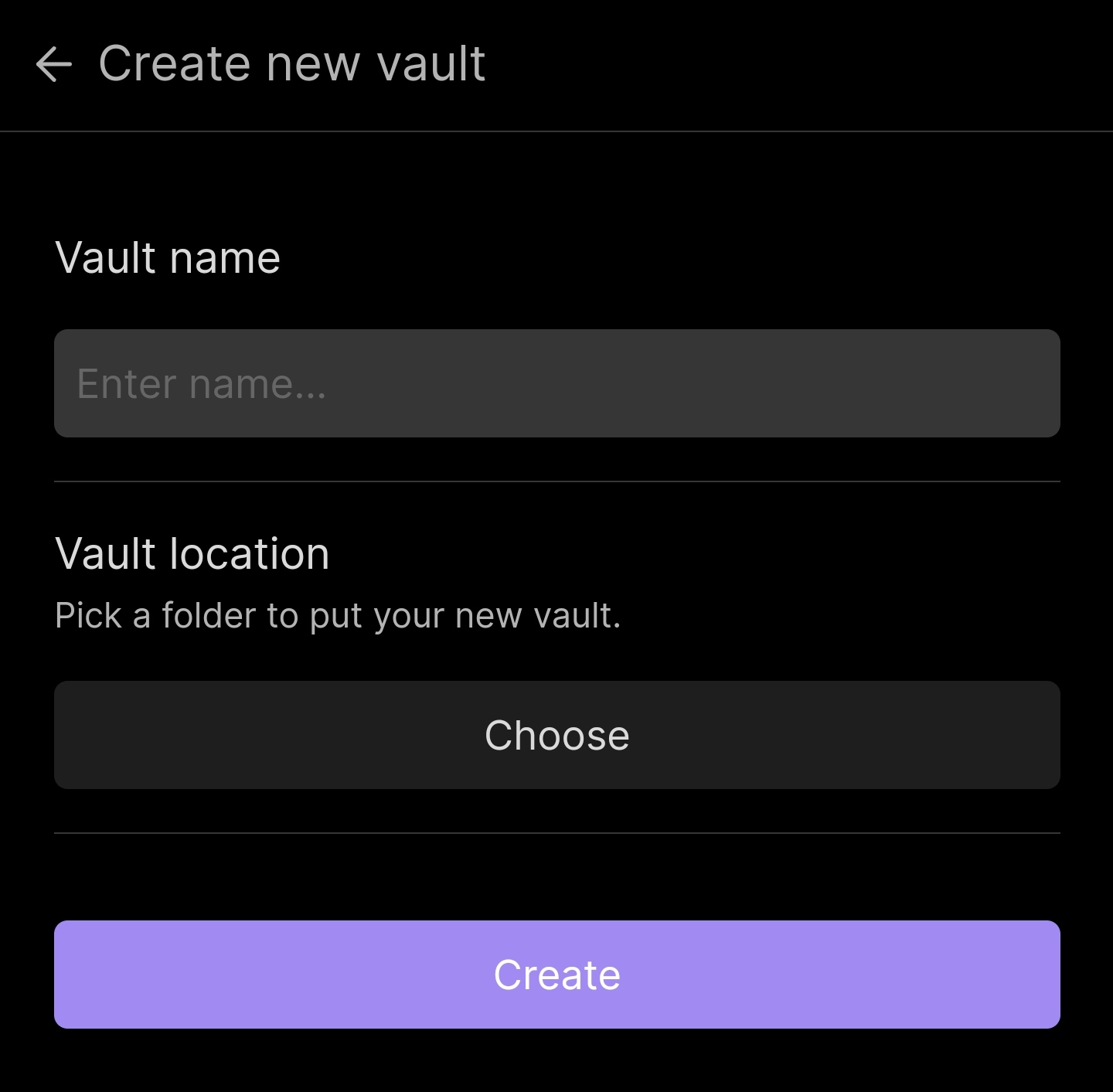
2.Vault name是你要取的名字,取要之后点choose选择你要储存的路径,
记住这个路径
6d8473266ba24da0.jpg

点击Create就可以开始写笔记了

安装插件

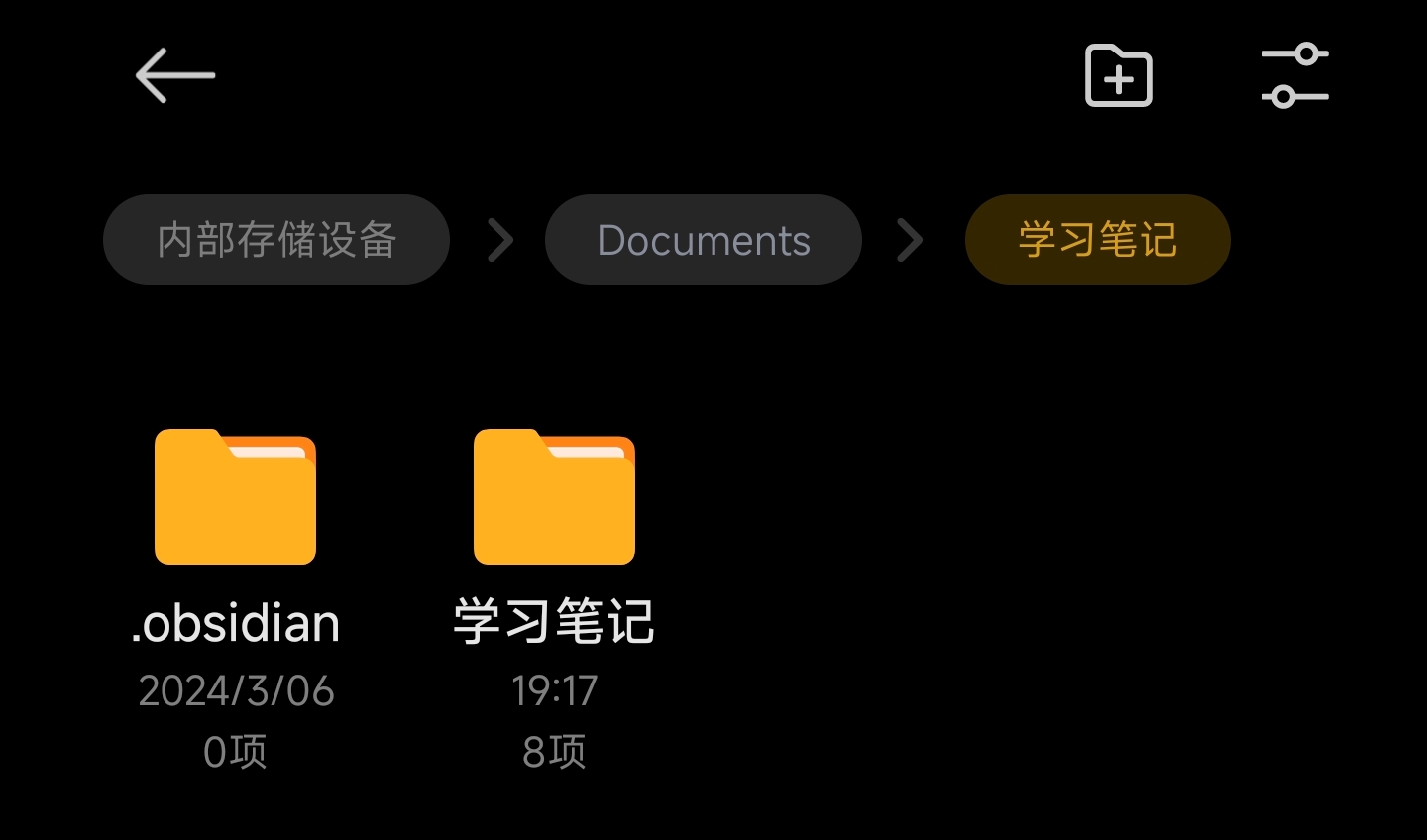
找到你刚才设置的文件路径,

15c8b93d0ebecc01.jpg

他会有一个名为 .obsidian 的文件,如果没有,就去设置里面打开显示隐藏文件夹。

安卓手机如何显示隐藏文件夹?

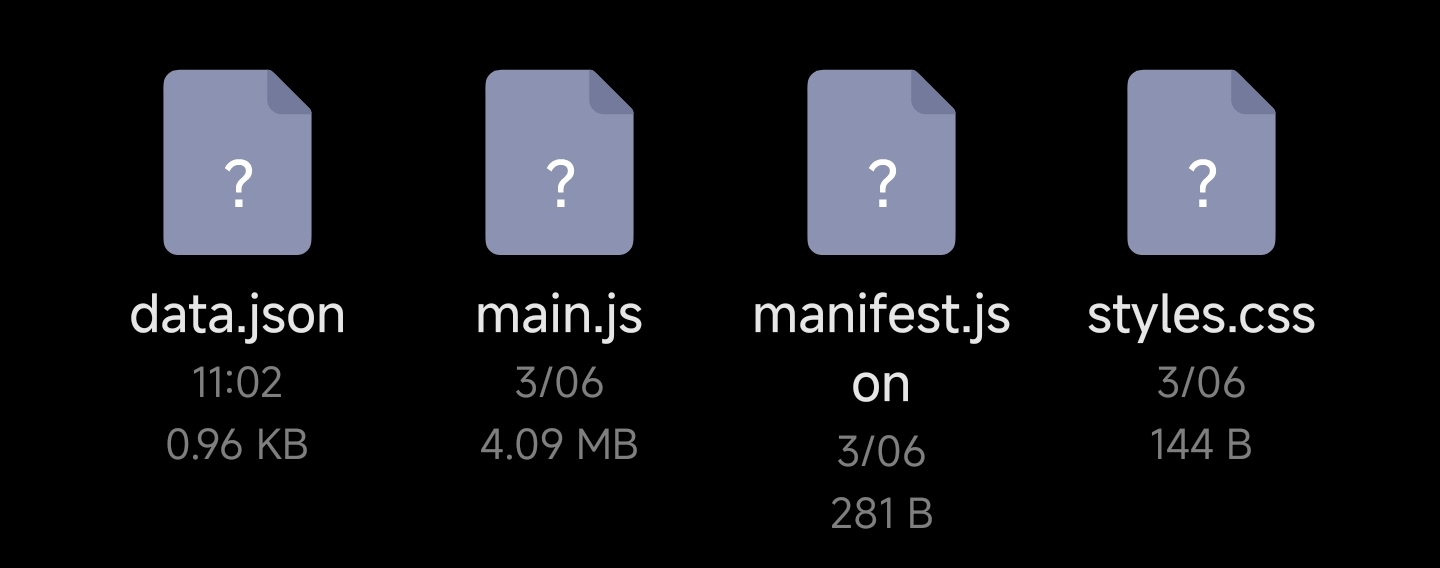
找到之后进去 .obsidian/plugins 目录里面,把你的插件文件夹放进去即可

插件的文件夹里面一般都长这样
988d02f8f23e1385.jpg

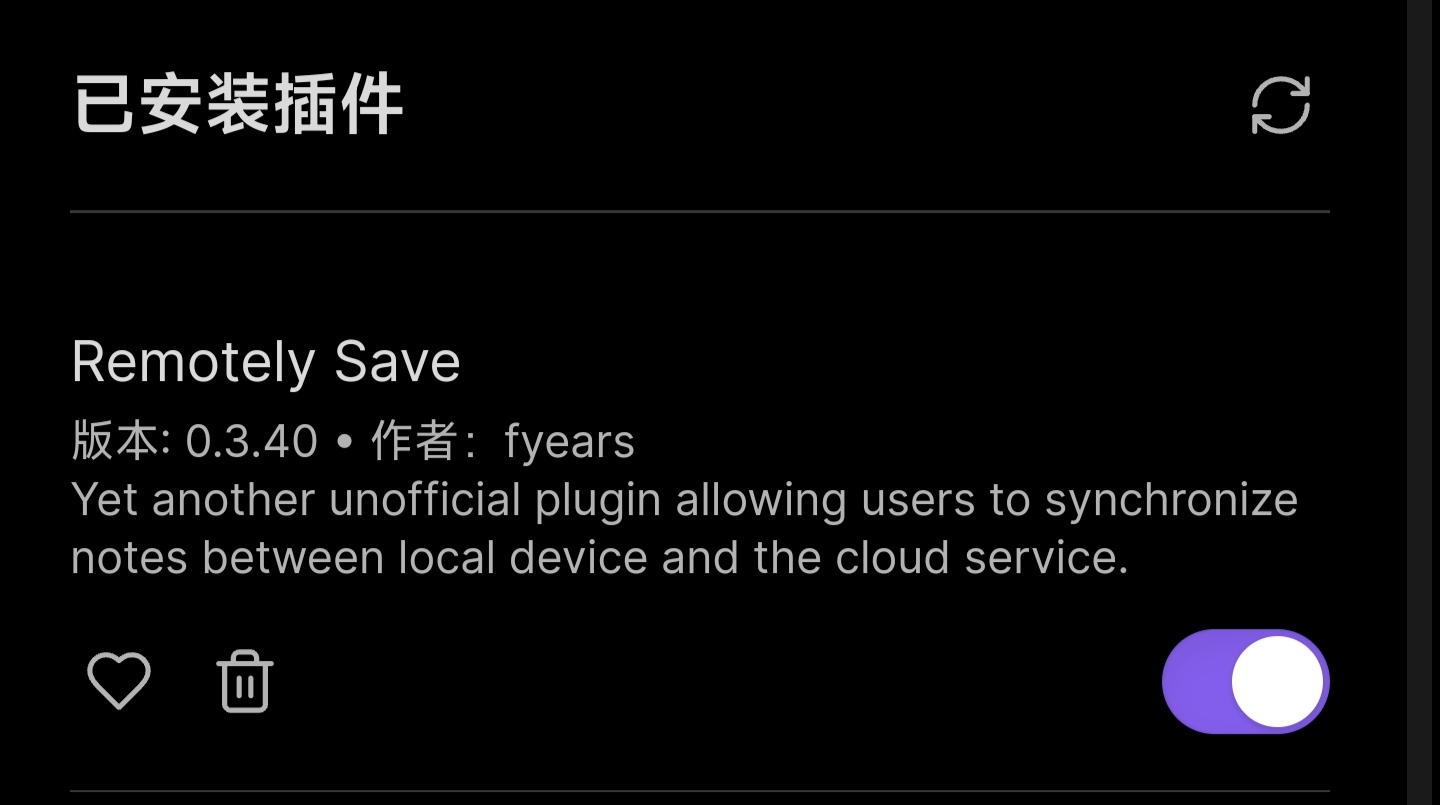
之后打开Obsidian设置---第三方插件---关闭安全模式,这样就可以在下面看到你所导入的插件了

bde580b3d88c5a5c.jpg