







With the newest version of Sanity Studio, you can now set initial values for all your document types. It’s a great way to save your editors time and effort spent on repetitive tasks. Initial Values lets you do things like:
To try it out Initial Values, upgrade your Sanity Studio by running this command in the studio folder:
Now you can explore the documentation and the new guide to learn how to get started.
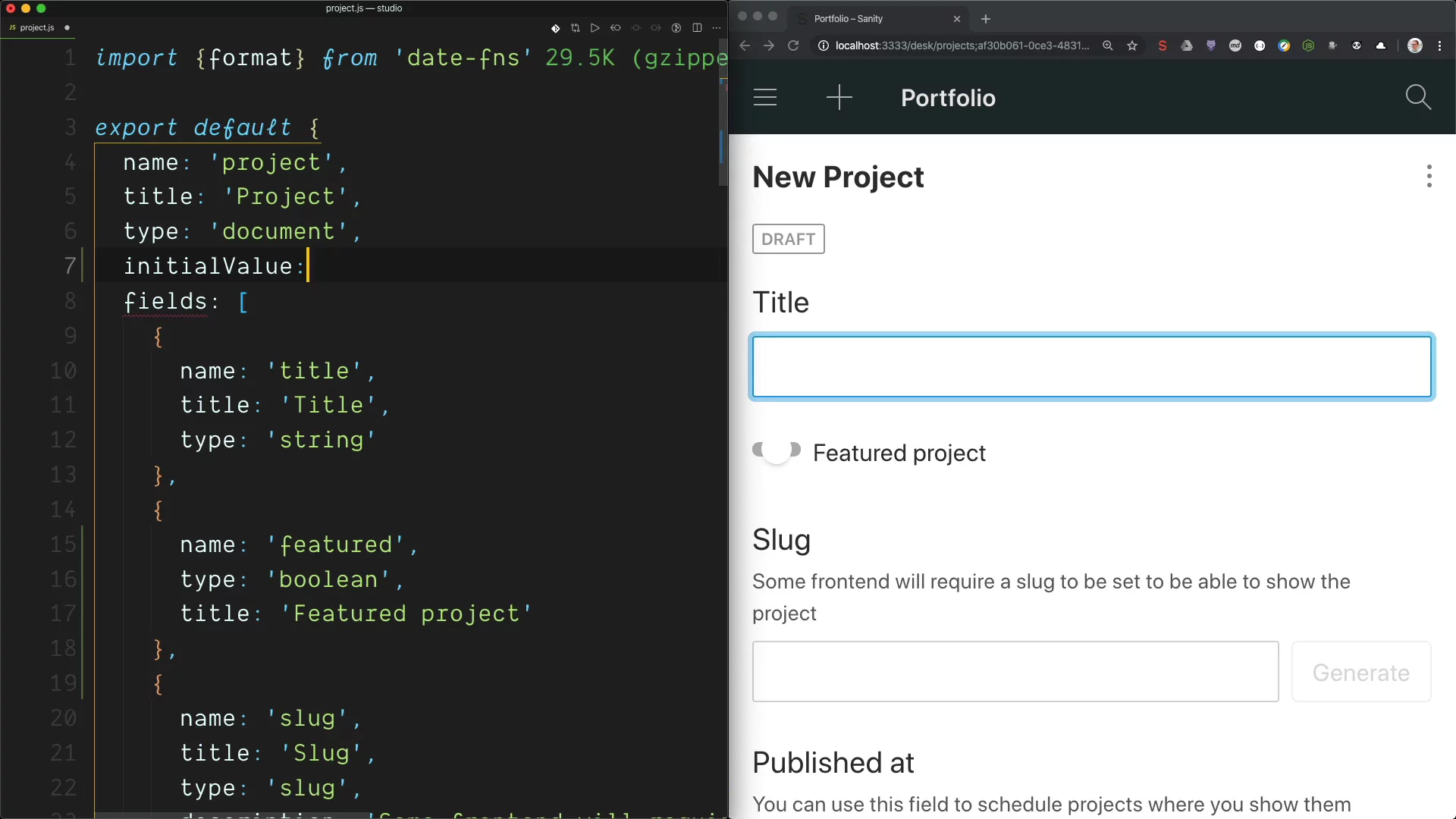
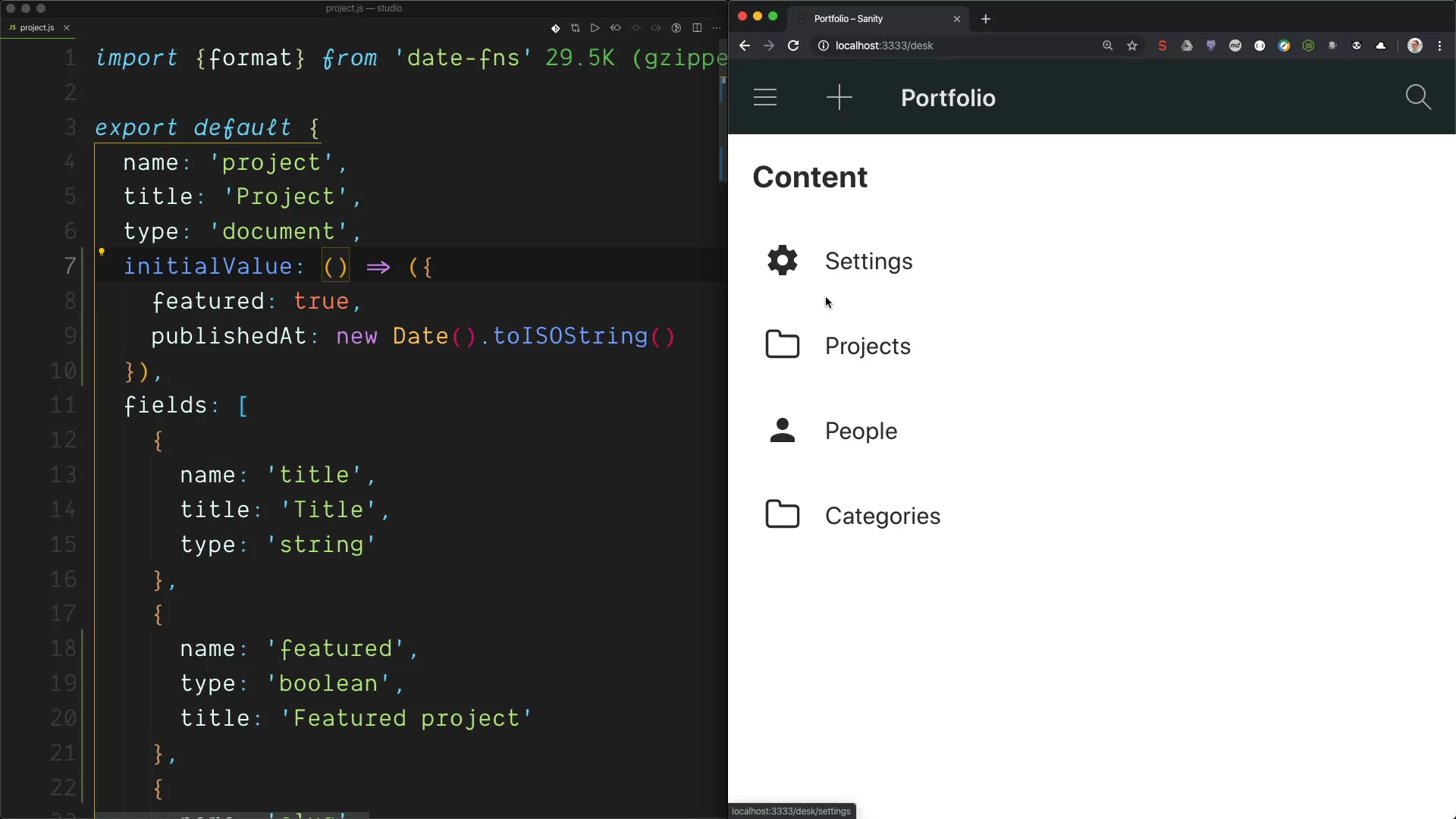
Video: How to set the initial value for a new project document.
This has been a feature we have been looking forward to shipping for quite a while. We hope it will give you the flexibility you need and perhaps some new ideas to make your editor’s day even better. If you come up with something unexpected or extra super useful, we would love to hear about it, either in our community slack, or on Twitter.
You can get started with initial values by adding a simple configuration key in your schemas. It can take a simple object using the field names as keys with the initial values. You can also return a function if you want to calculate the initial values with JavaScript. To set the initial value for a post document with a categories array, you can do like this:
We thought it might be useful to let you return a promise too. For those times you want to get your initial values from other documents, or an external API. Initial values from promises open some pretty powerful workflows. For example, if you want to automatically put the persons in your dataset in a list of members in a new project, you can use the Studio’s client and GROQ to fetch them, and project the data structure you need for those array items:
Here's a video of how that works in practice, also showing how you can extend the GROQ filter if you want more specific results:
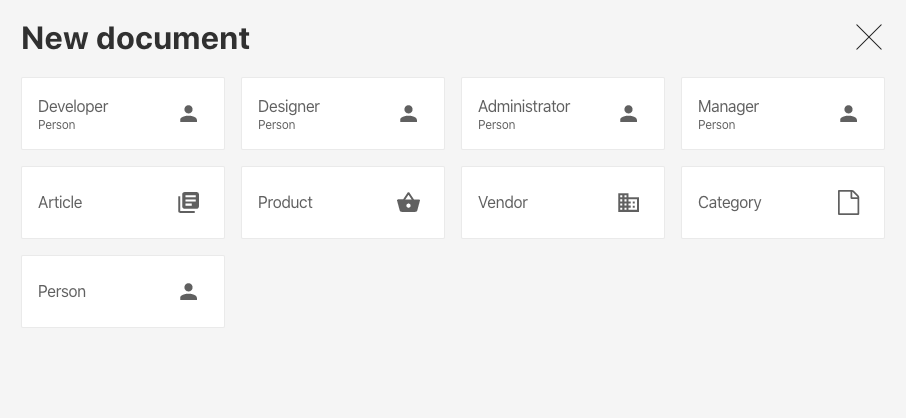
With the Initial Value Templates Builder, you can make sets of configurations that your editors can choose from. Let's say your company uses Sanity for a list of employees with different roles. A basic way to use templates is to iterate over these roles, and generate different templates for the different roles:
This configuration will then add these choices to the “New document” menu:
We have just scratched the surface of what Initial Values can do in this blog post, explore the documentation to learn about more advanced use cases.
此内容由惯性聚合(RSS阅读器)自动聚合整理,仅供阅读参考。 原文来自 — 版权归原作者所有。