








Earlier this week we hosted Delightful Editorial Experiences, a Sanity Open House event where we explored what makes a great editorial experience and why it matters. 300 guests stopped by to hear from our team and from partners and customers like Shopify, Figma, Loom, and Fnatic. As part of the festivities, we also announced a number of new features and closed a long-standing and highly anticipated GitHub issue. In this blog, we’ll walk you through the new features and functionality that we released to help empower developers to build great editorial experiences.
The Sanity Studio is the main interface where editorial teams collaborate on structured content. And it’s the application where developers can configure great editorial experiences and define exactly what shape the content should have in the APIs. The Studio has multiple extension points to make it easily customizable whenever the need arises. We’re thrilled to announce that we’ve completed a major overhaul of the Studio interface by fully migrating to Sanity UI.
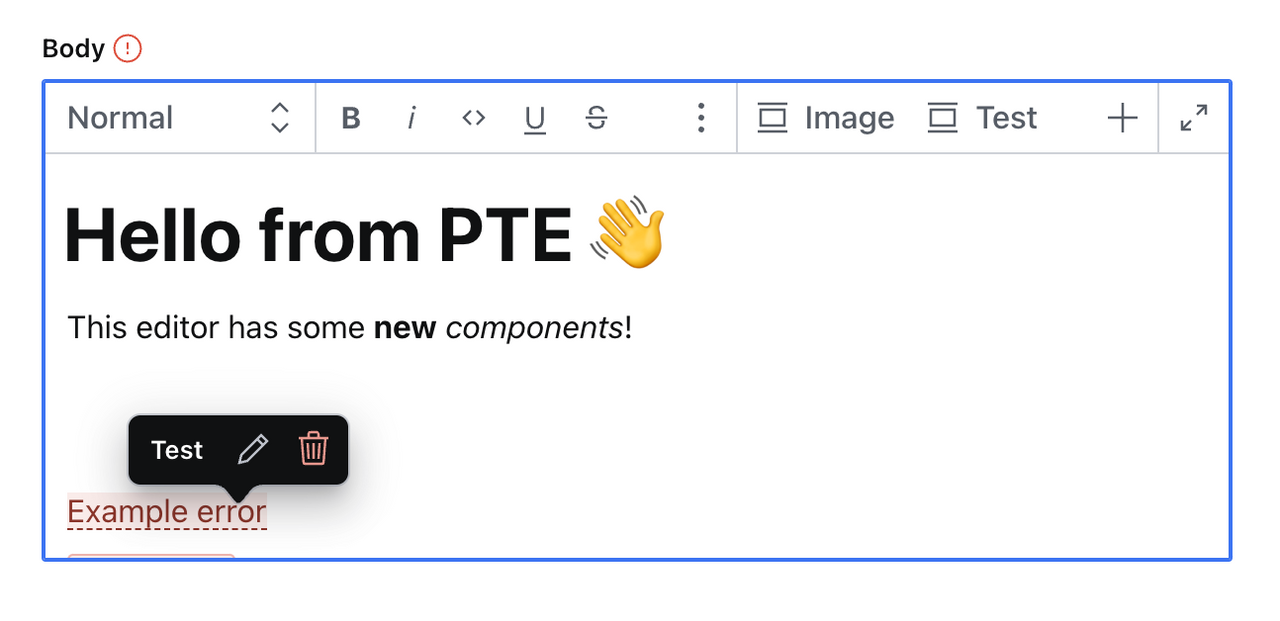
Sanity UI is a carefully designed component library. It was made to make our apps more accessible, resilient, and consistent. It has a companion Figma library to make the transition from prototype to code even faster. For the last year, the team has battle-tested the library while rebuilding the whole project management interface from scratch, and replacing all the visual parts of the Studio with new components. It’s important groundwork for the editorial experiences that are built on our platform.

Connecting documents and different content types with references is foundational for structured content. References in Place makes the editorial experience more efficient and flexible by reducing context switching for editors. In the past, if you wanted to update a product page and reference a brand new partner on that page, you’d need to back out of the product page you were working in, navigate to the partner content type, create the new partner document and publish it, then navigate back to the product page you started at and reference the newly created partner. That process wasn’t as smooth and straightforward as it could be, and that is precisely what References in Place fixes.
References in Place is a way for you to edit and create a new reference to a document without needing to navigate away from the document you are working in. This lets your content teams stay on the same screen without getting distracted, which streamlines workflows to improve productivity and efficiency.
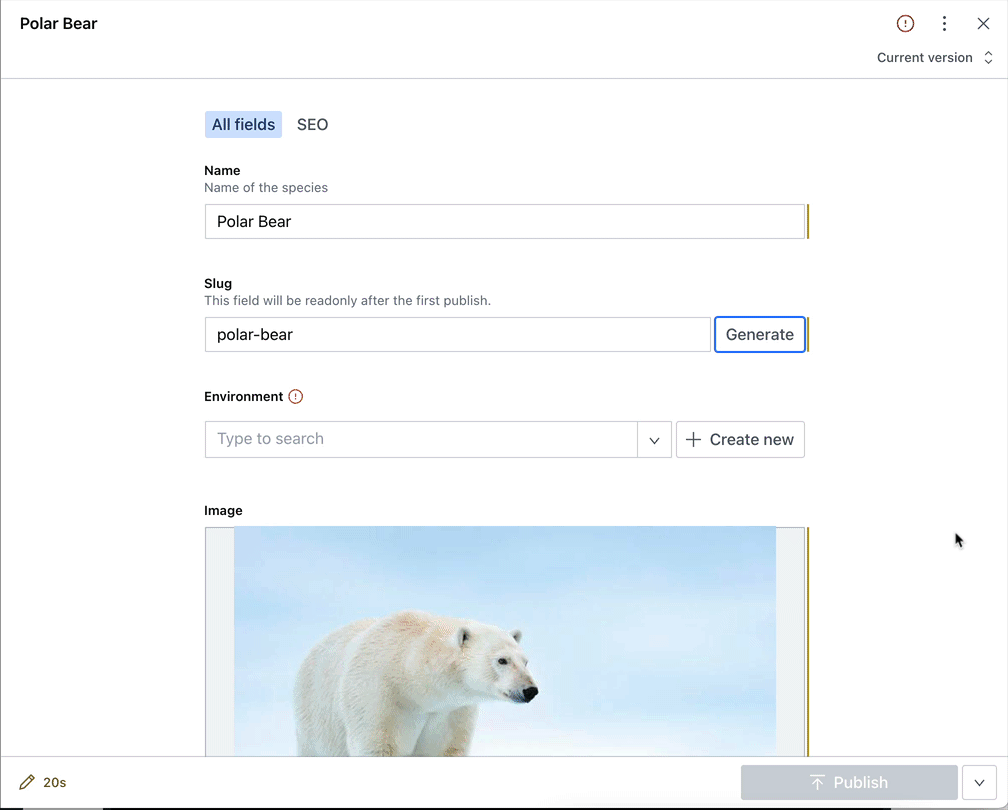
We’ve also implemented the ability for References in Place to honor initial value templates so you can create new documents inline with precisely the fields and default information you want for that content type. And we now treat arrays of references just like document lists, letting you easily see your list of references at a glance.
You’ll get the new References in Place functionality by upgrading the studio (`sanity upgrade`). We have also published a new article on how to use and think about references that we encourage you to check out.
A key way to make the lives of content teams better is to display relevant information – and only relevant information – in the interface they use to create, edit, and manage content. That reduces the cognitive load and makes it easier to accomplish what you are trying to do. Sanity has two new features that help with that – Conditional Fields and Field Groups.
Conditional Fields is a way for you to add arbitrary logic to the interface so you can show or hide Sanity Studio fields depending on what your content teams are trying to accomplish. Selling a virtual good? Hide physical dimensions (width, length, height) in the interface. Make websites for realtors? Automatically show a ‘sales price’ field once a property has been marked as sold. And we’ve just added the ability to apply conditional logic to fieldsets and a field’s read-only property.
Field Groups is a way you can organize the information in a logical way and filter the document view by different sections you define. This lets you display information in more bite-sized chunks and give editors control over what form information they want to view and interact with.
Just as a tool can have papercuts, it can also have small nice things that individually don't feel like much, but together make for a great user experience. We regularly make these types of improvements, in fact, we’ve recently shipped the following:
We’ll continue trying to strike the fine balance between including the things most editors need to do their work, and making it easy to add anything else that makes sense for your particular use cases. After all, that’s the point of having a decoupled editing environment: You shouldn’t be burdened with functionality that you don’t need, and we shouldn’t stand in the way of you providing the best tool for your team. We should empower you to do that.
2022 will be a great year for everyone who works with structured content. We have some interesting plans lined up. One of them is to organize a conference. If you’re interested, you can sign up for conference news on www.structuredcontent.live. See you there!
此内容由惯性聚合(RSS阅读器)自动聚合整理,仅供阅读参考。 原文来自 — 版权归原作者所有。