



How many tools do you use when creating content?
Usually, it's at least three:
This workflow creates friction. Momentum is lost switching between tools, context is lost when collaborating with AI, and manually transferring content into structured fields can cause formatting issues and waste time.
Canvas is our AI-accelerated, context-aware authoring tool that brings your entire content creation workflow into one place. Formerly known as Create, it now lives in the Dashboard, so it's easy to jump back in and keep your momentum.
Let's explore Canvas and, more importantly, how it removes friction that many content creators have accepted as the norm.
The writing process before Canvas looked like this:
The final draft would look like this:
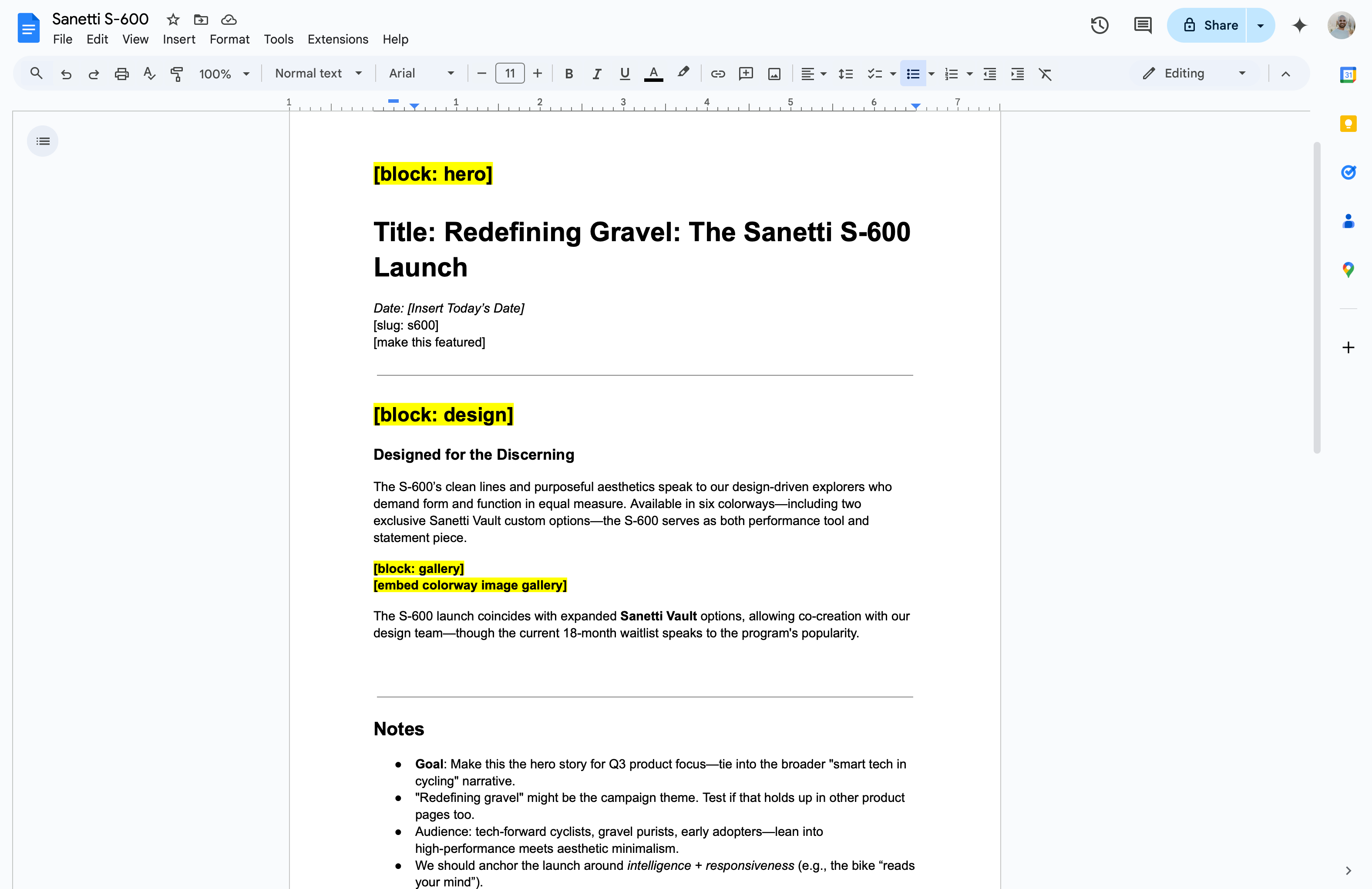
... a mixture of annotations, notes, and the content to go live.
It's easy to accept this as the norm. After all, what other way is there?
Until Canvas, none.
Before Canvas, Sanity didn't see the content until it was just about ready to go live. Drafting and feedback took place using other tools. Fragmented tooling slows content creation.
Canvas was built in response to these common frustrations and designed with the entire process in mind, from AI-assisted writing to automatic mapping to Sanity Studio. Canvas helps you move from ideas to structured content in a single environment. No more switching between tools and losing momentum through context-switching.
Let's explore how Canvas solves each stage of the content creation process, from starting a rough draft to mapping it to Sanity Studio. We'll also highlight what this process looked like before Canvas.
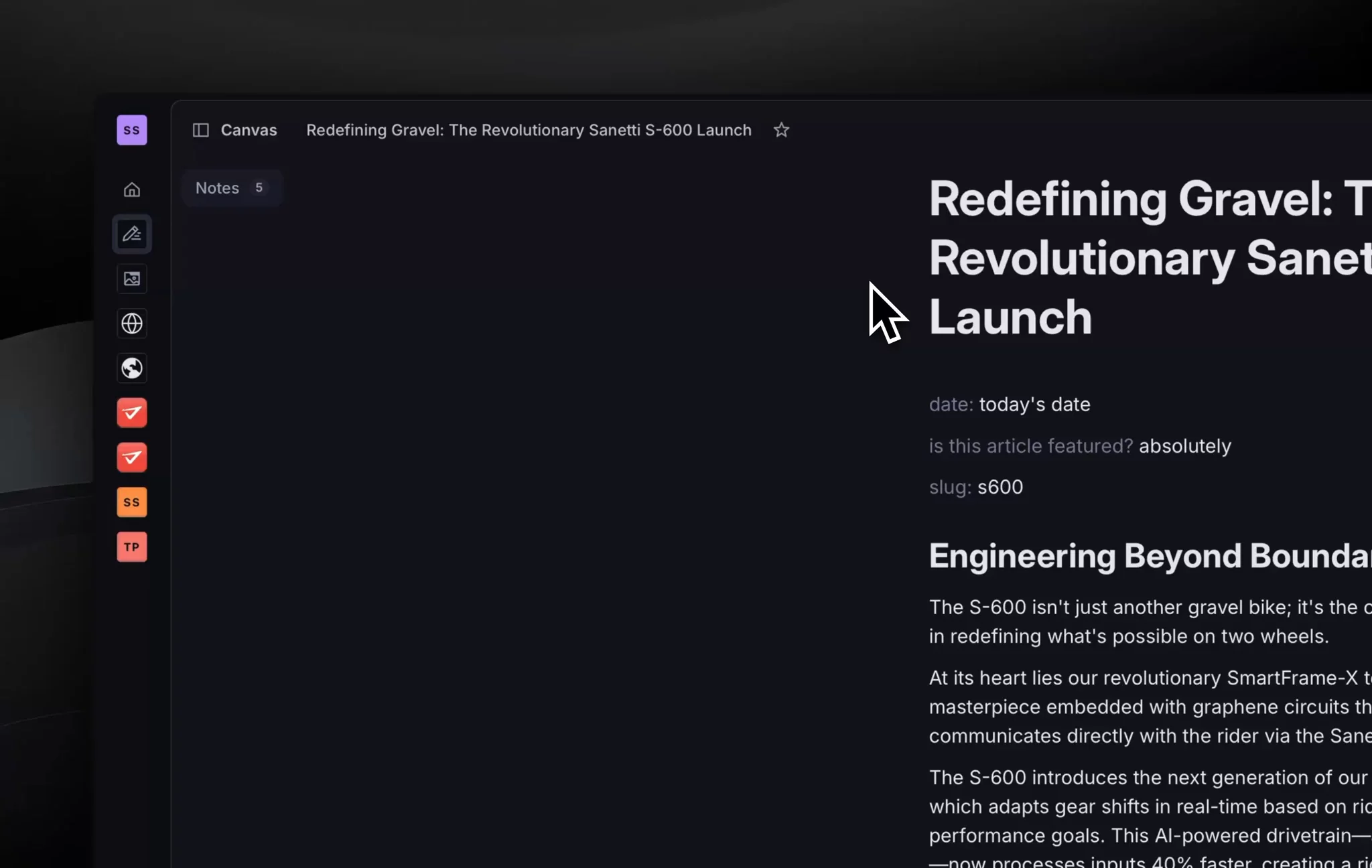
Before: Briefs, loose ideas, facts, and style guides were scattered across different tools. Context got lost, and your AI assistant lacked the full picture, producing generic and inaccurate content.
Now: Canvas keeps everything in one place. Your notes stay part of the writing process, keeping you, your team, and your AI assistant aligned.
So you can: Start from context, not from scratch.
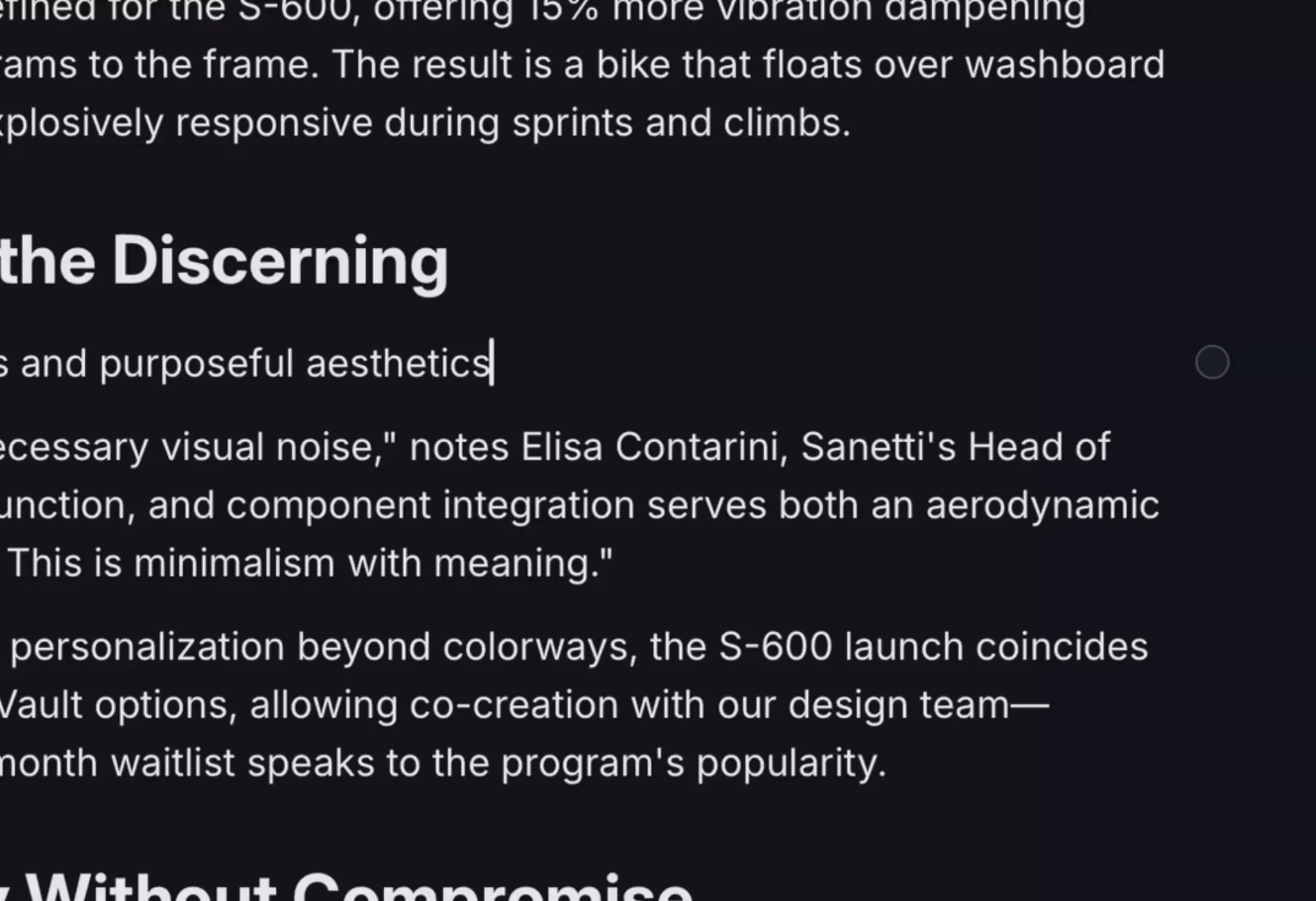
Before: You switched between your draft and AI tools, copy-pasting to refine small sections.
Now: Canvas brings AI autocomplete directly into your writing environment. Suggestions are context-aware, pulling from your notes and content to match your voice and needs. The "Show me options" feature presents multiple alternatives when you're stuck, while the instruction mode lets you provide custom requests like "make this more concise" or "rewrite in a professional tone."

So you can: Stay in flow while refining your work with AI.

Canvas supports multiplayer editing and inline comments.
So you can: Keep content, collaboration, and publishing under one roof.
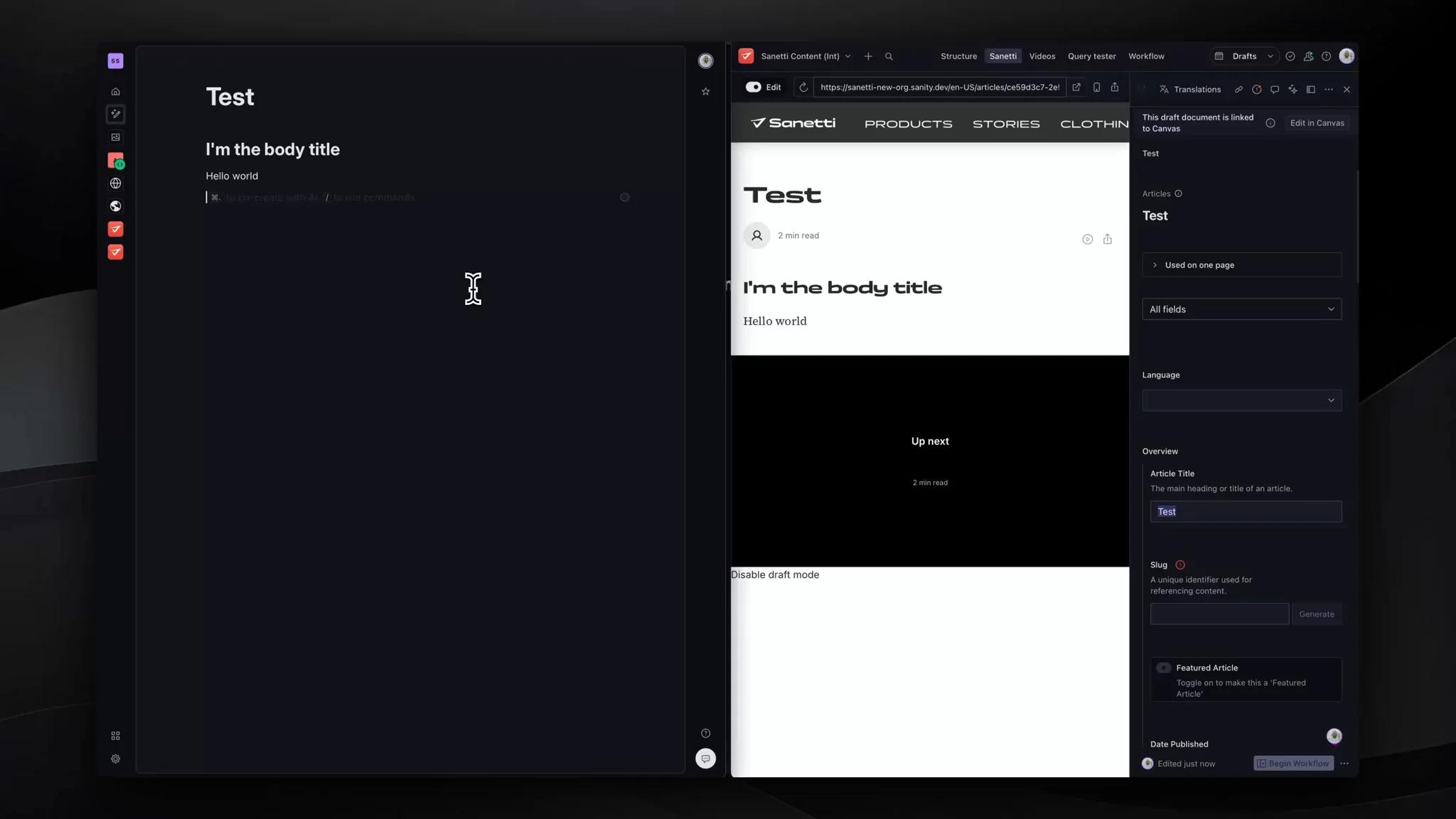
Before: You'd copy and paste your final draft into Sanity Studio, manually mapping text, images, and other elements to the right fields. This process was error-prone and time-consuming.
Now: Canvas automatically maps free-form content into structured fields for any Studio and document type. It reads your schema, understands your intent, and proposes mappings. You can review and adjust mappings before accepting.
So you can: Go from draft to publish-ready in one click.
Start a document, add notes, collaborate with AI, and click once to structure it for Sanity Studio. No more copy-pasting. No more fragmented tooling.
Learn more about Canvas, or head over to the Sanity Dashboard to start writing. It's available for all users with the editor role.
此内容由惯性聚合(RSS阅读器)自动聚合整理,仅供阅读参考。 原文来自 — 版权归原作者所有。