








Have you ever created a piece of content that didn’t benefit from feedback or stakeholder approval? Neither have we! From an initial draft to the final version, feedback is needed at every stage and often from a mix of teammates; collaboration is key.
We’re also betting you can relate to the potential cost if this collaboration isn’t managed well; slow response times, disjointed or lost threads, and confusion from lack of context are all too familiar in the content creation journey. These costs underscore the importance of seamless collaboration—a principle that has guided the development of many of Sanity Studio’s most-loved features like real-time collaboration and clear revision history and version control.
Today we’re announcing Comments as yet another feature to help collaborative teams move faster. Comments lets users converse directly within documents once content is staged in Sanity Studio.
A strong pattern we’ve identified for many users is to collaborate outside of Sanity during initial content creation. Often this is a first draft of an article in Google Docs or a design mock in Figma. Within these tools, teams rely heavily on comments to trade feedback and keep track of progress right within the context of their work.
Once content is staged to Sanity, however, users lose this affordance, which means any collaboration suddenly needs to happen via email, Slack, or outdated source documents. This can lead to a slowdown in publishing new content or making updates (a slowdown that has also impacted our users whose entire content lifecycle happens in Sanity).
With the introduction of Comments, we’ve solved for this by giving users a more cohesive content creation workflow. Gone are the days of toggling between Sanity and various alternate feedback channels to keep track of the latest threads or action items. Comments bridges the gap from the first brainstorm to the last stamp of approval, ensuring in-context conversations are easy at every step of your content's journey.
Comments comes with an array of features to enrich your content development process:
Field-level commenting: Errors can be flagged, improvements suggested, and context provided right where it's needed to minimize confusion.
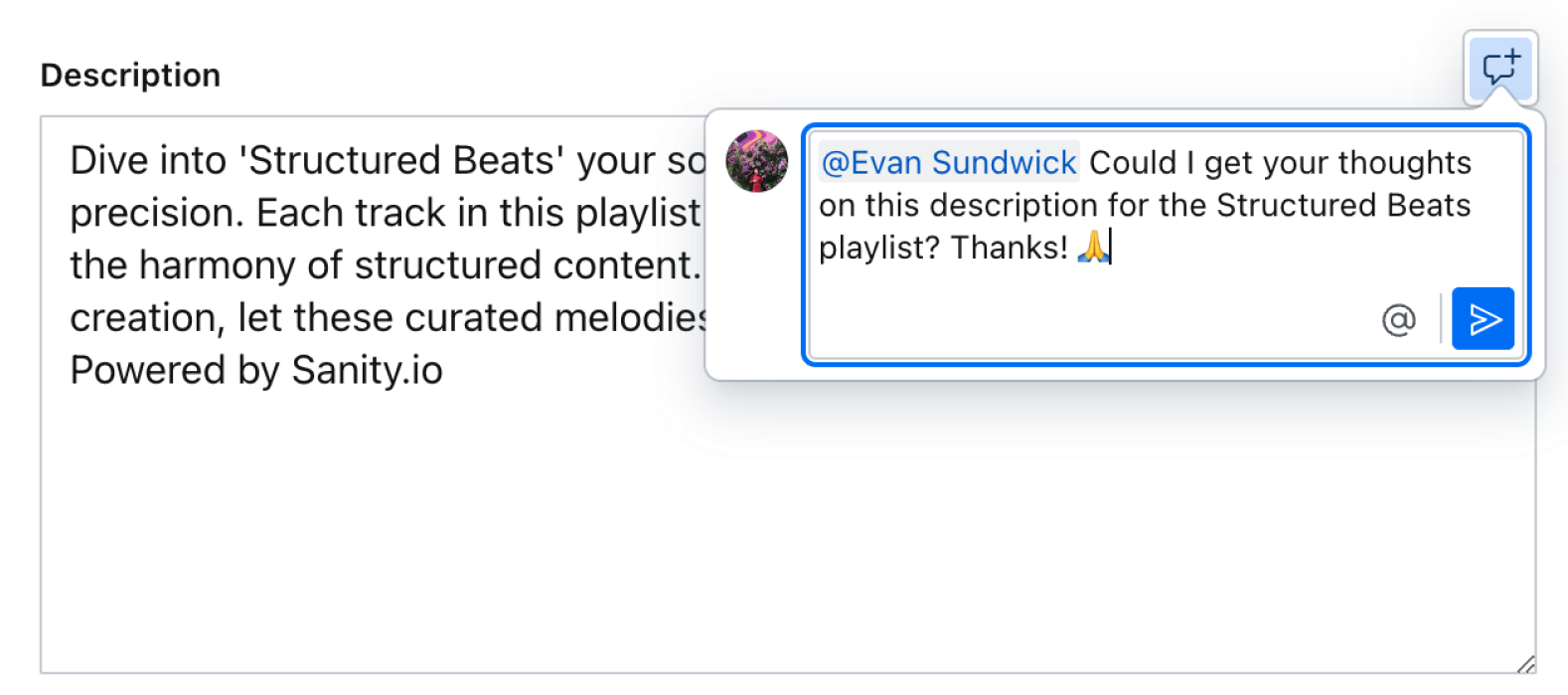
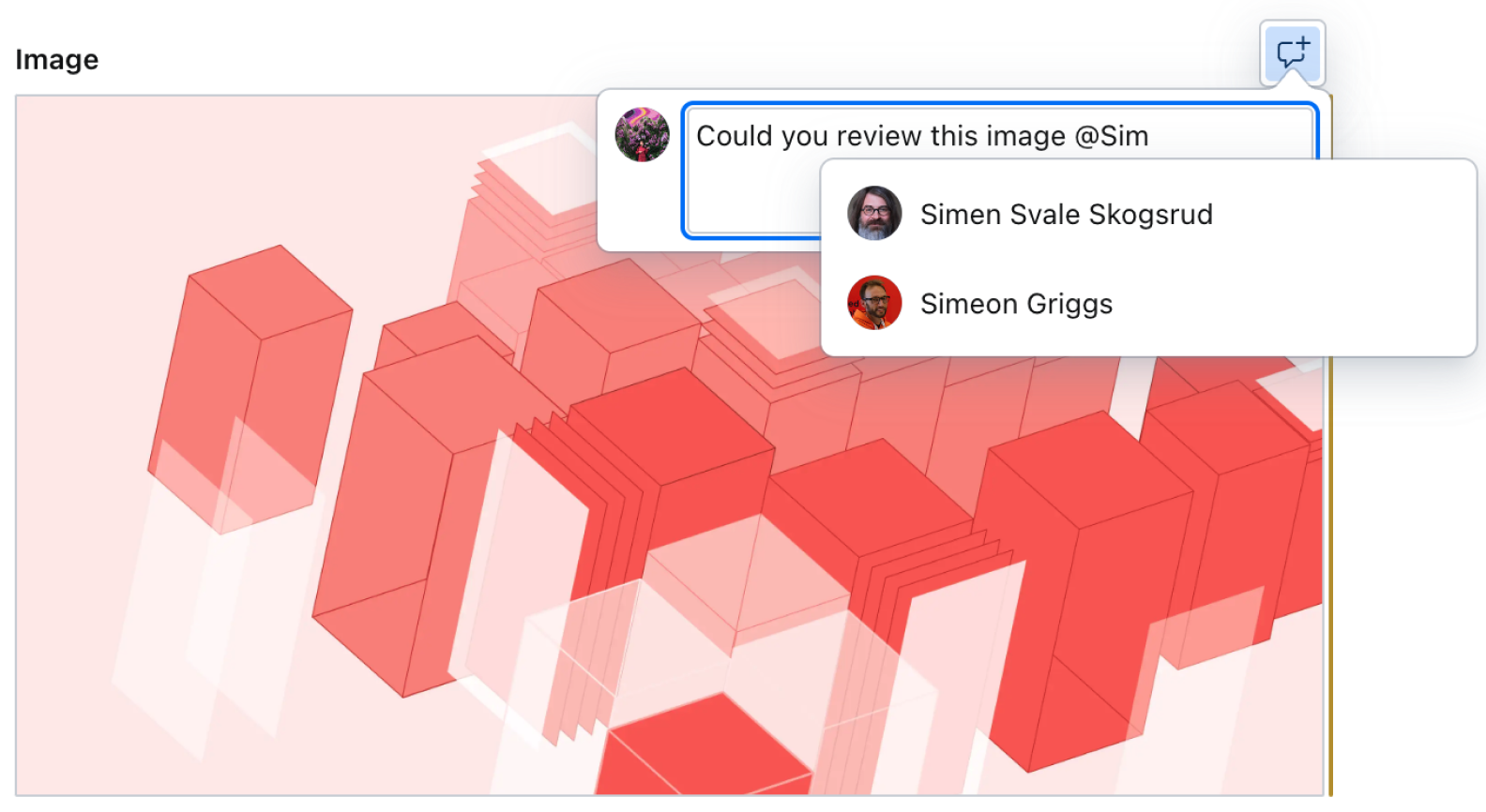
User mentions: Responsibilities can be clearly assigned and attention focused where it’s needed by tagging specific teammates, speeding up review cycles and response times.
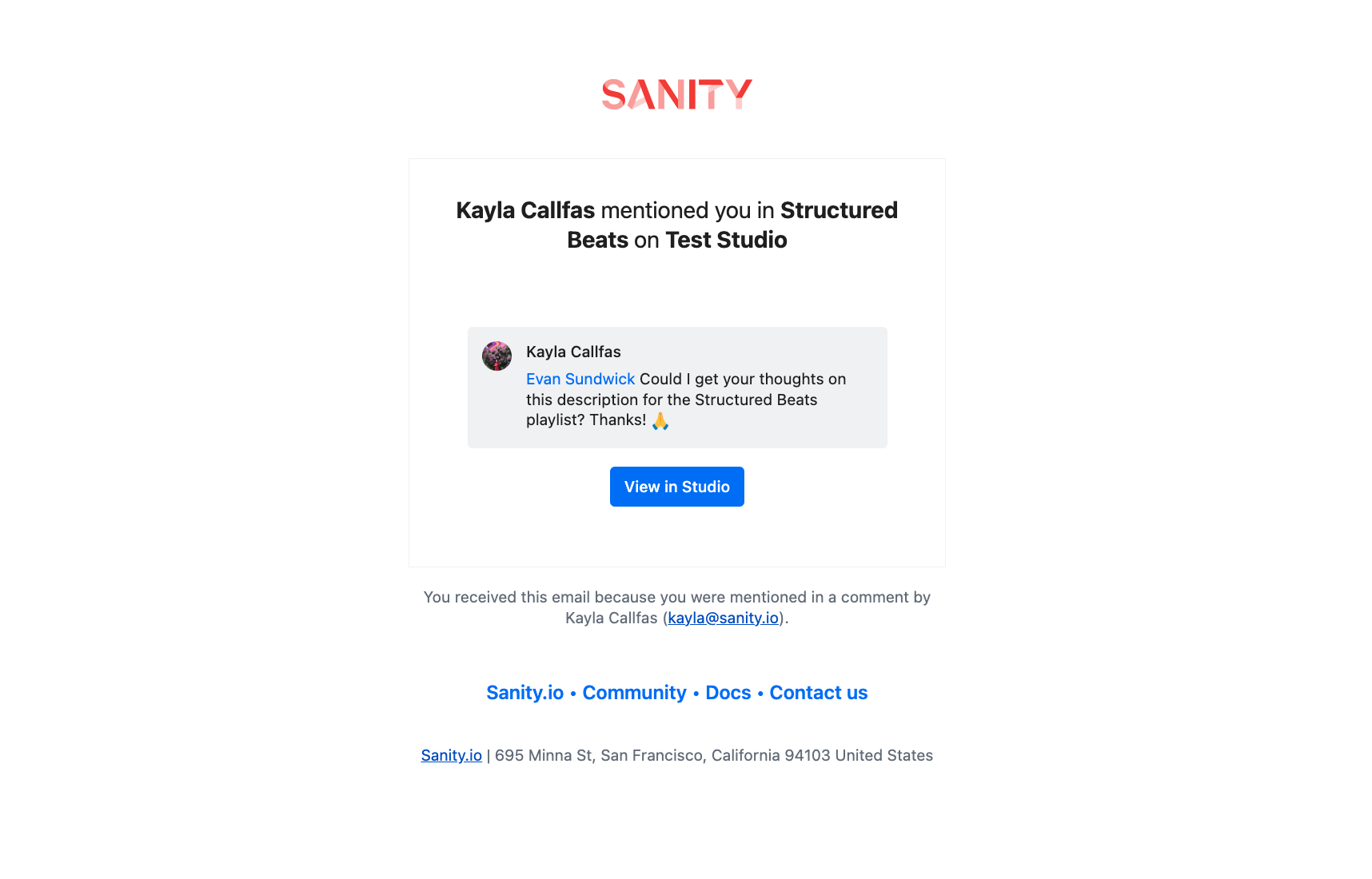
Email notifications: Email alerts keep users informed about mentions and replies so no one misses a beat or slows progress down if logged out of the Sanity Studio.
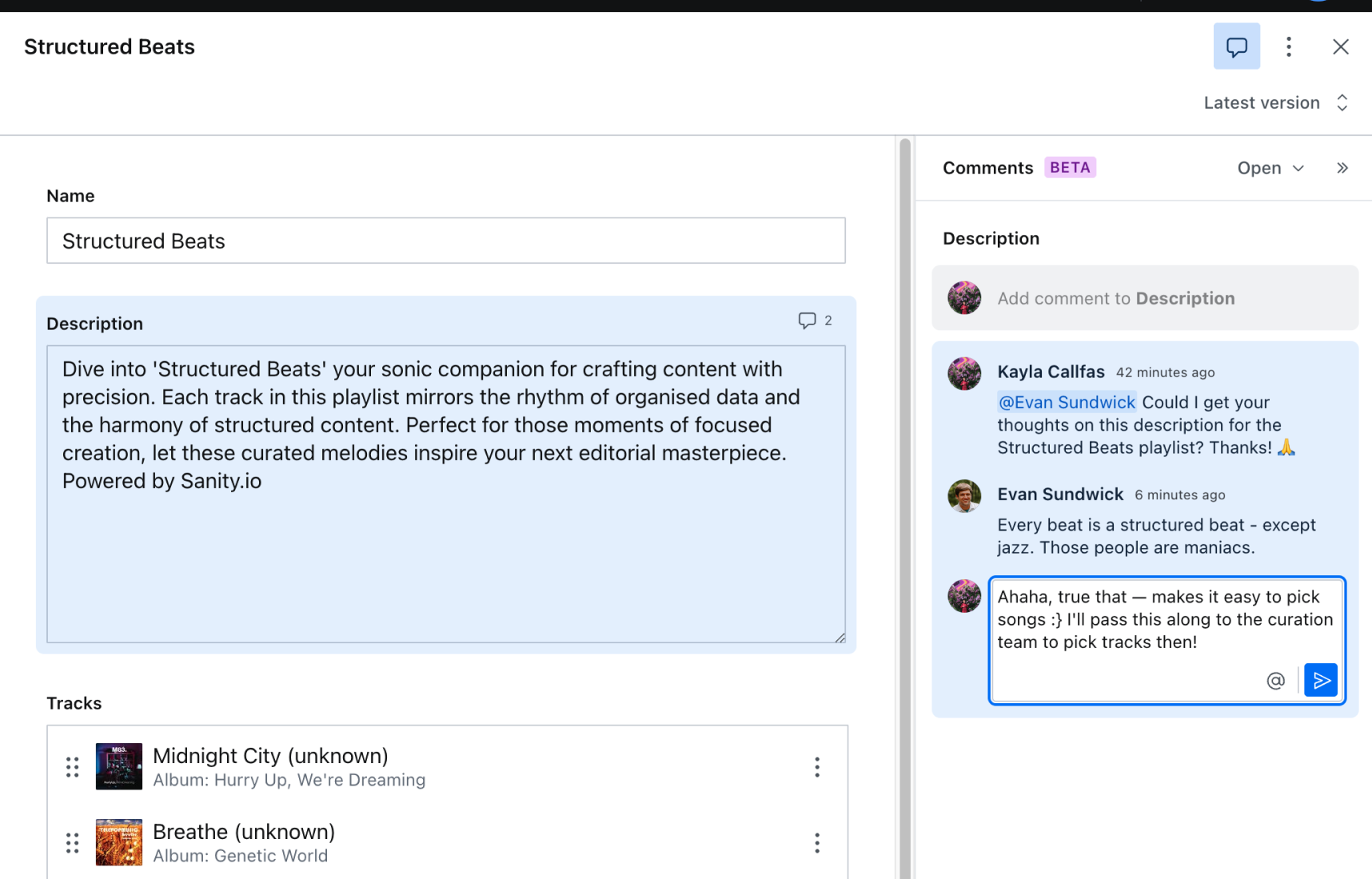
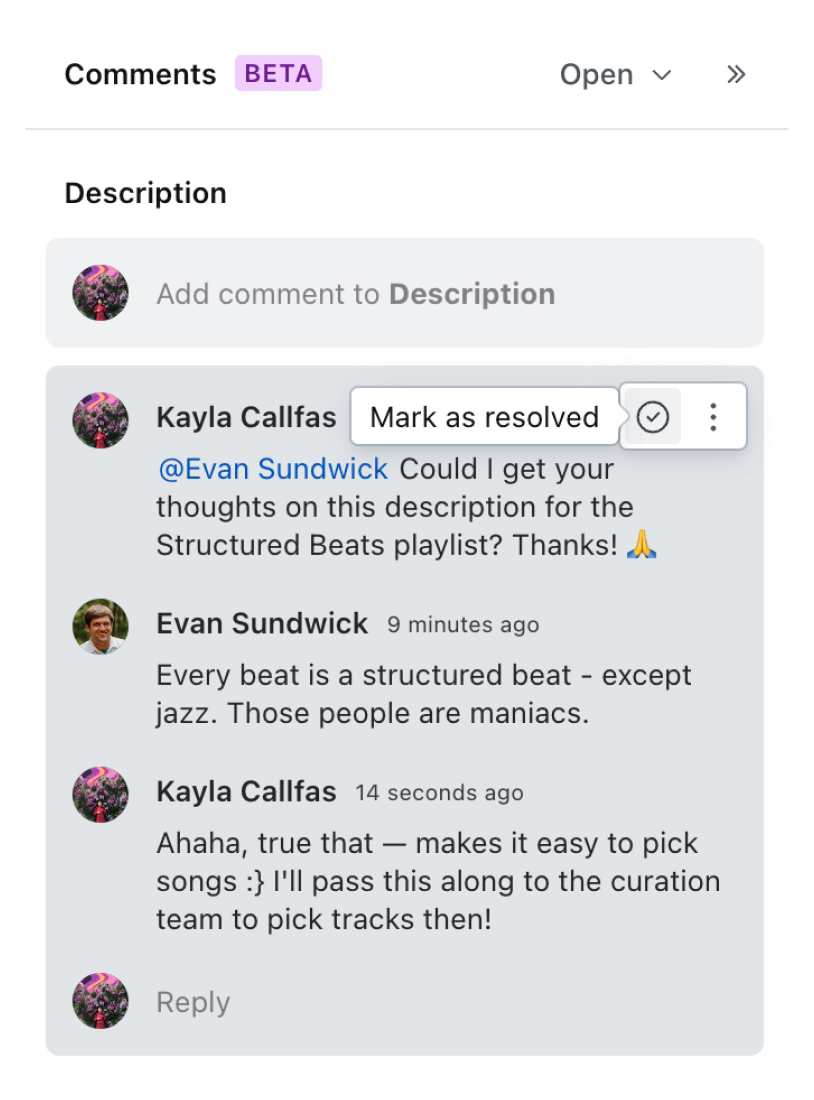
Threaded replies: Discussions are kept organized and clear, allowing everyone involved to easily track the progression of assignments, ideas, and decisions.
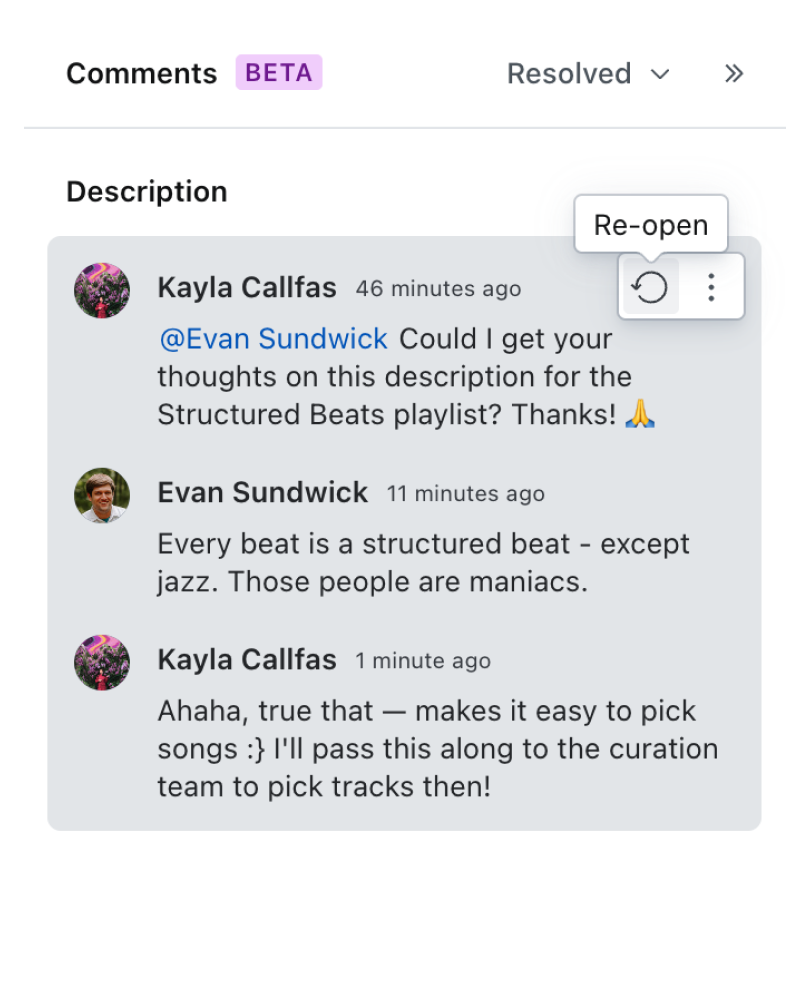
Comment status tracking: Editors can mark comments as open or resolved to easily identify which comments are pending and which have been addressed, maintaining efficiency and focus.
Feedback archives: Comments can be viewed even after they’re resolved, providing documentation of the rationale behind changes for future reference.
Comment navigation: By clicking on a comment, users are directed straight to the relevant section of content in need of review or revision, reducing errors and ensuring that no feedback is misapplied.
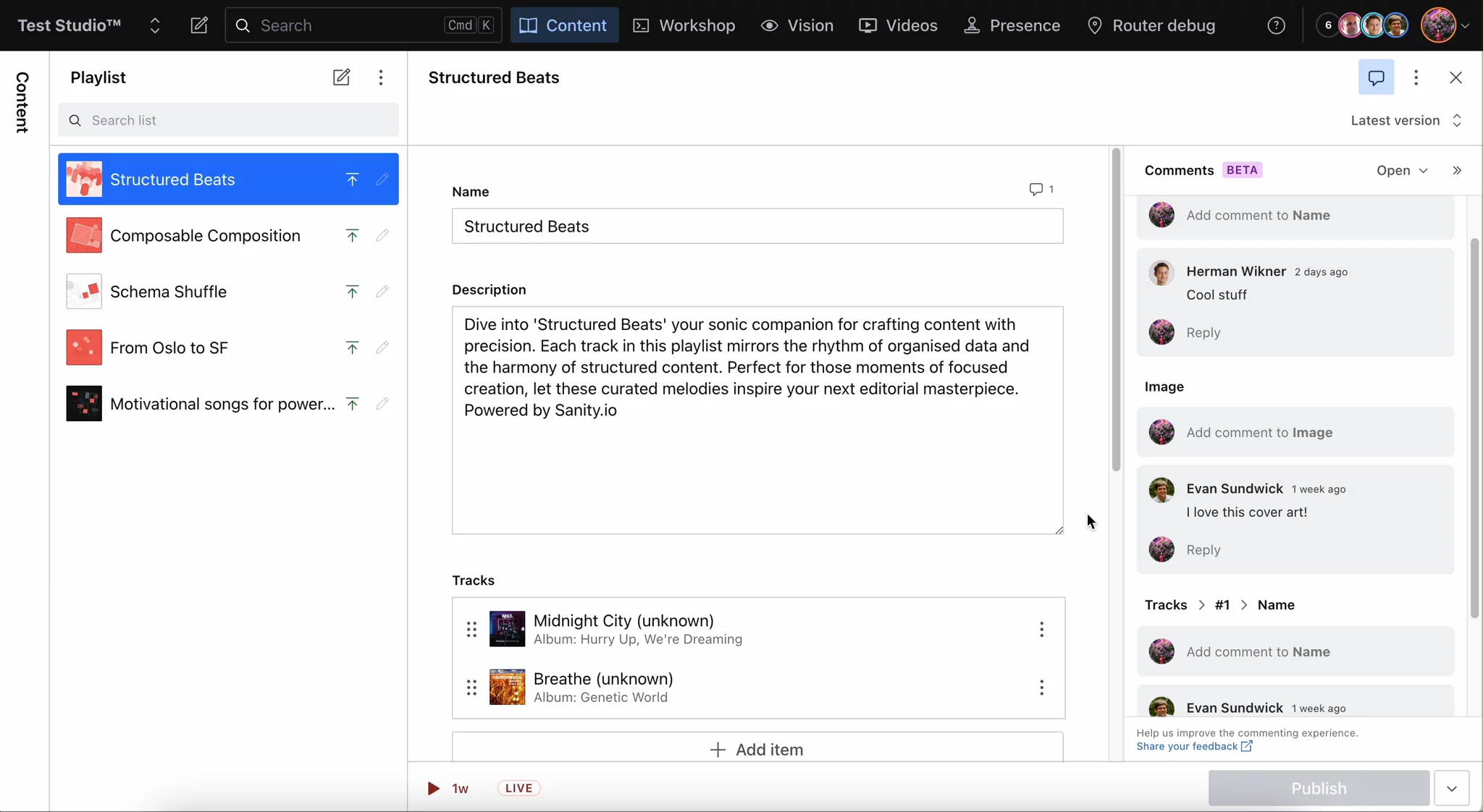
These combined features provide a direct way for team members—from authors to legal teams—to discuss content within the context of a document itself. Not only does this streamline review processes, it makes them more comprehensive by increasing engagement from cross-functional teammates.
During open beta, Comments is an opt-in feature. No matter if you have a new or existing project, enabling comments in your studio is quick and easy!
Enabling comments for both new and existing projects is as simple as updating your Studio to ensure you’re on Studio 3.19.0 (or higher) and adding two small lines of code to your Studio config file as noted below:
To view more detailed steps on how to implement Comments into your Studio as well as view additional config options, such as enabling Comments for a specific document type, you can view the documentation here.
Comments is yet another way Sanity helps teams ship high-impact digital experiences faster. Experience a world where fluid content creation, thorough reviews, and swift updates are seamlessly integrated with the benefits of a Content Operating System.
So, if you're on our Growth plan or above, why wait? Head to our docs to learn more about implementing Comments into your workflows.
此内容由惯性聚合(RSS阅读器)自动聚合整理,仅供阅读参考。 原文来自 — 版权归原作者所有。