








We’re introducing a major upgrade to Inoreader Intelligence, giving you full control over how your AI-powered features run. You can now choose your preferred AI platform, connect your own API keys, and select the models that best fit your needs. Whether you’re working solo or as part of a Team, this update makes Intelligence more flexible, customizable, and aligned with your existing workflows.
Until now, Intelligence features in Inoreader relied on a single platform. With this update, you can choose between multiple providers: OpenAI, Mistral AI, and Anthropic.
This gives you the freedom to tailor your setup based on performance, pricing, or compatibility with the tools you or your Team already use.
To choose a platform, go to Preferences > Intelligence > Platforms. Platform selection is available to users with Pro, Custom, and Team plans.
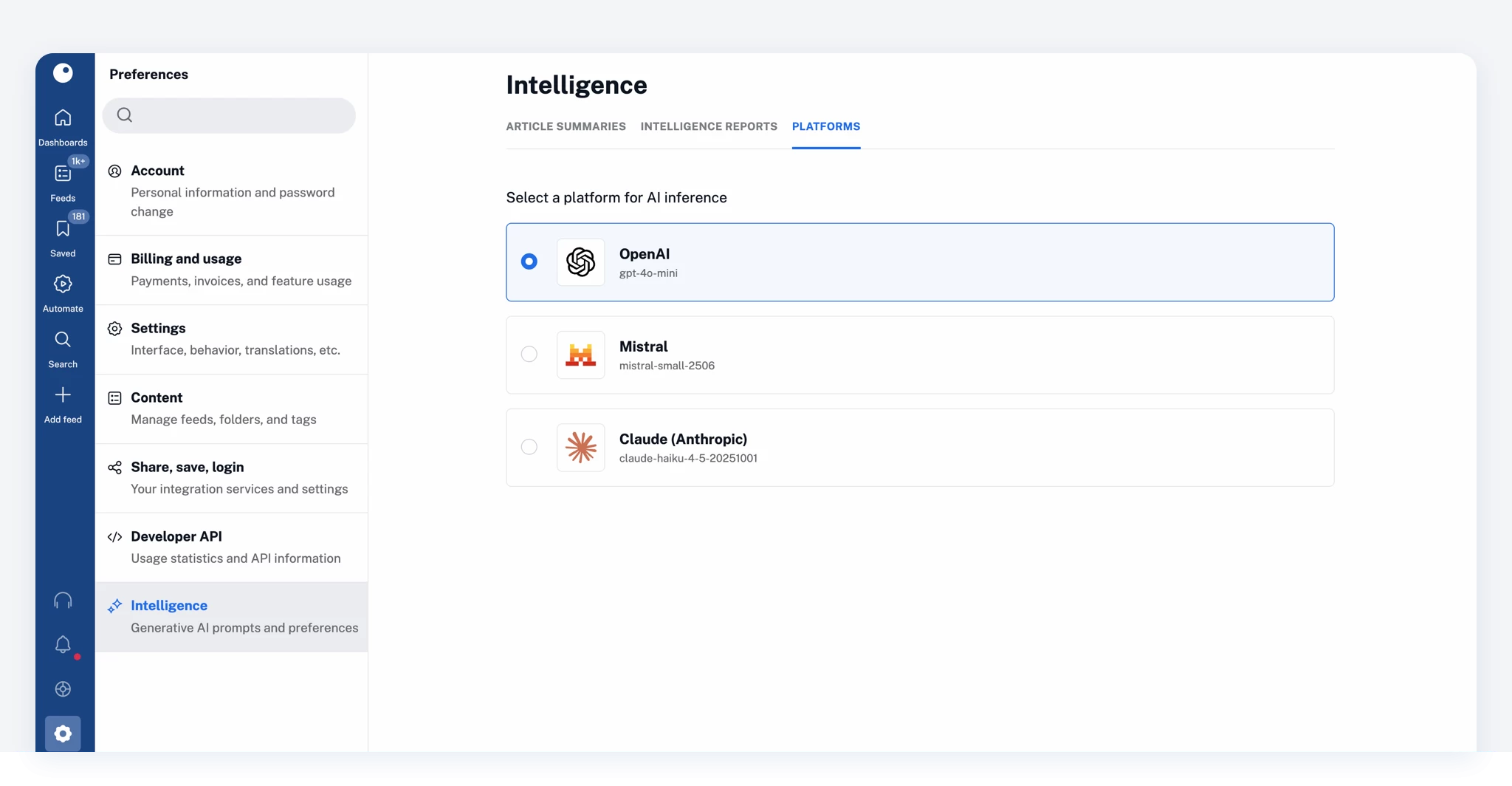
Want to use your own account with a provider? Adding a custom API key and selecting models is available with Intelligence add-ons and Team Intelligence plans. Simply follow the on-screen instructions to connect your account.
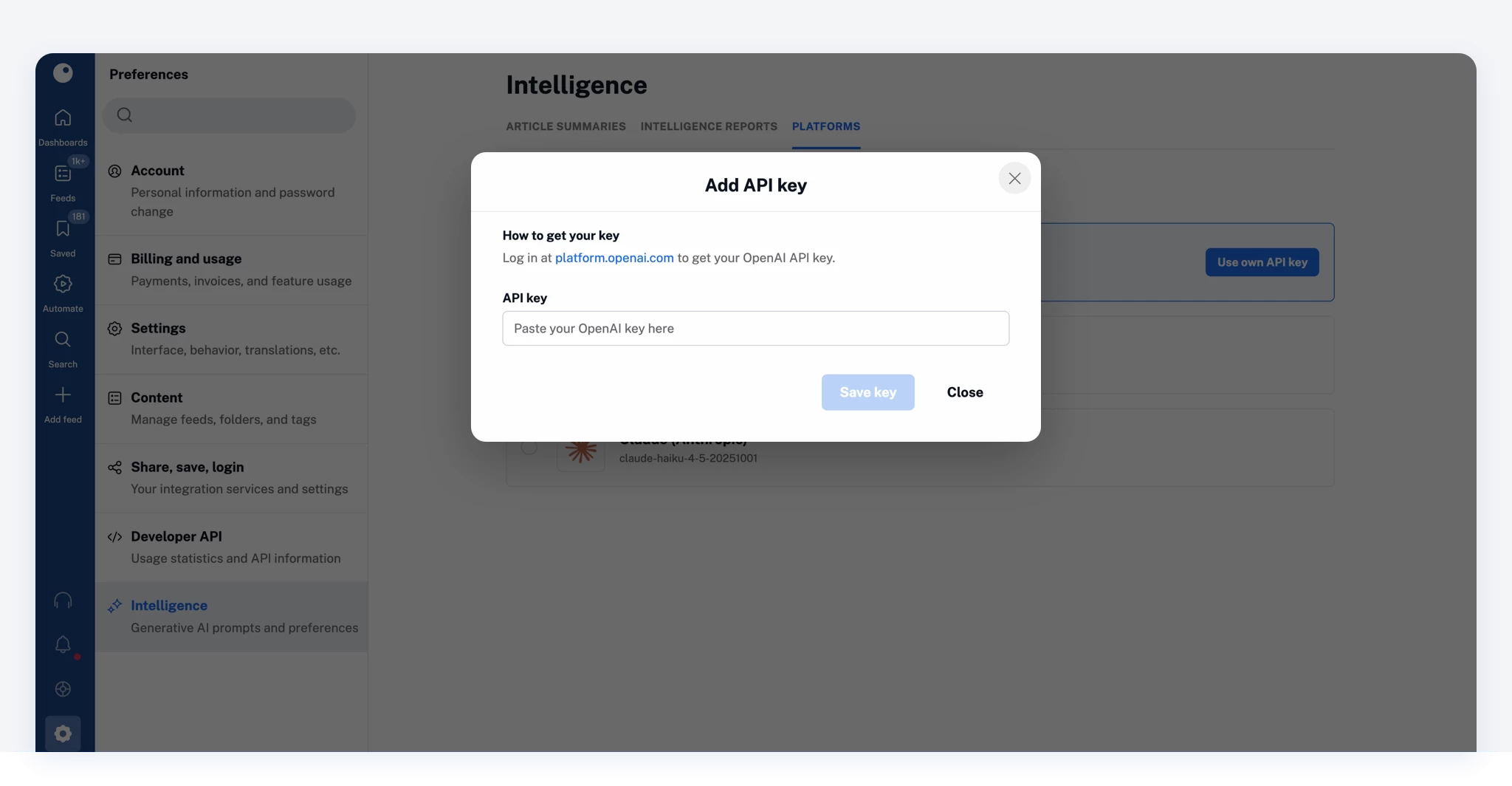
Once connected, you can:
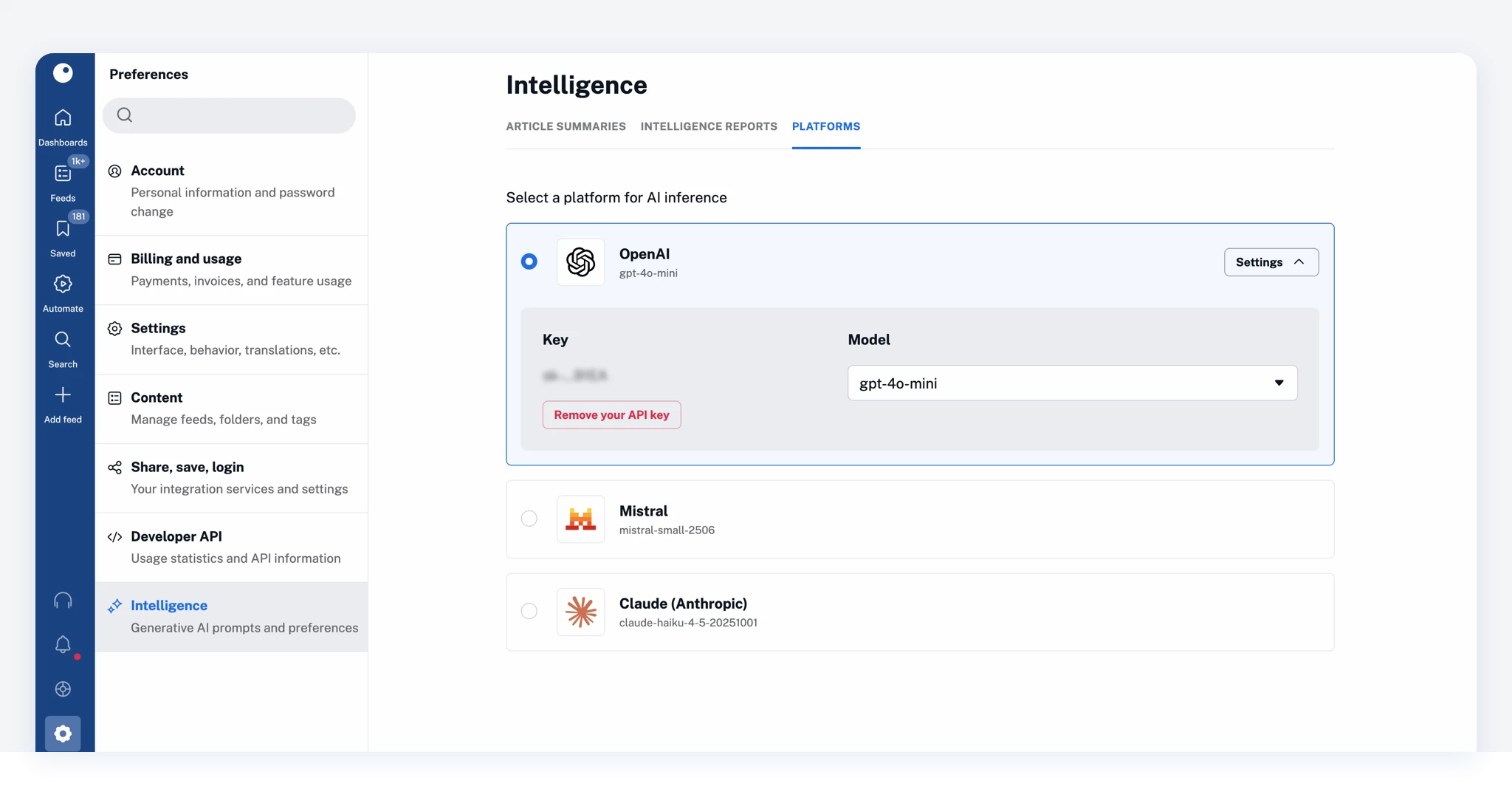
You stay in full control of how Intelligence features are powered in Inoreader.
For Team Intelligence plans, platform management can be handled at the Team level.
Team owners can:
At the same time, Team members can:
This ensures consistency across the Team while allowing individual customization when needed.
Different Teams and users have different workflows. With this update, Inoreader adapts to your setup, not the other way around.
Use the platforms you already rely on, explore different models, and fine-tune how Intelligence features work for your specific use case, all without leaving Inoreader.
Go to Preferences > Intelligence > Platforms to choose your setup and start customizing your Intelligence experience.
Platform selection is available on Pro, Custom, and Team plans. To connect your own API key and choose models, you’ll need an Intelligence add-on or a Team Intelligence plan.
Don’t have access yet? Upgrade to unlock these capabilities.
此内容由惯性聚合(RSS阅读器)自动聚合整理,仅供阅读参考。 原文来自 — 版权归原作者所有。