
惯性聚合 高效追踪和阅读你感兴趣的博客、新闻、科技资讯
阅读原文 在惯性聚合中打开

推荐订阅源

酷 壳 – CoolShell
酷 壳 – CoolShell
P
Privacy & Cybersecurity Law Blog
G
GRAHAM CLULEY
T
The Exploit Database - CXSecurity.com
www.infosecurity-magazine.com
Threat Intelligence Blog | Flashpoint
Project Zero
Project Zero
S
Security @ Cisco Blogs
TaoSecurity Blog
TaoSecurity Blog
A
Arctic Wolf
Webroot Blog
Webroot Blog
Hacker News - Newest:
Hacker News - Newest: "LLM"
Security Latest
Security Latest
H
Heimdal Security Blog
N
News and Events Feed by Topic
N
News | PayPal Newsroom
T
Tor Project blog
OSCHINA 社区最新新闻
OSCHINA 社区最新新闻
GbyAI
GbyAI
The Last Watchdog
The Last Watchdog
Y
Y Combinator Blog
宝玉的分享
宝玉的分享
Scott Helme
Scott Helme
A
About on SuperTechFans
M
MIT News - Artificial intelligence
V
V2EX
V
Visual Studio Blog
Recorded Future
Recorded Future
博客园 - 叶小钗
F
Fortinet All Blogs
L
Lohrmann on Cybersecurity
The GitHub Blog
The GitHub Blog
博客园 - Franky
P
Proofpoint News Feed
MyScale Blog
MyScale Blog
D
Darknet – Hacking Tools, Hacker News & Cyber Security
S
Secure Thoughts
D
DataBreaches.Net
Cyber Security Advisories - MS-ISAC
博客园 - 三生石上(FineUI控件)
I
InfoQ
SecWiki News
SecWiki News
Blog — PlanetScale
Blog — PlanetScale
Engineering at Meta
Engineering at Meta
J
Java Code Geeks
B
Blog RSS Feed
AWS News Blog
AWS News Blog
Know Your Adversary
Know Your Adversary
V
Vulnerabilities – Threatpost
H
Help Net Security

Replicate's blog

How to make remarkable videos with Seedance 2.0 – Replicate blog How to prompt Seedream 5.0 – Replicate blog Recraft V4: image generation with design taste – Replicate blog Run Isaac 0.1 on Replicate – Replicate blog Run FLUX.2 on Replicate – Replicate blog How to prompt Nano Banana Pro – Replicate blog Retro Diffusion's pixel art models are now on Replicate – Replicate blog Replicate is joining Cloudflare – Replicate blog Extract text from documents and images with Datalab Marker and OCR – Replicate blog How to prompt Veo 3.1 – Replicate blog IBM's Granite 4.0 is now on Replicate – Replicate blog Which image editing model should I use? – Replicate blog Introducing our new search API – Replicate blog Torch compile caching for inference speed – Replicate blog Announcing Replicate's remote MCP server – Replicate blog How to prompt Veo 3 with images – Replicate blog Open source video is back – Replicate blog Generate consistent characters – Replicate blog Bria is now on Replicate – Replicate blog How we optimized FLUX.1 Kontext [dev] – Replicate blog Compare AI video models – Replicate blog The FLUX.1 Kontext hackathon – Replicate blog How to prompt Veo 3 for the best results – Replicate blog Get the most from Google Veo 3 – Replicate blog FLUX.1 Kontext from the community – Replicate blog Use FLUX.1 Kontext to edit images with words – Replicate blog Generate incredible images with Google's Imagen 4 – Replicate blog Run OpenAI’s latest models on Replicate – Replicate blog NVIDIA H100 GPUs are here – Replicate blog Run 30,000+ LoRAs on Hugging Face with Replicate – Replicate blog Ideogram 3.0 on Replicate – Replicate blog Run MiniMax Speech-02 models with an API – Replicate blog Easel AI is now on Replicate – Replicate blog Stylized video with Wan2.1 – Replicate blog Creative roundup: avatars, lightsabers, and LoRA tricks – Replicate blog Wan2.1: generate videos with an API – Replicate blog Wan2.1 parameter sweep – Replicate blog You can now fine-tune open-source video models – Replicate blog Generate short videos with the Replicate playground – Replicate blog AI video is having its Stable Diffusion moment – Replicate blog FLUX fine-tunes are now fast – Replicate blog FLUX.1 Tools – Control and steerability for FLUX – Replicate blog NVIDIA L40S GPUs are here – Replicate blog Ideogram v2 is an outstanding new inpainting model – Replicate blog Stable Diffusion 3.5 is here – Replicate blog FLUX is fast and it's open source – Replicate blog FLUX1.1 [pro] is here – Replicate blog Using synthetic training data to improve Flux finetunes – Replicate blog Fine-tune FLUX.1 with an API – Replicate blog Fine-tune FLUX.1 to create images of yourself – Replicate blog Replicate Intelligence #12 – Replicate blog Replicate Intelligence #11 – Replicate blog Fine-tune FLUX.1 with your own images – Replicate blog Replicate Intelligence #10 – Replicate blog FLUX.1: First Impressions – Replicate blog Replicate Intelligence #9 – Replicate blog Run FLUX with an API – Replicate blog Replicate Intelligence #8 – Replicate blog Run Meta Llama 3.1 405B with an API – Replicate blog Replicate Intelligence #7 – Replicate blog Replicate Intelligence #6 – Replicate blog Replicate Intelligence #5 – Replicate blog How to get the best results from Stable Diffusion 3 – Replicate blog Run Stable Diffusion 3 on your Apple Silicon Mac – Replicate blog Push a custom version of Stable Diffusion 3 – Replicate blog Replicate Intelligence #4 – Replicate blog Run Stable Diffusion 3 on your own machine with ComfyUI – Replicate blog H100s are coming to Replicate – Replicate blog Run Stable Diffusion 3 with an API – Replicate blog Replicate Intelligence #3 – Replicate blog Replicate Intelligence #2 – Replicate blog Replicate Intelligence #1 – Replicate blog Shared network vulnerability disclosure – Replicate blog Run Snowflake Arctic with an API – Replicate blog Run Meta Llama 3 with an API – Replicate blog Run Code Llama 70B with an API – Replicate blog How to create an AI narrator for your life – Replicate blog Clone your voice using open-source models – Replicate blog Businesses are building on open-source AI – Replicate blog How to run Yi chat models with an API – Replicate blog Scaffold Replicate apps with one command – Replicate blog Using open-source models for faster and cheaper text embeddings – Replicate blog Generate music from chord progressions and text prompts with MusicGen-Chord – Replicate blog Generate images in one second on your Mac using a latent consistency model – Replicate blog How to use retrieval augmented generation with ChromaDB and Mistral – Replicate blog Fine-tune MusicGen to generate music in any style – Replicate blog Jet-setting with Llama 2 + Grammars – Replicate blog How to run Mistral 7B with an API – Replicate blog Make smooth AI generated videos with AnimateDiff and an interpolator – Replicate blog Fine-tuned models now boot in less than one second – Replicate blog Painting with words: a history of text-to-image AI – Replicate blog We're cutting our prices in half – Replicate blog A guide to prompting Llama 2 – Replicate blog Streaming output for language models – Replicate blog Fine-tune SDXL with your own images – Replicate blog Run Llama 2 with an API – Replicate blog Run SDXL with an API – Replicate blog A comprehensive guide to running Llama 2 locally – Replicate blog Fine-tune Llama 2 on Replicate – Replicate blog What happened with Llama 2 in the last 24 hours? 🦙 – Replicate blog
Exploring text to image models – Replicate blog
2022-07-18 · via Replicate's blog

I’m Clay, a member of the team at Replicate. In this post, I’ll show you how Replicate allows you to easily explore many open text to image models.

You can follow along by downloading the accompanying Jupyter notebook here

If you’re running the notebook in Colab, it’s recommended to use Firefox/Chrome.

Install

It’s wise to use a virtual environment to keep your global Python installation clean. venv or conda will work fine:

or

In whatever environment you choose, install Replicate’s Python client.

Login

To use the API, you’ll need an API access token. You can get a token by subscribing to Replicate. Then, you’ll be able to log in to Replicate using your API token each time you need to run Python.

You should never store your API key directly in a Python file or notebook - this would enable others to gain unauthorized access to your account. Instead, it is recommended to set the REPLICATE_API_TOKEN variable in your shell prior to running Python:

If you’re in a Jupyter notebook, you can use getpass to receive user input beneath a cell without displaying it.

Assuming everything worked, you should be able to import the replicate module now. In our accompanying notebook, we also include pathlib.Path, which is needed for some inputs.

Generate an image from text

Using a few lines of Python, you can programmatically generate an image via text.

Replicate allows us to look up models by f"{username}/{model_name} with replicate.models.get.

For the example in our notebook, we’ll use “afiaka87/glid-3-xl”, a great model for generating photorealistic images. For fun, let’s generate an image of an avocado lightbulb!

Models on Replicate are run using the .predict method. Let’s take a quick look at the named/keyword arguments for .predict.

The named/keyword arguments for each model will vary. glid-3-xl requires one input prompt - a scene description you would like to visualize.

We also set the seed to 0. Setting a manual seed will encourage models to return the exact same output for a set of inputs. Otherwise, a seed will be chosen randomly. Outputs may still differ slightly, but managing a seed is generally a good idea and lots of models on Replicate have support for it.

Calling .predict simply initializes the model, but does not queue it to be run on Replicate. To run the model, simply iterate over the generator.

Because we are only interested in the final, finished output the model returns, we can just cast the generator to a list and grab the last (-1) element.

The final batch is a list of urls with size is determined by batch_size (1 by default).
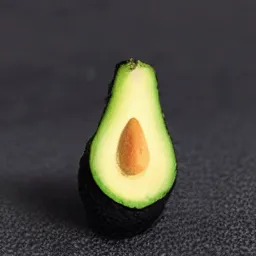
generation for 'an image of a fresh avocado in the form of a lightbulb'

Enhance an image

The API opens up lots of possibilities, like passing the output from one model as the input to another. A common example of this is upscaling, where an image generated by one model is piped into a super-resolution model to enlarge it.

We’ll use “raoumer/srrescgan” to upscale our image of an avocado lightbulb, but there are many upscaling models on Replicate that you can explore.
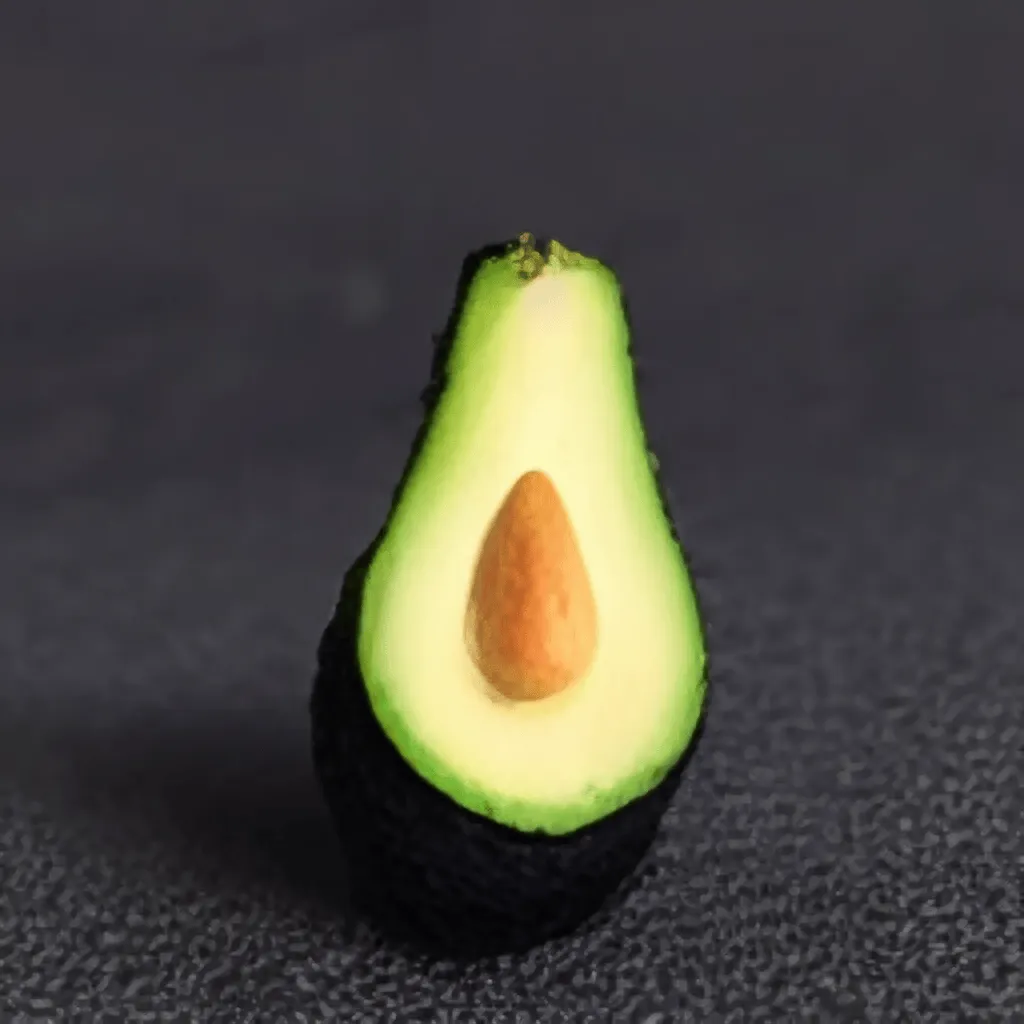
an image generated by glid-3-xl is then upscaled using another super-resolution model

Create variations of an image

Some text-to-image models allow you to pass in an existing image called an init image. This produces different variations of your image, with some influence from the specified prompt.

We’ll use “laion-ai/ongo”, a version of glid-3-xl finetuned on WikiArt.

You’ll need an image to create variations of. We’ll use ongo to vary the image of this farmhouse:
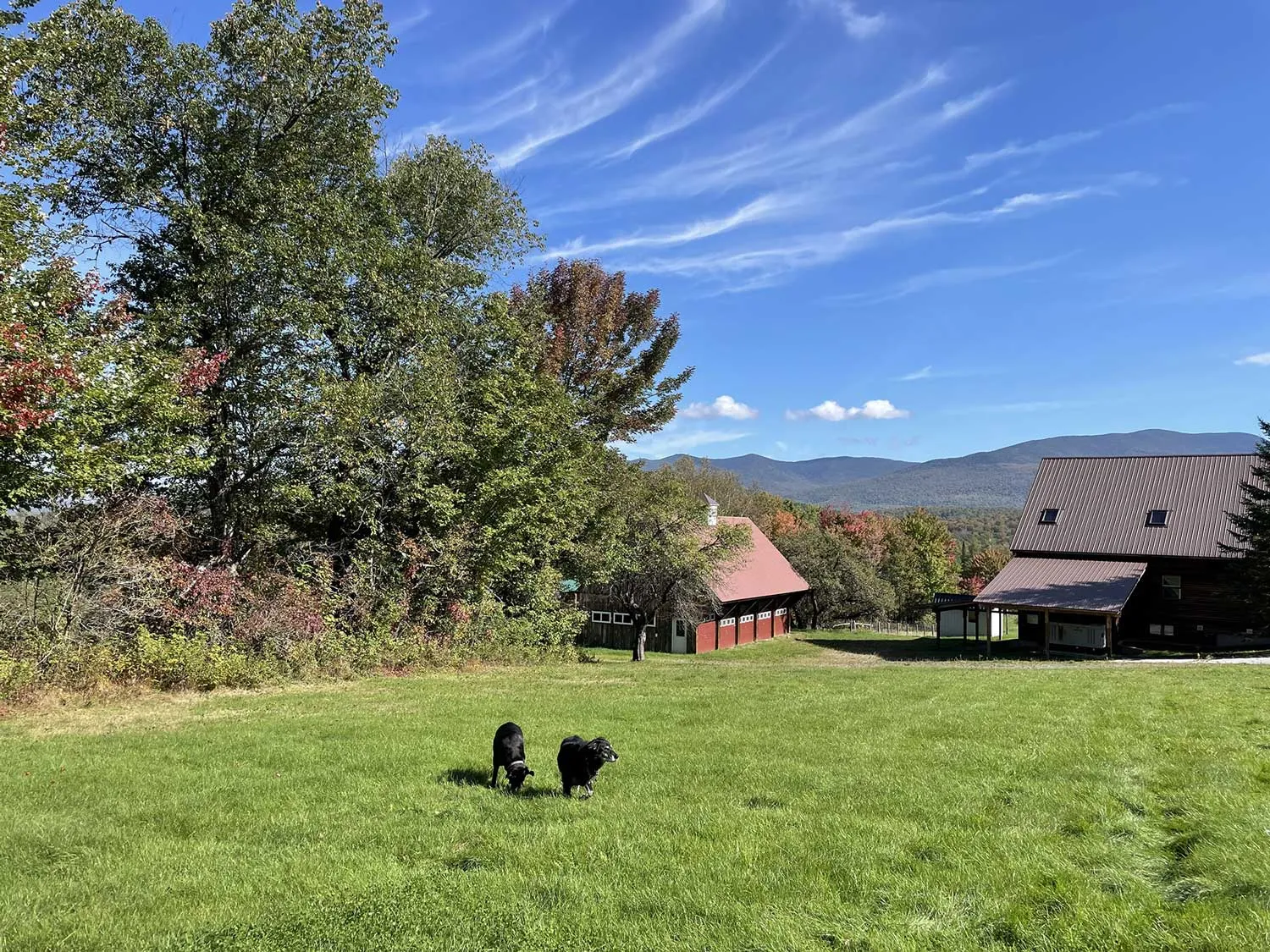
farmhouse as init image

Image inputs to Replicate may be a URL or local path.

It can be valuable to tweak with various settings to improve model performance, or you can simply remove optional arguments to use the default values set by the model author.

  • init_image: A pathlib.Path “initial image” to mix with the generation, causing the model to take influence from the provided image in addition to the specified prompt. Can also be a URL (cast as a Path)
  • guidance_scale: Determines how much the generation should be guided by your text.
  • batch_size: Integer from 1 - 12. How many variations should be produced. Low batch sizes are much faster than high batch sizes.
  • steps: Integer from 30-250. Number of discrete timesteps to run the model for. When using an init_image, the actual number of timesteps will be steps * init_skip_fraction (half as many by default). Increasing will improve accuracy at cost of performance.
  • init_skip_fraction: Decimal from 0.0 to 1.0. 0.5 by default. How much influence your image will have on the generation. 0.0 will use almost none, 1.0 will simply encode your image without influence from the model.

When in doubt, you can simply remove an argument and its default will be used instead.

Recall .predict simply returns a generator. To start the prediction, you must first enumerate through it to get your final batched output URL’s. We are only interested in the last batch.

Using a batch size of 3 means we should get back 3 image URL’s.

The output of our inference is a series of beautiful lakehouses in the style of the original farmhouse image!

output from ongo of a farmhouse turned lakehouse

Explore

Lacking inspiration? Model not outputting what you want? Sometimes text to image models can be great at some things but just completely fail at other things. Getting them to perform the way you want them to without updating the weights of the network is sometimes referred to as prompt engineering. Prompt engineering is pretty difficult: we’ll be releasing a blog post about our experiences with prompt engineering soon.

There is a lot of opportunity for creative uses of the API. If you have any other creative ways to access models on Replicate, feel free to share on our Discord!