







Snowflake Arctic is a new open-source language model from Snowflake. Arctic is on-par or better than both Llama 3 8B and Llama 2 70B on all metrics while using less than half of the training compute budget.
It’s massive. At 480B, Arctic is the biggest open-source model to date. As expected from a model from Snowflake, it’s good at SQL and other coding tasks, and it has a liberal Apache 2.0 license.
With Replicate, you can run Arctic in the cloud with one line of code.
Before you dive in, try Arctic in our API playground.
Try tweaking the prompt and see how Arctic responds. Most models on Replicate have an interactive API playground like this, available on the model page: https://replicate.com/snowflake/snowflake-arctic-instruct
The API playground is a great way to get a feel for what a model can do, and provides copyable code snippets in a variety of languages to help you get started.
You can run Arctic with our official JavaScript client:
Install Replicate’s Node.js client library
Set the REPLICATE_API_TOKEN environment variable
(You can generate an API token in your account. Keep it to yourself.)
Import and set up the client
Run snowflake/snowflake-arctic-instruct using Replicate’s API. Check out the model’s schema for an overview of inputs and outputs.
To learn more, take a look at the guide on getting started with Node.js.
You can run Arctic with our official Python client:
Install Replicate’s Python client library
Set the REPLICATE_API_TOKEN environment variable
(You can generate an API token in your account. Keep it to yourself.)
Import the client
Run snowflake/snowflake-arctic-instruct using Replicate’s API. Check out the model’s schema for an overview of inputs and outputs.
To learn more, take a look at the guide on getting started with Python.
Your can call the HTTP API directly with tools like cURL:
Set the REPLICATE_API_TOKEN environment variable
(You can generate an API token in your account. Keep it to yourself.)
Run snowflake/snowflake-arctic-instruct using Replicate’s API. Check out the model’s schema for an overview of inputs and outputs.
To learn more, take a look at Replicate’s HTTP API reference docs.
You can also run Arctic using other Replicate client libraries for Go, Swift, and others.
If you want a place to start, Streamlit have built a demo app with Replicate:
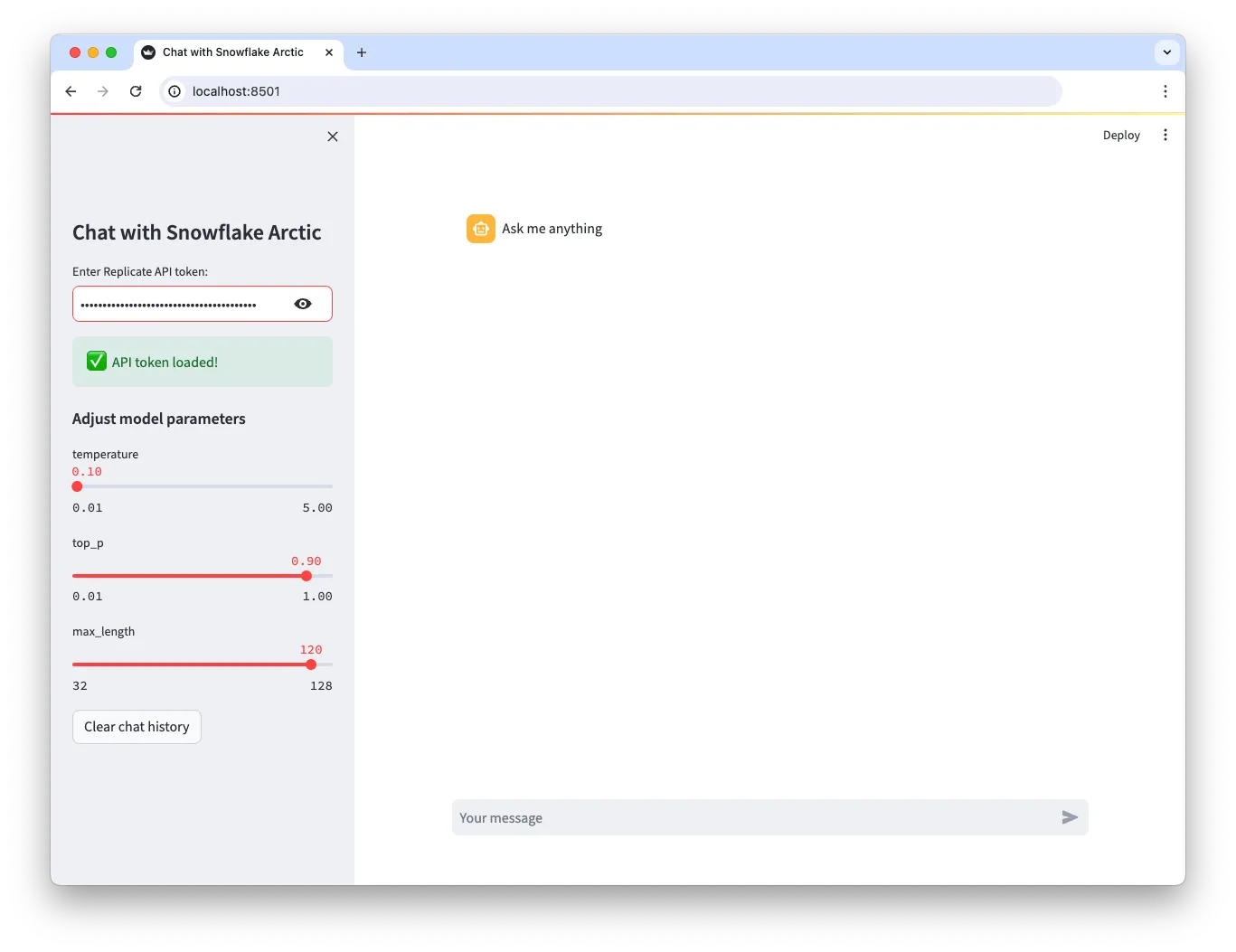
Try it out here or fork it on GitHub.
Happy hacking! 🦙
此内容由惯性聚合(RSS阅读器)自动聚合整理,仅供阅读参考。 原文来自 — 版权归原作者所有。