


Posted October 16, 2025 by
Google just came out with Veo 3.1 which offers a few new shiny tools with video generation, including character reference images and first/last frame input. We made a quick prompting guide to show you the capabilities of this model.
As always with the Google video models, there is a general guide you should follow to ensure your outputs are as strong as they can be.
Now that you have a sense of prompting Veo 3.1 generally, let’s dive into these new features.
The most exciting new feature in Veo 3.1 is reference to video generation. This capability allows you to combine up to three reference images into a single coherent video scene, guided by your text prompt.
Reference to video takes up to three input images and uses your text prompt to guide how these elements should be combined.
Check out how we used these images of a woman and a bottle of shampoo to make a UGC-style video. Veo 3.1 is able to preserve both the character and the bottle while generating a fluid and realistic review video.

Reference: Content Creator
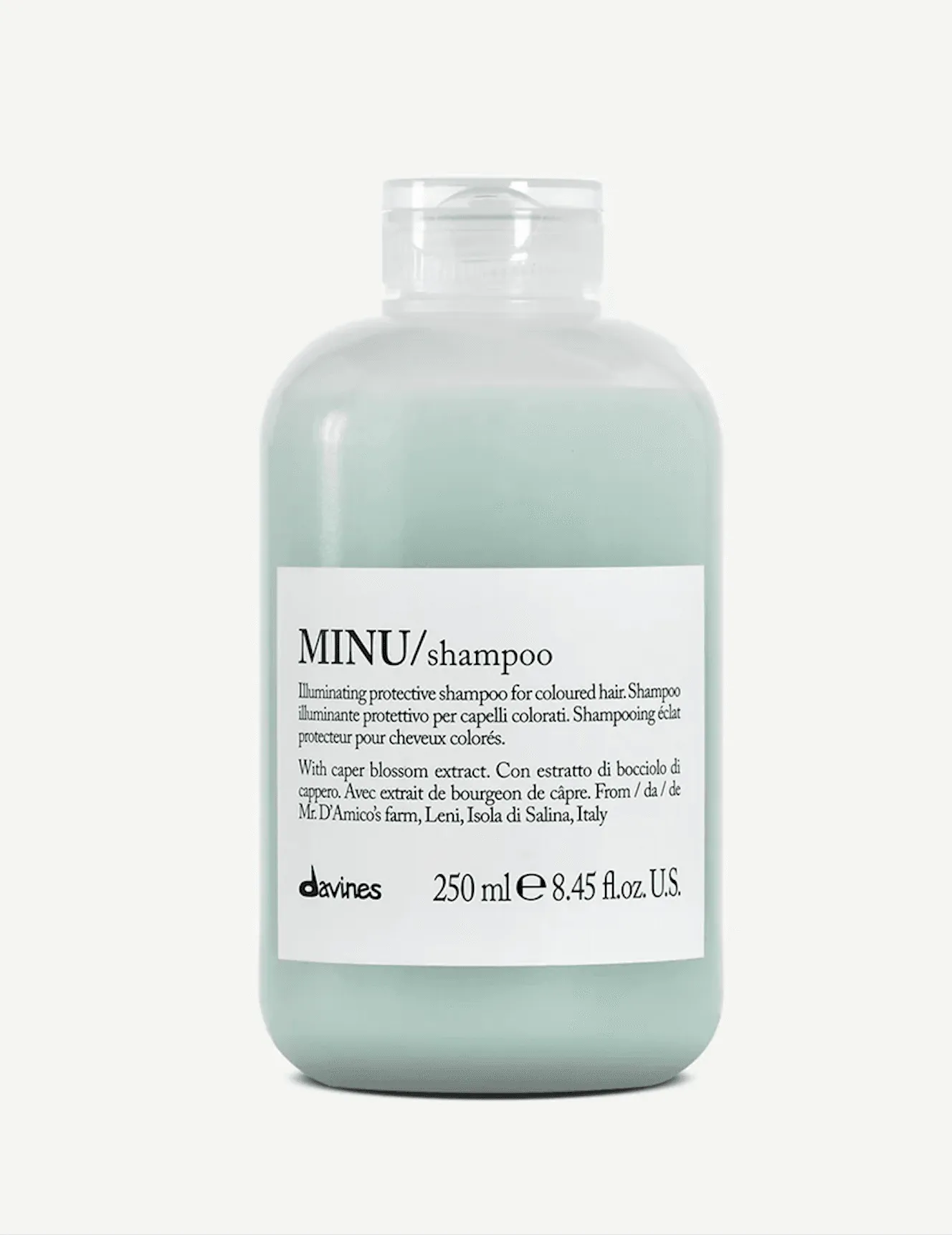
Reference: Shampoo
One of the most powerful aspects of reference to video is character consistency. You can take a character reference and place them in completely different scenarios while maintaining their appearance and identity. This opens up incredible storytelling possibilities - imagine taking your brand mascot or main character and seamlessly placing them in various environments, ones you could have never imagined them to be a part of.
— fofr (@fofrAI) October 15, 2025I'm impressed with this Veo 3.1 output, I gave it an anime character in a live action scene as a reference.
> this character is walking home in the rain pic.twitter.com/4XSbSoutnt
This feature provides unprecedented controllability over your video scenes, making it perfect for creating complex narratives with specific visual elements.
Another powerful new feature is first and last frame to video generation. This extends the concept of image-to-video by allowing you to specify both the starting and ending frames of your video.
Instead of just providing a starting image like traditional image-to-video, you provide both a first frame and a last frame. The model then interpolates between these two points based on your text prompt guidance.
Here’s a cool example where we used first and last frame to create a morphing transformation from a lamb to a tiger:
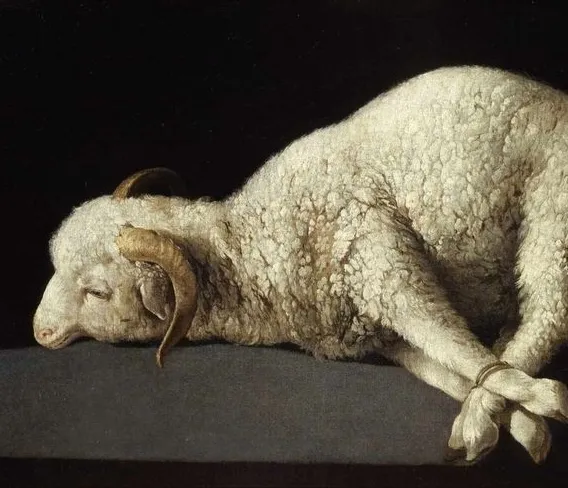
First frame: Lamb
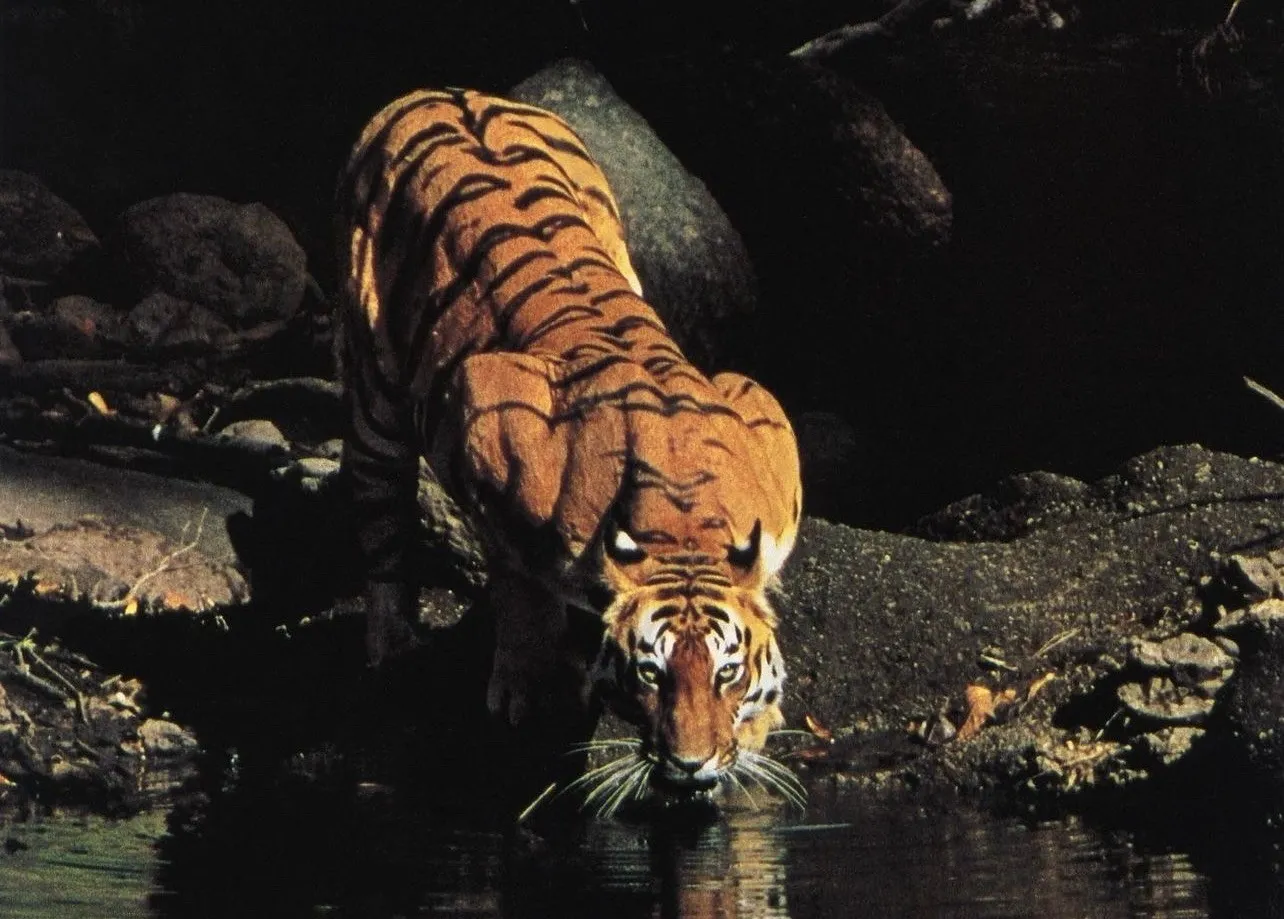
Last frame: Tiger
First/last frame interpolation creates compelling transformation sequences that would be difficult to achieve with traditional video generation methods.
Take a look at this magical room transformation.
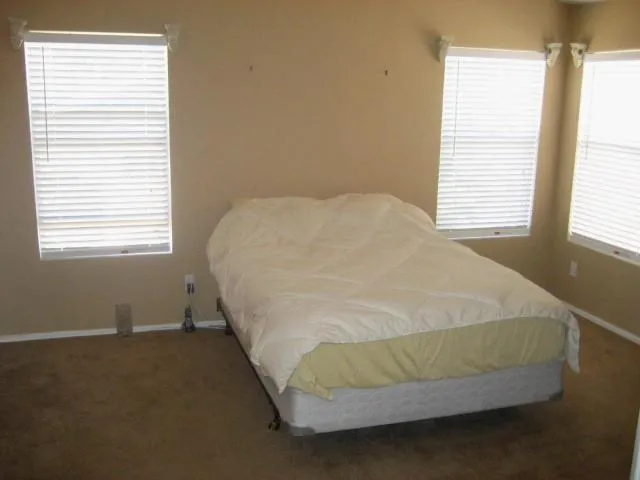
Before
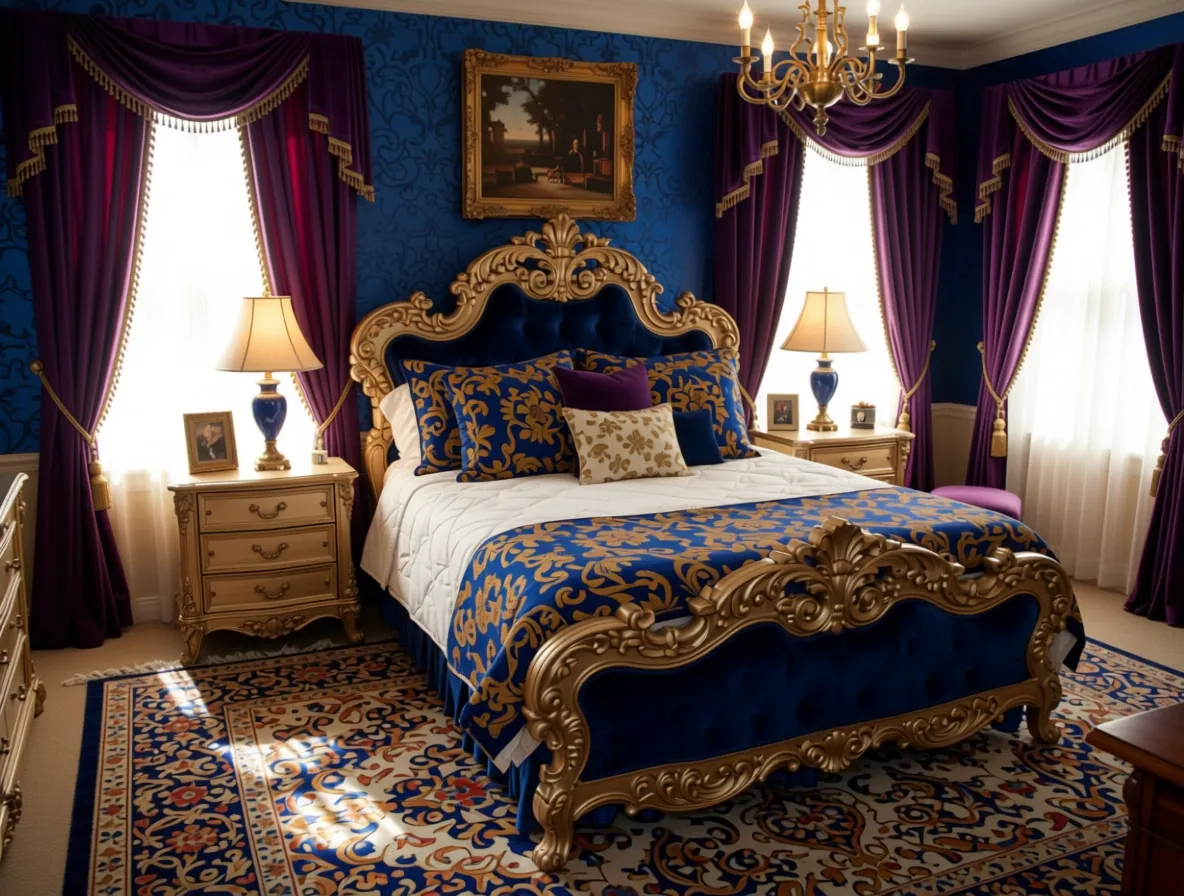
After
Stagers and interior designers, are you feeling inspired?
This feature is particularly useful for creating videos with specific start and end points, giving you precise control over the narrative arc.
The classic image-to-video functionality has been improved in Veo 3.1, offering better quality and more responsive prompt following.
Provide a single starting image and a text prompt describing the desired motion or action. The model generates video content that begins with your image and follows your prompt instructions. We’ve also noticed that there is knowledge baked into the video model as it is able to reason from inputted images.
Here’s a cool example where we took an input image of our HQ on maps and asked it to show what goes on in the location:
Veo 3.1’s enhanced image-to-video feature includes intelligent logic that creates fluid transitions. The model understands the content of your input image and generates motion that feels natural and purposeful.
There was no need to prompt for a specific transition here — Veo 3.1 was able to pick up on the information in the image and transition to an appropriate video sequence that makes contextual sense.
All endpoints except reference to video offer fast generation options:
Here’s how to call Veo 3.1 using JavaScript and the Replicate API:
The API returns a video URL that you can use in your applications. We definitely recommend those with generative video apps to make the switch — Veo 3.1 offers extremely powerful capabilities that will wow your users.
That’s it with Veo 3.1! Give it a try — we want to see what you can create.
此内容由惯性聚合(RSS阅读器)自动聚合整理,仅供阅读参考。 原文来自 — 版权归原作者所有。