





open-design-v0.18.0 — 115 PRs from 22 contributors in two days. Codename "Design Team Workspace. Now in Codex." Open Design gives design teams a shared home for projects, comments, design systems, plugins, skills, and workspace billing — then brings that creative engine directly into Codex.
August 5, 2026 7 min read Product
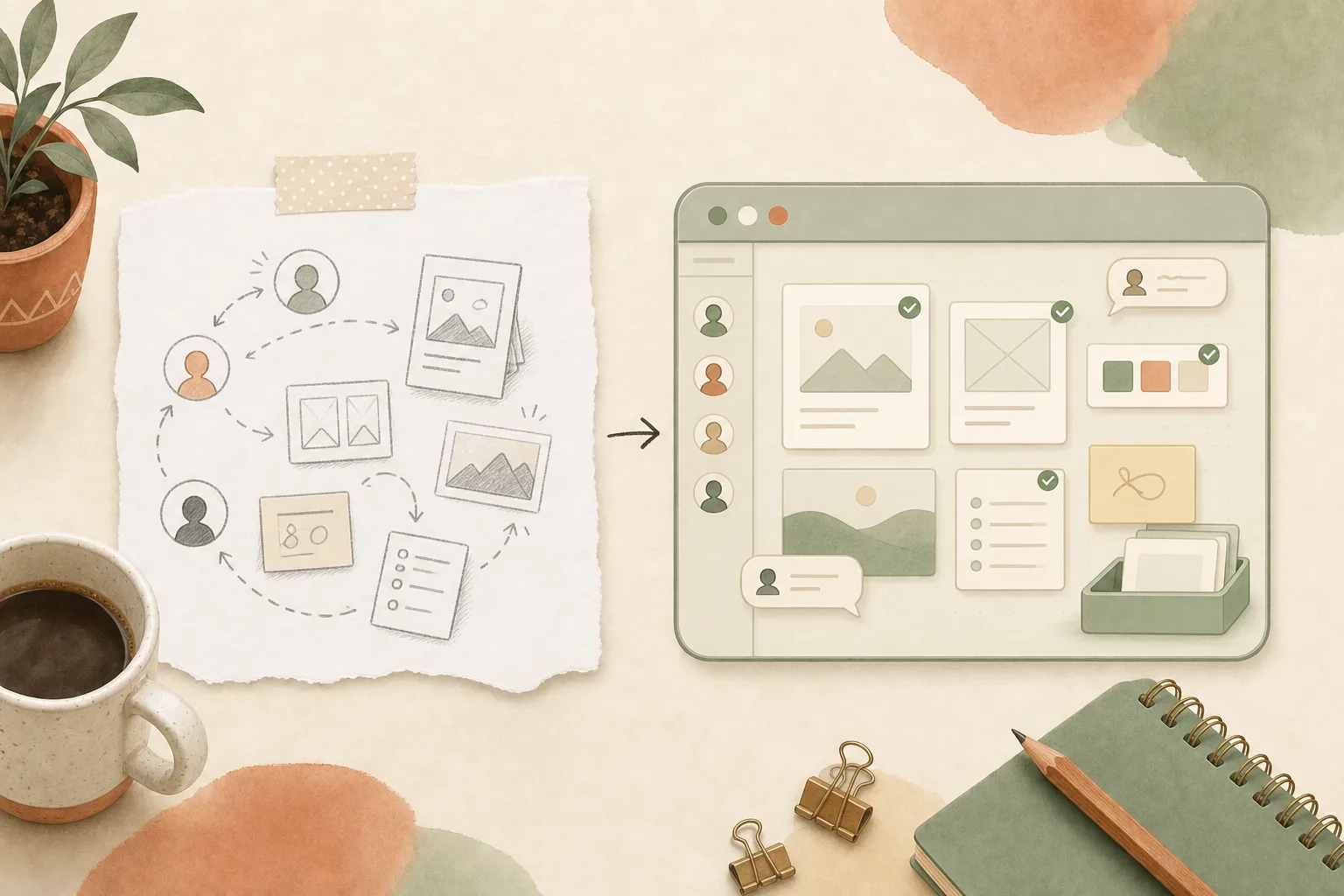
open-design-v0.18.0, published on August 5, 2026. 115 PRs from 22 contributors in two days. Codename “Design Team Workspace. Now in Codex.” Open Design used to be a powerful place for one person to make. This release gives the whole design team a home — and puts that same creative engine inside Codex.
Want every change? Read the full release notes on GitHub. This is the product story: what the new workspace changes, how Codex fits in, and where to start today.
Collaboration used to start by leaving Open Design: export a file, paste a screenshot into chat, ask which copy is current, then repeat the same setup for the next person. In 0.18.0, a Team workspace lives beside your personal workspace. Create one, switch into it, and invite colleagues with a role through a seat-aware flow. Everyone signs in through the same Open Design Cloud account and lands in the same place.
The boundary stays clear. Personal work remains personal. Team projects, shared resources, and spend belong to the active Team workspace. The plan nameplate shows which workspace you are using, so sharing work never means guessing which account or balance is involved.
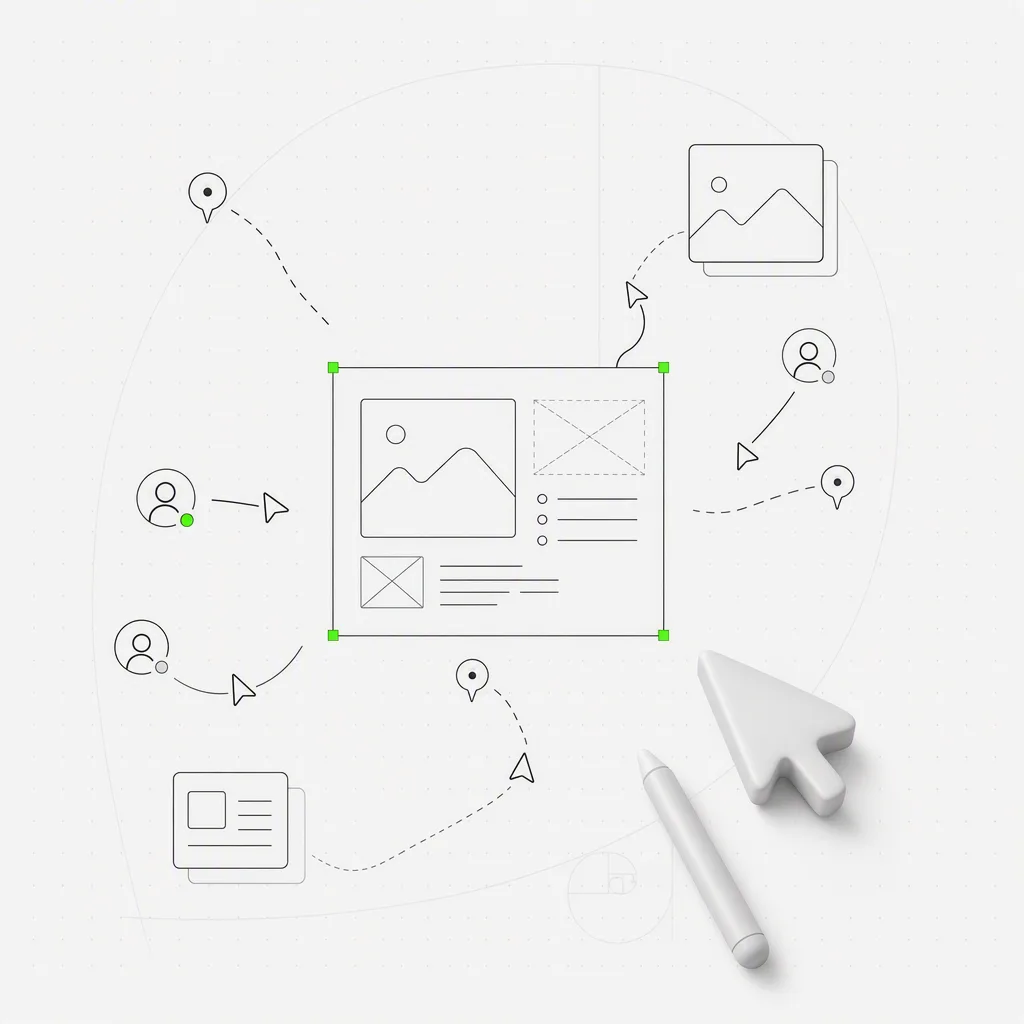
0.17.0 opened the door; 0.18.0 makes sure nobody misses it. Codex Desktop and CLI can call Open Design as a complete creative engine. Confirm a visual brief, choose Open Design Cloud or a supported local runtime, and receive a real Preview or Studio result without assembling a second stack by hand.
The signed Open Design runtime starts headlessly when Codex needs it, so there is no extra app window to babysit. And external MCP hosts no longer lose Open Design when its local service returns on a different port after a restart: the connection finds its way home automatically, and @open-design keeps working without setup all over again.
If you jumped from 0.16.x to this release, the 0.17.0 release is part of your upgrade too — Open Design has become the design layer Codex can reach directly.
Moving a project into the Team workspace gives every member a live, read-only mirror. Content auto-pulls as the owner works, presence avatars show who is looking, transfer progress stays visible, and comments flow both ways — including from viewers in read-only mode. Nobody has to resend the project, and “is this the latest?” stops being a recurring meeting topic.
The model is deliberately simple: the owner keeps editing authority, while everyone else can follow the current state and review it in context. That makes sharing useful before a project is “finished,” without turning every review into a merge problem.
A shared file is only half a workflow. The other half is the system and the habits that produced it. In 0.18.0, design systems, plugins, and skills can be shared to the Team workspace, so a teammate picks up the same brand kit and the same repeatable workflows without a setup call.
Billing follows the same boundary. Balances, top-ups, and run charges are attributed to the active workspace: team work bills the team, while personal exploration stays personal. The shared creative toolkit and the account paying for it finally travel together.
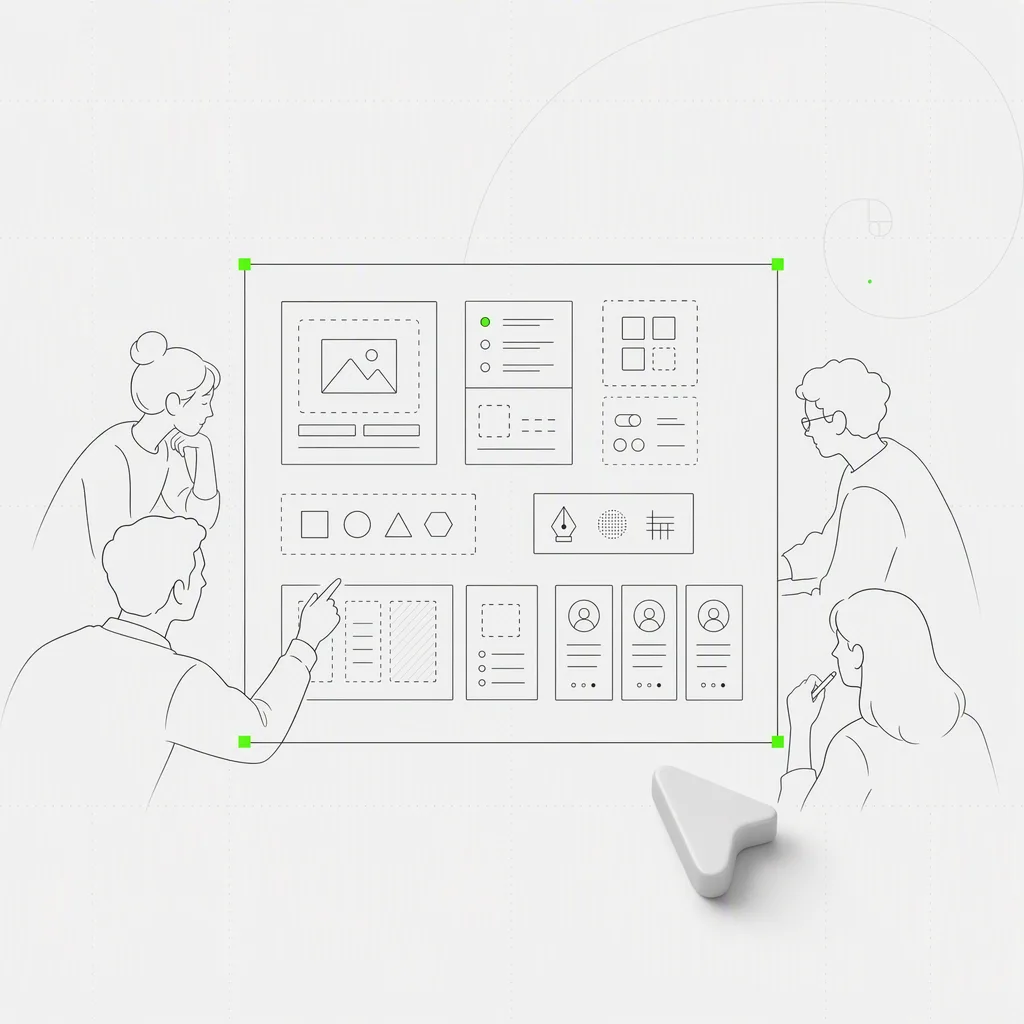
The new collaboration model arrives with a redesigned home: a new hero, rail, tabs, and template and plugin detail surfaces, plus a message center, a What’s New panel fed by real release data, and a quieter update reminder. The app is light-first for now, so the theme setting is retired while these new surfaces settle into one coherent appearance.
Small details carry the model. Workspace switching is visible. Shared and personal work are distinct. The current plan follows you. Product news lives inside the product instead of depending on somebody forwarding a link.
The team layer would not matter if long-running work still stopped at the finish line. Sessions that stalled immediately after a tool call now pick themselves back up. Kiro runs complete their turns cleanly instead of hanging, and when an AMR run genuinely stalls, the app can explain why.
Required questions are less of a locked door too. If an agent asks something you cannot or do not want to answer, skip the question and keep moving. The agent works with the context it has instead of holding the entire run hostage.
| If you’re… | Start here |
|---|---|
| A design lead | Create a Team workspace, invite one colleague, and move a live project into it so the team can review the current state in context |
| Already using Codex | Install or update the Open Design plugin, then ask Codex for a visual brief and open the result in Preview or Studio |
| Maintaining a brand system | Share the design system, plugins, and skills your team should reuse instead of sending setup instructions separately |
| Reviewing work | Open the shared mirror, watch presence, and leave a comment without asking the owner to export another snapshot |
| Managing team spend | Switch to the Team workspace before a run and confirm the plan nameplate so charges land on the right balance |
A design team should not have to assemble collaboration out of exports, chat threads, and repeated setup calls. 0.18.0 gives the work a shared home, gives that home a shared toolkit, and lets Codex reach the same creative engine directly. Create a Team workspace, move one real project into it, and invite the person who would otherwise ask for the latest screenshot.
115 PRs in two days, from 22 people who turned Open Design from a personal workspace into a place a team can inhabit — and made that place callable from Codex. Collaboration is not a share button. It is the work, the context, and the tools arriving together. We see you. 🚀
此内容由惯性聚合(RSS阅读器)自动聚合整理,仅供阅读参考。 原文来自 — 版权归原作者所有。