

惯性聚合 高效追踪和阅读你感兴趣的博客、新闻、科技资讯
阅读原文 在惯性聚合中打开

推荐订阅源

Google DeepMind News
人人都是产品经理
人人都是产品经理
H
Hacker News: Front Page
Stack Overflow Blog
Stack Overflow Blog
B
Blog
I
InfoQ
GbyAI
GbyAI
T
The Blog of Author Tim Ferriss
F
Fortinet All Blogs
Y
Y Combinator Blog
Cyber Security Advisories - MS-ISAC
月光博客
月光博客
Hugging Face - Blog
Hugging Face - Blog
爱范儿
爱范儿
F
Full Disclosure
Hacker News - Newest:
Hacker News - Newest: "LLM"
Recent Announcements
freeCodeCamp Programming Tutorials: Python, JavaScript, Git & More
Jina AI
Jina AI
T
Tailwind CSS Blog
S
Secure Thoughts
P
Privacy International News Feed
美团技术团队
钛媒体:引领未来商业与生活新知
钛媒体:引领未来商业与生活新知
L
LINUX DO - 最新话题
H
Hackread – Cybersecurity News, Data Breaches, AI and More
C
Cybersecurity and Infrastructure Security Agency CISA
Last Week in AI
Last Week in AI
W
WeLiveSecurity
Google Online Security Blog
P
Privacy & Cybersecurity Law Blog
D
DataBreaches.Net
Engineering at Meta
Engineering at Meta
Know Your Adversary
Know Your Adversary
P
Palo Alto Networks Blog
I
Intezer
Application and Cybersecurity Blog
Project Zero
Project Zero
V2EX - 技术
V2EX - 技术
H
Heimdal Security Blog
博客园 - Franky
阮一峰的网络日志
阮一峰的网络日志
D
Darknet – Hacking Tools, Hacker News & Cyber Security
T
Troy Hunt's Blog
V
Vulnerabilities – Threatpost
H
Help Net Security
Martin Fowler
Martin Fowler
cs.AI updates on arXiv.org
G
GRAHAM CLULEY
博客园 - 【当耐特】

Open Design Blog

Open Design 0.15.1 — Sharper Vision, Longer Flow Open Design 0.15.0: cost less, ship faster Claude PPT Skills: How to Make a Slide Deck with Your Coding Agent codex-ppt-skill: Image-Forward PPT Decks with a Coding Agent frontend-slides: Make Web Slides with a Coding Agent dashiAI-ppt-skill: Editable Presentations From a Coding Agent guizang-ppt-skill: Editorial HTML Decks with a Coding Agent Marp: The Markdown Presentation Tool (and How to Export to PowerPoint) ppt-master: Editable PowerPoint From Any Document, Built by an Agent reveal.js: Themes, Export & How It Compares to the Alternatives Slidev: Themes, Examples & How to Export to PowerPoint Open Design 0.14.0: the inspiration time machine Open Design AI Workshop is coming to Shanghai Best AI Design Agents in 2026: An Honest, Tested Guide Best AI Prototyping Tools in 2026: An Honest, Tested Guide Best AI Design Tools in 2026: An Honest, Tested Guide Best Bolt.new Alternatives in 2026: An Honest Comparison Best Design-to-Code Tools in 2026: An Honest, Tested Guide Best Figma Alternatives in 2026: An Honest, Tested Guide How to Use Claude Code for Frontend Design (2026 Guide) Best Lovable Alternatives in 2026: An Honest Comparison Best v0 Alternatives in 2026: An Honest Comparison Open Design is coming to Osaka / Kyoto Open Design 0.12.0: your brand is a design system Vibe Design Tools: An Honest Guide to What Works Vibe Design vs Vibe Coding: Where They Split and Why It Matters Vibe Design with Google Stitch: What It Nails, Where It Traps You What Is Vibe Design? The 2026 Guide to Designing by Intent Open Design 0.11.0: the Bazaar Open Design 0.10.0: the all-in-one design workspace Open Design 0.9.0: design for everyone The open-source alternative to Figma Open Design 0.8.0: everything is a plugin The layout layer the canvas used to hide How to port a Figma workflow into an Open Design plugin BYOK reality check: 5 things that break in Open Design today The open-source alternative to Claude Design 31 skills, 72 systems: how the Open Design library works BYOK design workflow: run Claude, Codex, or Qwen on your own key Why we built Open Design as a skill layer, not a product
Open Design 0.13.0: stay in flow
Open Design · 2026-07-02 · via Open Design Blog

← Back to Blog

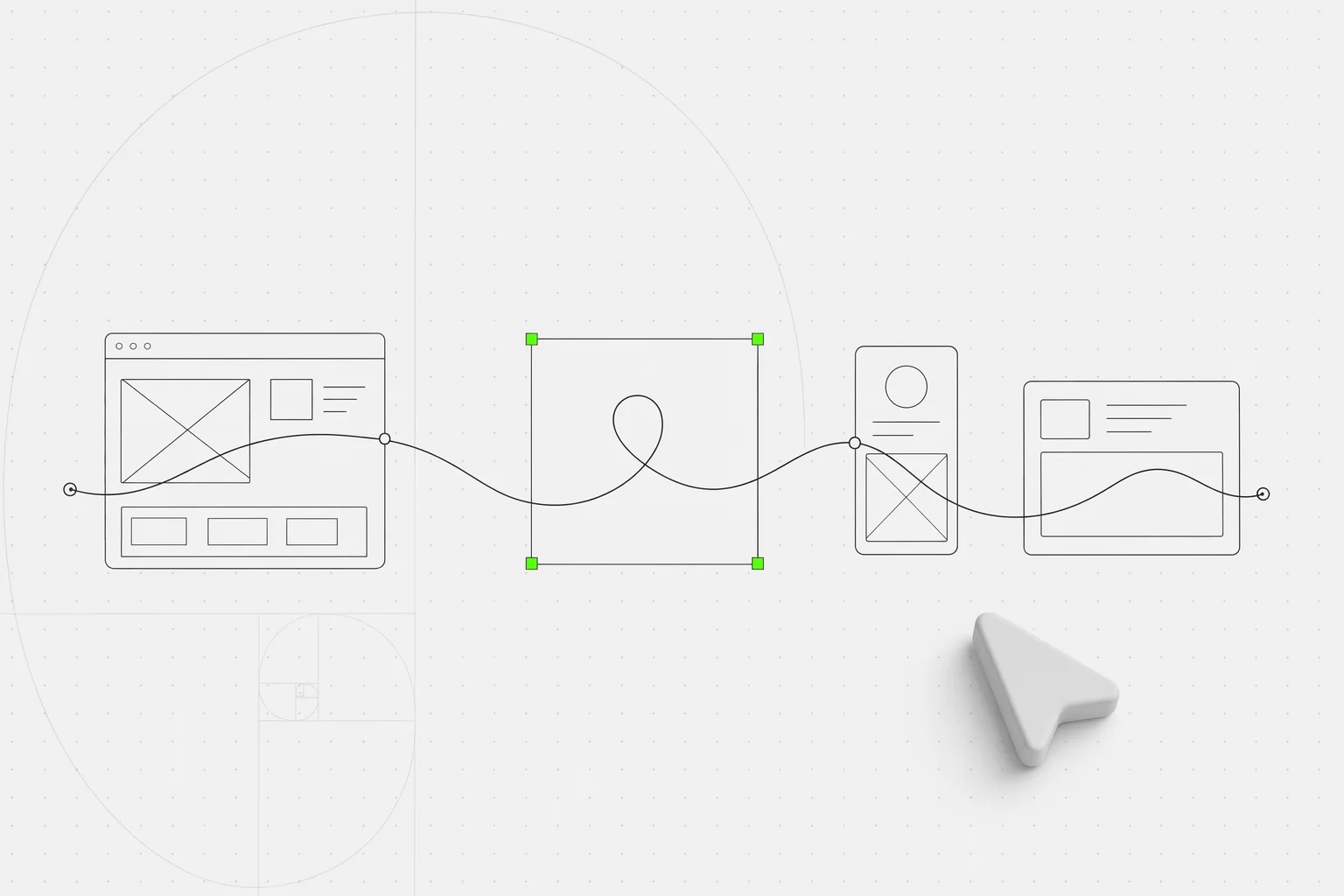
Tag open-design-v0.13.0 — 116 PRs from 26 contributors in six days. Codename "Stay in Flow." Long design sessions used to break on every interruption: a run lost its place, a model picker made you guess, a Cloud balance check hid behind a retry, a finished deck needed one more export detour. 0.13.0 turns those into a calmer loop — resume the work, see what's happening, pick the right model faster, and hand off real files without leaving Open Design.

July 2, 2026 7 min read Product
Open Design 0.13.0: stay in flow

Tag open-design-v0.13.0, published on July 2, 2026. 116 PRs from 26 contributors in six days. Codename “Stay in Flow.” The last few releases taught Open Design to design for you, capture your brand, and stock the shelves. This one is about the rhythm in between: the small interruptions that used to break a session and make the next prompt feel like starting over.

Want the full changelog? It lives in the release notes on GitHub. This is the short version: what changed underneath, what you can do with it today, and where to start.

Resume the session instead of rebuilding it

This is the headliner. A long design session used to punish every interruption — switch tools, come back later, and the next turn might feel like a cold start because the run had lost its place. Native session resume now keeps Codex, OpenCode, Pi, and Open Design Cloud runs connected across turns, so follow-up work continues from the same live thread instead of a rebuilt approximation of it.

Underneath, runs now carry lifecycle tracing and touched-file tracking, so reopening a session knows what it was doing and what it changed. The effect is simple: you can walk away and come back without paying a tax for it.
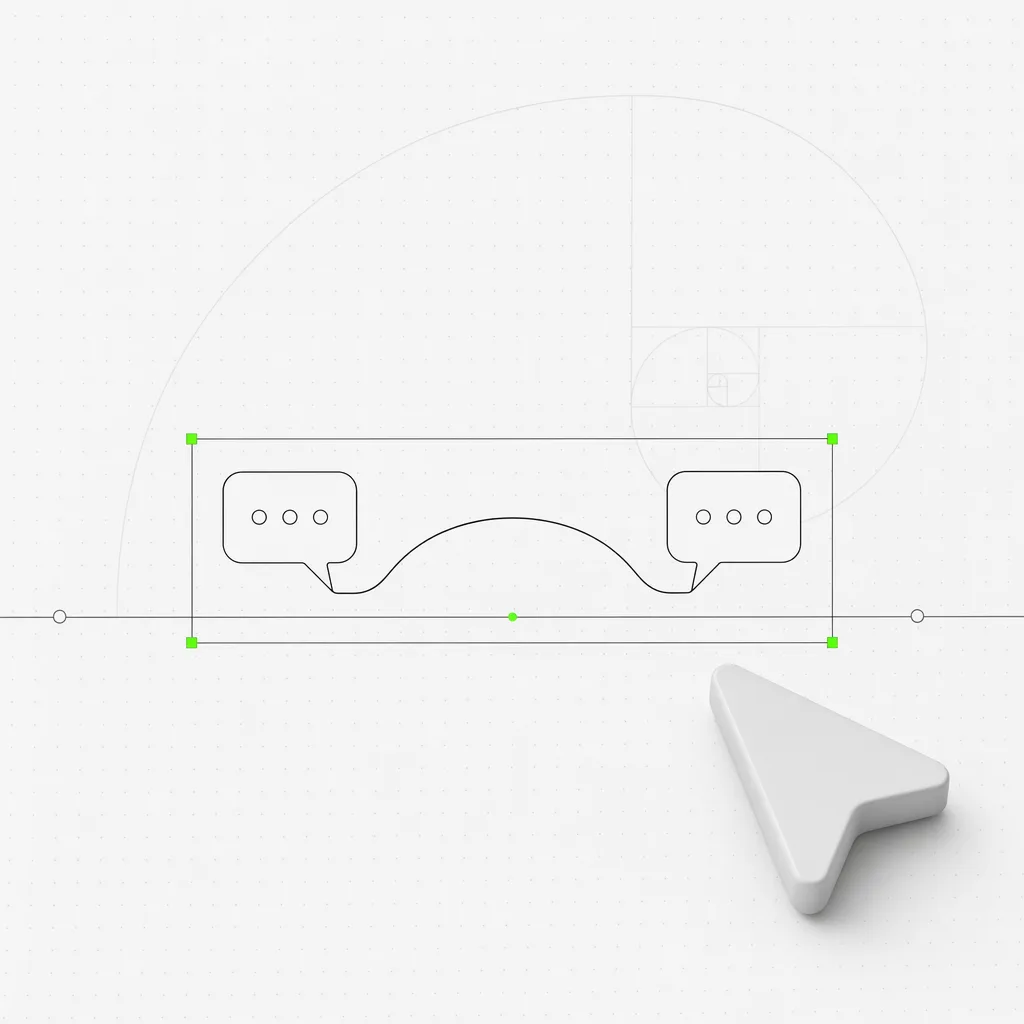
Two conversation bubbles connected by an unbroken thread that arcs across a gap in the timeline, the reconnected thread framed inside a green selection box against a near-white editorial background
Native resume keeps the same live thread connected across interruptions — no cold restart on the next turn.

Exports that behave like deliverables

Finished work should leave the workspace as a real file, not a production chore. 0.13.0 adds programmatic, screenshot-backed PPTX and PDF export, so a completed HTML deck or document moves straight into something you can send. Deck keyboard navigation also stopped double-stepping through slides, so reviewing before you export is no longer a fight with the arrow keys.

The point is that the export path now feels like handoff. You build in Open Design, and the deliverable comes out the other side ready to share.
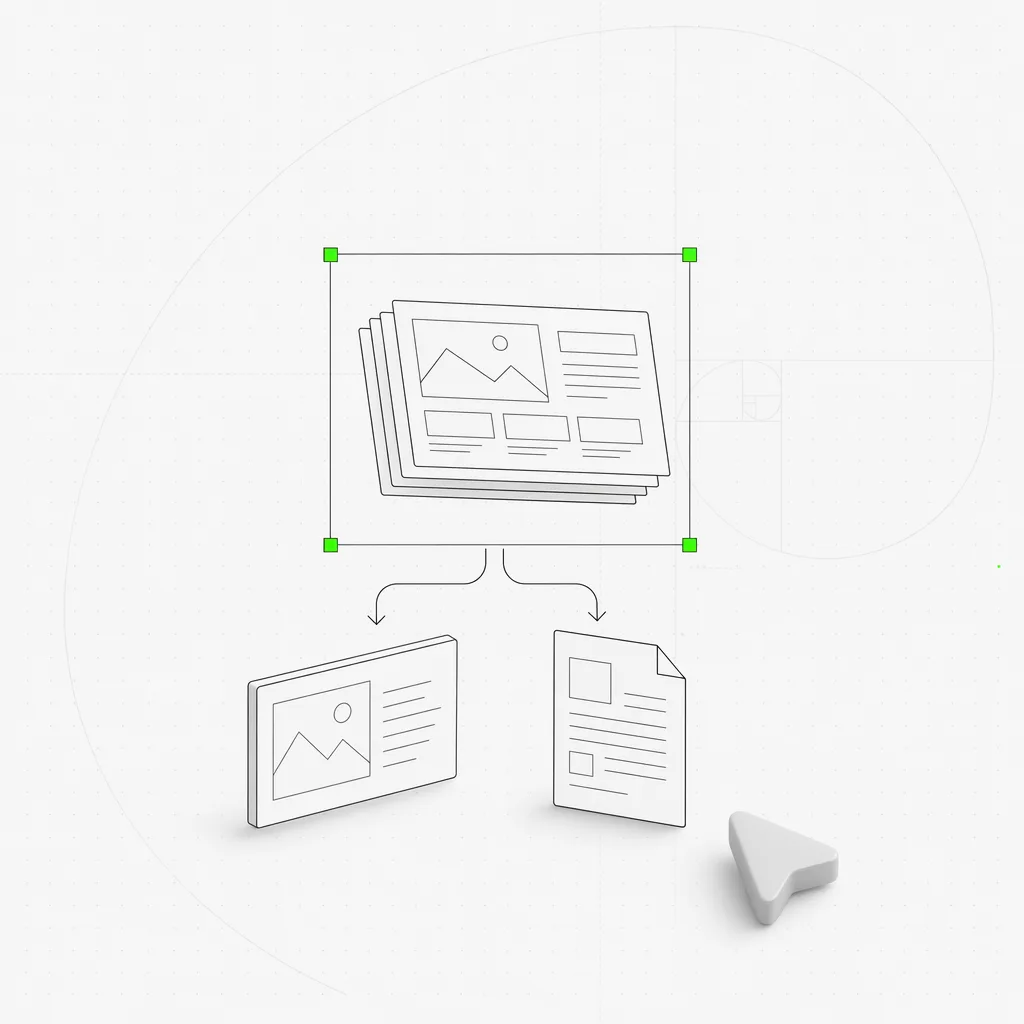
A finished slide deck lifting off the canvas and splitting into a PPTX file and a PDF file, the two output files framed inside a green selection box against a near-white editorial background
A finished deck exports straight to screenshot-backed PPTX and PDF — closer to handoff than to a separate production step.

Bring your own key without the archaeology

Bringing your own keys should be a choice, not a dig through provider quirks and model names. BYOK provider presets make setup more discoverable, and the first-artifact handoff is cleaner for both CLI and BYOK flows.

Model choice got broader and less brittle at the same time: Open Design now recognizes the standalone Codex app bundle, ships a newer bundled Vela CLI, supports Mimo Code, and fixes the Cogito output cap that could make agent setup fail for environmental reasons. Fewer setups end in a shrug.

When something fails, a better starting point

The catch-all execution_failed continues to give way to failures that name their cause — a startup crash, an expired resume, an agent stuck in a tool loop, a stale provider config — so you know whether to retry or escalate. Clearer task-failure cards, simpler error-source diagnostics, and cache accounting that no longer exceeds 100% make a failed or resumed run easier to understand without turning the UI into a log viewer.

Open Design Cloud got the same treatment for money: the settings card shows wallet state more clearly, keeps actions inline, restores follow-up handling, and promotes retry statuses, so a transient balance lookup reads as recoverable instead of mysterious.

What else lands in 0.13.0

The release is broad. A few more worth calling out:

  • Teams and official channels are easier to find. Workspace-for-Teams has a visible entry point and an enterprise lead page, and the product/resource navigation is less likely to steal clicks from the page you meant to open.
  • Official social links caught up — Instagram, LinkedIn, and Xiaohongshu, plus refreshed Discord.
  • Design-system previews got richer and easier to trust — brand pages stay previewable after prefetch, rich design-system chips are easier to scan, logo previews behave, and bundled plugin examples open as real projects.
  • Azure deployment support for teams running Open Design on Azure App Service or ACI.
  • A calmer desktop — the startup splash consistently says “Open Design” and uses dark-mode-friendly card tokens.
  • A security fix across multiple subprocess calls, and stable release publishing restored so releases move from dry-run validation to real public builds.

What to do with it today

If you’re…Start here
New to Open DesignDownload the desktop app, connect an agent (or bring your own key via the new presets), and start a project — the setup is more discoverable now
Deep in a long sessionJust keep going — Codex, OpenCode, Pi, and Cloud runs now resume across turns instead of cold-starting
Shipping a deck or docBuild it, then export straight to screenshot-backed PPTX or PDF — no separate production detour
On Open Design CloudCheck the Settings card — wallet balance, retries, and next steps are visible instead of hidden behind a retry
Hit by a failed runRead the failure card — it names the cause now, and recoverable runs back off and retry on their own

What to do next

A design tool earns trust in the gaps: the interruption, the handoff, the failed run, the moment you come back. 0.13.0 spends its budget on those gaps so the session stays alive around them. Download the desktop app, start something real, and notice how little you have to rebuild when you step away and return.

Download Open Design.

116 PRs in six days, from 26 people who each closed one small gap between “I got interrupted” and “I’m still in flow.” A movement doesn’t ship from one team’s laptops; it ships from the people who showed up and smoothed one more rough edge. We see you. 🚀

Next step

Download the desktop build

Take the open-source design workspace for a spin, inspect the release notes on GitHub, or join our Discord for live community feedback.