







Open Design 0.19.1 makes DeepSeek Harness a first-class native design runtime, with live model and reasoning discovery, structured streaming, session resume, reliable cancellation, faster project creation, and steadier team workspaces.
August 14, 2026 6 min read Product
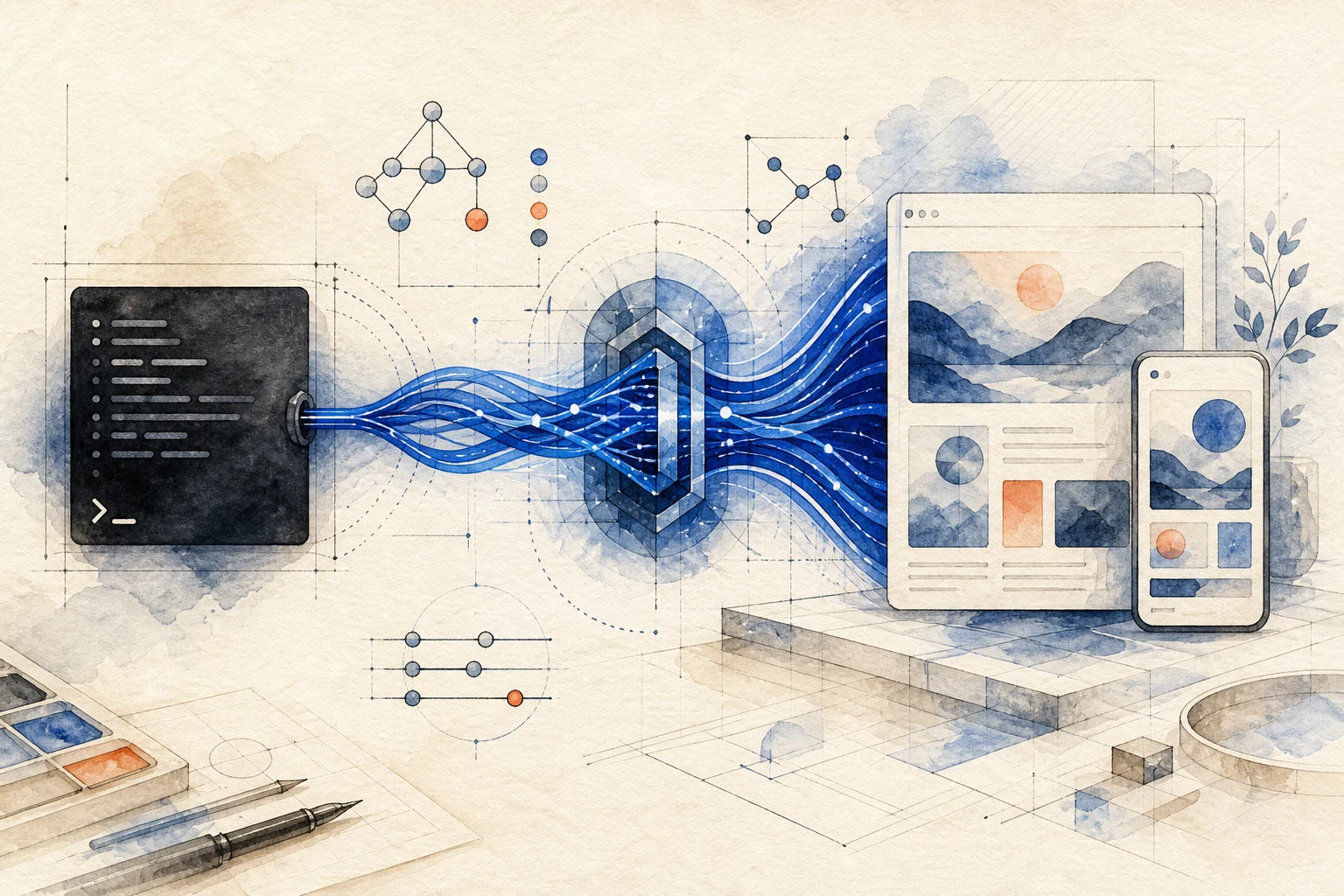
open-design-v0.19.1, codename “Design with DeepSeek Harness.” This release makes the official dsh CLI more than another agent Open Design can connect to. DeepSeek Harness is now a first-class native runtime that Open Design can launch directly, continue across turns, and carry all the way to a finished design.
The complete 0.19.1 changelog covers every stability and workspace change. This is the product story: how DeepSeek Harness enters the Open Design loop, and how the wait between an idea on Home and a working project gets shorter again.
Open Design now launches DeepSeek Harness through the official dsh CLI. The connection uses a structured JSONL stream instead of treating terminal text as an opaque transcript. The model catalog and reasoning options come from the capabilities Harness publishes live, while progress, artifacts, and errors arrive in the project as explicit events.
Sessions resume natively. Cancellation stays authoritative through startup, execution, and recovery, and it cleans up the corresponding process tree on macOS and Windows. If the API key is missing, the installed version is untested, or the Open Design profile is incompatible, the app surfaces a specific diagnostic and a repair action instead of letting the run fail silently.
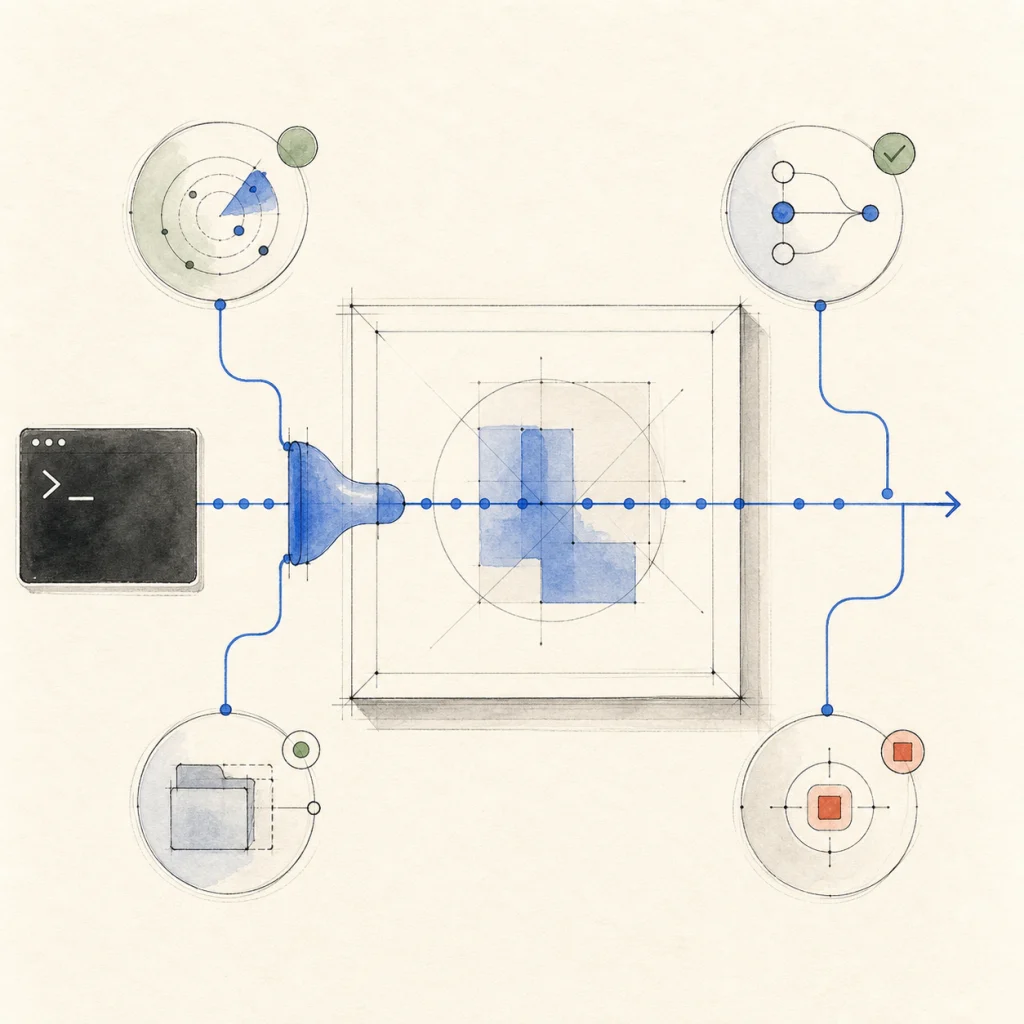
Install the official DeepSeek Harness, then run:
od agent setup deepseek-harnessOpen Design installs the verified connection component bundled with the desktop app. If the open-design profile is already present but incompatible, the same command repairs it. Add your DeepSeek API key on the Models page, or expose DEEPSEEK_API_KEY to the Open Design daemon.
Once setup completes, choose DeepSeek Harness like any other agent. Its live models and supported reasoning efforts appear in the composer. The DeepSeek Harness design guide walks through installation, workflow, visual direction, critique, and delivery.
0.19.1 also refreshes the creation-type row and workspace controls on Home. A local project no longer waits for a Cloud workspace identity before it can start. After you submit, Open Design moves directly into the new project’s Preparing state and rolls the transition back cleanly if creation fails. Cloud projects keep the balance and identity checks they actually need.
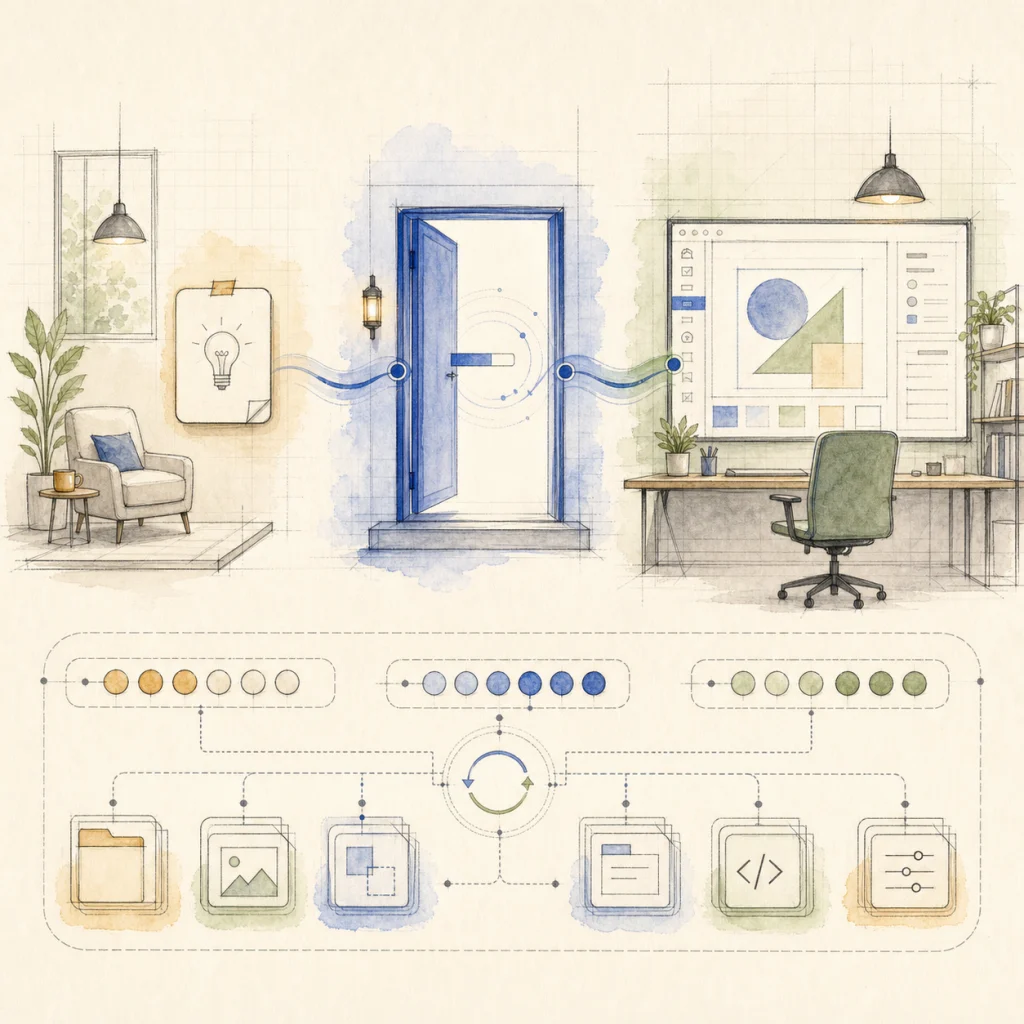
That shorter entry path matters with Harness. You can choose the runtime, model, and reasoning level, send a real brief, and watch the first structured events arrive without waiting at a workspace gate that does not apply to the project.
An expired Open Design Cloud session now clears invalid credentials and returns to the existing sign-in flow. Headless operators can use od amr status and od amr logout to inspect or reset authentication. Transient workspace-authority failures retry safely without duplicating the original request.
Large team projects now batch shared-resource pulls, cap sync fan-out, cache workspace-authority reads safely, and put explicit limits on scans, archives, and push queues. As the workspace grows, sync stays steadier and memory pressure stays bounded.
od mcp install claude-desktop configures Open Design on macOS and Windows.| If you want to… | Start here |
|---|---|
| Design with DeepSeek Harness | Install the official dsh CLI, run od agent setup deepseek-harness, add your key, then select Harness in the composer |
| Control how the model works | Choose one of the live models and a reasoning effort published for that model before sending the brief |
| Continue a design conversation | Reopen the project and send the next turn; the native Harness session resumes behind the same conversation |
| Stop a run cleanly | Cancel from Open Design; startup, execution, recovery, and the child process tree follow the same cancellation state |
| Start a local project quickly | Submit from Home and continue in Preparing without waiting for a Cloud workspace identity |
Download Open Design 0.19.1, install the official dsh CLI, run od agent setup deepseek-harness, and give DeepSeek Harness your first real design brief.
Thank you to everyone who contributed to 0.19.1. See the native DeepSeek Harness runtime change and the complete changelog for the implementation details and credits.
Next step
Take the open-source design workspace for a spin, inspect the release notes on GitHub, or join our Discord for live community feedback.
此内容由惯性聚合(RSS阅读器)自动聚合整理,仅供阅读参考。 原文来自 — 版权归原作者所有。