









guizang-ppt-skill is the 20.8k-star coding-agent skill that turns a prompt into a genuinely designed HTML deck — editorial magazine layouts and Swiss-grid typography, not another template. Here's what it is, how to use it, the honest notes (AGPL-3.0, HTML output), how it compares to other Claude PPT skills, and where an agent-native design workspace fits.
July 10, 2026 6 min read Tools & Skills
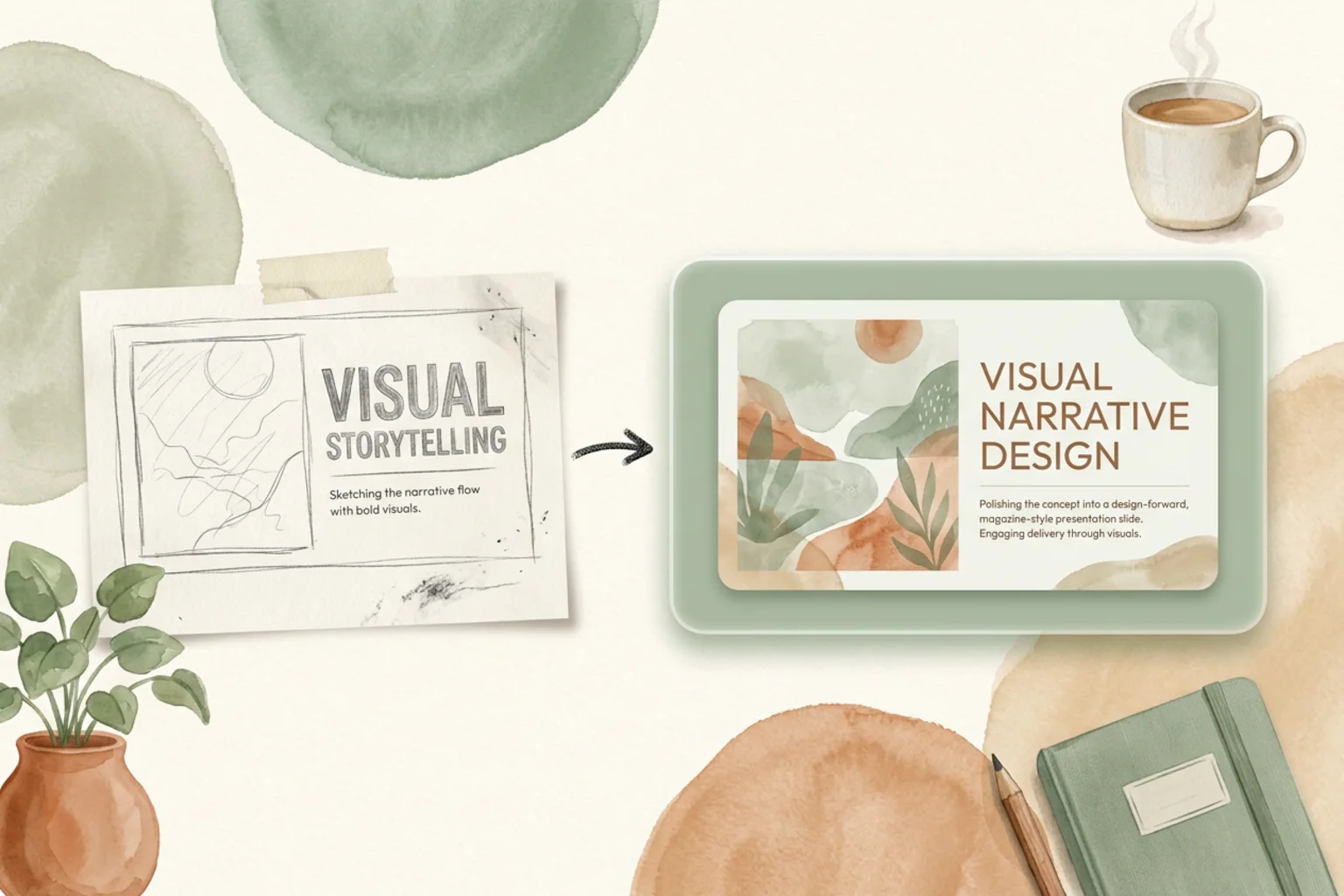
Most AI slide generators are optimized to fill a template fast. guizang-ppt-skill aims somewhere else entirely: it wants the deck to look designed. It’s a coding-agent skill from the Chinese AI creator Guizang (op7418), it has 20.8k stars on GitHub, and it generates polished HTML slide decks in strong editorial styles — magazine layouts and Swiss-grid typography that read as a crafted artifact rather than a generic slideshow.
This is a short, honest guide to it: what the skill actually is, the editorial look it’s built around, how to install and drive it, the caveats worth knowing before you commit (starting with the AGPL-3.0 license), how it stacks up against the other Claude PPT skills, and where an agent-native design workspace picks up when a one-off skill runs out of road.
A skill is a packaged set of instructions and assets that a coding agent (Claude Code, Codex, Cursor, and others) loads mid-task to do something specific. guizang-ppt-skill teaches your agent to generate a presentation: you describe the deck in plain language, the agent applies the skill’s layout system and design rules, and you get back an HTML slide deck. What sets it apart from the pack isn’t the mechanism — it’s the taste baked into those rules. The output leans on editorial composition and disciplined typography, so the slides look like a designer sat with them, not like a form got filled in.
The whole point of guizang-ppt-skill is the aesthetic, so it’s worth naming what that aesthetic is. Two directions run through the output:
The practical upshot is that a guizang deck survives a second glance. A template-driven slide looks fine until you compare it to something composed; guizang is trying to be the composed one.
The flow is the same as any coding-agent skill:
Two things to know before you build on it:
.pptx that a non-developer can reopen in PowerPoint. Know which one you actually need.There’s no single winner — it depends on the look you want and the license you can live with.
| Skill | Output | License | Best for |
|---|---|---|---|
| guizang-ppt-skill | HTML (editorial) | AGPL-3.0 | Crafted, designed-looking decks |
| frontend-slides | HTML web slides | MIT | Web-native decks, full CSS control |
| dashiAI-ppt-skill | Editable presentation | AGPL-3.0 | Output a non-developer can edit |
| Open Design | Prompt → editable deck via your agent | Apache-2.0 | Brand-consistent, owned, part of a larger workspace |
If the deck’s design is the thing that matters most, guizang is the pick. If you want the most permissive license and web-native slides, frontend-slides. If the deliverable has to stay editable for someone who doesn’t touch code, dashiAI. And if the deck needs to be brand-consistent and live alongside the rest of your design work, that’s the workspace question below.
guizang-ppt-skill is a great skill for getting a beautifully designed deck straight from your terminal. But a skill is a script — it doesn’t carry your brand across projects, keep the output editable in a real workspace, or coordinate a deck with the rest of your design work.
Open Design is the layer above the skill: an open-source (Apache-2.0), local-first, bring-your-own-key Agent-Native Design Workspace that sits outside the coding agent you already use. You describe a deck; the agent generates an editable one against a design system. And here’s the concrete, honest connection — Open Design’s ecosystem already ships guizang-style editorial HTML deck templates in its plugin library, so the look guizang popularized is available inside a workspace that also owns your brand and your files.
Reach for the skill when you want a fast, designed deck from the command line. Reach for the workspace when that deck has to be brand-consistent, editable, and part of a larger whole — and if you’re already making decks with a coding agent, see how Open Design works with Claude Code.
What is guizang-ppt-skill? It’s a coding-agent skill (20.8k stars on GitHub, by the creator Guizang / op7418) that turns a plain-language prompt into a polished HTML slide deck in editorial and Swiss-grid styles. You install it into your agent, describe the deck, and iterate.
Is guizang-ppt-skill free? Yes — it’s open source under AGPL-3.0, and you bring your own model API key. Check the AGPL-3.0 terms before embedding it in a commercial or closed-source product; the copyleft obligations are the catch.
What output does it produce? HTML slide decks. Great for presenting in a browser with full CSS control; if you need a natively editable .pptx, that’s a different tool.
How is guizang different from other Claude PPT skills? It optimizes for design quality — editorial magazine layouts and Swiss typography — over raw speed or format flexibility. frontend-slides is MIT and web-native; dashiAI exports editable presentations. guizang is the one to pick when the deck has to look crafted.
Skill or design workspace — which should I use? Use guizang-ppt-skill for a quick, beautifully designed one-off deck in the terminal. Use an agent-native workspace like Open Design when the deck must be brand-consistent, editable, and live next to the rest of your design work.
If you want a deck that actually looks designed and you’re comfortable in a coding agent, guizang-ppt-skill is one of the best skills going — editorial layouts, Swiss typography, real taste, straight from a prompt. Mind the AGPL-3.0 license and the HTML-only output, and it earns its 20.8k stars. When the deck needs to be brand-consistent, editable, and part of something larger, that’s where an agent-native design workspace — one that already ships guizang-style editorial templates — takes over. For the wider landscape, see the Claude PPT skills guide.
此内容由惯性聚合(RSS阅读器)自动聚合整理,仅供阅读参考。 原文来自 — 版权归原作者所有。