




Vibe design and vibe coding aren't rivals — they're two halves of one motion, and the gap between them is where teams bleed. Here's the real difference, the two failure modes nobody warns you about (the mockup cliff and design drift), and a framework for which to reach for when.
June 18, 2026 9 min read Guides
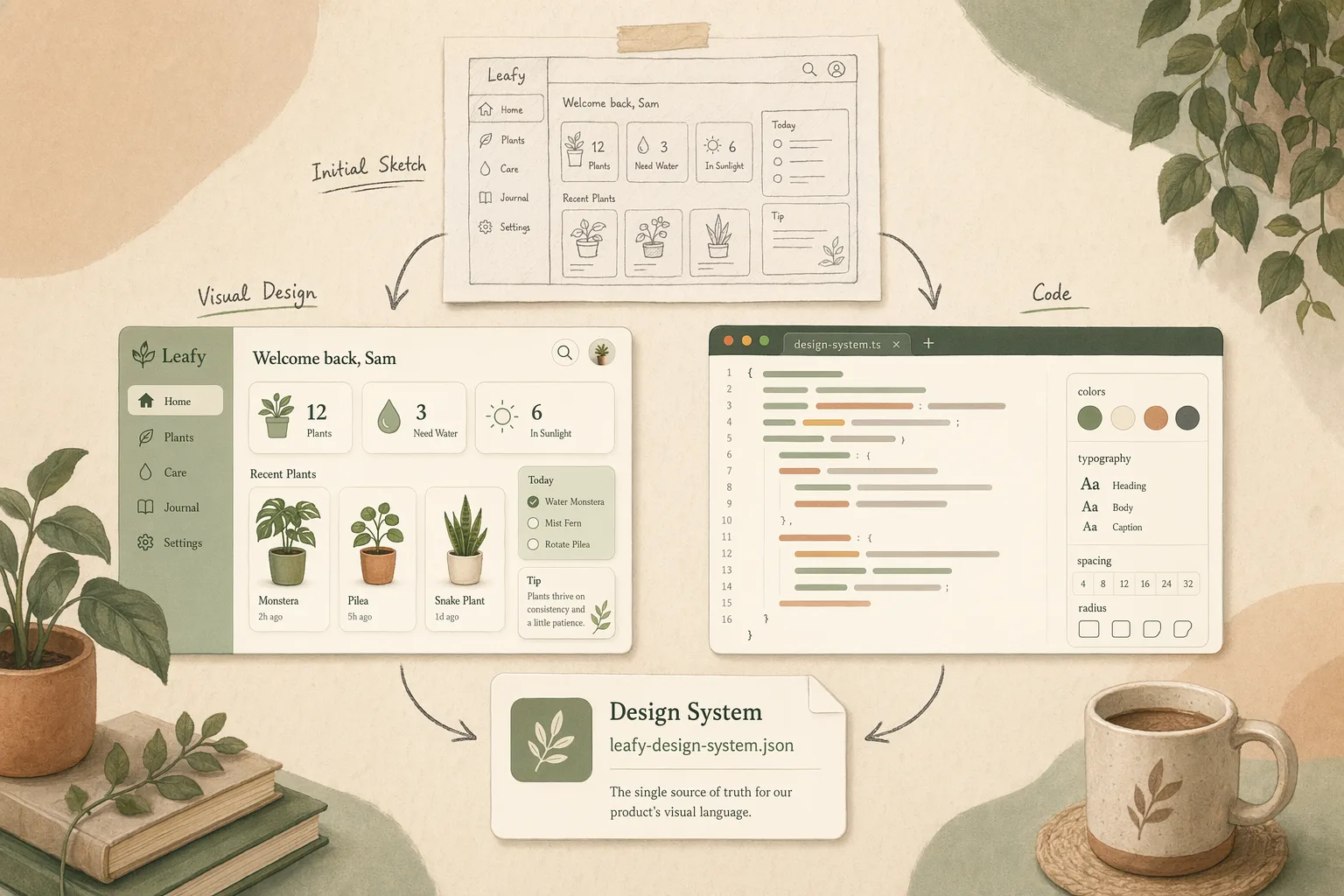
Most explanations of vibe design vs vibe coding stop at a definition: one makes designs, one makes code, the end. That’s true and useless. I work the seam between the two at Open Design — the part where a generated design is supposed to become a running interface — and I can tell you the definition isn’t where the money is. The money is in the gap between them: the place where a beautiful mockup never ships, and where generated code quietly drifts away from any coherent design. Get the split wrong and you pay in one of those two currencies every time.
So this isn’t another glossary. It’s what actually differs, the two failure modes nobody puts on the feature page, and a framework for which one to reach for when. If you want the ground-floor definition first, the what is vibe design primer has it.
Both start from the same instinct — describe the vibe (a feeling, a direction, a reference) and let AI produce something, instead of hand-placing every rectangle or hand-typing every div. They split on what you’re left holding:
Everything else follows from that one fork. A design is cheap to change and impossible to ship. Code ships and is expensive to restyle. Which means the two tools fail in exactly opposite ways — and that, not the definition, is what should drive your choice.
| Vibe design | Vibe coding | |
|---|---|---|
| You get | An editable design / mockup | Running front-end code |
| Optimized for | Exploring direction | Producing something that runs |
| Changes are | Cheap — it’s a picture | Expensive — it’s a build |
| Ships as-is? | No — needs to be built | Yes — but styled however the model guessed |
| Typical tool | Visily, Uizard, Figma AI | v0, Lovable, Bolt |
| Fails by | The mockup cliff | Design drift |
The mockup cliff (vibe design’s failure). You generate something gorgeous in 30 seconds, the room nods, and then it sits there — because a mockup is a description of an app, not an app. Someone still has to build it, and the prettier the mockup, the more sunk cost when the build comes in different. I’ve rebuilt the same “finished” screen in code more times than I’d like to admit. The mockup felt like progress; it was a promissory note.
Design drift (vibe coding’s failure). This is the one that surprises teams. Ask a code-gen tool for screen after screen and each one is plausible but subtly off — a different button radius here, an off-palette gray there, spacing that almost matches. There’s a Reddit thread that just says “the design drift created by vibe coding is insane,” and that’s the whole problem in one line. The code runs, so it looks like it shipped — but you’ve accumulated a dozen near-misses that don’t add up to a system. Nobody decided the design; the model guessed it twelve times.
Here’s the part that matters: these two failures have the same root cause. The mockup cliff and design drift both happen because the design and the code don’t share a source of truth. The mockup doesn’t know how it’ll be built; the code doesn’t know what the design system says. Fix that one thing and both failure modes mostly disappear.
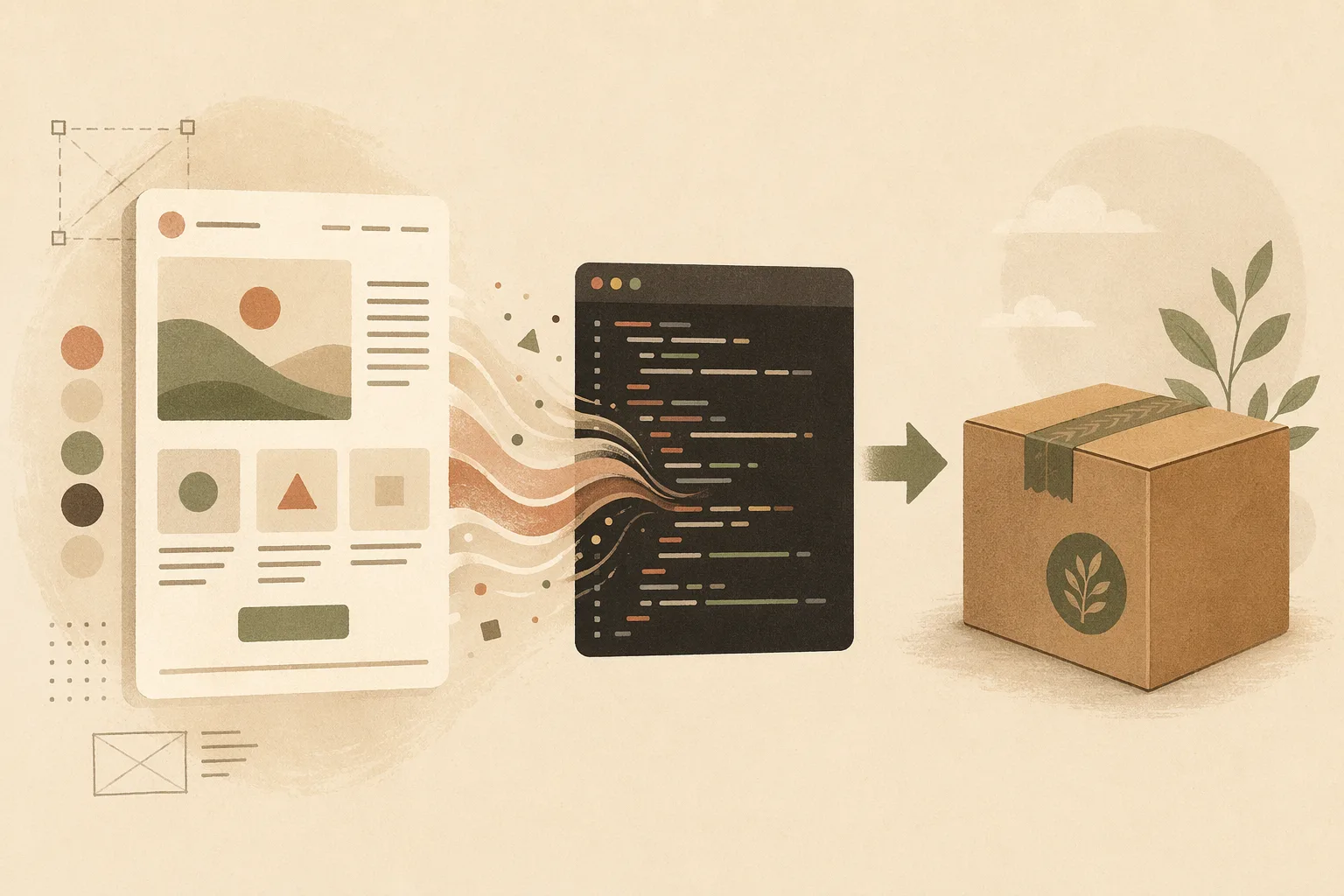
Skip the “it depends.” Here’s the call I’d make:
Reach for vibe design when the artifact is a decision. You’re exploring direction, you need stakeholder buy-in before anyone writes code, there’s no engineer in the room yet, or you’re at the messy zero-to-one where throwing away ten directions is the point. You want the cheapest possible way to see and reject options. Don’t ship it — decide with it.
Reach for vibe coding when the artifact has to run. The prototype needs real interaction, you’re past direction and into “make it work,” or the fastest path to learning is clicking a live thing. Just go in knowing you’ve signed up to manage drift — which means you need a design system the generation can actually follow, not vibes alone.
The tell for which you’re in: ask “is the next decision what should this be or does this work?” The first is vibe design. The second is vibe coding. Most teams reach for the tool they like instead of the question they’re actually answering — that’s the mistake.
The framing of “design vs coding” is itself the trap. Treated as separate steps, you get a handoff — and handoffs are where both failure modes live. The teams that don’t bleed treat them as one loop, and the thing that closes the loop is boring: a design system that’s a real, shared artifact both halves obey.
That’s the bet Open Design is built on. The design system isn’t a Figma library the code can’t read or a style guide the model ignores — it’s a portable DESIGN.md file that both the design step and the code-gen step consume. Generate a design from it, generate code against it, and the mockup can’t cliff (it’s already pointed at real code) and the code can’t drift (it’s pinned to the system). Vibe design and vibe coding stop being a versus and become one motion from intent to shipped. For the tools that live on each side of the line today, I went through the field in vibe design tools.
What’s the difference between vibe design and vibe coding? Vibe design generates a design you react to; vibe coding generates running code you can use. Same intent-first instinct, different artifact — a decision versus a deliverable.
Is vibe design just vibe coding for designers? No. Vibe coding produces code (and the design drifts unless a system constrains it); vibe design produces a design (that never ships unless someone builds it). They’re complementary halves, not the same thing for different audiences.
Which should I learn first? Whichever matches your next decision: what should this be (vibe design) or does this work (vibe coding). Long term, the leverage is in connecting them so neither fails alone.
Does vibe coding replace designers? It replaces hand-placing rectangles, not deciding what’s right. The judgment about what should exist — and the system that keeps it coherent — is exactly the part that doesn’t automate. Drift is the proof.
Vibe design and vibe coding aren’t competitors; they’re the two ends of one motion, and every team that treats them as separate steps pays the toll in the middle — a mockup that never ships or a UI that drifts. Pick by the question in front of you: deciding what it should be, or making it run. Then do the thing almost nobody does — give both halves the same design system to obey, so the vibe survives all the way from intent to shipped code you own.
此内容由惯性聚合(RSS阅读器)自动聚合整理,仅供阅读参考。 原文来自 — 版权归原作者所有。