








Managed Apple device and contact data now flows automatically from Addigy into ScalePad Lifecycle Manager — so client planning starts from a complete, current picture.
Every strong client conversation starts with good data. If the device counts are stale, the contacts are wrong, or half the fleet is missing, even the best QBR turns into a scramble to reconcile spreadsheets before the meeting.
That’s the gap the Addigy <> ScalePad integration closes. ScalePad Lifecycle Manager now integrates with Addigy, automatically syncing managed Apple devices and client contacts from your Addigy environment. The data your Apple MDM already tracks now feeds the platform your team uses to plan, budget, and lead strategic client relationships. No re-keying, no exports, no drift between systems.
What the ScalePad integration does
Once connected, Lifecycle Manager pulls two things from Addigy on an ongoing basis:
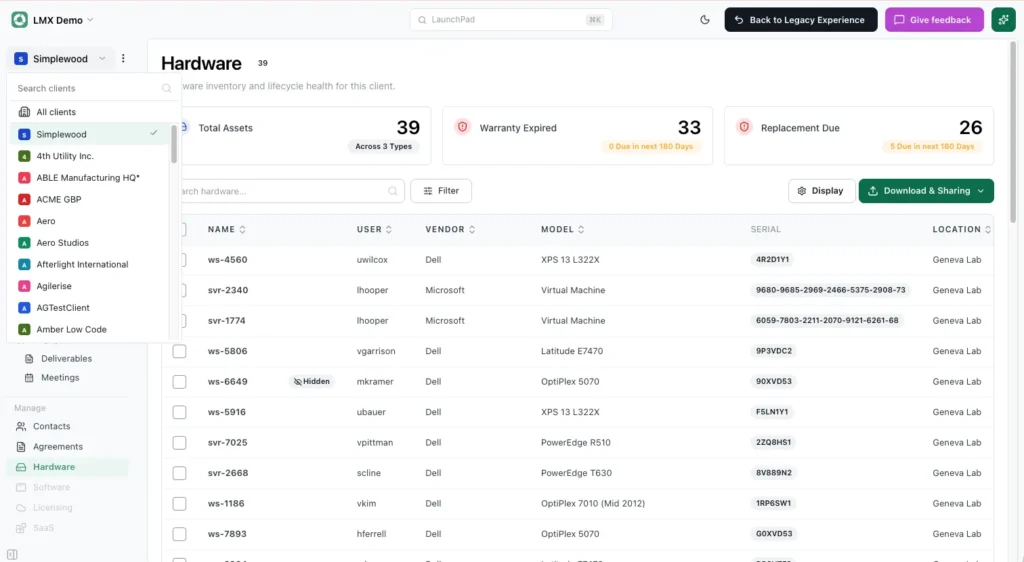
- Managed Apple devices: your Mac, iPhone, iPad, and Apple TV fleet imported automatically, so asset data in Lifecycle Manager reflects what’s actually deployed.
- Client contacts: the people tied to each account synced across, so records stay accurate without manual upkeep.
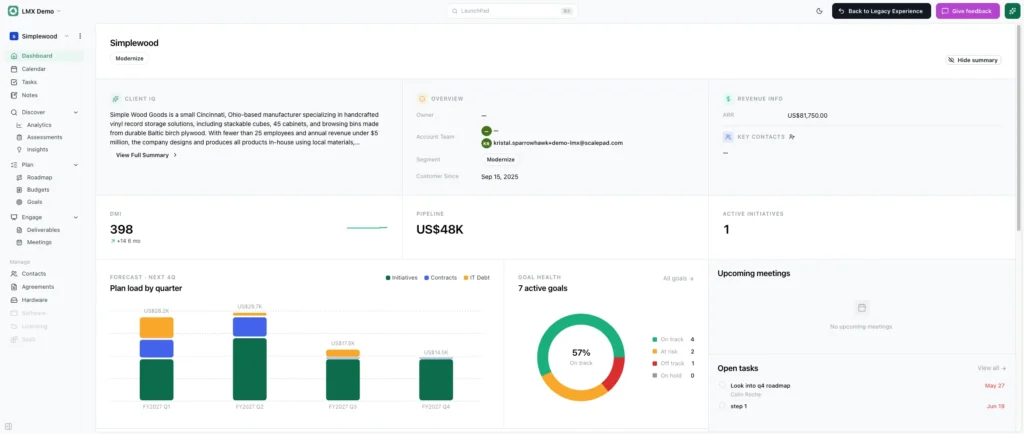
The result is less manual data entry, fewer stale records, and a more complete view of every client, the foundation for the roadmaps, budgets, and reviews Lifecycle Manager is built to drive.
Why it matters for Apple-focused MSPs
Addigy is purpose-built Apple device management for MSPs, and with Lifecycle Manager, we turn all operational work on endpoints into visible, strategic value for the client. Connecting the two means the effort you already put into managing Apple devices shows up where account managers and vCIOs actually plan.
When client data is complete and current, it’s easier to:
- Spot aging infrastructure
- Build multi-year roadmaps
- Plan technology investments
- Run QBRs that move the relationship forward
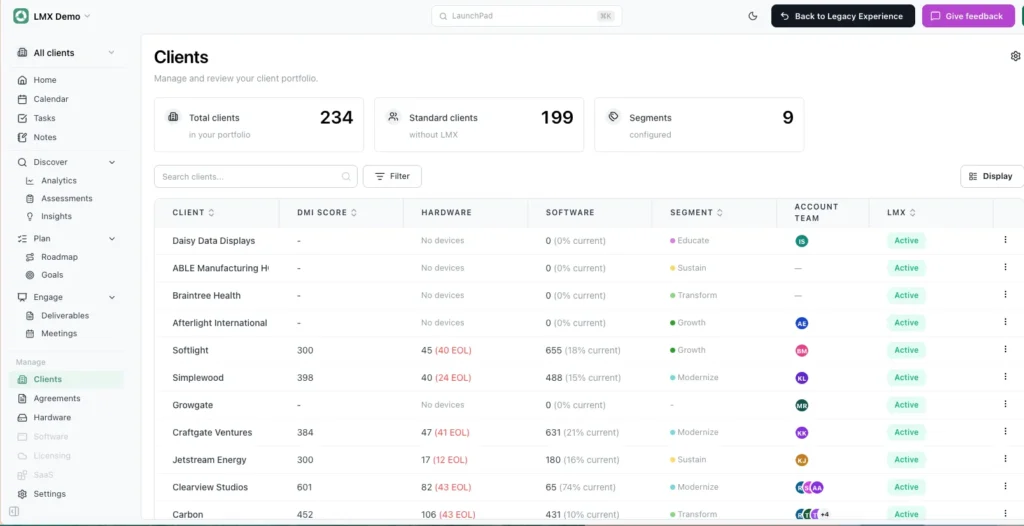
Instead of gathering and cleaning data before every review, your team spends that time guiding clients toward better outcomes. That’s the difference between managing technology and leading client strategy.
Benefits for your MSP team:
- The data enters once. Device and contact information lives in Addigy and flows into Lifecycle Manager automatically.
- Inventory that stays current. As Apple devices are enrolled or retired in Addigy, Lifecycle Manager reflects it. Your asset picture is accurate the moment you need it, not after a cleanup pass.
- QBRs and roadmaps built on real data. Walk into strategic reviews with a complete, up-to-date view of the client’s Apple fleet, and spend the time advising instead of gathering.
- Gain hours back across the team. Less manual data entry means more capacity for strategic work clients pay more for.
Client benefits:
- Smarter hardware budgeting. A complete view of device age and lifecycle makes refresh planning predictable, so fewer surprise expenses, clearer capital forecasts.
- Problems caught early. Aging or at-risk devices surface before they fail, not after.
- A stronger security and compliance footing. Planning starts from an accurate, current inventory of every managed Apple device.
Getting started
This integration is available now. Connecting your Addigy environment takes just a few minutes, and devices and contacts start syncing into Lifecycle Manager automatically.
- Read ScalePad’s announcement: Lifecycle Manager + Addigy
- Learn more about Lifecycle Manager
- Setup steps: Integrating with Addigy
If your team runs Addigy and ScalePad Lifecycle Manager, this is a quick connection that pays off in every client review that follows.
New to Addigy? See it live with our team.