







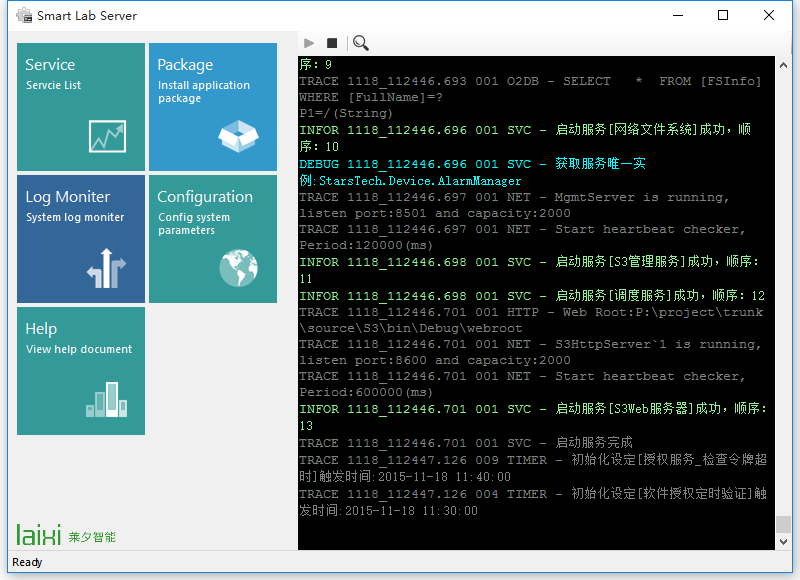
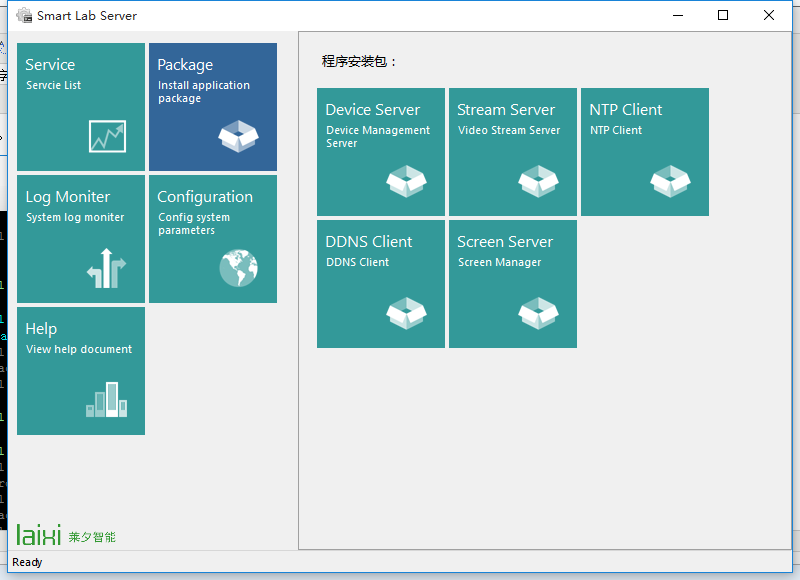
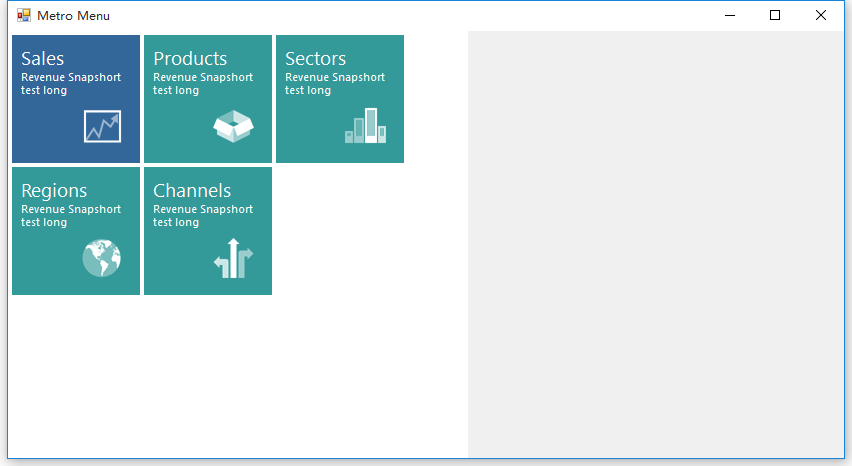
我有个项目需要要到菜单导航,就自己动作做了一个,感觉还可以,分享给大家。下载地址:https://files.cnblogs.com/files/dyj057/MetroUIMenu.zip
主要代码:
 private void SetElements()
        {
            if (Elements == null) return;
            int eWidth = BorderWidth + ElementWidth;
            int eHeight = BorderWidth + ElementHeight;
            int count = Elements.Count;
            int col = this.Size.Width / eWidth;
            if (col == 0) return;
            int row = (int)Math.Ceiling((double)count / col);
            Console.WriteLine("{0}x{1}",row,col);
            var k = 0;
            for (int i = 0; i < row; i++)
            {
                for (int j = 0; j < col; j++)
                {
                    if (k >= count) break;
                    var child = Elements[k];
                    child.Location = new Point(j * eWidth  + BorderWidth, eHeight * i + BorderWidth);
                    child.Size = new Size(ElementWidth, ElementHeight);
                    Console.WriteLine("X:{0} Y:{1} W:{2} H:{3}", child.Location.X, child.Location.Y, child.Size.Width,child.Size.Height);
                    if (!this.Controls.Contains(child))
                    {
                        child.SelectedChanged += Child_SelectedChanged;
                        this.Controls.Add(child);
                    }
                    k++;
                }
            }
        }
此内容由惯性聚合(RSS阅读器)自动聚合整理,仅供阅读参考。 原文来自 — 版权归原作者所有。