








IsoAlgo是图核科技公司自主研发的管道轴测图引擎piping Isometric drawing generation Algorithms的简称,读作ISO阿狗或爱狗。IsoAlgo可以通过读取IDF/PCF文件生成管道ISO图纸DXF文件及材料表和焊点表等。
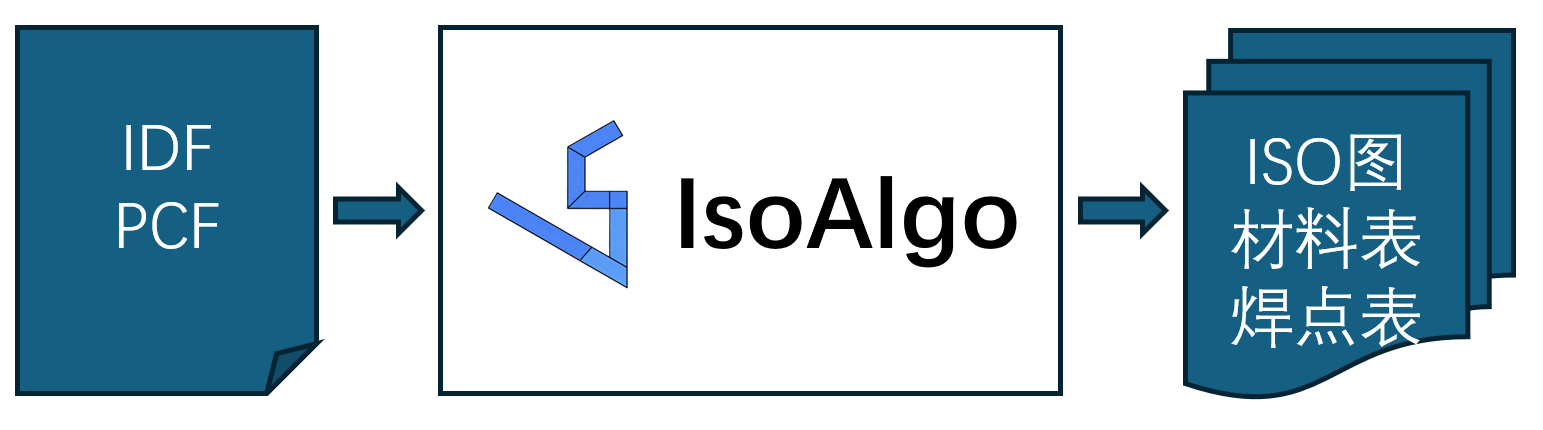
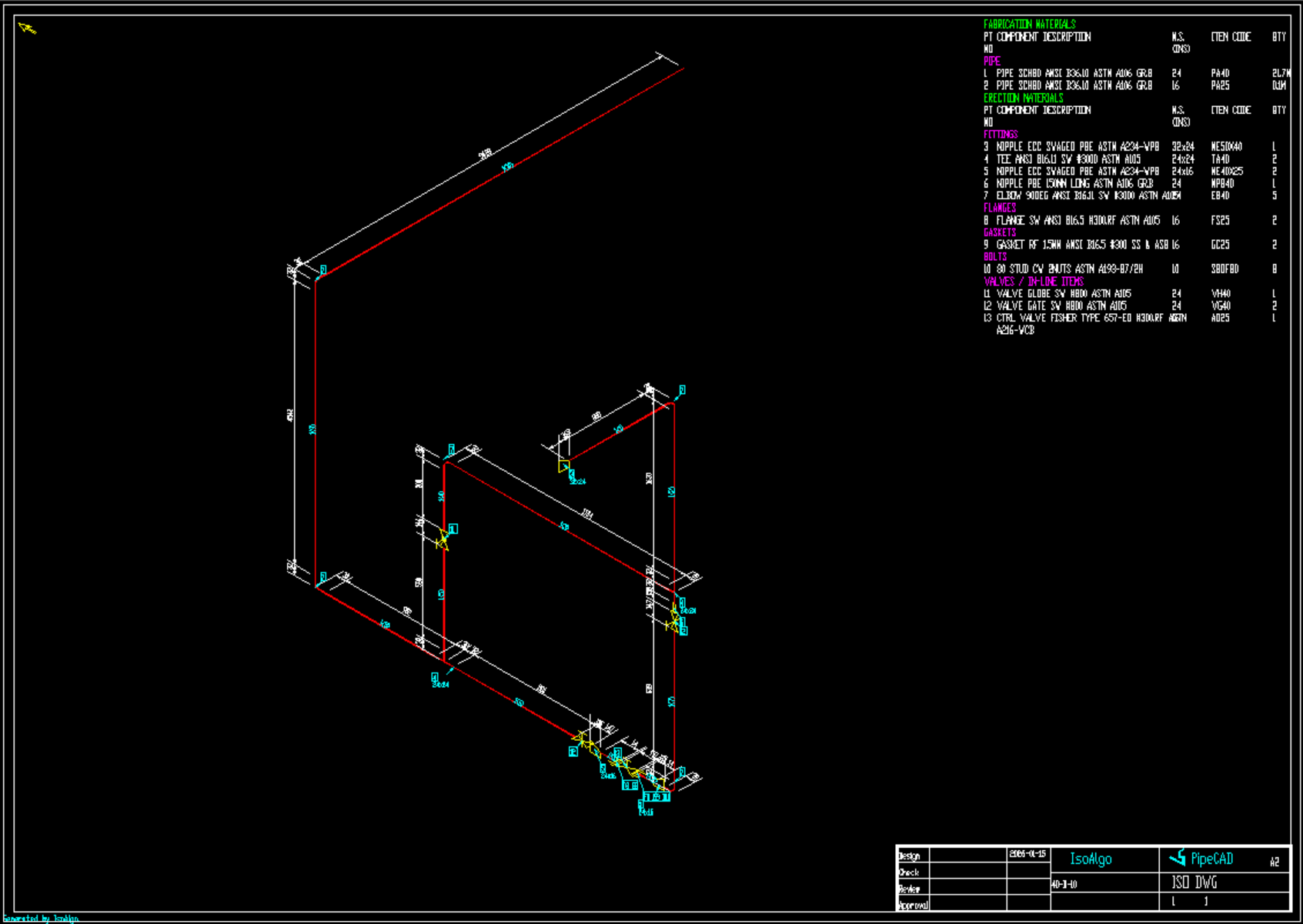
管道轴测图(单线图、ISO图)作为三维管道设计软件的最终交付物之一,自动生成管道ISO图是三维管道设计软件PipeCAD等的关键支持功能。IsoAlgo引擎兼容国际标杆ISOGEN的图形符号,全面支持IDF/PCF管道数据文件,内置高效的布局算法,攻克分图难题,提供丰富的配置选项,可以根据用户出图风格定制不同的出图样式。一键出图,出图速度快。
为了方便用户使用IsoAlgo,提供一个简单的用户界面如下图所示:
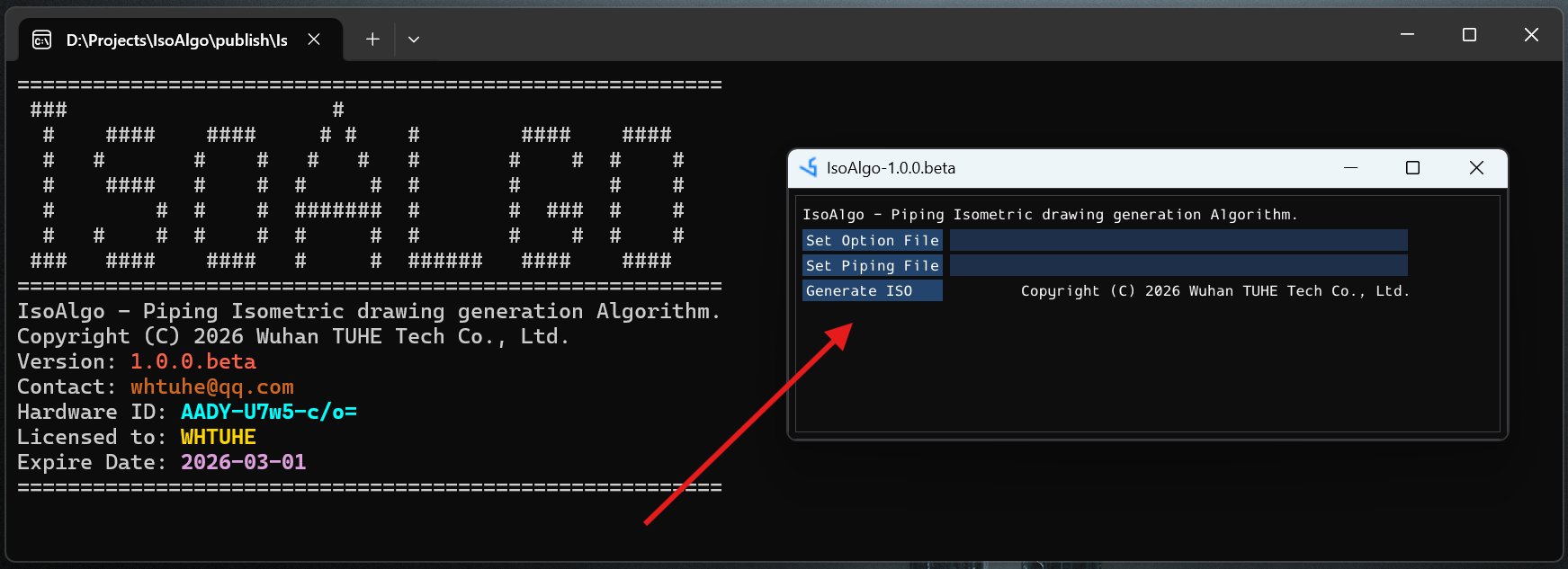
IsoAlgo用户界面的使用总共分为三步:
如果想使用IsoAlgoCmd更多功能,可以使用命令行。通过输入运行参数IsoAlgoCmd -h显示程序用法如下:
========================================================
 ###                     #
  #    ####    ####     # #    #        ####    ####
  #   #       #    #   #   #   #       #    #  #    #
  #    ####   #    #  #     #  #       #       #    #
  #        #  #    #  #######  #       #  ###  #    #
  #   #    #  #    #  #     #  #       #    #  #    #
 ###   ####    ####   #     #  ######   ####    ####
========================================================
IsoAlgo - Piping Isometric drawing generation Algorithm.
Usage:
  IsoAlgoCmd [OPTION...]

  -p, --pipe Sample.pcf   PCF/IDF pipe data file name
  -o, --opt IsoAlgo.opt   Option file name
  -f, --frame A2.dxf      DWG frame file name
  -m, --merge Sample.dxf  Merged DWG file name
  -v, --version           IsoAlgo version info
  -h, --help              Print usage
相关命令参数说明如下:
注意:在指定相关文件名时,是包含路径的文件全名,最好不要有中文和空格。包括程序目录最好也是解压到没有空格和中文的文件夹中。
为了方便使用,可以通过批处理文件IsoAlgo.bat来快速运行程序:
rem 指定配置选项文件和PCF文件生成管道ISO图
IsoAlgoCmd -o %~dp0IsoAlgo.opt -p SampleIso.pcf

rem Generate isometric drawing from IDF file SampleIso.idf.
IsoAlgoCmd -o %~dp0IsoAlgo.opt -p SampleIso.idf

rem 将图框文件A2.dxf合并到图纸SampleIso.dxf文件中.
IsoAlgoCmd -f A2.dxf -m SampleIso.dxf
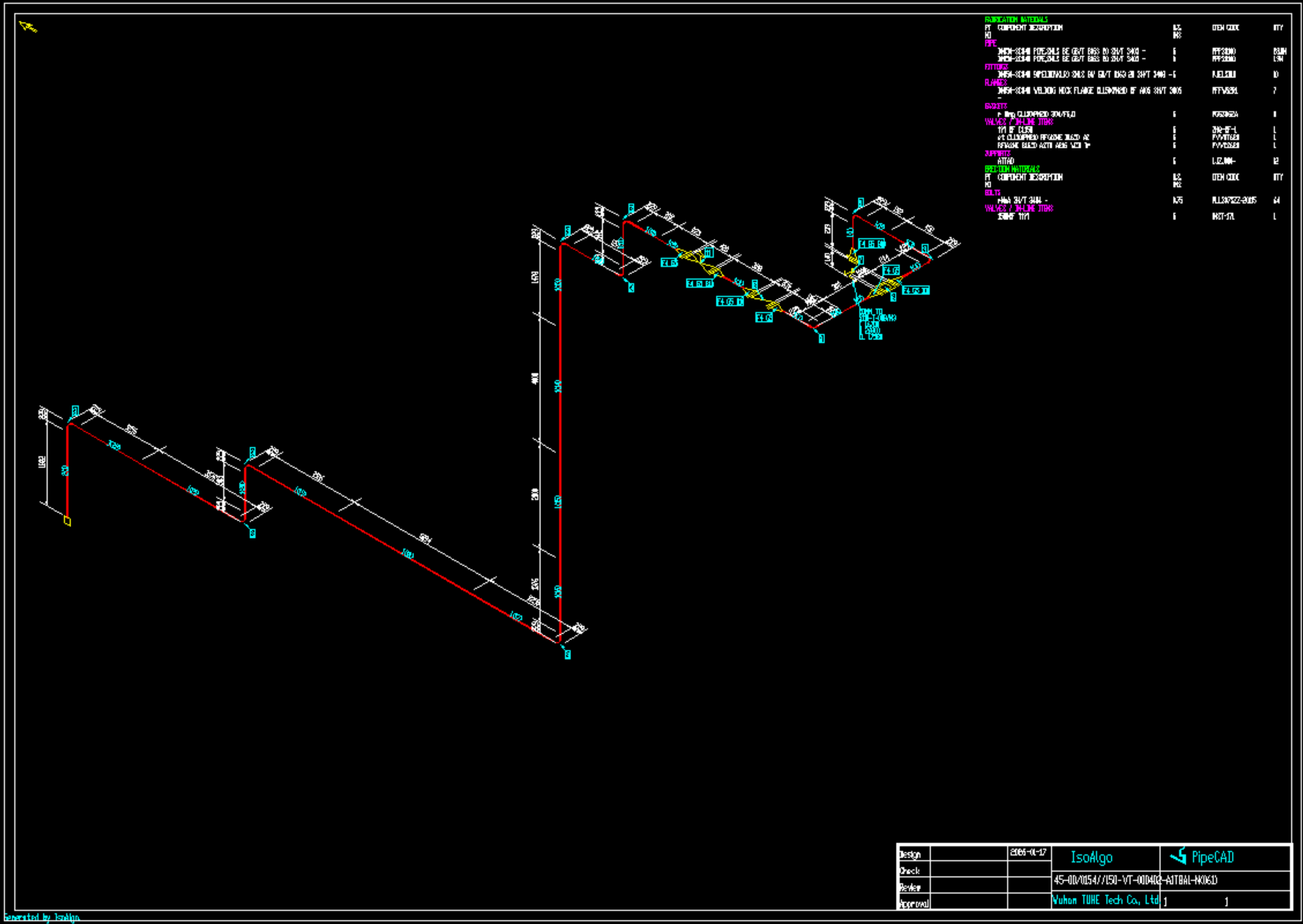
好软件是用出来的,IsoAlgo对个人用户免费开放,让更多人可以使用。除了不能定制图框,其他功能都是一致的。
| IsoAlgo | 专业版 | 个人版 |
|---|---|---|
| PCF出图 | ✔️ | ✔️ |
| IDF出图 | ✔️ | ✔️ |
| 图面配置 | ✔️ | ✔️ |
| 尺寸标注 | ✔️ | ✔️ |
| 件号标注 | ✔️ | ✔️ |
| 材料表配置 | ✔️ | ✔️ |
| 导出材料表 | ✔️ | ✔️ |
| 导出焊点表 | ✔️ | ✔️ |
| 图框配置 | ✔️ | 系统内置 |
加入PipeCAD QQ交流群 964851855,在群文件中的[软件产品]目录下载IsoAlgo:
此内容由惯性聚合(RSS阅读器)自动聚合整理,仅供阅读参考。 原文来自 — 版权归原作者所有。