





Takeaway: Azure Chaos Studio helps organizations validate application resilience by simulating outages, failovers, network disruptions, and infrastructure failures before they impact production.
You don’t know with certainty that your application is resilient until that resilience is tested. Better to learn it isn’t by deliberately breaking it in a test environment and watching how it reacts, than by a failure in production. Azure Chaos Studio is our managed service for doing exactly that, safely and on purpose.
Today, Azure Chaos Studio Workspaces is in public preview: a scenario-focused approach that lets you test the failure modes Azure customers actually see in production. We’ve been hard at work making Workspaces easy to use, with broad fault support and named scenarios that mirror real outages, instead of isolated faults.
Azure customers have invested in resilient design: multi-zone deployments, geo-redundant storage, automatic database failover, retry logic, load-balanced front ends. However, the real question is when an incident begins: when the failure arrives, do those mechanisms recover your application in the time you assumed they would?
Real outages don’t read the architecture diagram. A zone-redundant deployment can fail because a health probe was misconfigured years ago. A database with automatic failover can leave the application dead because a connection string is hard coded to a single region. Geo-redundant storage can briefly produce stale reads the application code never expected. These mistakes are common, and they only show up when the failure happens.
Reliability and resiliency on Azure are a shared responsibility. Microsoft is responsible for the platform and the resilience built into Azure services. Customers are responsible for configuring that resilience and the code that uses it. No layer makes up for a gap in another. The only way to know whether your architecture, configuration, and application logic will hold up in production is to prove they hold under failure before an outage tests them for you.
Chaos Studio is Azure’s managed chaos engineering service for validating how applications behave under failure. By simulating controlled disruptions across infrastructure, networking, databases, and application dependencies, it helps teams uncover resilience gaps before customers experience them. Chaos Studio Workspaces focuses on scenarios that match what happens in production, so you start from a real outage pattern instead of assembling individual faults. You begin with a named scenario like Zone Down, DNS Outage, or SQL failover, already sequenced against the resources in a Workspace.
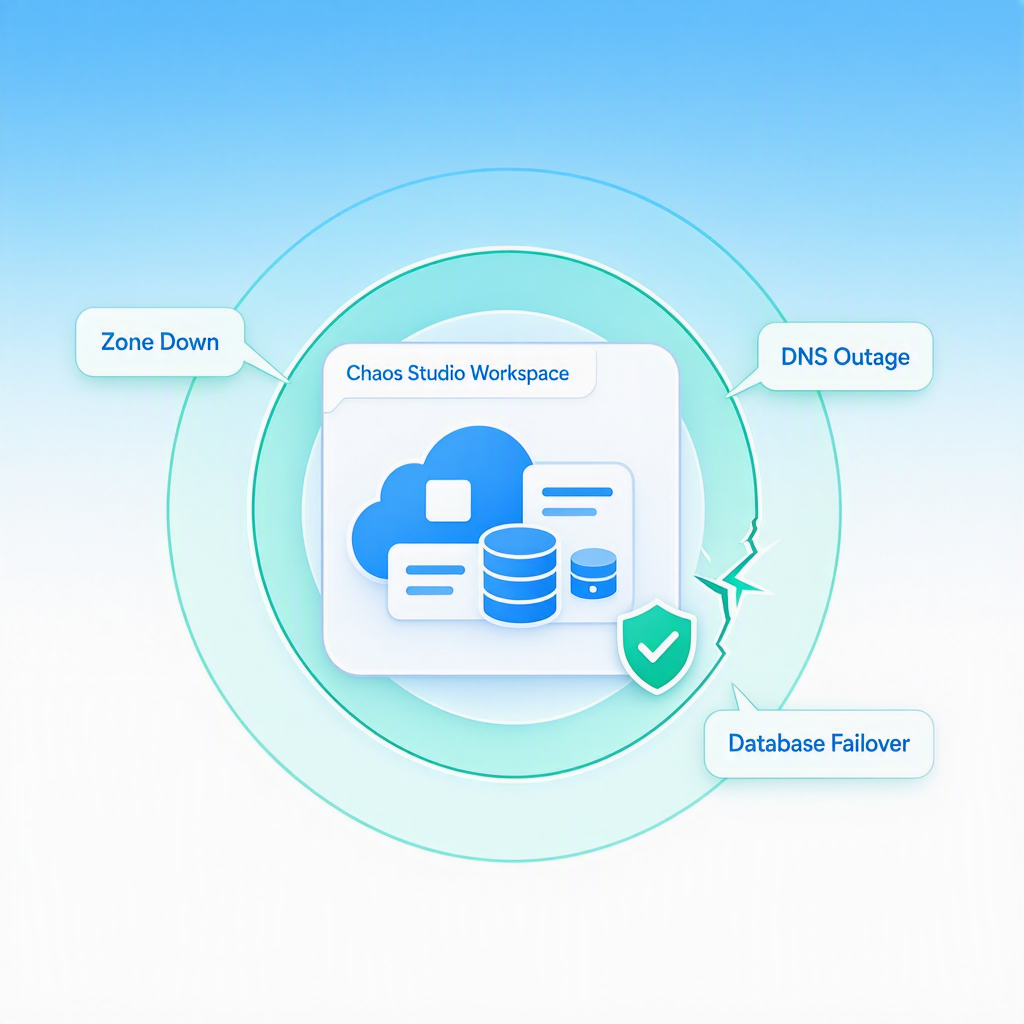
Most outages exercise two layers at once. There’s the platform layer: did the service come back, did failover complete within your Recovery Time Objective, did traffic reroute. And there’s the application layer: did your code maintain data integrity, pick up in-flight transactions, retry the right things, degrade gracefully. A chaos test that only stops a Virtual Machine (VM) tells you about the platform layer. The scenarios in Chaos Studio Workspaces are designed to validate the entire stack.
Workspaces reduce the burden of getting started. The most common reason resilience testing stalls is that teams don’t know where to start. The Workspace is the new top-level resource: you point it at a subscription or resource group, and its managed identity discovers what’s in scope and recommends the scenarios that apply. Those scenarios show up inside the Workspace, ready to configure and run, and a refresh, updates the recommendations whenever your infrastructure changes.
A library of real outage scenarios. Chaos Studio Workspaces ships with curated scenarios informed by patterns observed in real Azure incidents, so the patterns you test against are the patterns customers actually experience. Think of these as resilience templates, a fast path to the failure modes most teams need to test, and when you need something different, design your own from the same fault library.
Available today:
Behind every scenario are granular API-level actions built for Workspaces:
Each scenario composes the right faults automatically. And when a curated scenario doesn’t match your workload, you can build your own. The new Scenario Designer is a drag-and-drop experience in the Azure portal for composing any of these faults into a custom scenario arranging steps, branches, and faults with the same flexibility as classic Chaos Studio experiments, now available directly inside Workspaces. Start with a curated template, or design from scratch using the full fault library.
VM agent faults such as Central Processing Unit (CPU) and memory pressure also run in Workspaces. Each scenario sequences the right combination of faults automatically, so running Zone Down + Database Failover doesn’t mean thinking in terms of “shut down VMSS instances in zone 1, then force-failover the database primary.” The library will keep growing through public preview and into GA, with plans to explore additional scenarios over time, such as:
That same foundation is also relevant for AI applications moving into production. Copilots, agents, retrieval-augmented generation pipelines, and inference endpoints may introduce new AI-specific failure modes, but they still rely on the same Azure building blocks as other distributed applications: compute, databases, caches, search indexes, identity, networking, messaging, and storage. Chaos Studio Workspaces can validate that foundation today through scenarios like Zone Down, Database Failover, DNS Outage, Cache Stampede, and Event-Driven Messaging Disruption, while the catalog continues to evolve toward AI-specific behaviors such as retrieval drift, token throttling, and model behavior shifts under load as more insights are gathered fromworking closely with customers building AI on Azure.
Scenario reports. When a run finishes, Chaos Studio Workspaces generates a structured drill report. It lays out what the scenario injected, which resources it affected, how the recovery timeline played out, which signals were attributable to the drill versus the normal baseline, and where the workload behaved differently than expected. The report reads like an internal post-incident review, which makes it useful both for the team that ran the drill and for the leaders who want to see resilience being validated regularly. Teams can export it and attach it to change tickets, audit evidence, or service health reviews.
Alongside the product, we’re shipping two ways to drive Chaos Studio from the tools engineers already work in. The first is the Chaos Studio Skill for GitHub Copilot: it walks you through the whole loop in a conversation. Point a Workspace at a subscription, see the scenarios it recommends, run a drill, and get back a report of what actually happened, correlated against your Azure Monitor signals.
The second is an Model Context Protocol (MCP) server that exposes the same Chaos Studio operations as typed tools, so other assistants and autonomous agents: Claude, Cursor, Codex, or your own, can provision a Workspace, run a scenario, and query the signals around it without a person in the loop. Both run against the same Chaos Studio APIs and your own Azure sign-in, and you can try them today.
We’re shipping this on day one for one reason: When a customer asks an AI assistant about Chaos Studio, the experience should be shaped by us, not improvised by a large language model (LLM) reading our REST API. In our experience, one of the hardest parts of resilience testing is often deciding to run the drill in the first place, and that decision increasingly lives in the chat tools engineers already use, so this needs to live there too.
Where this is headed: The Skill becoming a step inside automated operations flows on Microsoft Foundry, and one of the ways an Azure SRE agent validates its own assumptions about how a workload fails. Try it and tell us what’s missing; we’ll close the gaps through public preview.
Azure Chaos Studio Workspaces is in public preview today. General availability is currently targeted for late 2026, subject to change.
To start:
Resilience isn’t something a single feature, a single redundancy mechanism, or a single architecture decision will give you. It’s an engineering discipline, and the discipline requires verification. Azure Chaos Studio Workspaces is how we’re making that verification the default for Azure workloads, including the AI workloads more of our customers are putting into production.
此内容由惯性聚合(RSS阅读器)自动聚合整理,仅供阅读参考。 原文来自 — 版权归原作者所有。