





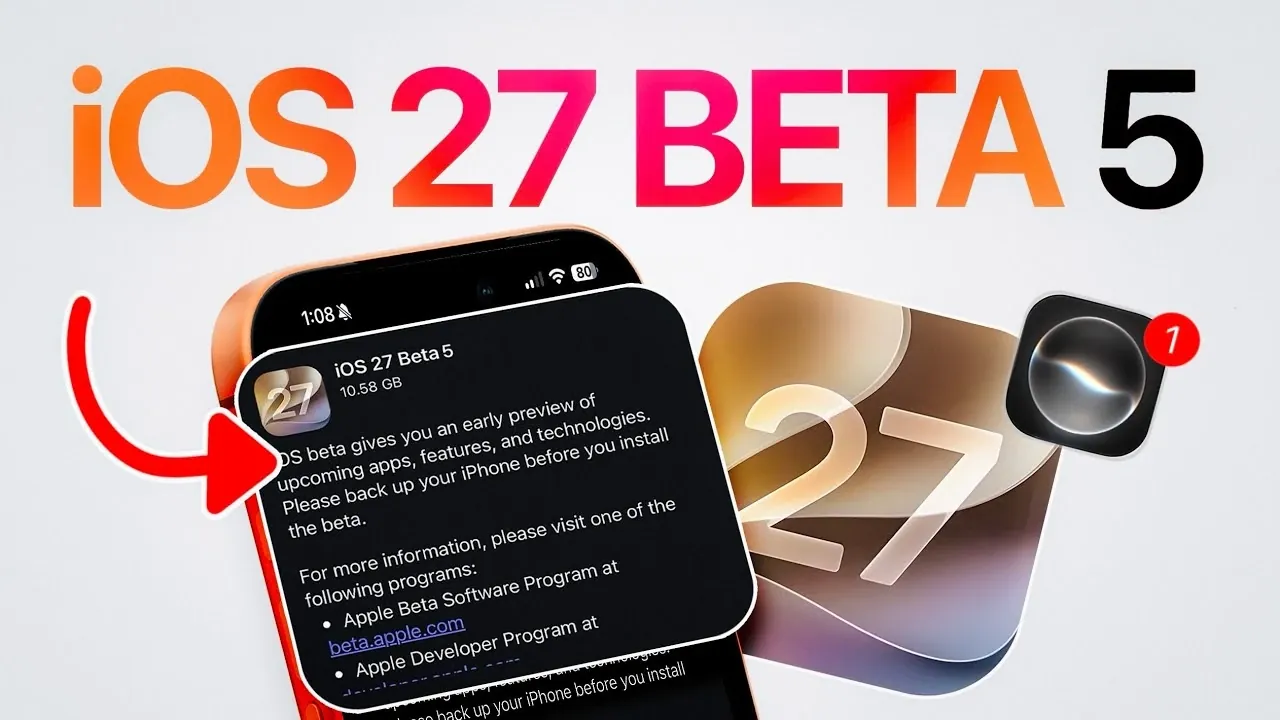
Apple has officially rolled out iOS 27 Developer Beta 5, marking a pivotal step in the evolution of its next-generation operating system. This update is currently available to developers and is expected to be accessible to public beta testers within the next 24 to 48 hours. The release focuses on enhancing the user experience through a combination of visual updates, functional improvements, and system-wide optimizations. Alongside iOS 27, Apple has also updated its other platforms, including iPadOS, macOS, tvOS, VisionOS and watchOS, reflecting a cohesive effort to refine its ecosystem and deliver a seamless experience across devices.
Key Visual Updates: Redesigned Icons
One of the most noticeable changes in iOS 27 Beta 5 is the redesign of several app icons, which now feature a more modern and cohesive aesthetic. Apps such as Preview, Siri, Settings, and Safari have been updated to align with Apple’s evolving design language. A standout feature is the new Siri icon, which introduces customizable options that allow you to personalize its appearance. These updates not only enhance the visual appeal of the interface but also underscore Apple’s commitment to creating a more user-centric design that feels fresh and intuitive.
Keyboard Overhaul: The “Liquid Glass” Effect
The keyboard in iOS 27 Beta 5 debuts a striking “liquid glass” design, which combines functionality with aesthetics. This new design improves contrast and readability, making sure a smoother and more enjoyable typing experience. The futuristic look of the keyboard reflects Apple’s focus on blending practical usability with visual sophistication. Whether you’re composing messages or drafting documents, the updated keyboard enhances both form and function, catering to users who value both style and efficiency.
Enhanced Siri Customization
Siri receives significant upgrades in this beta, with a focus on expanded customization options. You can now adjust the pace and expressiveness of Siri’s responses, tailoring the voice assistant to better suit your preferences. Additionally, Apple has introduced new accents and voices for newer devices, offering a more diverse and inclusive range of options. These updates make Siri more adaptable and engaging, making sure it remains a valuable tool for managing daily tasks and accessing information.
New App Splash Screens
To help users quickly discover new features, Apple has introduced splash screens for key apps, including Photos, Wallet and Music. These screens provide a concise overview of the latest updates, such as:
- Intelligent editing tools and shared album capabilities in Photos.
- Apple Cash enhancements and streamlined payment options in Wallet.
- Improved audio mixes and curated playlists in Music.
This approach ensures that you can immediately explore the latest functionalities without missing out on important updates, making the transition to new features seamless and intuitive.
Improved Search Capabilities
Search functionality has been significantly enhanced in iOS 27 Beta 5. Spotlight search now delivers faster and more accurate results, making it easier to locate apps, files, or information on your device. Siri’s search capabilities have also been optimized, with improved contextual understanding that allows for more precise and relevant responses. These refinements are designed to boost productivity and efficiency, making sure that you can complete tasks or find information with minimal effort.
System Stability and Compatibility
While introducing a host of new features, Apple has also prioritized system stability and compatibility. The company continues to support iOS 26 with updates like iOS 26.6.1, making sure a smooth transition for users upgrading to iOS 27. Across the system, Apple has addressed minor bugs, enhanced performance and refined the overall user experience. These efforts aim to deliver a platform that is not only feature-rich but also reliable and stable for everyday use.
What’s Next?
iOS 27 Beta 5 represents Apple’s ongoing commitment to refining its software ecosystem. With redesigned icons, enhanced Siri customization, visually striking keyboards and functional updates across core apps, this beta sets the stage for a polished and feature-packed final release. As public beta testers gain access in the coming days, further insights into these updates will emerge, offering a clearer picture of how iOS 27 will shape the future of Apple’s operating systems.
Gain further expertise in iOS 27 Beta 5 by checking out these recommendations.
- Apple Delaying iOS 27 Beta 5? Here’s When to Expect the Next Update
- New iOS 27 Beta 5 Release Arrives with a Big Shift Coming
- iOS 27 Beta 5 Is Late: What’s Holding Up Apple’s Next Release?
- The iOS 27 Beta 5 Release Imminent with More New Features
- Apple iOS 27 Beta 5 Preview: a Look at the Next Release
Source & Image Credit: iDeviceHelp
Filed Under: Apple, Apple iPhone, Mobile Phone News, Top News
Disclosure: Some of our articles include affiliate links. If you buy something through one of these links, Geeky Gadgets may earn an affiliate commission. Learn about our Disclosure Policy.