







Kreya 1.21 is here with general settings across all technologies, keymap support and configurable timeouts, as well as many other UI improvements.
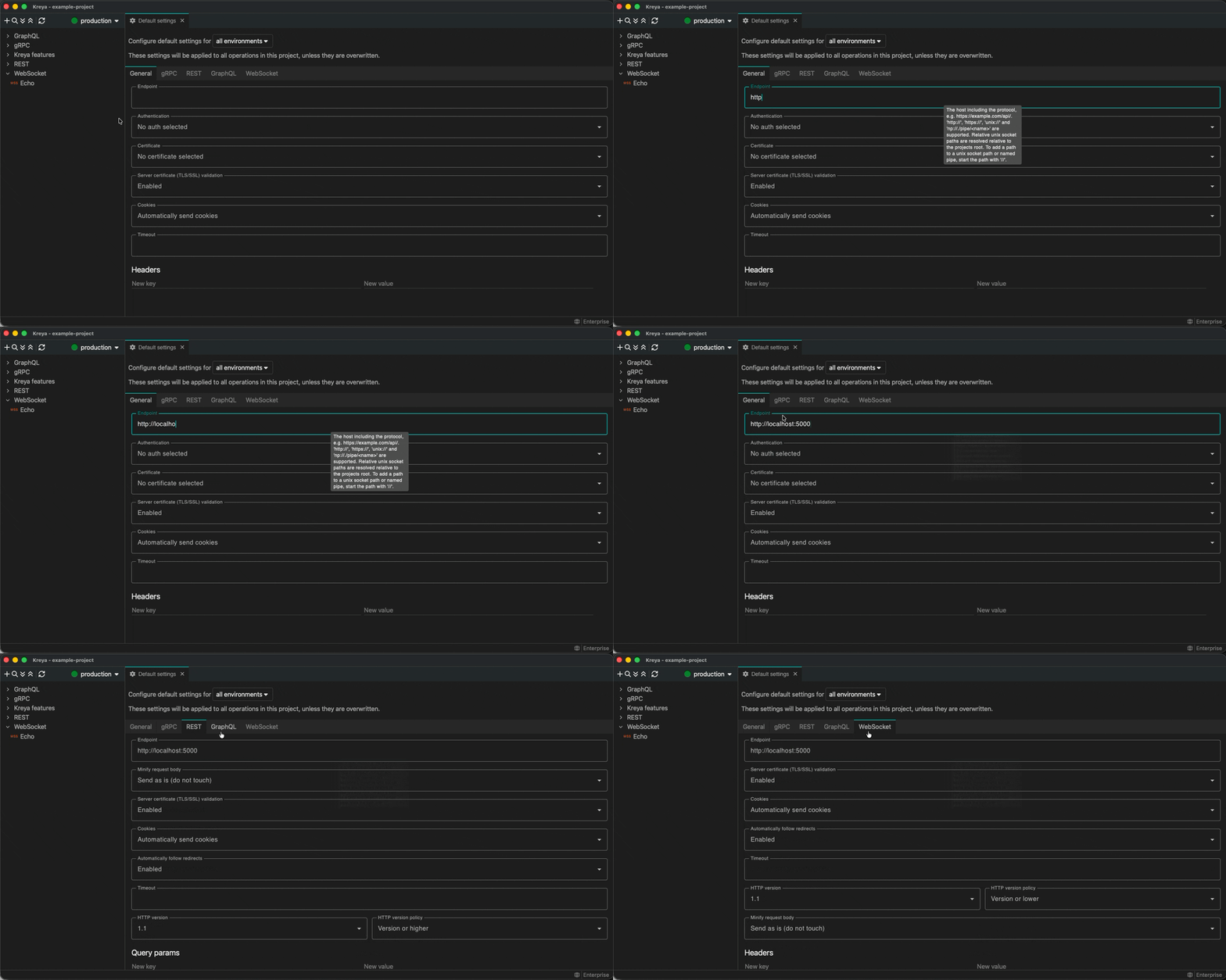
A new tab has been added to the default and directory settings to configure general settings across all technologies. Open a directory or the default settings, add values to the 'General' tab, and these values will be applied to all technologies.
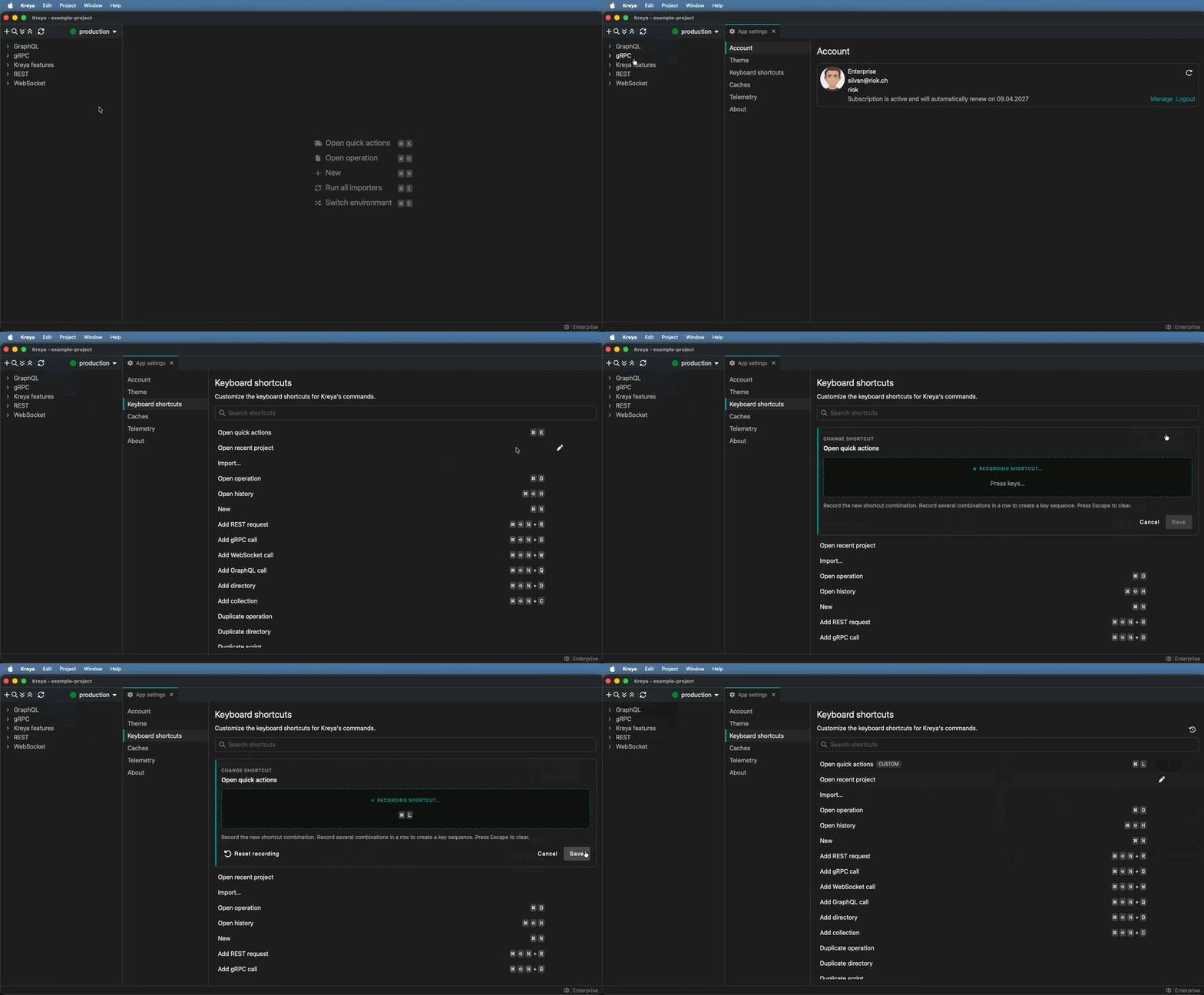
Keymap support is now available in the settings. Open the settings and select 'Keyboard shortcuts'. You can now define your own key bindings.
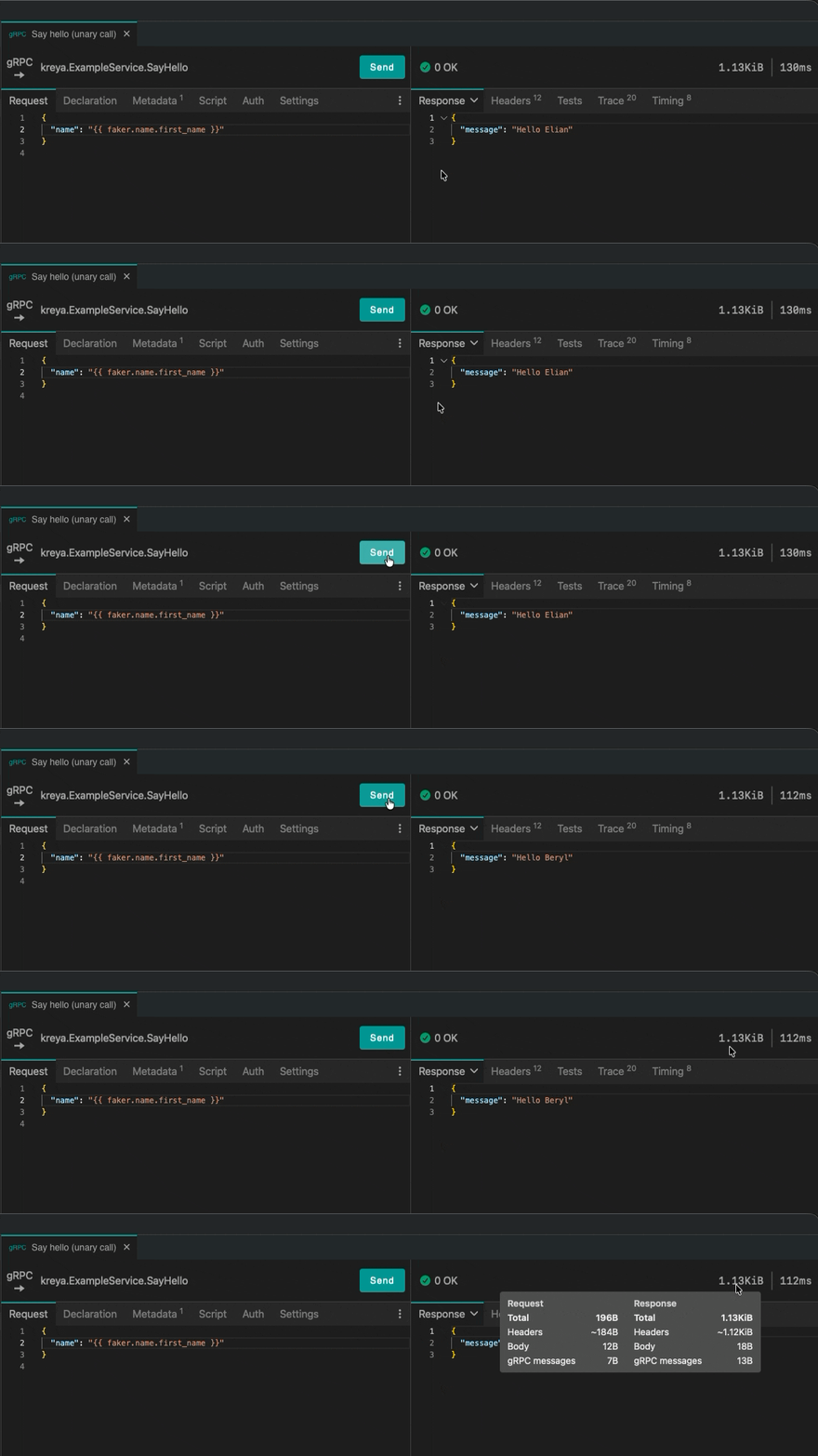
A detailed view of the size of a request and response is now available on hover in the response header.
Kreya can compress the REST request body before sending it and automatically decompress
compressed REST response bodies. This can be achieved by setting the Content-Encoding or Accept-Encoding header.
For more information, see REST request and response compression in the documentation.
The kreya.wait function is now available for scripting. It replaces the deprecated kreya.sleep function, which blocked the entire scripting thread.
Rather than blocking the entire scripting thread, it now returns a promise that resolves after the specified time.
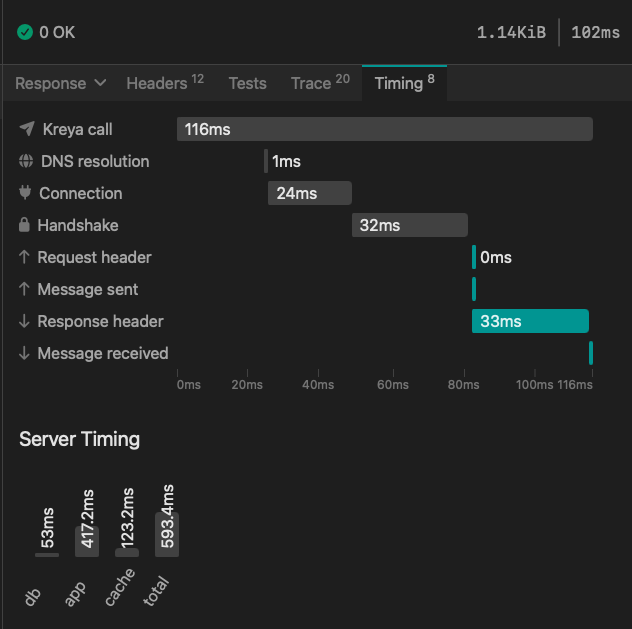
The timing tab has been updated and improved. It can be found in the 'Timing' tab in the response view.
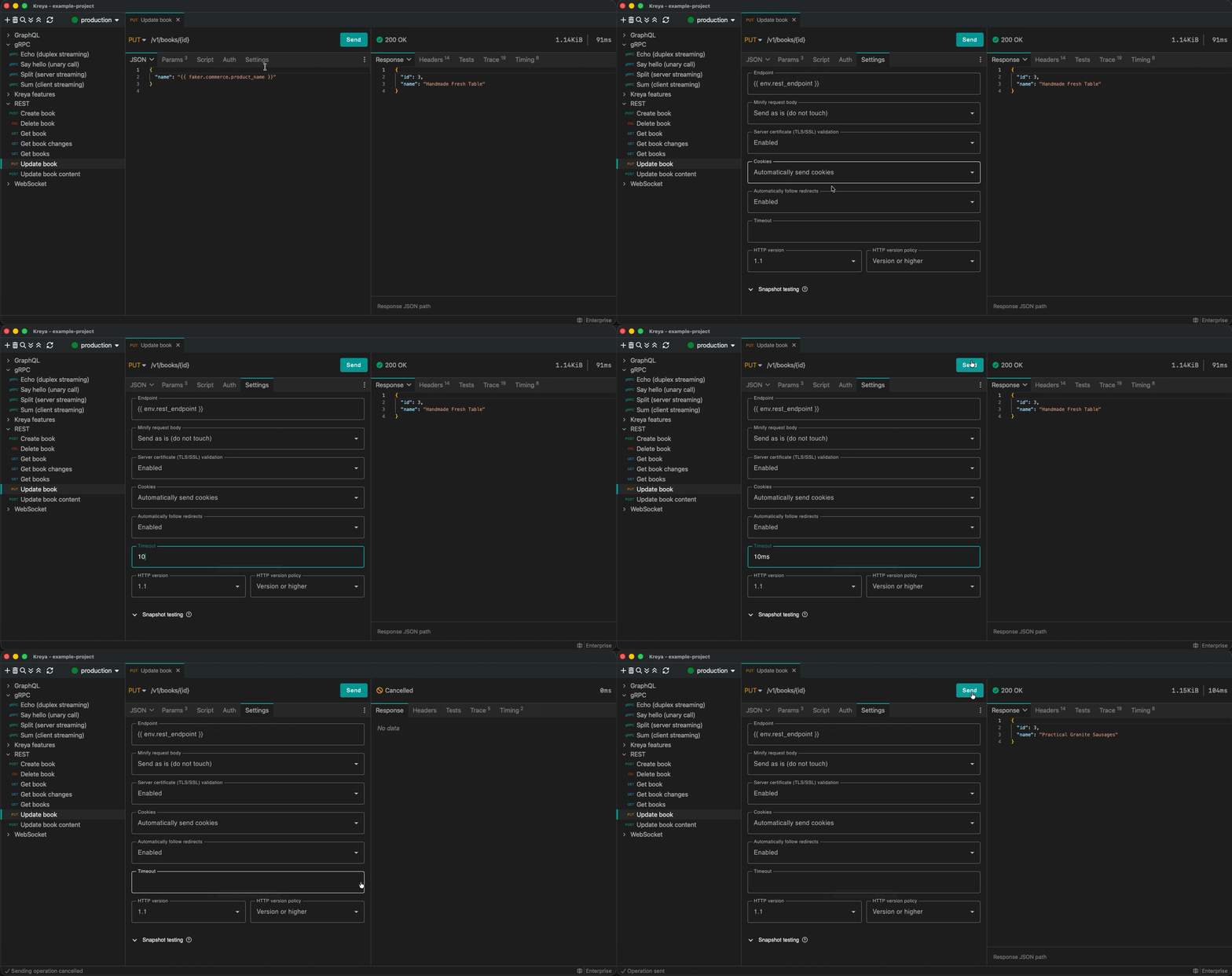
A timeout can be set for REST, WebSocket and GraphQL (this is already possible for gRPC).
Open an operation and enter the timeout in your desired format (e.g. 1.2d, 10h, 5.5m, 3s, 50ms) in the 'Settings' tab.
The operation will now time out and be cancelled after the specified time.
For a full list of new features and bugfixes, see the release notes.
If you have feedback or questions, please contact us or report an issue.
Stay tuned! 🚀
此内容由惯性聚合(RSS阅读器)自动聚合整理,仅供阅读参考。 原文来自 — 版权归原作者所有。