惯性聚合 高效追踪和阅读你感兴趣的博客、新闻、科技资讯
阅读原文 在惯性聚合中打开

推荐订阅源

美团技术团队
T
The Blog of Author Tim Ferriss
C
Check Point Blog
博客园_首页
J
Java Code Geeks
云风的 BLOG
云风的 BLOG
L
LangChain Blog
小众软件
小众软件
Stack Overflow Blog
Stack Overflow Blog
爱范儿
爱范儿
Vercel News
Vercel News
博客园 - Franky
V
V2EX
IT之家
IT之家
U
Unit 42
N
Netflix TechBlog - Medium
腾讯CDC
Apple Machine Learning Research
Microsoft Azure Blog
罗磊的独立博客
博客园 - 叶小钗
H
Help Net Security
V
Visual Studio Blog
GbyAI
GbyAI

Mr. Will

Teaching AI When to Stay Silent 不会翻译的话,其实可以不翻译的 Announcing The Vernal Fortnightly 2025 年终总结 Tailwind as a Headwind My Home Page, Reimagined Refining My Domain Email 2024:浏览器从 A 到 Z 数模转换:微喷打印影像输出! “严谨”的混乱——数学 2023 年度总结 这不过是个开场 Hello, Tags, Categories, LaTeX and Rainbow! Encrypt it on Your Own! About Comments GitHub's Own Dark Mode! Theme Cupertino is Updated From Now on, I Can't Respond on Weekdays Apple Newsroom's UI is Updated
Kickstarting a New Mac
Mr. Will · 2025-08-18 · via Mr. Will

Recently, I purchased a new MacBook Air. Since this is the second time that I set up a new Mac, I would like to share some useful, essential apps and tips.

Replace Spotlight

The very first thing to do is to install Raycast, which is more powerful than the built-in Spotlight search. It not only allows me to launch apps more quickly, but also handles my clipboard history, emoji and symbols, and facilitates quick calculations.

Chrome’s Time

Safari is definitely not a good browser. Its late support for new web features and infrequent updates are annoying for cutting-edge web development. Therefore, Chrome is essential for a web developer. (Although it is the binge eater of RAM.)

Homebrew

Homebrew helps you install software packages easier. With Homebrew, in order to install an app, all you have to do is to search for your desired “Formulae” or “Cask” in Homebrew Formulae and run a single command. Once you start using it, you won’t be able to leave it .

Ice collapse your menubar icons. Hot monitors your Mac’s temperature.

Terminal

Ghostty is an feature-rich terminal emulator. Here is my configuration:

1
2
3
4
5
6
7
8
9
10
11
12
13
14
15
16
17
18
19
20
21
22
23
24
25
26
27
28
background-opacity = 0.8
background-blur-radius = 50
window-height = 22
window-width = 74
theme = flexoki-dark
foreground = #dcdfe4
selection-background = #474e5d
selection-foreground = #dcdfe4
cursor-color = #a3b3cc
cursor-text = #dcdfe4
cursor-style = bar
palette = 0=#282c34
palette = 1=#e06c75
palette = 2=#98c379
palette = 3=#e5c07b
palette = 4=#61afef
palette = 5=#c678dd
palette = 6=#56b6c2
palette = 7=#dcdfe4
palette = 8=#282c34
palette = 9=#e06c75
palette = 10=#98c379
palette = 11=#e5c07b
palette = 12=#61afef
palette = 13=#c678dd
palette = 14=#56b6c2
palette = 15=#dcdfe4
window-step-resize = true

I use Starship as my terminal prompt. I didn’t customize it because it has a brilliant default configuration.

When everything in terminal is done, try Fastfetch, it’s showtime!
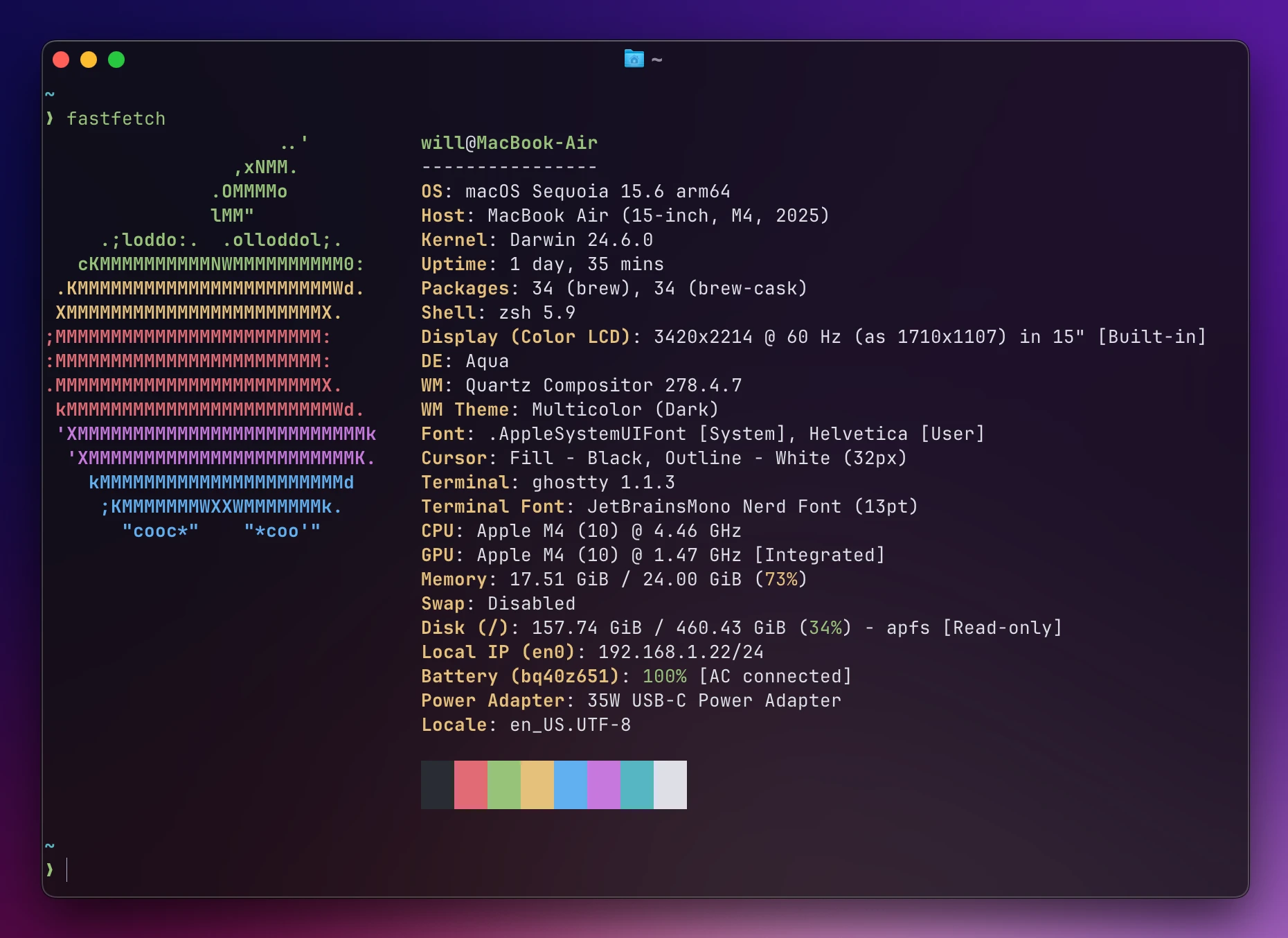
A screenshot of the result of `fastfetch` in Ghostty

Quality of Life

AltTab

If you’re from Windows, you will need AltTab. It enables you to use Option + Tab, just like Alt + Tab on Windows.
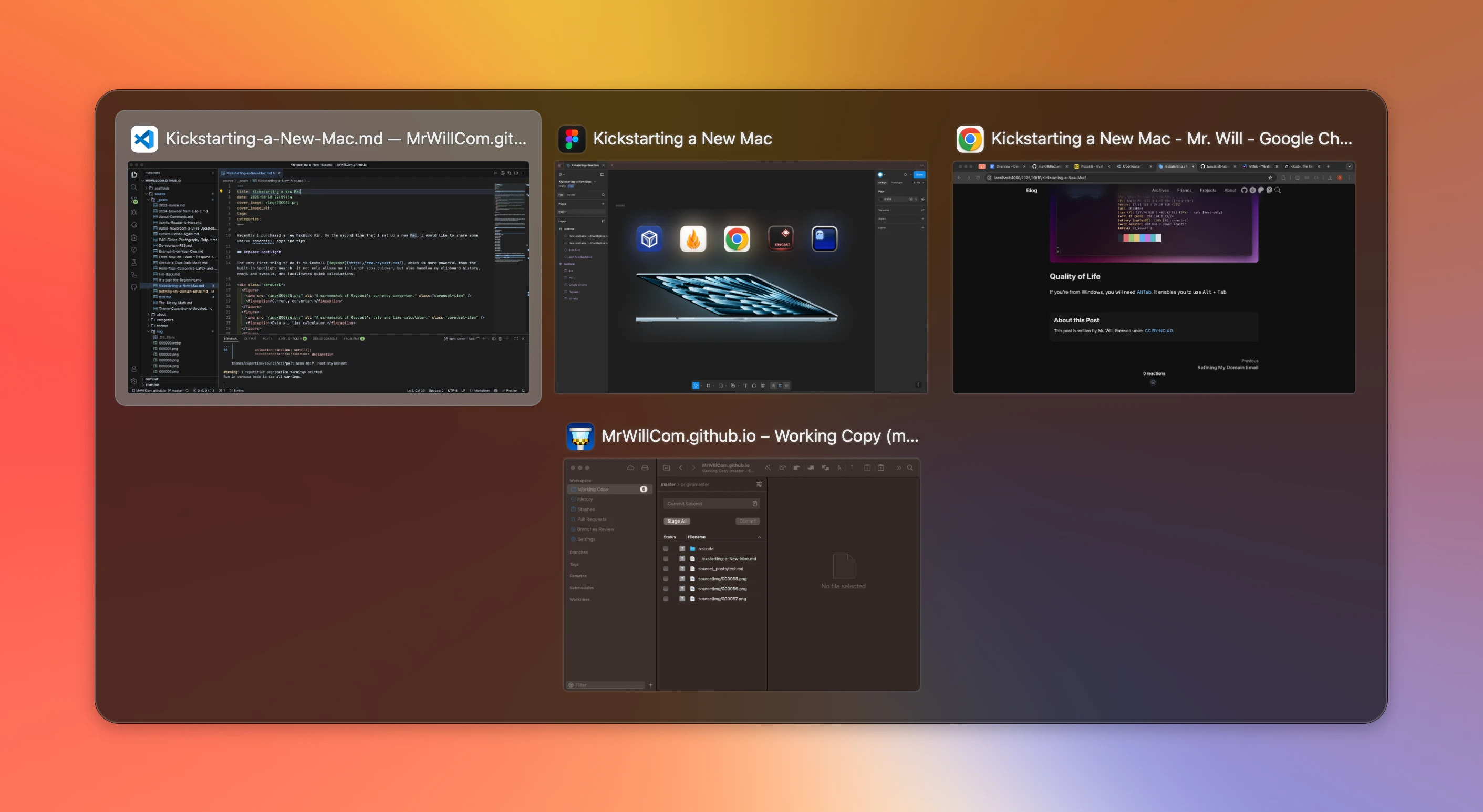
A screenshot of window switcher

Keka

Keka, perhaps the last archiver you’ll need, works with a wide range of formats and can be the replacement of the system archiver.

Wrapping Up

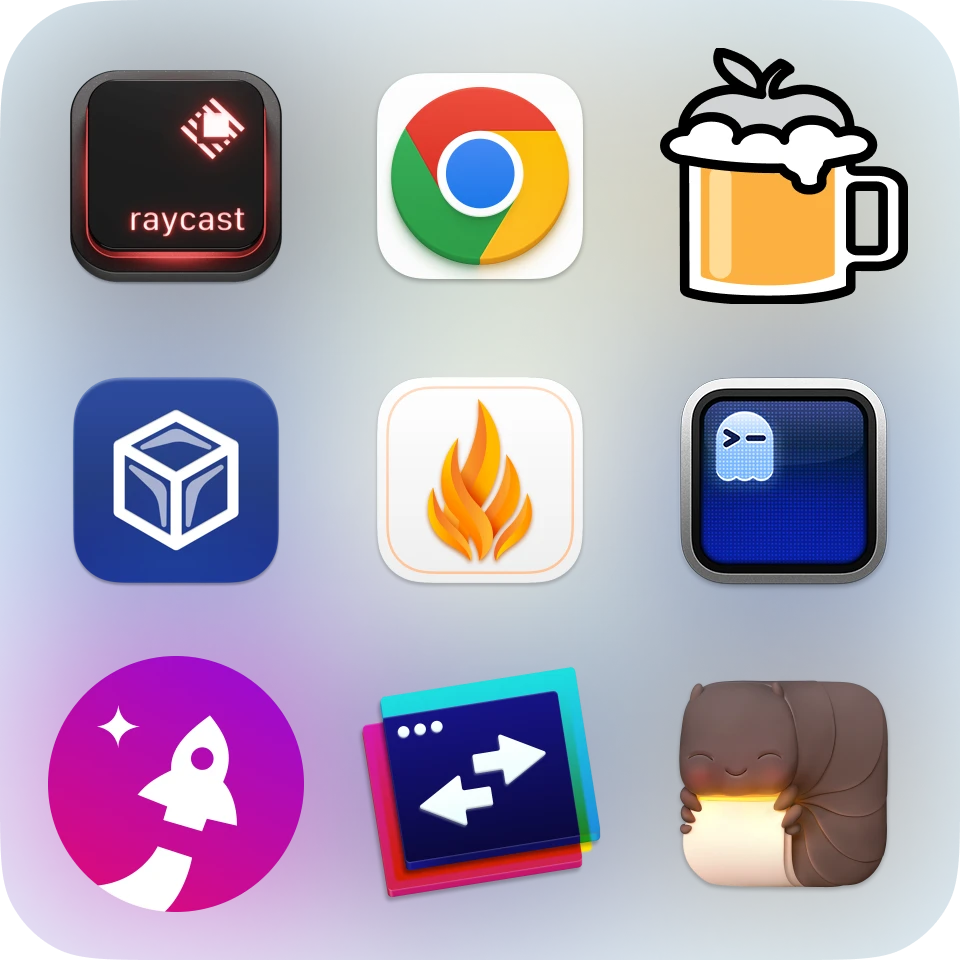
Here are all the apps introduced, in one picture: