


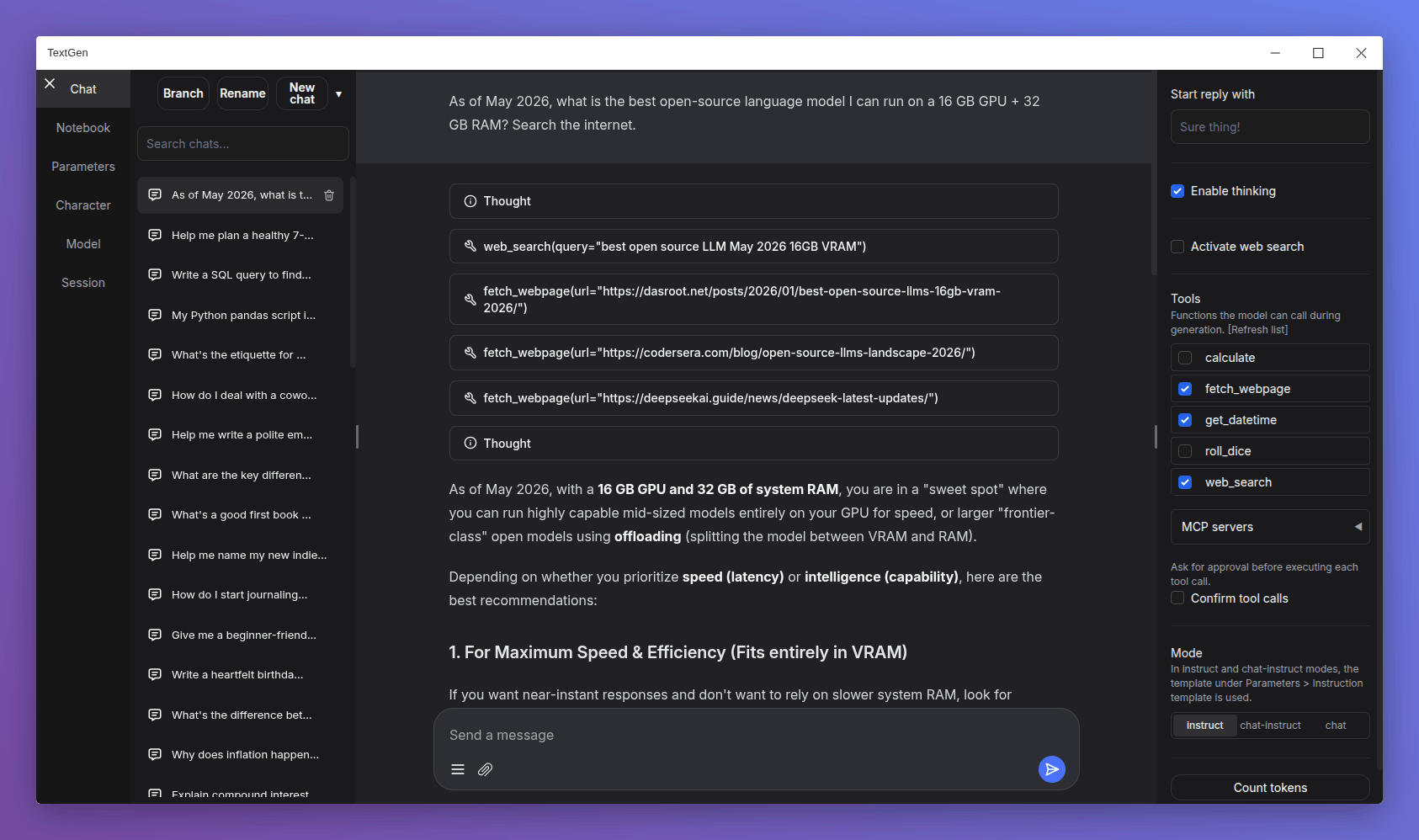
--no-electron flag to skip the desktop window and use the web UI in the browser instead.--listen mode in the launcher.TextGen is now a desktop app for local LLMs. Download, unzip, double-click.
Note
NVIDIA GPU: If nvidia-smi reports CUDA Version >= 13.1, use the cuda13.1 build. Otherwise, use cuda12.4.
ik_llama.cpp is a llama.cpp fork with new quant types. If unsure, use the llama.cpp column.
| GPU/Platform | llama.cpp | ik_llama.cpp |
|---|---|---|
| NVIDIA (CUDA 12.4) | Download (891 MB) | Download (1.23 GB) |
| NVIDIA (CUDA 13.1) | Download (817 MB) | Download (1.33 GB) |
| AMD/Intel (Vulkan) | Download (336 MB) | — |
| AMD (ROCm 7.2) | Download (604 MB) | — |
| CPU only | Download (319 MB) | Download (334 MB) |
| GPU/Platform | llama.cpp | ik_llama.cpp |
|---|---|---|
| NVIDIA (CUDA 12.4) | Download (848 MB) | Download (1.20 GB) |
| NVIDIA (CUDA 13.1) | Download (803 MB) | Download (1.33 GB) |
| AMD/Intel (Vulkan) | Download (324 MB) | — |
| AMD (ROCm 7.2) | Download (396 MB) | — |
| CPU only | Download (307 MB) | Download (334 MB) |
macOS note: You need to run xattr -cr /path/to/your/textgen-folder on the extracted folder before launching. See #7558.
| Architecture | llama.cpp |
|---|---|
| Apple Silicon (arm64) | Download (271 MB) |
| Intel (x86_64) | Download (283 MB) |
user_data folder with the one in your existing install. All your settings and models will be moved.Starting with 4.0, you can also move user_data one folder up, next to the install folder. It will be detected automatically, making updates easier:
textgen-4.6/
textgen-4.7/
user_data/    <-- shared by both installs
此内容由惯性聚合(RSS阅读器)自动聚合整理,仅供阅读参考。 原文来自 — 版权归原作者所有。