惯性聚合 高效追踪和阅读你感兴趣的博客、新闻、科技资讯
阅读原文 在惯性聚合中打开

推荐订阅源

K
Kaspersky official blog
Martin Fowler
Martin Fowler
CTFtime.org: upcoming CTF events
V
Visual Studio Blog
博客园_首页
Engineering at Meta
Engineering at Meta
The Cloudflare Blog
MongoDB | Blog
MongoDB | Blog
Blog — PlanetScale
Blog — PlanetScale
T
The Blog of Author Tim Ferriss
雷峰网
雷峰网
D
Docker
博客园 - 司徒正美
S
SegmentFault 最新的问题
M
MIT News - Artificial intelligence
博客园 - 叶小钗
博客园 - 三生石上(FineUI控件)
U
Unit 42
J
Java Code Geeks
A
About on SuperTechFans
N
Netflix TechBlog - Medium
freeCodeCamp Programming Tutorials: Python, JavaScript, Git & More
S
Security Affairs
I
Intezer
Cisco Talos Blog
Cisco Talos Blog
C
Cyber Attacks, Cyber Crime and Cyber Security
Threat Intelligence Blog | Flashpoint
B
Blog RSS Feed
P
Privacy & Cybersecurity Law Blog
T
Tenable Blog
T
Threatpost
H
Hacker News: Front Page
G
Google Developers Blog
博客园 - 【当耐特】
Hugging Face - Blog
Hugging Face - Blog
Apple Machine Learning Research
L
Lohrmann on Cybersecurity
大猫的无限游戏
大猫的无限游戏
Google DeepMind News
A
Arctic Wolf
S
Secure Thoughts
GbyAI
GbyAI
NISL@THU
NISL@THU
S
Security @ Cisco Blogs
Exploit-DB.com RSS Feed
Webroot Blog
Webroot Blog
C
CXSECURITY Database RSS Feed - CXSecurity.com
O
OpenAI News
Spread Privacy
Spread Privacy
Application and Cybersecurity Blog

博客 归档 | Jack's Space

我的 WordPress 博客主题与插件设置分享 又一个 WordPress 友情链接插件 作为 blogger,我接受你的采访! 关于我为什么要建博客 「Comment Reply Email Notification 评论回复电邮通知插件」美化分享 笔记 | iCloud 自定义域名为 WordPress 站点设置评论后邮件通知
WordPress博文 嵌入Bilibili视频
阿杰 Jack · 2022-10-15 · via 博客 归档 | Jack's Space

有时我们需要在博文中加入Bilibili的视频,本文将简单介绍一下在不使用插件的情况下,利用“自定义HTML”框在Wordpress的博文中 嵌入Bilibili视频,并作出适当调整。

本方法参考了链接中的文章

https://ppwq.net/?p=1175

操作步骤:

  1. 进入网页端的Bilibili,打开你需要嵌入的视频网页,在视频下方有一个分享按钮,点击里面的嵌入代码按钮,会将代码复制到剪切板中。示例为
<iframe src="//player.bilibili.com/player.html?aid=559114390&bvid=BV16e4y1S7yi&cid=861712903&page=1" scrolling="no" border="0" frameborder="no" framespacing="0" allowfullscreen="true"> </iframe>

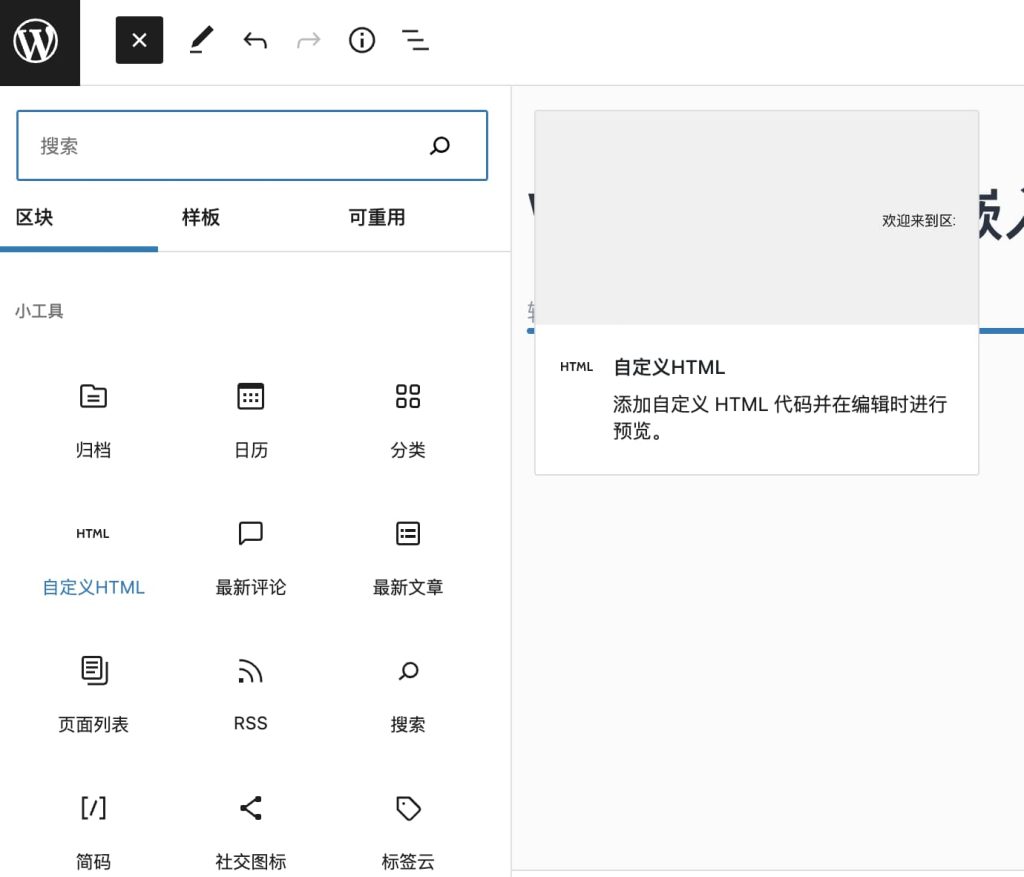
  1. 在wordpress博文中,加入一个自定义HTML
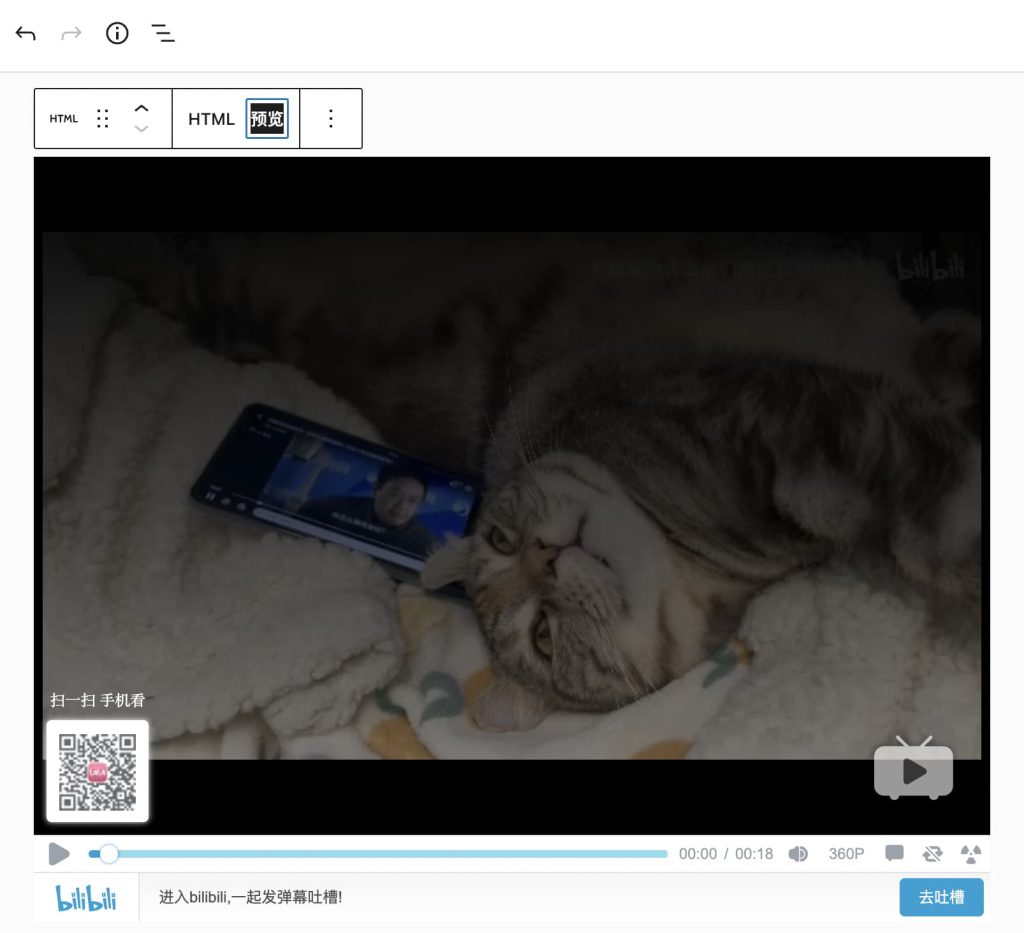
  1. 若直接粘贴从Bilibili复制来的代码,将呈现为如下模样。
  1. 为了更加优雅,我们可以使用以下代码, 其中,aidcid=d=后的数字修改为Bilibili嵌入代码中的即可。修改后将呈现为以下模样。
<iframe src="//player.bilibili.com/player.html?aid=559114390&amp;cid=d=861712903&amp;page=1" width="600" height="400" scrolling="no" border="0" frameborder="no" framespacing="0"></iframe>