



Nextcloud Hub 26 Spring is here. Check the release blog post and explore all new features!
For Nextcloud users, having the option to collaborate on documents, spreadsheets, and presentations via Nextcloud Office means they can escape the vendor lock-in imposed by proprietary office suites like Microsoft Office and Google Workspace. Being able to choose whatever solution works best and switch at any time if necessary is part of Nextcloud’s DNA, and this is also reflected in the choice between office suites available for Nextcloud Office: Euro-Office, Collabora, and Thinkfree Office.
All three are powerful online office suites that integrate seamlessly with your Nextcloud, each shaped by a different history and architecture. The right choice depends on your priorities, so let’s take a closer look at what sets each one apart.
Our newest office suite, which we’ve introduced as part of the Nextcloud Hub 26 Spring release, comes with editors for text documents, spreadsheets, presentations, and PDF files.
What makes Euro-Office stand out is its client-centric architecture. Most of the processing is done on the user’s device, which reduces server load and increases the moment-to-moment performance while editing.
In terms of file compatibility, Euro-Office focuses on Office Open XML (OOXML) formats, which include DOCX, XLSX, and PPTX. This ensures high-fidelity rendering for files created in Word, Excel, or PowerPoint. Of course, OpenDocument Format (ODF) files such as ODT, ODS, and ODP are also supported.
Here’s what you can do with Euro-Office:
Since 2016, the Collabora Online integration for Nextcloud has brought browser-based document collaboration to a large user base.
Built on the LibreOffice codebase, Collabora focuses on high-fidelity rendering of ODT, ODS, ODP, and other OpenDocument Format files, but also provides limited support for Microsoft’s proprietary formats. It uses a server-centric approach and only sends the rendered content to the user’s browser instead of the raw document.
In Nextcloud, you can use Collabora to power the following applications:
For editing on the go, Collabora also includes an interface for mobile devices.
Released in the year 2000, Thinkfree Office was the world’s first online office suite, predating Google Docs and Microsoft Word for the web. Initially built in Java, it now uses HTML5 and CSS3 for reliable performance on desktop and mobile browsers.
Thinkfree Office features broad compatibility across Microsoft Office and OpenDocument Format files, editing and saving them without a conversion step. Similar to Collabora Online, processing mainly takes place on the server.
The three applications included with Thinkfree Office are:
As web-native tools, they work across desktop and mobile browsers.
No matter which office suite you choose, you can get even more out of your work day by combining it with the many Nextcloud apps specifically built for cross-team collaboration.
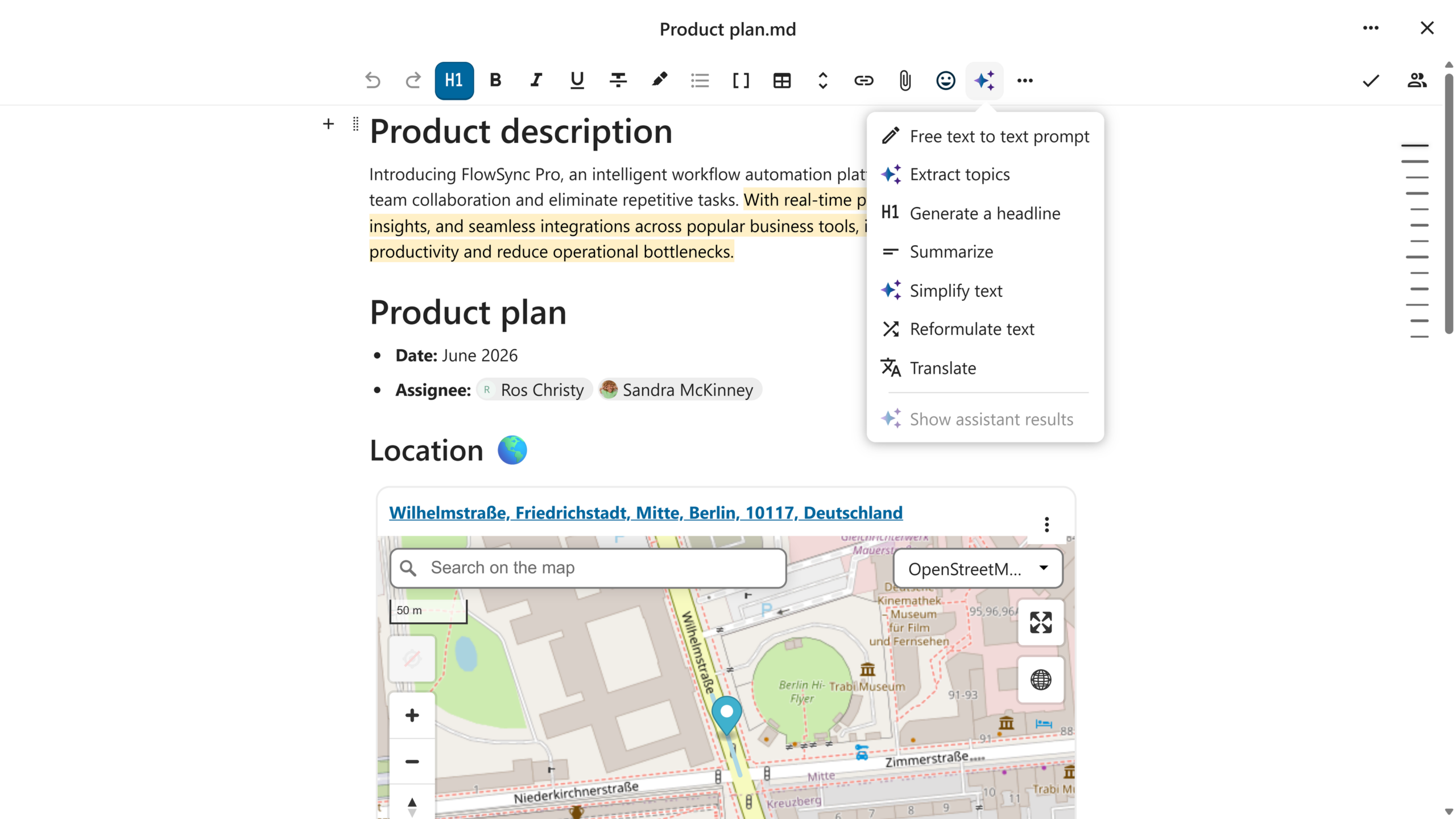
If you want to jot down meeting minutes, create a quick checklist, or just prefer to format your documents using Markdown, then Nextcloud Text is what you’re looking for. The built-in templates help you get started.
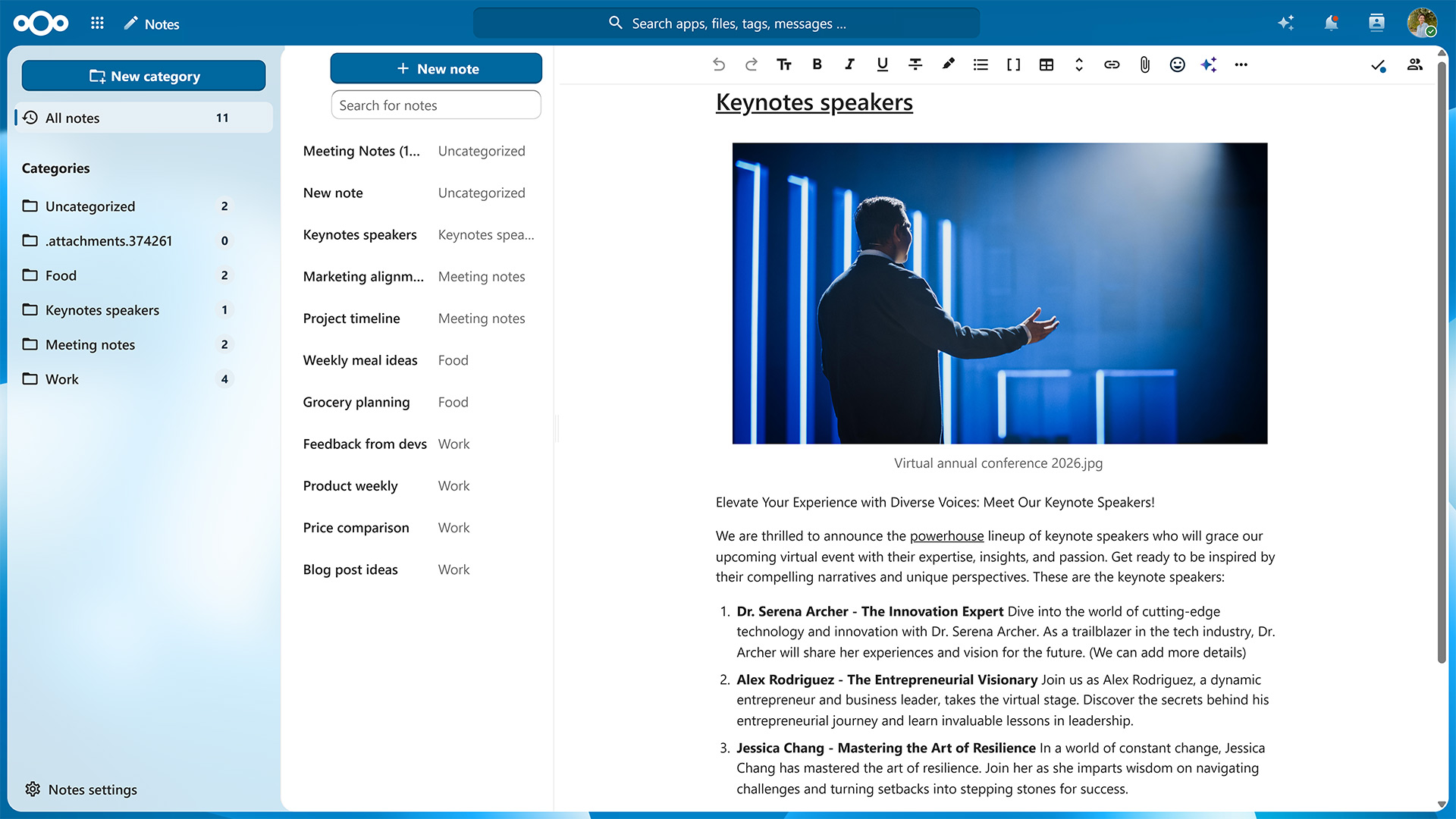
For a similar writing experience that also includes options for organizing the information you’ve collected, try Nextcloud Notes. Assigning a label to your Markdown or TXT file moves it into the corresponding folder.
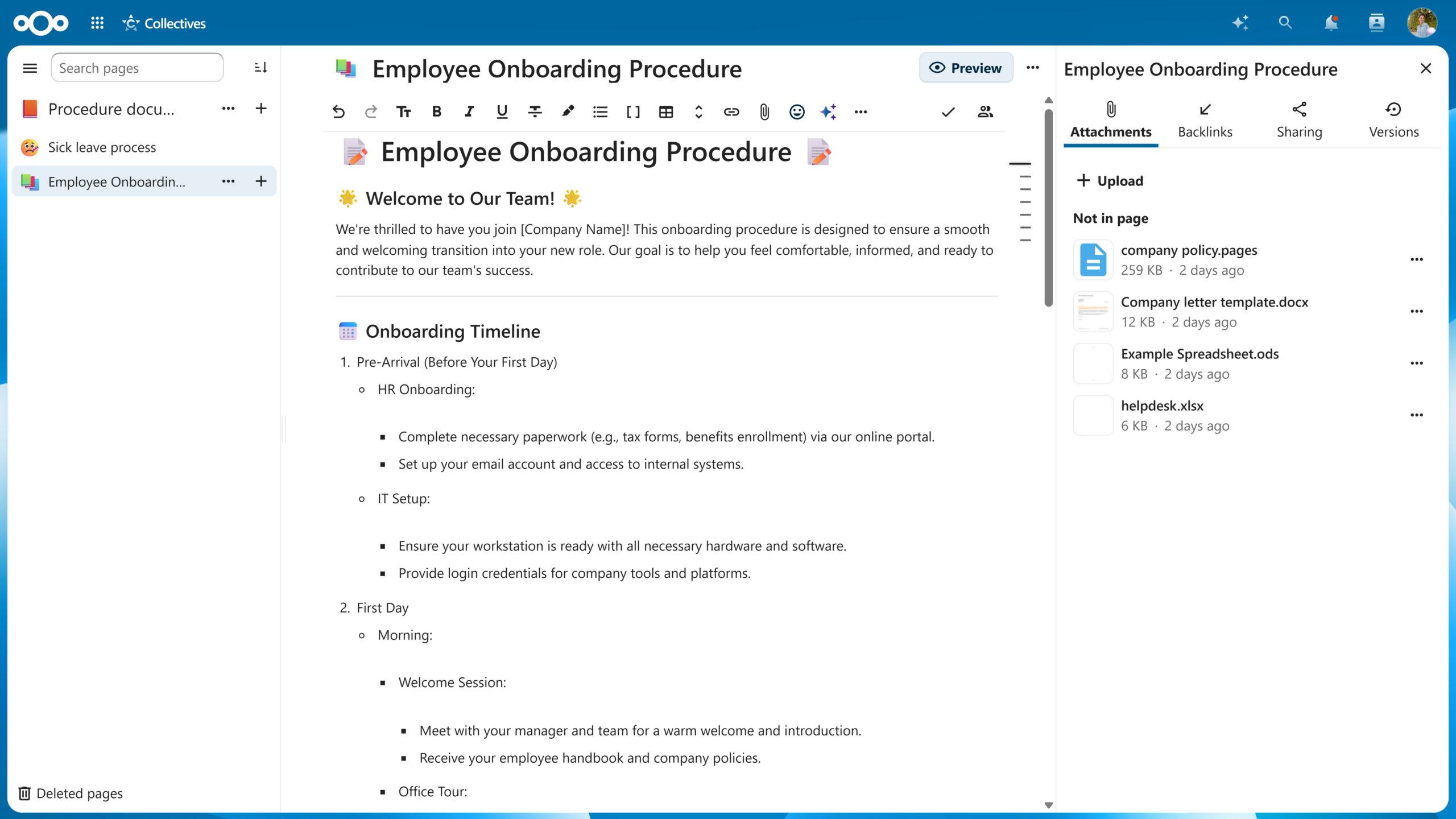
Go one step further and you get Nextcloud Collectives. This app lets you create entire wikis and pull in information from all over your Nextcloud to curate a single source of truth for you and your team.
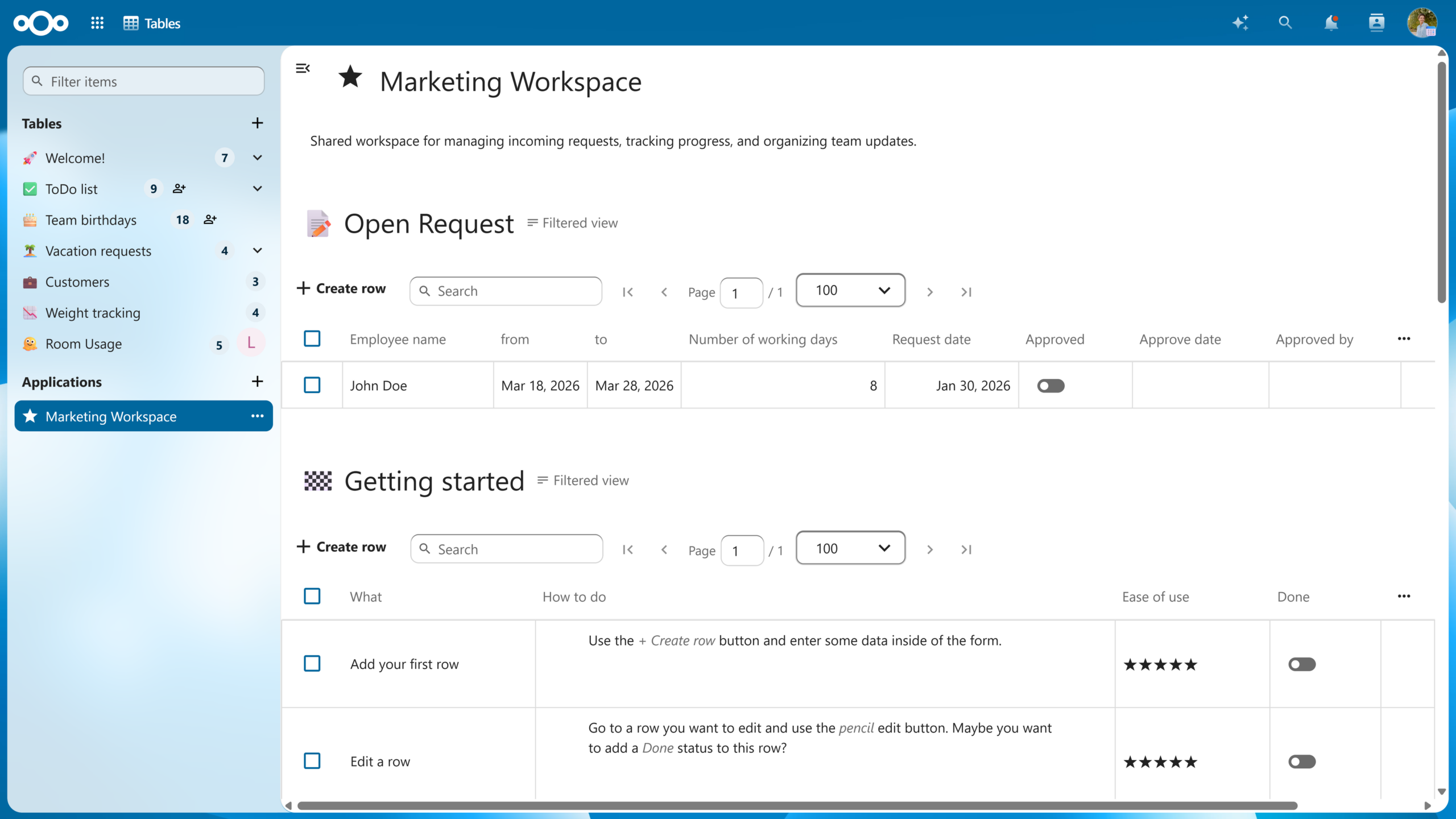
For structured data, there’s Nextcloud Tables. Functionality-wise, it sits between a spreadsheet and a full database and lets you build custom tables with your own columns that can include plain text, links, progress bars, star ratings, and more. You can then combine several tables and views into a no-code application to automate your processes.
Once your data is in order, Nextcloud Assistant helps you act on it. Ask it to summarize a document, draft a first version of your meeting notes, or transcribe a recording. You can even let it generate documents for Nextcloud Office.
Which AI model or service you use to power Nextcloud Assistant is up to you — run it fully self-hosted and your data never even leaves your server.
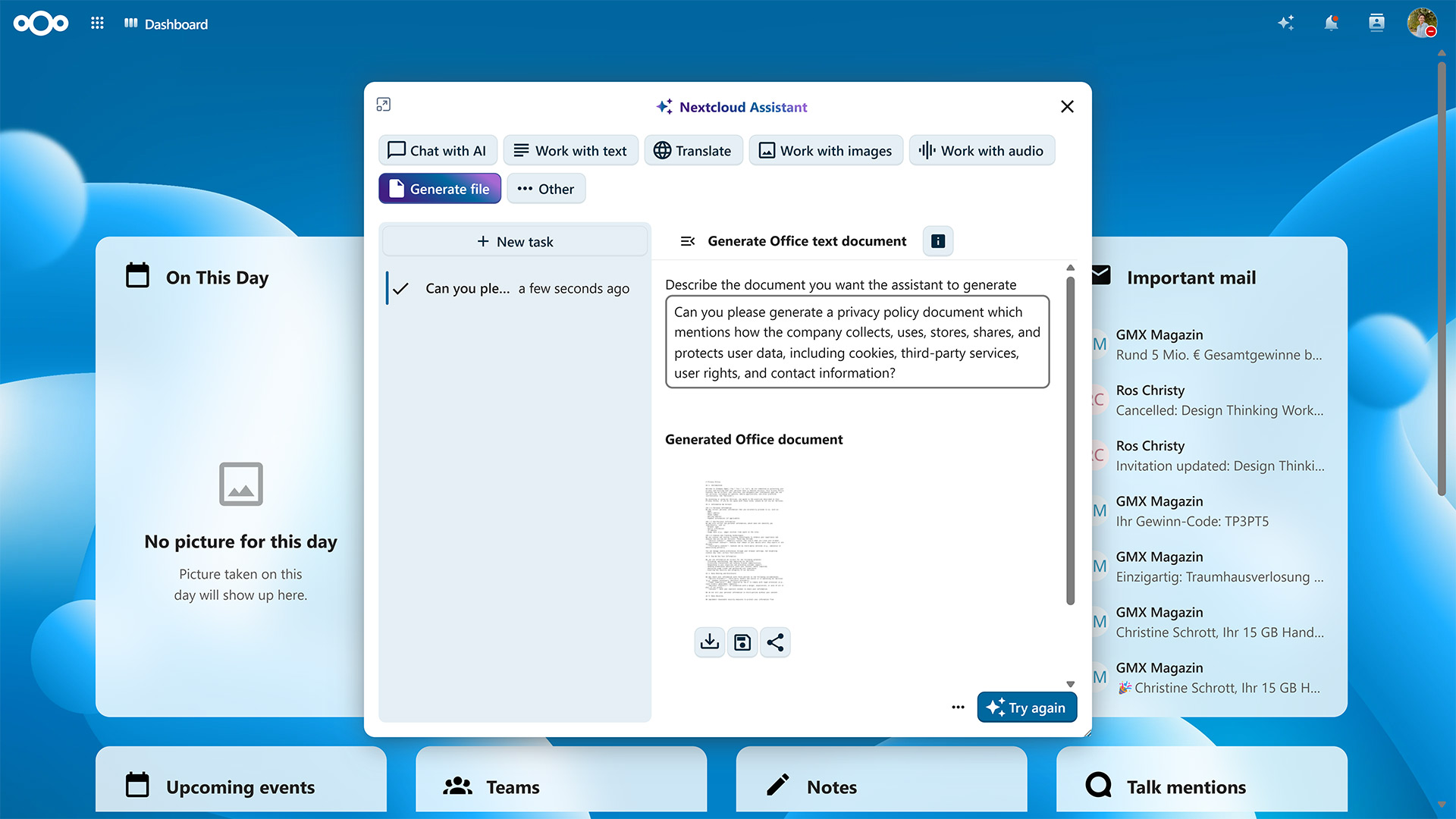
With Nextcloud, you and your team get access to all the tools you need to collaborate effectively. As with every Nextcloud component, you can self-host Nextcloud Office or count on one of our trusted providers to host it for you.
If you’re part of a larger organization, take a look at Nextcloud Enterprise. It combines the reliability, security, and compliance guarantees needed for critical deployments with direct access to Nextcloud engineering expertise. Request an instant trial for a free 1-hour test drive or contact us for a quote tailored to your organization’s needs.
Discover our latest release! Watch the launch of Nextcloud Hub 26 Spring on your favourite platform and read the release blog.
此内容由惯性聚合(RSS阅读器)自动聚合整理,仅供阅读参考。 原文来自 — 版权归原作者所有。