惯性聚合 高效追踪和阅读你感兴趣的博客、新闻、科技资讯
阅读原文 在惯性聚合中打开

推荐订阅源

D
Darknet – Hacking Tools, Hacker News & Cyber Security
NISL@THU
NISL@THU
S
Securelist
O
OpenAI News
S
Security Affairs
Cyberwarzone
Cyberwarzone
T
Threatpost
Simon Willison's Weblog
The Last Watchdog
The Last Watchdog
L
LINUX DO - 最新话题
C
Cisco Blogs
PCI Perspectives
PCI Perspectives
SecWiki News
SecWiki News
S
Secure Thoughts
GbyAI
GbyAI
I
Intezer
AWS News Blog
AWS News Blog
F
Fortinet All Blogs
I
InfoQ
阮一峰的网络日志
阮一峰的网络日志
Google Online Security Blog
www.infosecurity-magazine.com
A
About on SuperTechFans
S
Schneier on Security
P
Proofpoint News Feed
雷峰网
雷峰网
Exploit-DB.com RSS Feed
小众软件
小众软件
H
Heimdal Security Blog
Microsoft Security Blog
K
KPMG report finds enterprise disconnect between AI and its ROI | CIO
T
The Exploit Database - CXSecurity.com
T
Threat Research - Cisco Blogs
V
V2EX
L
Lohrmann on Cybersecurity
Security Latest
Security Latest
A
Arctic Wolf
Apple Machine Learning Research
H
Hacker News: Front Page
Cisco Talos Blog
Cisco Talos Blog
Webroot Blog
Webroot Blog
T
Tenable Blog
MyScale Blog
MyScale Blog
博客园 - 司徒正美
S
SegmentFault 最新的问题
Y
Y Combinator Blog
腾讯CDC
Hacker News: Ask HN
Hacker News: Ask HN
M
MIT News - Artificial intelligence
G
GRAHAM CLULEY

Frederick's Blog

通过 1Panel 部署 Astro 站点到服务器——公开仓库篇 | Frederick's Blog 用违背道德的行为,抨击合理的事实? | Frederick's Blog 博客三周年:缝缝补补的过去 | Frederick's Blog 观纪录片《苏轼》(下) | Frederick's Blog 观纪录片《苏轼》(上) | Frederick's Blog 《南京照相馆》:在战争的废墟上,显影人性的底片 | Frederick's Blog 观影 |《南京照相馆》 | Frederick's Blog Windows 7 终端开启右键粘贴 | Frederick's Blog 算法竞赛:为什么要写总结? | Frederick's Blog OI 赛制的实用工具 | Frederick's Blog 算法竞赛:拥有一个顺手的 IDE · Windows 篇 | Frederick's Blog 博客两周年,换框架? | Frederick's Blog 数据备份太重要了 | Frederick's Blog WeChat(微信国际服务)与微信(国内服务)的《隐私协议》的天壤之别(其中最让人愤怒的) | Frederick's Blog 题解 | 字符串反转 | Frederick's Blog 题解 | 素数环 | Frederick's Blog Codesign:高效设计的秘诀 | Frederick's Blog
Github:设置两步验证(2FA) | Frederick's Blog
2024-04-26 · via Frederick's Blog

前言

今天准备上Github传项目,结果收到要求两步验证的提示。于是我翻了一下Github博客
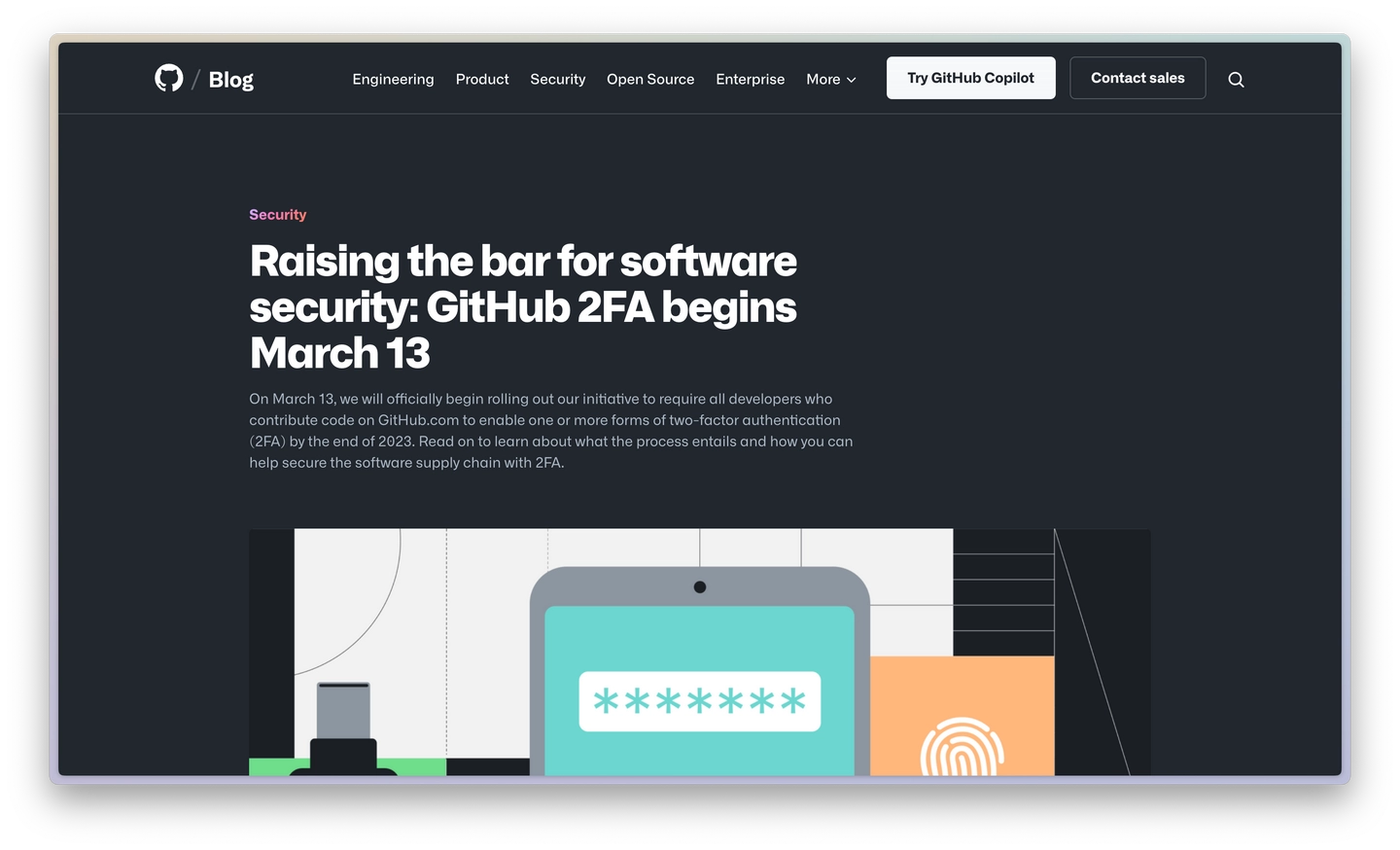
Github官方博客指明了必须添加两步验证

博客链接

这篇新闻总的意思来说就是要求用户必须添加“两步验证”方式,否则无法访问某些功能

这里给大家出了一个设置Github两步验证的教程,希望大家喜欢!

1. 找到Github设置“两步验证”的地方

在Github设置可以找到,不过你可以通过下面的链接👇快速进入

https://github.com/settings/two_factor_authentication/setup/intro

进入后应该会看到这样的界面
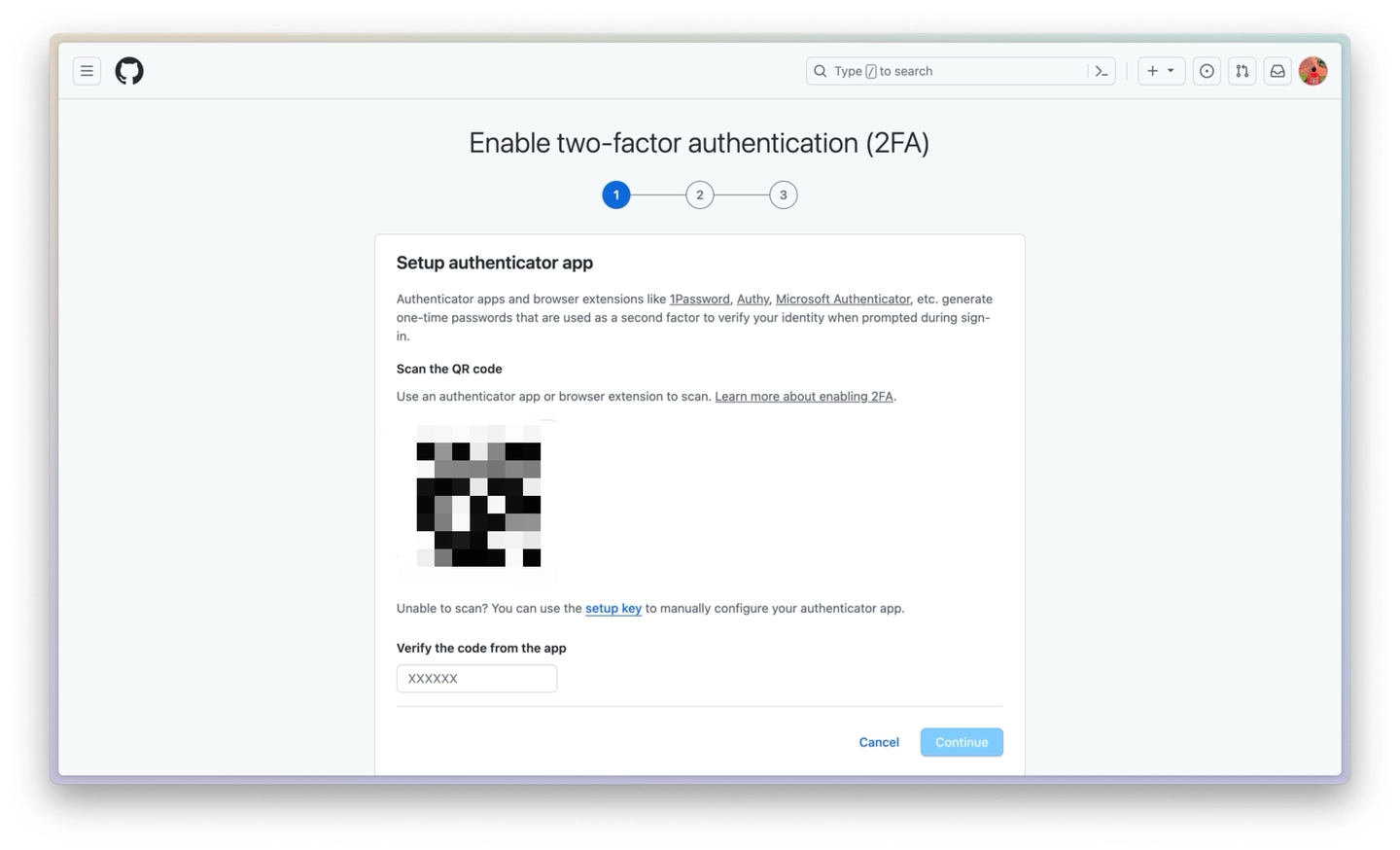
Github“两步验证(2FA)“设置中心

2. 使用“两步验证”App进行验证

这里先把电脑放一边,拿出移动设备(手机或平板,为了排版好看我使用的是iPad),下载一个两步验证App(推荐1Password和Microsoft Authenticator,我比较喜欢用Microsoft Authenticator)。下载完成后,打开你的两步验证App:
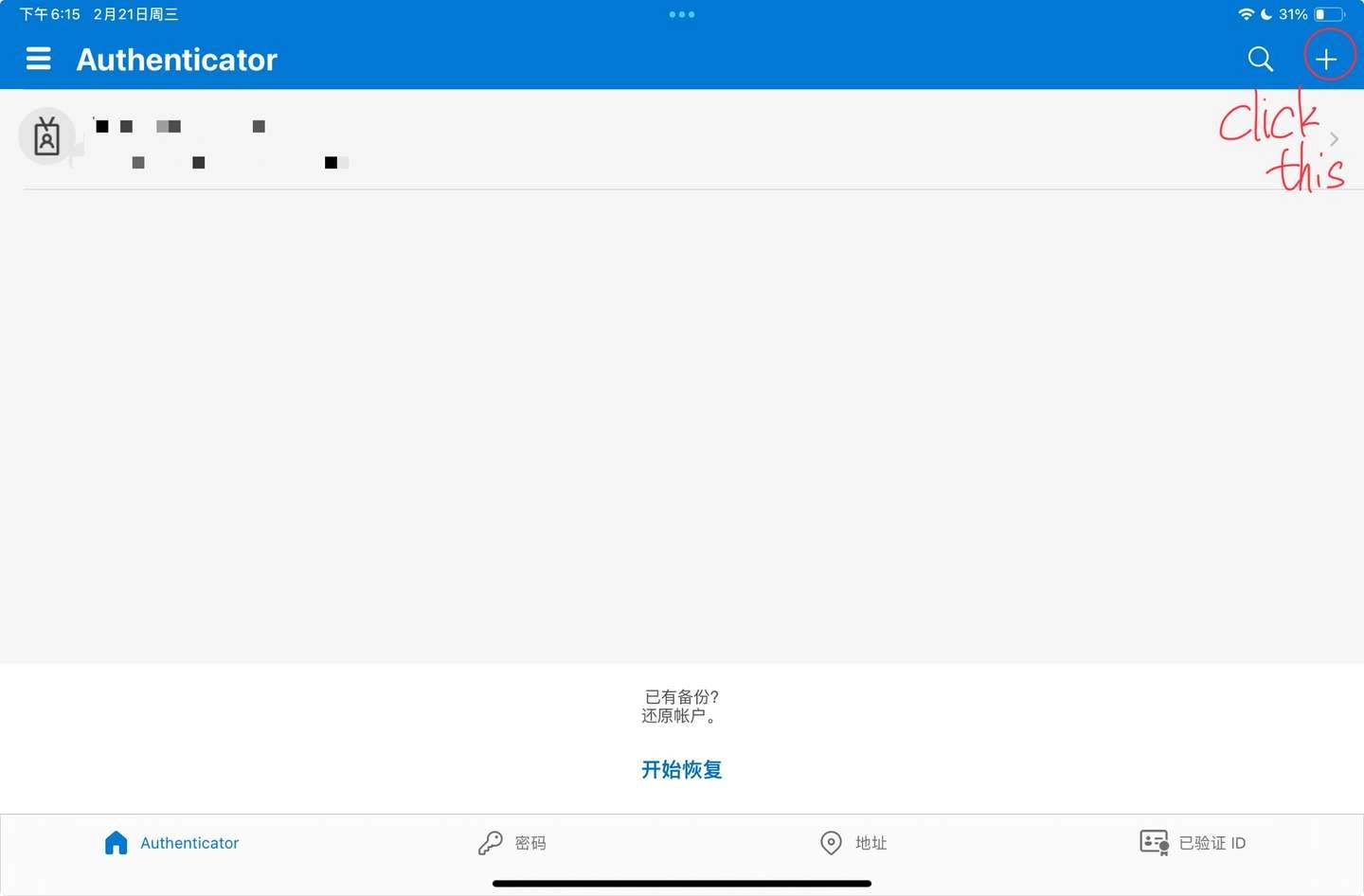
Microsoft Authenticator主界面

这里以Microsoft Authenticator为例,进入后点击右上角加号会看到如下界面
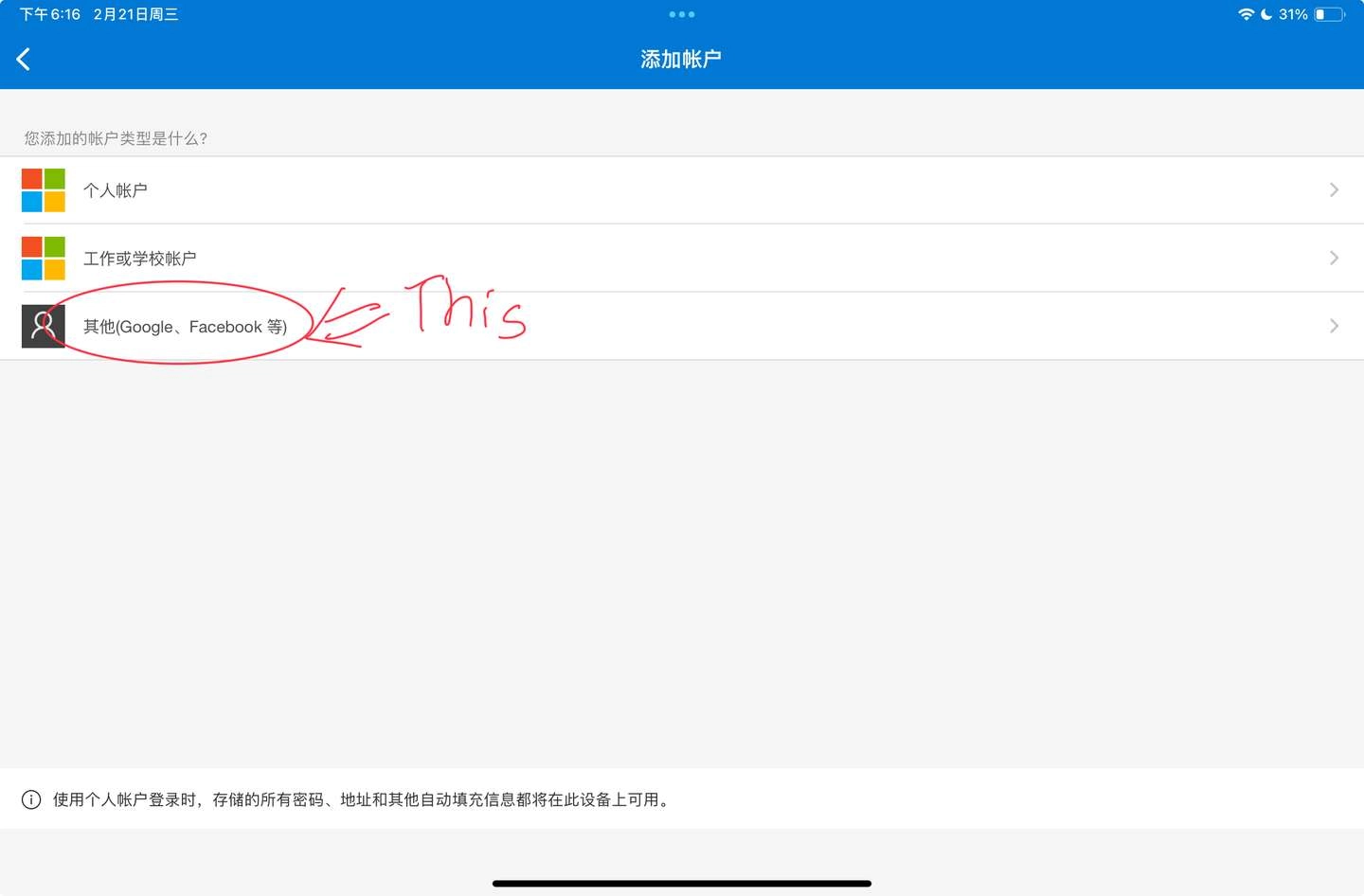
Microsoft Authenticator账户选择页面

点击“其他”(另外的是Microsoft帐户,如果使用了Microsoft365订阅,应该用过这个),会出现一个扫码界面,只需扫描刚刚Github出现的二维码就可以了!
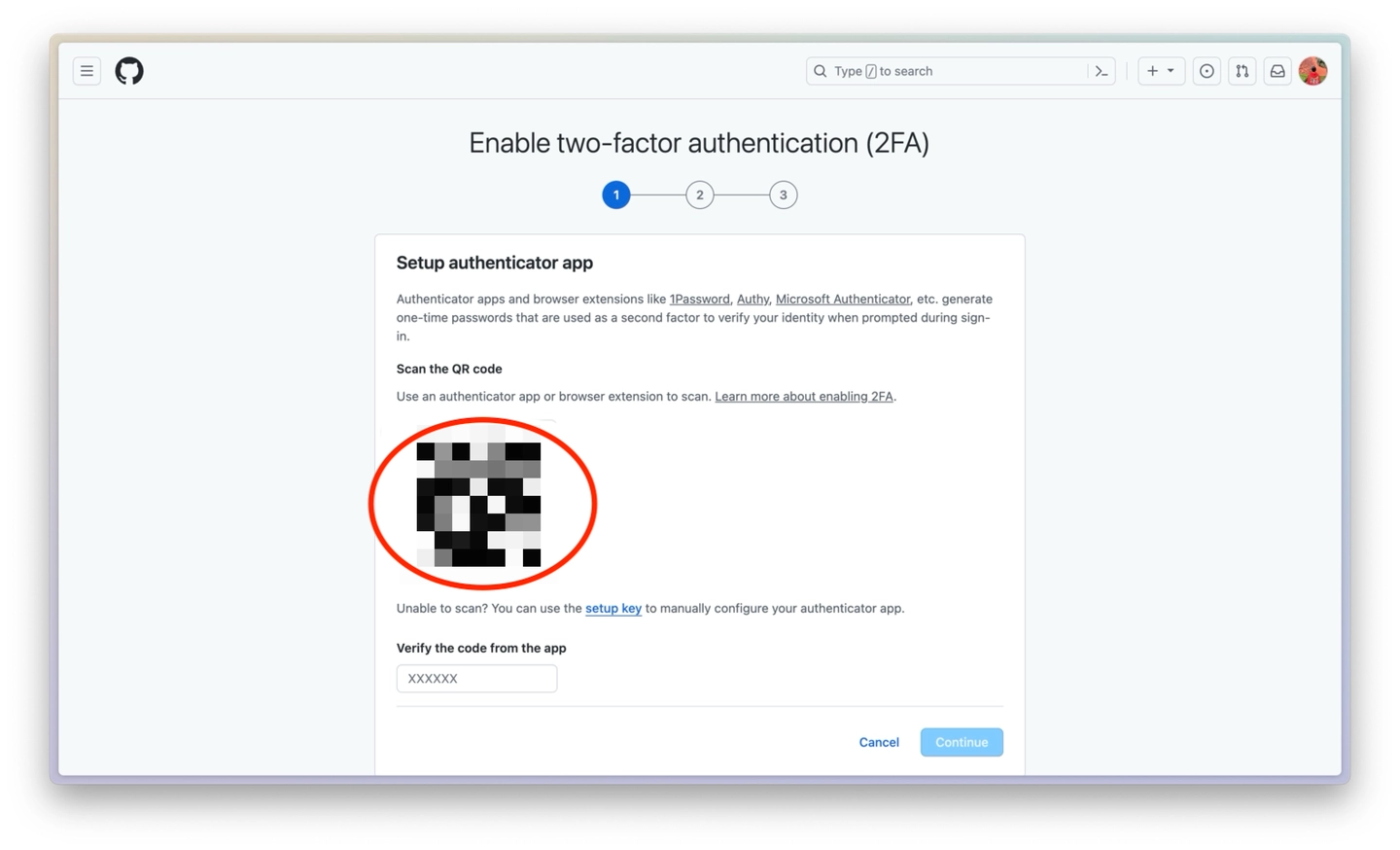
扫描红框里的二维码

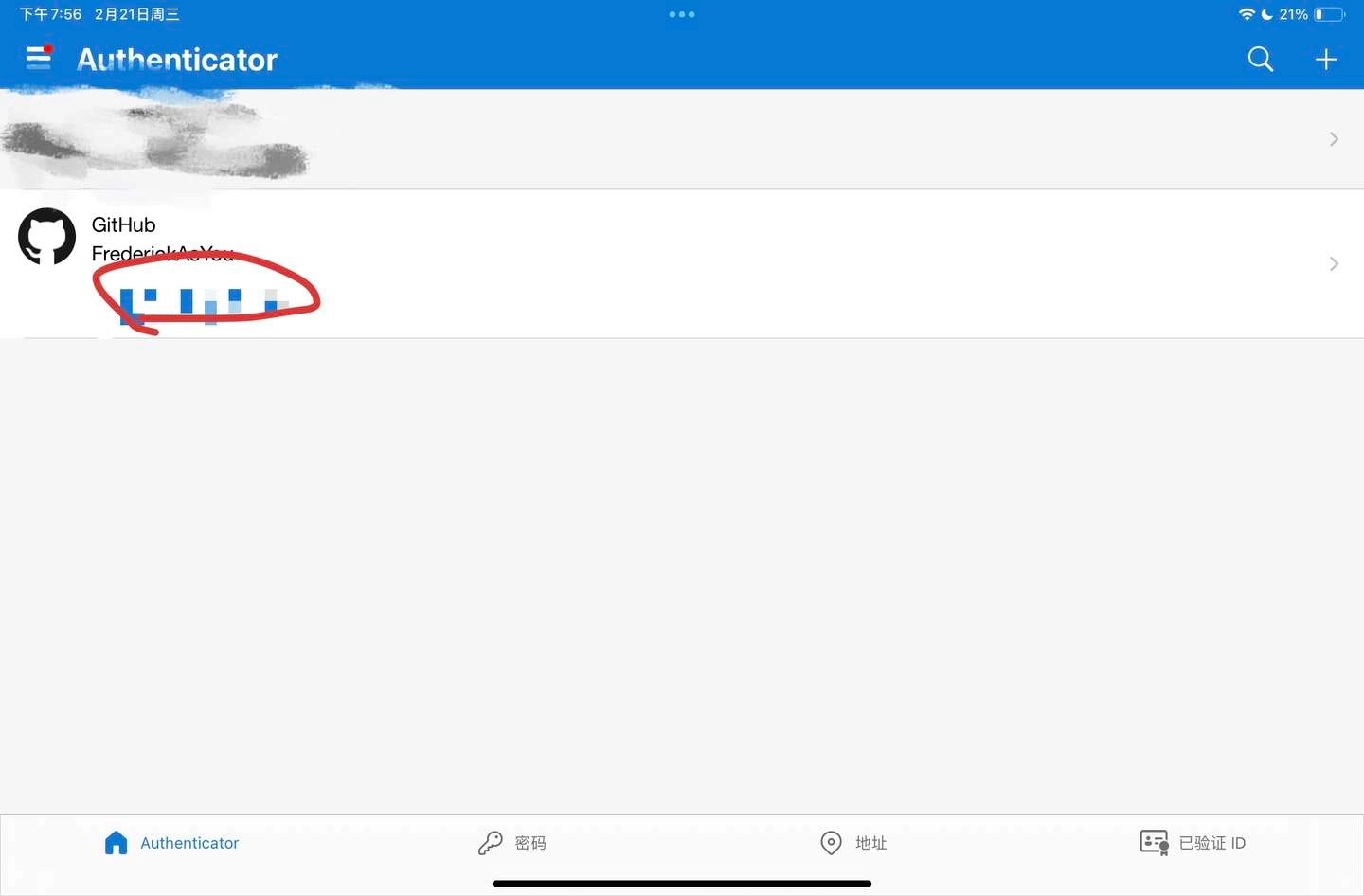
扫描之后你的两步验证App应该会出现以下界面

img

可以看到两步验证App中已经添加了Github了

这时候你会得到一串数字,将其填入刚刚Github页面的输入框中(在30秒内,否则数字会更换,这时候如果没有及时填入就只能填新的了)
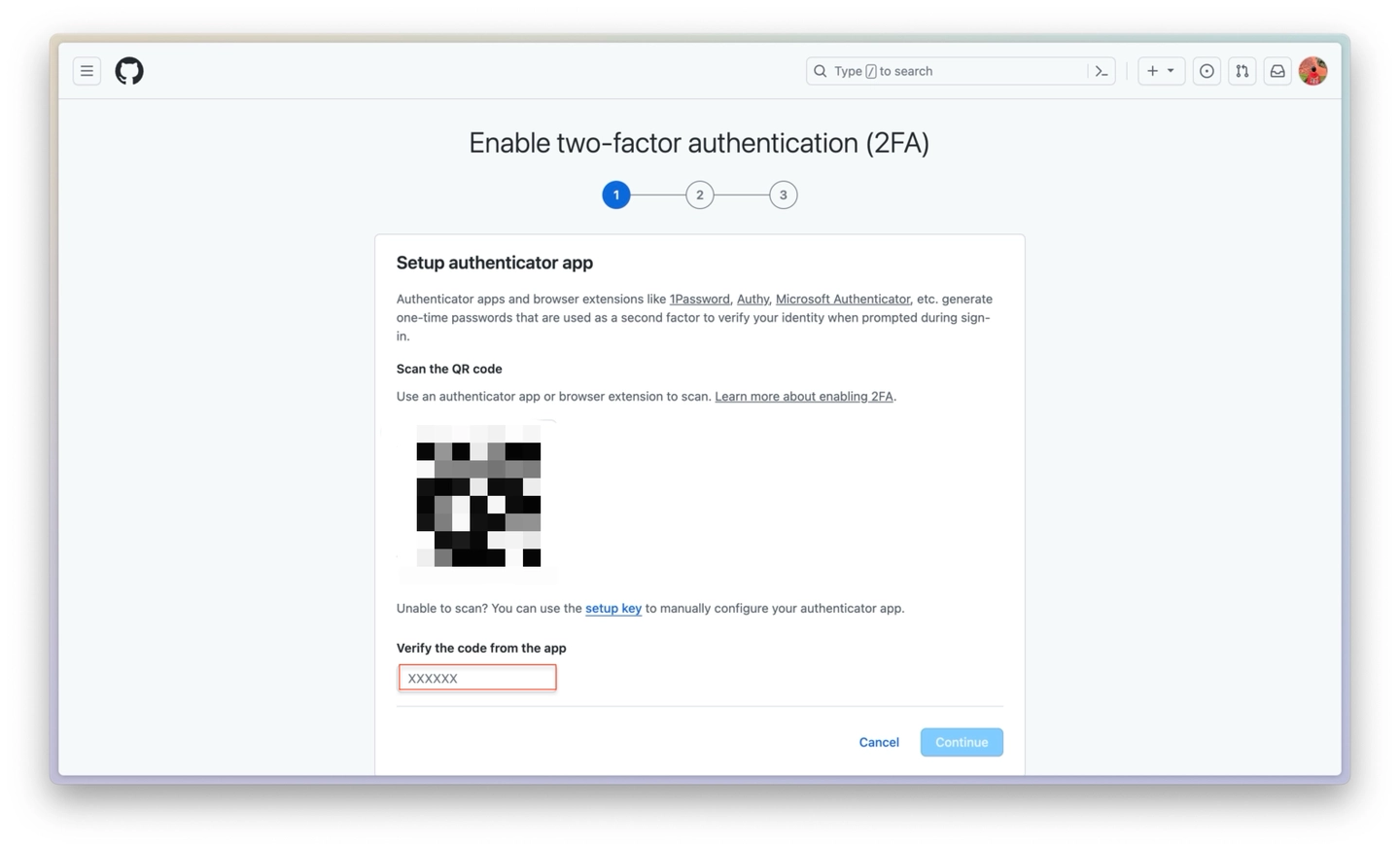
在红框内填入那串数字

3. 备份“两步验证数据”

这里我操作的时候忘截图了,遇到问题的可以问题评论一下

首先点击Download按钮,下载一个txt文件,请将此文件妥善保管,这是很重要的备份信息!!

然后会发现下面激活“下一步”按钮,点击它进行下一步

4. VOILA!
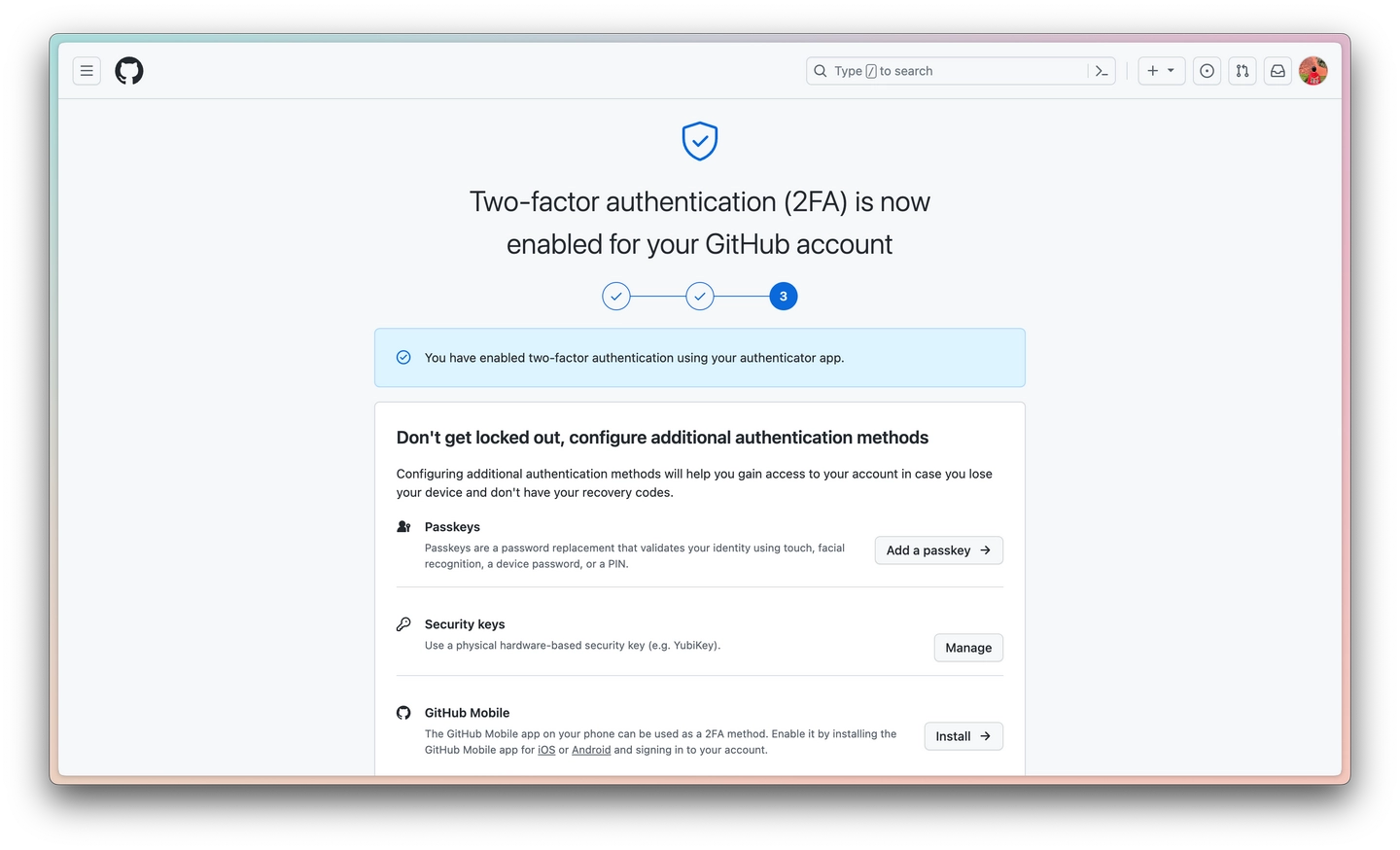
成功设置“两步验证”页面

看到这个界面,就说明成功啦!!那么本次教程也就进入尾声啦~

总结

本次教程主要是说明了在Github上设置“两步验证”的方法~新人作者,烦请各位大佬指点!有任何问题欢迎评论,虽然很忙,但一定会看的!