惯性聚合 高效追踪和阅读你感兴趣的博客、新闻、科技资讯
阅读原文 在惯性聚合中打开

推荐订阅源

Microsoft Azure Blog
Google Online Security Blog
D
Darknet – Hacking Tools, Hacker News & Cyber Security
Threat Intelligence Blog | Flashpoint
Simon Willison's Weblog
T
Threat Research - Cisco Blogs
C
CXSECURITY Database RSS Feed - CXSecurity.com
L
Lohrmann on Cybersecurity
www.infosecurity-magazine.com
Forbes - Security
Forbes - Security
P
Palo Alto Networks Blog
Schneier on Security
S
Schneier on Security
T
Tor Project blog
cs.CL updates on arXiv.org
WordPress大学
WordPress大学
The Hacker News
The Hacker News
Hacker News - Newest:
Hacker News - Newest: "LLM"
罗磊的独立博客
Application and Cybersecurity Blog
F
Fortinet All Blogs
博客园 - 三生石上(FineUI控件)
小众软件
小众软件
C
Check Point Blog
Stack Overflow Blog
Stack Overflow Blog
Blog — PlanetScale
Blog — PlanetScale
雷峰网
雷峰网
S
Security @ Cisco Blogs
PCI Perspectives
PCI Perspectives
Spread Privacy
Spread Privacy
W
WeLiveSecurity
SecWiki News
SecWiki News
A
About on SuperTechFans
H
Help Net Security
博客园 - 司徒正美
Recent Commits to openclaw:main
爱范儿
爱范儿
S
Securelist
M
MIT News - Artificial intelligence
云风的 BLOG
云风的 BLOG
月光博客
月光博客
Jina AI
Jina AI
博客园 - 叶小钗
Vercel News
Vercel News
阮一峰的网络日志
阮一峰的网络日志
Recent Announcements
S
Secure Thoughts
The Cloudflare Blog
美团技术团队
freeCodeCamp Programming Tutorials: Python, JavaScript, Git & More

夜梦星尘の折腾日记

【最新2026.07】VSCode+Codex插件+CCX+cc-switch接入DeepSeek V4 – 夜梦星尘の折腾日记 将vscode插件转移到F盘(C盘以外) – 夜梦星尘の折腾日记 自制CBZ格式漫画 导入电纸书 | 掌阅 文石 汉王 WEBP – 夜梦星尘の折腾日记 心率广播接收器 – 夜梦星尘の折腾日记 从零开始建设网站!typecho部署全流程介绍 《战双帕弥什》晨曦已至,晓光终明——锈夜逐光游玩感想 【docker】图像处理工具 | mazanoke – 夜梦星尘の折腾日记 使用Inkscape处理eps图片 – 夜梦星尘の折腾日记 React 安装(Vite) – 夜梦星尘の折腾日记 【ADB】Shizuku 无线调试 | scene | 让你的应用直接使用系统API – 夜梦星尘の折腾日记 【ADB】Shizuku | 让你的应用直接使用系统API – 夜梦星尘の折腾日记 【ADB】scene 玩机工具箱 | 优化性能 | 性能监控 – 夜梦星尘の折腾日记
【docker】面向现代团队的企业级知识库平台 | docmost(Community社区版) – 夜梦星尘の折腾日记
YeMeng · 2026-04-12 · via 夜梦星尘の折腾日记

1. 前言

Docmost 是一款开源的协作式知识库与文档管理软件,作为 Confluence 和 Notion 的开源替代方案。

2. 准备

夜梦这里使用的是雨云服务器,长期全场景九折 + 首月五折优惠链接:https://www.rainyun.com/

此项目必须使用域名并开启 SSL。通过 namesilo 注册域名可以使用 1 美元优惠码:yemeng。

在开始部署之前,你需要安装 docker 和 docker-compose。具体安装见:【docker】在服务器上安装 docker/docker-compose

3. 部署

创建文件夹:

mkdir -p /root/data/docker_data/mazanoke
cd /root/data/docker_data/mazanoke

创建配置文件:

vim docker-compose.yml

修改后贴入,

  • APP_URL修改为你的域名(需要申请SSL证书,可以看第四部分内容),例如:APP_URL: “https://docmost.example.com”
  • APP_SECRET修改为你的密钥,例如:APP_SECRET: “a1b2c3d4e5f67890abcdef1234567890abcdef”
  • ports修改为你可用端口,例如:23333:3000
  • db用户名密码修改为你自己的。
services:
  docmost:
    image: docmost/docmost:latest
    depends_on:
      - db
      - redis
    environment:
      APP_URL: "https://docmost.example.com"
      APP_SECRET: "a1b2c3d4e5f67890abcdef1234567890abcdef"
      DATABASE_URL: "postgresql://docmostYemengstar:h8h08H)*2h3g0ha90h2013@db:5432/docmostYemengstar"
      REDIS_URL: "redis://redis:6379"
    ports:
      - "23333:3000"
    restart: unless-stopped
    volumes:
      - docmost:/app/data/storage

  db:
    image: postgres:18
    environment:
      POSTGRES_DB: docmostYemengstar
      POSTGRES_USER: docmostYemengstar
      POSTGRES_PASSWORD: "h8h08H)*2h3g0ha90h2013"
    restart: unless-stopped
    volumes:
      - db_data:/var/lib/postgresql

  redis:
    image: redis:8
    command: ["redis-server", "--appendonly", "yes", "--maxmemory-policy", "noeviction"]
    restart: unless-stopped
    volumes:
      - redis_data:/data

volumes:
  docmost:
  db_data:
  redis_data:

按 esc 后,输入:wq 保存退出。运行:

docker-compose up -d

等待运行完毕后,进行下一步操作,完成反向代理。

4. 反向代理

使用域名后,你需要完成反向代理并开启SSL,具体为你的域名 -> 服务器IP:23333,反代可以参考下面两篇文章:

【docker】反向代理神器 ——Nginx Proxy Manager 的安装

【docker】Nginx Proxy Manager 的使用

记得开启websockets support

5. 使用

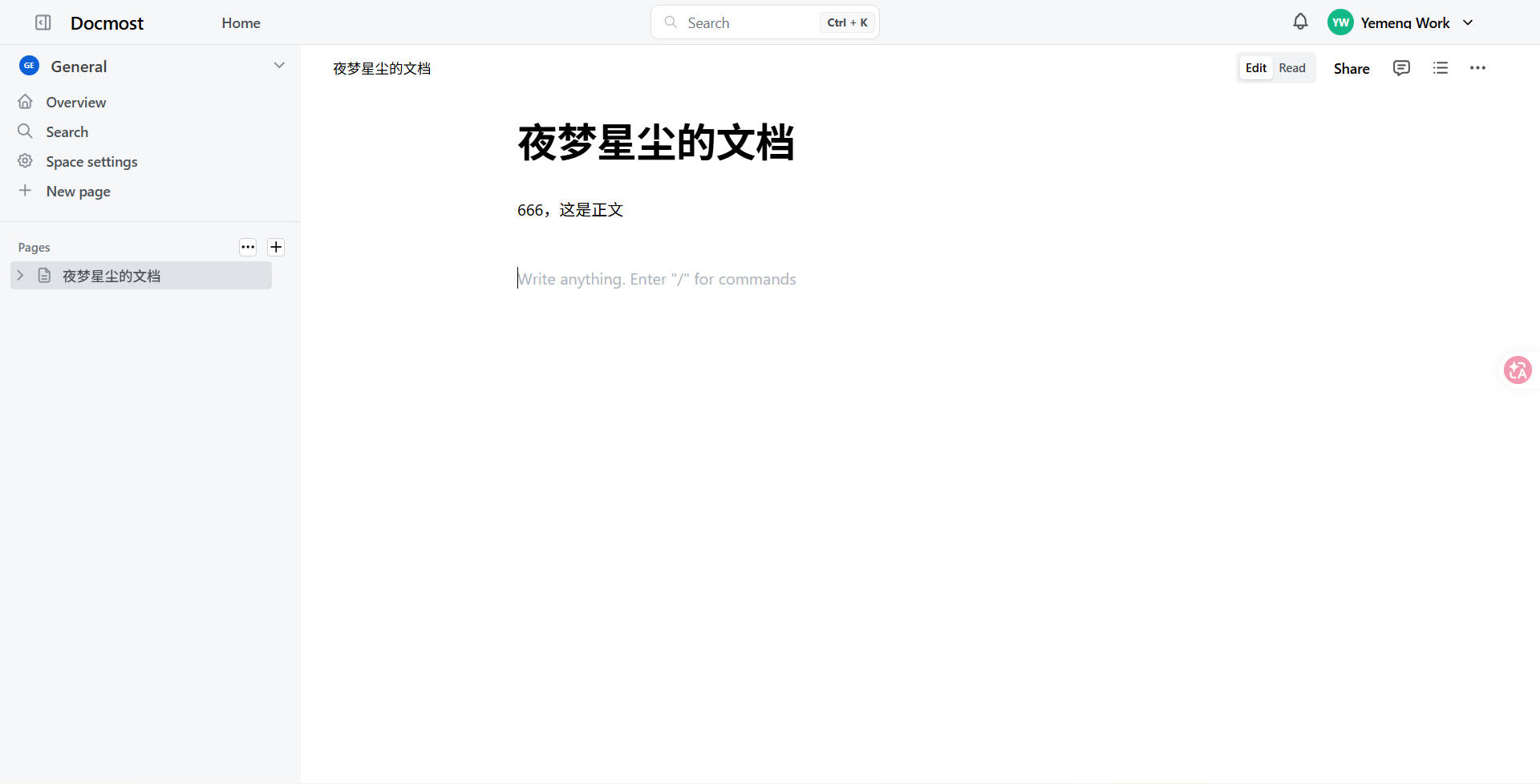
你可以直接访问域名进入页面,创建用户。

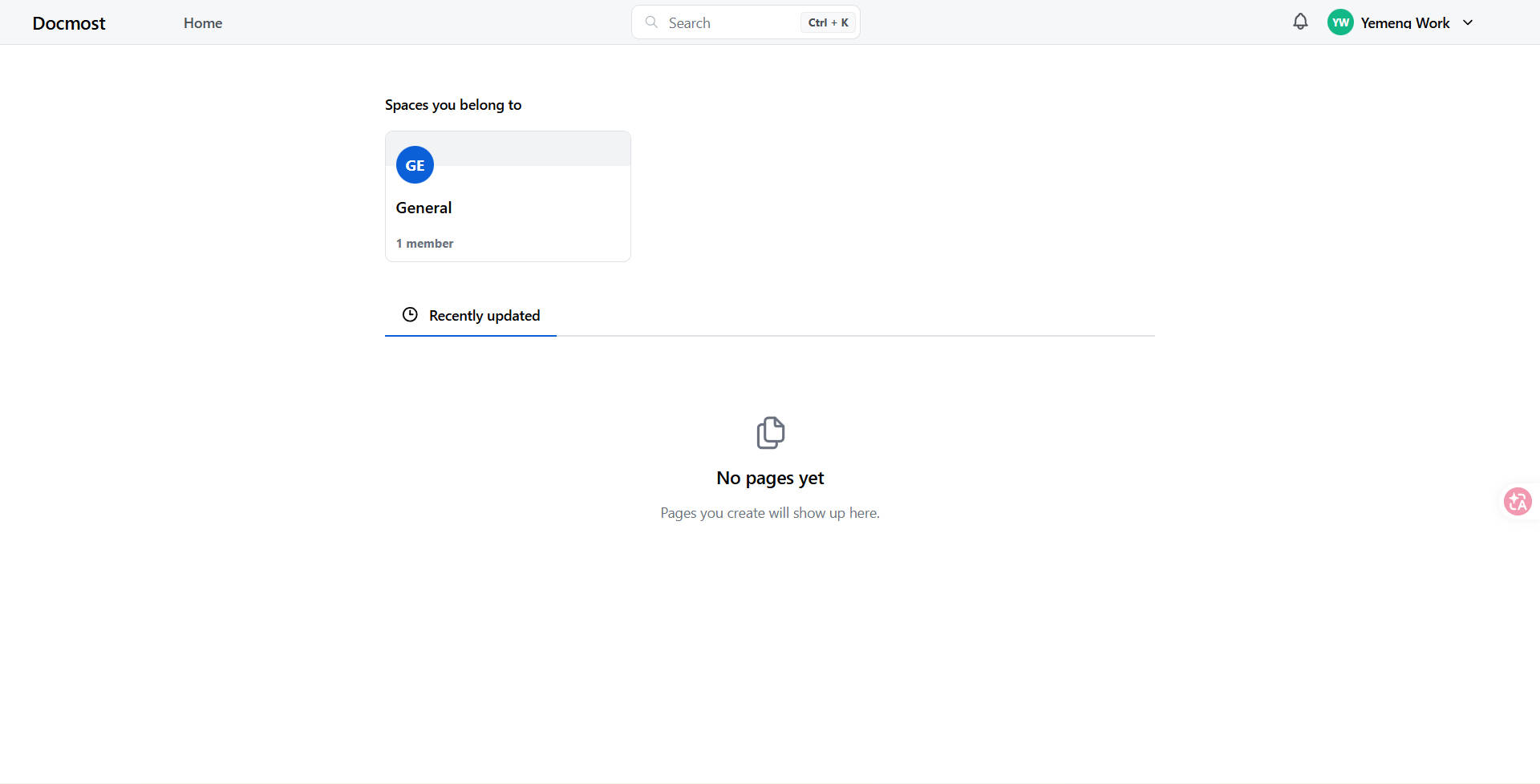
主界面(如果没有使用域名或者未开启SSL,会报401错误;如果未开启websockets support也会报错):
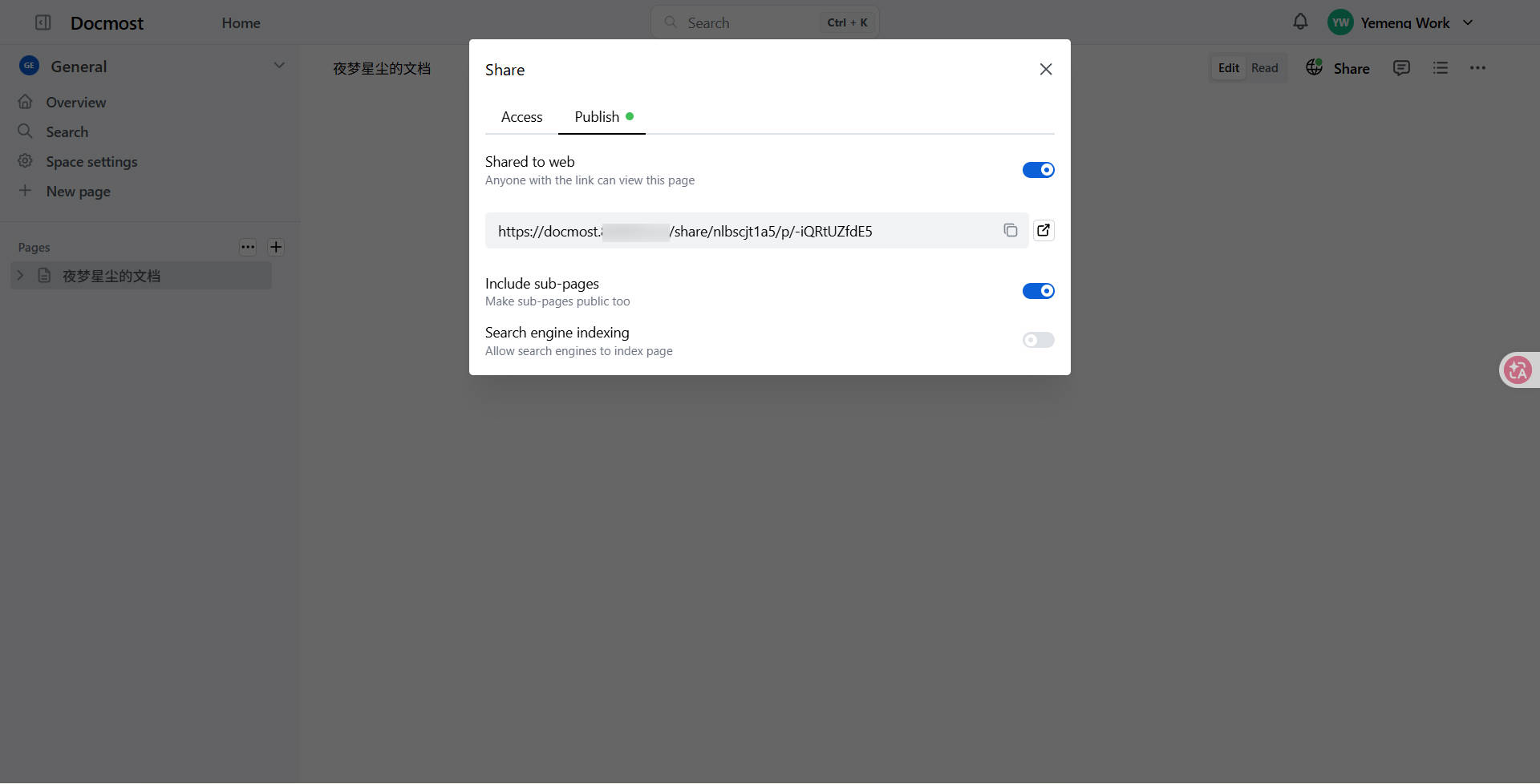
可以分享写的内容。
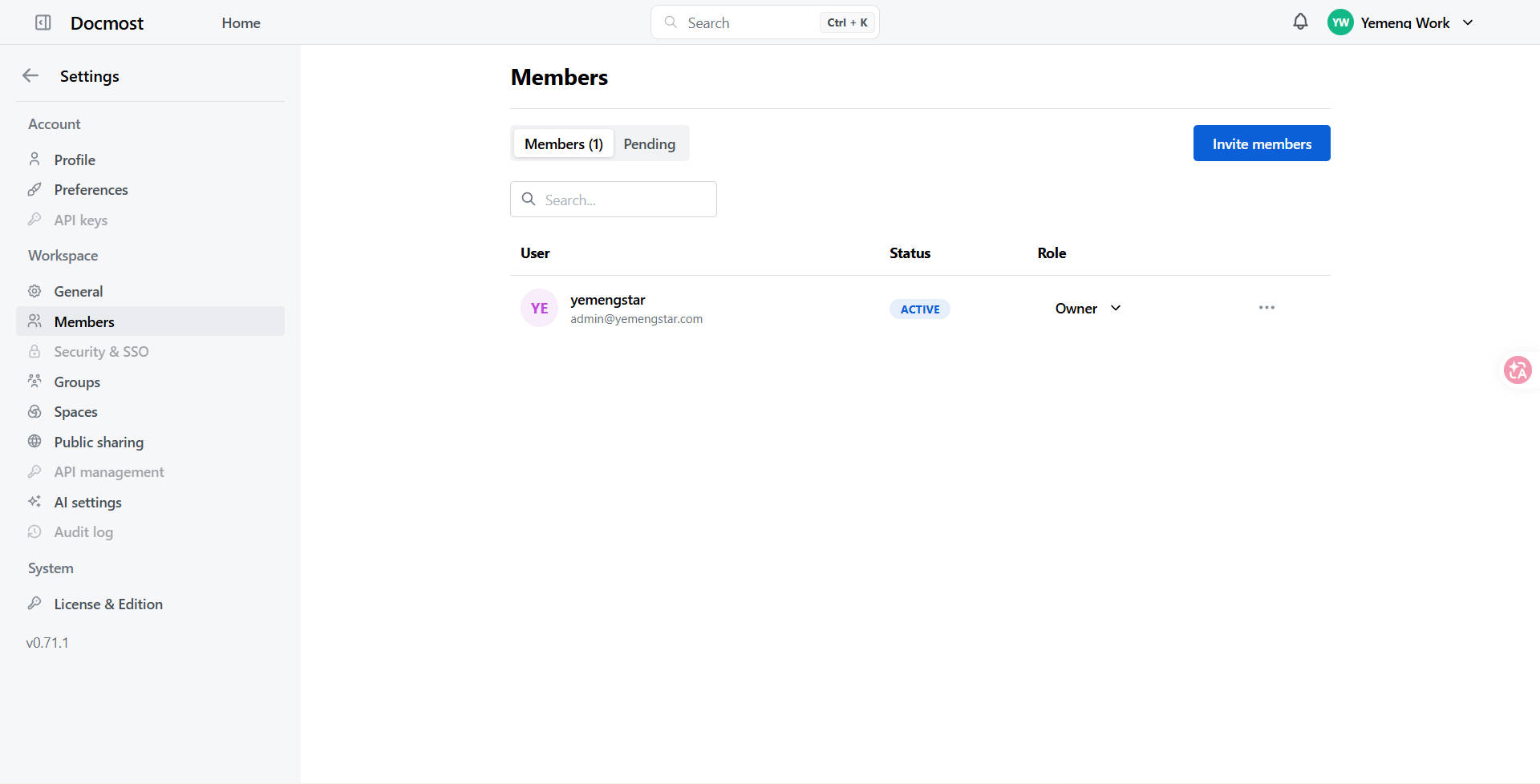
多人协作,可以邀请别人,给别人创建账号。