







AKA "Spectrum has gone down two weeks in a row and I'm sick of it".
I've been borrowing a portable 5G gateway from my Dad for a few weeks, for testing... and two weeks in a row, I've used it as a backup Internet option, since my Spectrum Business cable Internet has gone down.
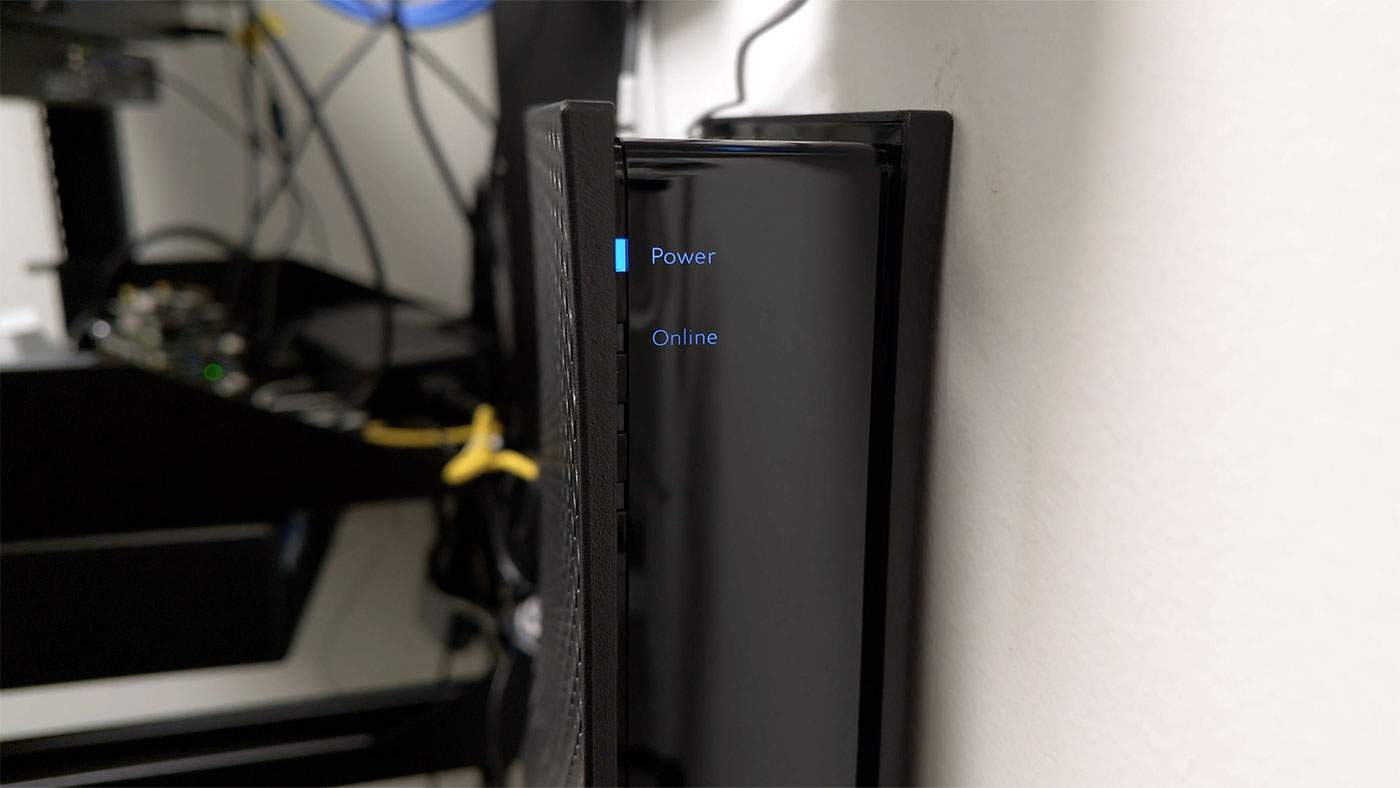
And yes, I'd get AT&T Fiber if I had the option, sadly they don't yet provide service at my studio. So I'm stuck with only one high speed wired provider. I may add on my own 5G backup Internet connection in the future, but we're getting off track.
The first outage, I unplugged my Cable modem from my ETH1 port, and plugged in the 5G gateway. I then rebooted the router, and also my main Mac (it's DHCP and DNS caching seems very aggressive, at least for Safari's networking stack).
That works, but it's quite inconvenient, because I had to keep checking on Spectrum's Internet status, then when it was finally back up, I had to walk back and re-plug my cable modem into my router, and reboot everything again.
Wouldn't it be easier if I could just... do it in software?
OPNsense and dual WAN
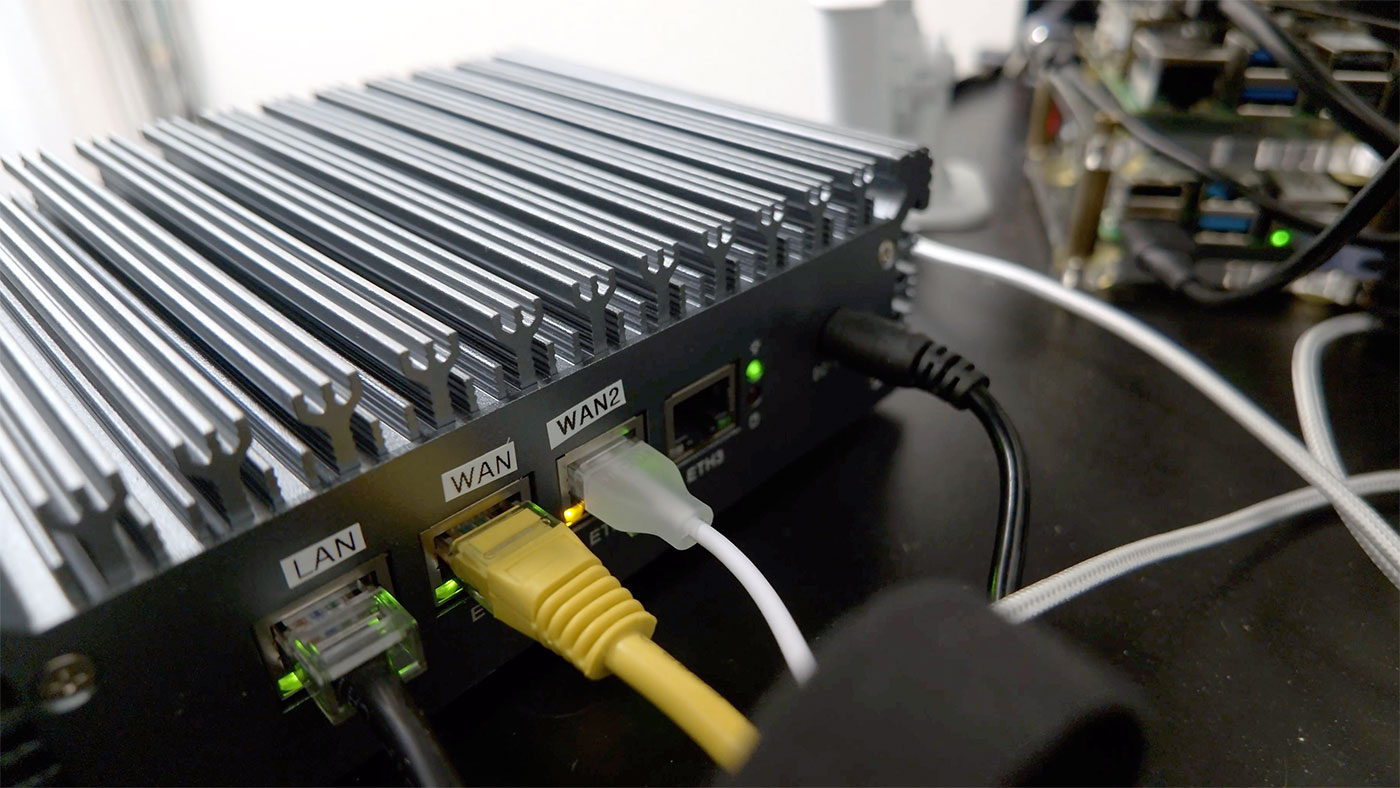
My plan was to plug the 5G gateway into 'ETH2' (the third Ethernet port on my OPNsense box; ETH0 went to my LAN, ETH1 was for the Cable modem, and ETH2 and ETH3 are available—all are 2.5 Gbps ports).
'ETH2' was device 'igc2', so I logged into OPNsense, and under Interfaces > Assignments, I assigned new interface 'igc2' named 'WAN2'.
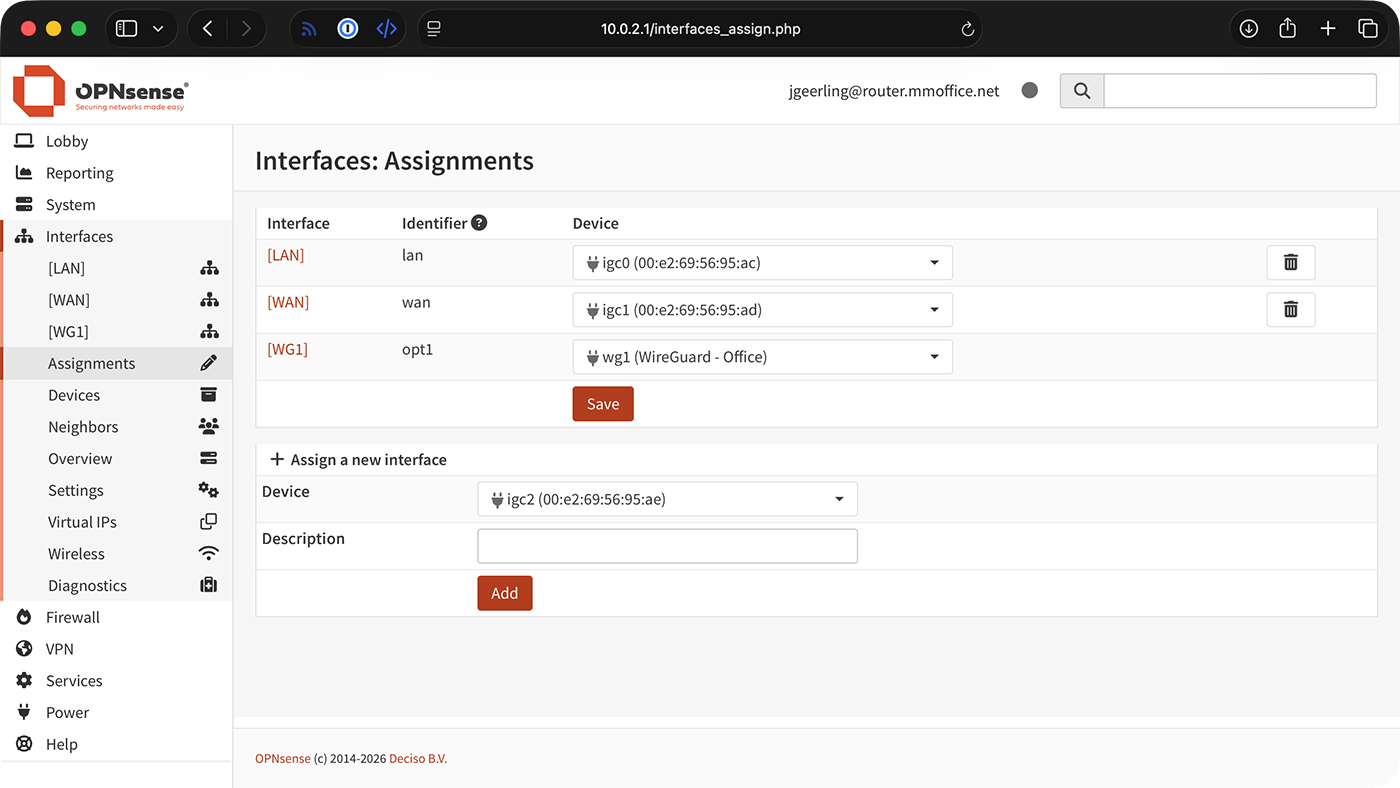
Then I clicked on WAN2 in the sidebar, and changed the following settings:
- Enable (checked)
- IPv4 Configuration Type: DHCP
Click 'Save', then 'Apply Changes' (at the top), then go to System > Gateways > Configuration, and make sure your new WAN2 gateway has appeared there.
(Since I don't want automatic failover, I won't set up any specific rules / monitors here, but you can figure that out on your own if you want that.)
Go to Firewall > NAT > Outbound and make sure you have 'Automatic outbound NAT' set up. If it is not set up, you may need to add a rule for the WAN2 interface.
Failover
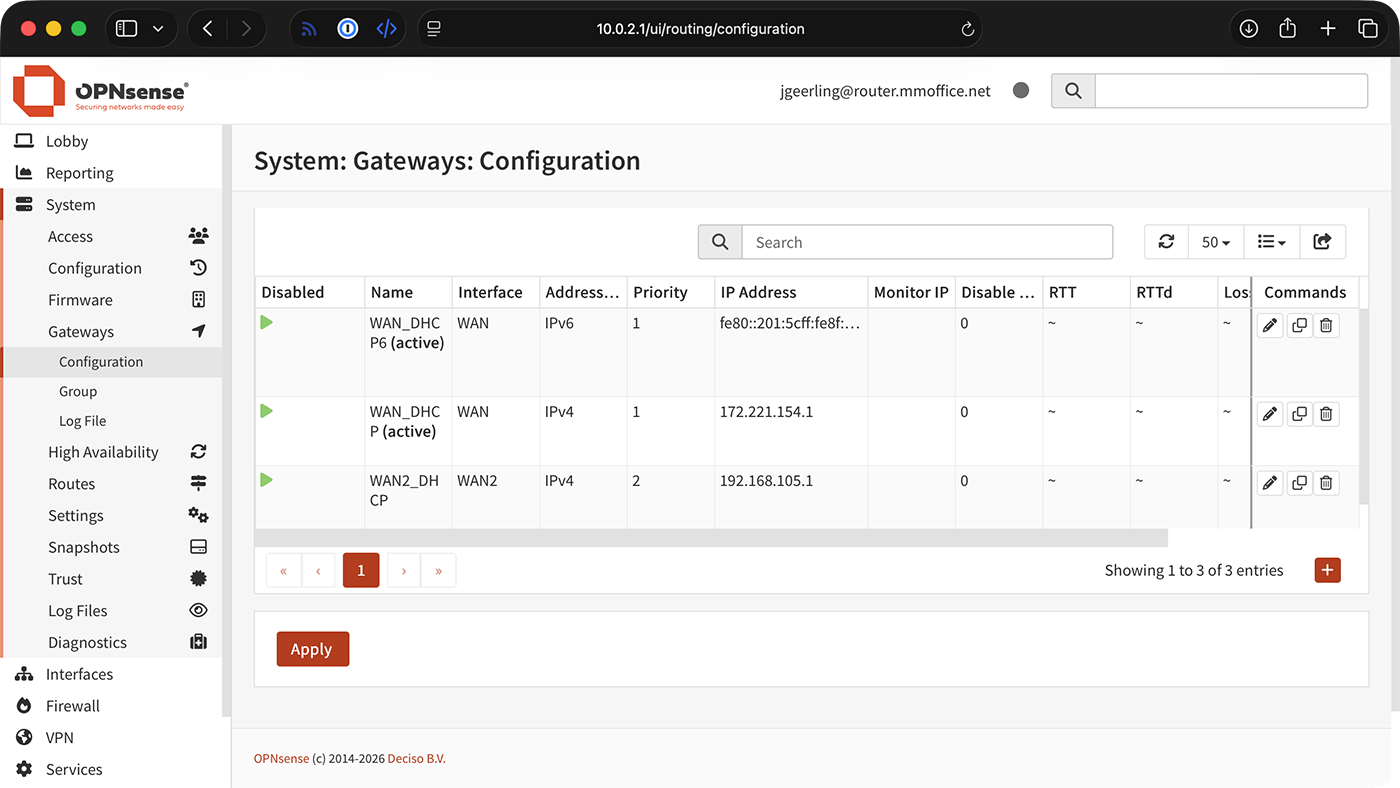
To actually failover to WAN2:
- Visit System > Gateways > Configuration
- Edit WAN2_DHCP, and set the Priority to "1" (and make sure it is not 'Disabled')
- Edit WAN_DHCP, and set the Priority to "2"
- Click 'Apply' and wait a few seconds
I usually use curl icanhazip.com or visit fast.com to determine which connection my computer's actually using at any given moment.
To switch back, set WAN2_DHCP to "2" (or more), and WAN_DHCP to "1" (making sure it is not 'Disabled'), and click 'Apply' again.